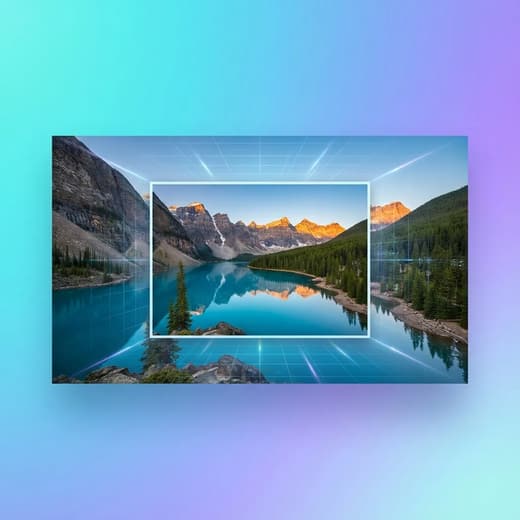
Original
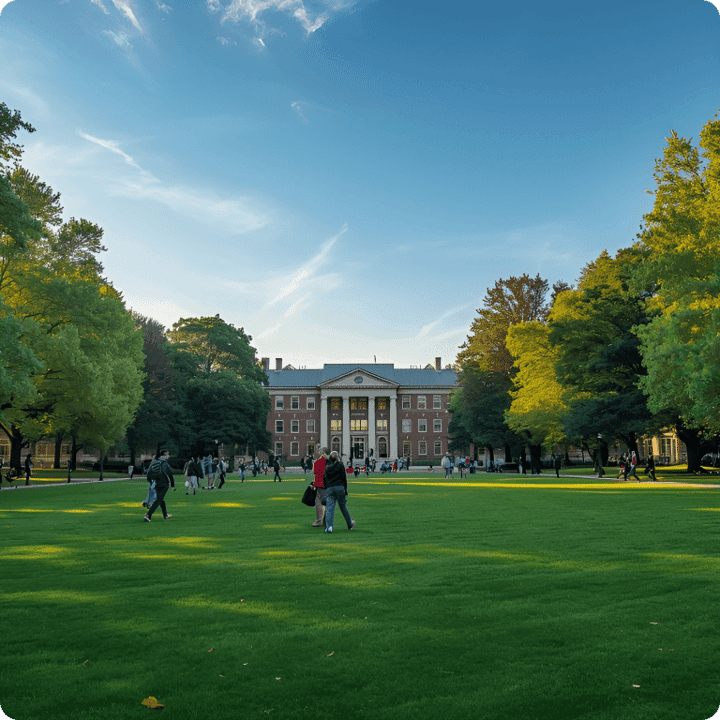
Result
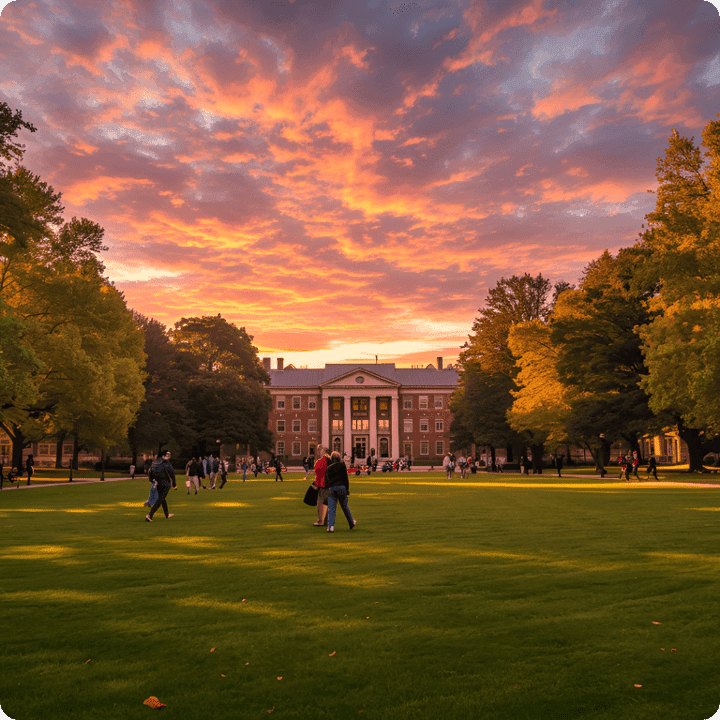
AI Background Changer for real-life moments
This AI Background Changer is built for people who want their photos to feel true, not edited. Upload a portrait or product shot, pick a style, or describe a scene. The AI Background Changer keeps your subject crisp, matches the light, and delivers a believable new setting in one fast pass. If you need reliable consistency, this AI Background Changer is made for repeatable results.

Feature spotlight: change the scene without changing the story
Every photo carries a mood, and every background quietly tells part of that story. Our AI Background Changer is designed to protect what feels real while giving you total control of the scene. You can start with a lived-in, imperfect snapshot, then reshape the environment into something clean, cinematic, or brand-ready. The AI Background Changer does the heavy work of separation, blending, and lighting harmony so your subject never looks cut out or pasted in. The result is a photo that still feels like your photo—just with a new setting that supports your message. Use the AI Background Changer to build consistent product listings, professional headshots, or lifestyle scenes that feel effortless and authentic. Teams choose this AI Background Changer when they need speed without sacrificing realism.


A first impression that feels honest, not edited
Picture this: you took a great headshot in your apartment, but the background tells the wrong story. With the AI Background Changer, you can keep your expression and natural posture while placing yourself in a clean studio, a warm office, or a subtle lifestyle setting. The AI Background Changer understands the texture of your hair, the edges of your shoulders, and the soft shadows under your chin so the new scene doesn’t fight the original light. Instead of looking “cut out,” the image feels like it was photographed in that environment all along. This is why an AI Background Changer works for resumes, LinkedIn, team pages, and personal branding—your face stays true, your context upgrades, and the photo keeps its authenticity.

Lighting that follows the subject, not the template
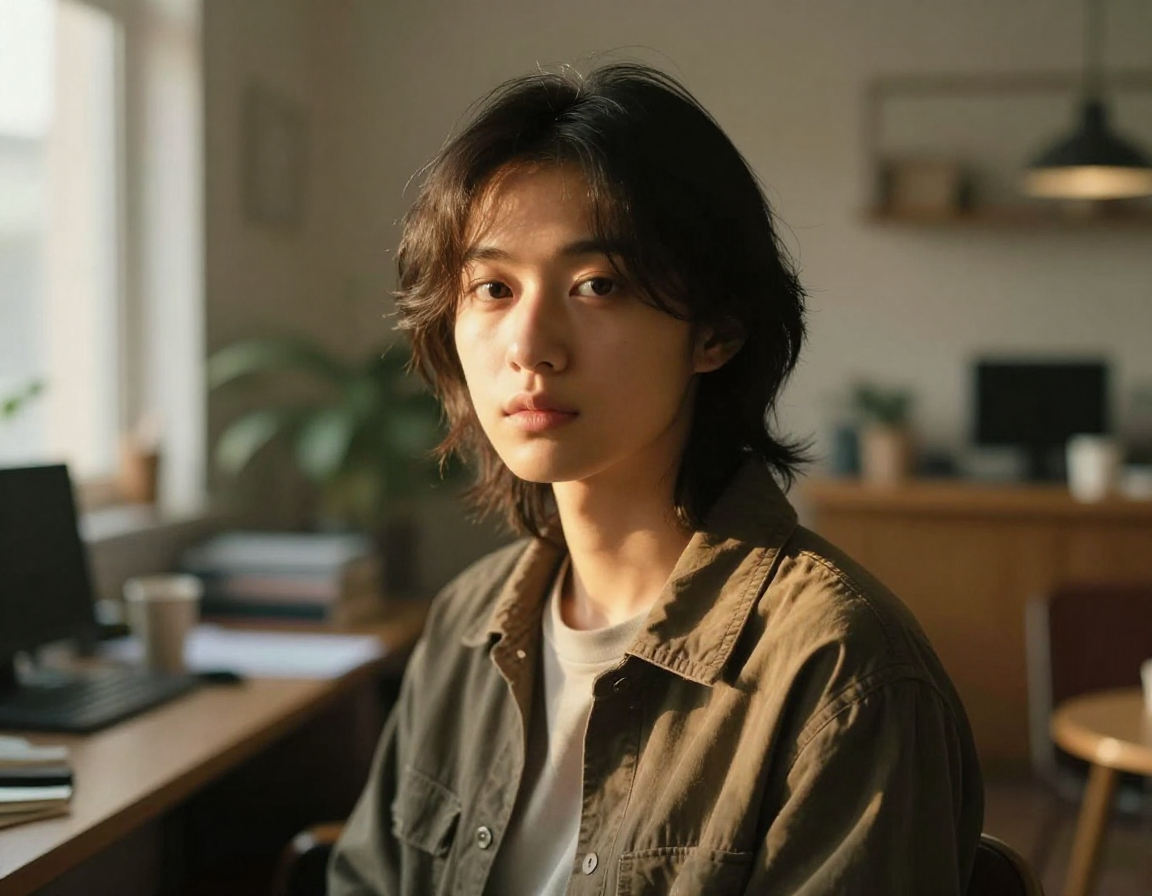
A convincing replacement isn’t just about a new wall or skyline—it’s about light direction, softness, and color temperature. The AI Background Changer reads your original lighting and keeps it consistent so your subject doesn’t feel detached from the scene. If the light came from a window on the left, the AI Background Changer preserves that balance while placing you in a bright office or a quiet café. If the original photo is golden hour, the AI Background Changer carries that warmth into the new backdrop instead of flattening it. This attention to light is what makes an AI Background Changer feel cinematic rather than synthetic. Your subject keeps their natural glow, the environment looks believable, and the final image feels like one cohesive photograph.

Style presets or pure imagination—your choice
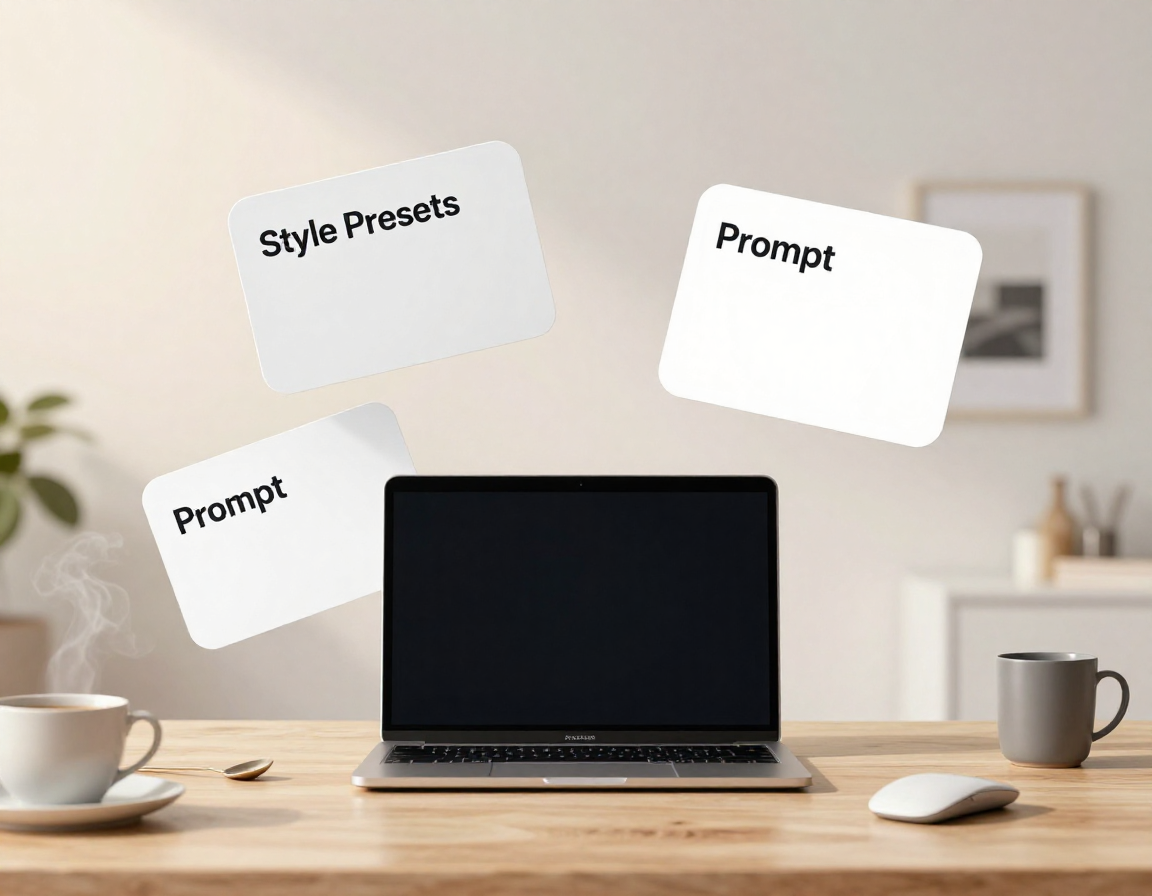
Some days you want speed: pick a preset and go. Other days you want a specific story, like “early morning bakery with warm steam” or “minimalist gallery with white stone.” The AI Background Changer handles both. Choose a polished preset when you need consistent product listings, or write a prompt when you want a campaign that feels unique. The AI Background Changer uses your words as creative direction, then builds a background that fits your subject’s scale and perspective. The result is a scene that complements the subject rather than overpowering it. With the AI Background Changer, you’re not locked into a fixed library; you can create a brand look, a seasonal vibe, or a one-off concept without a design team.
Edge precision that respects hair, fabric, and texture
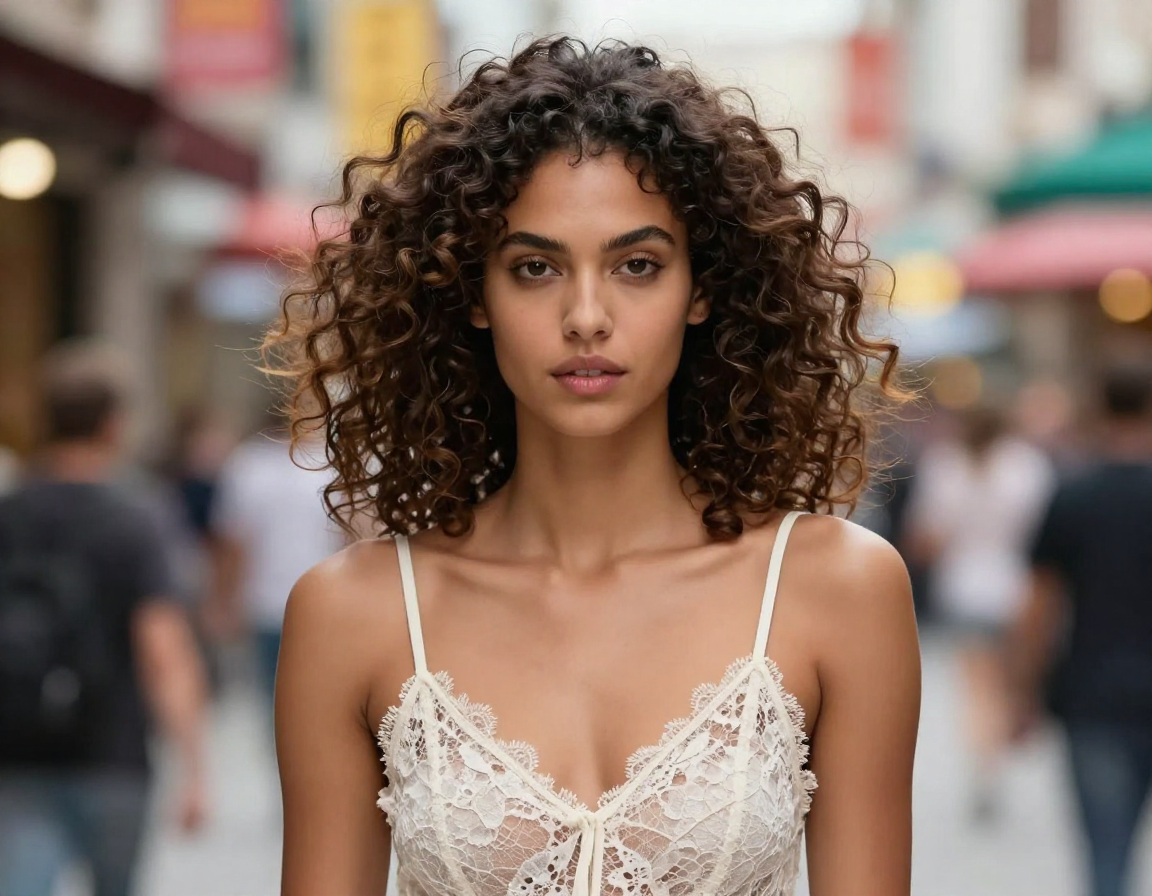
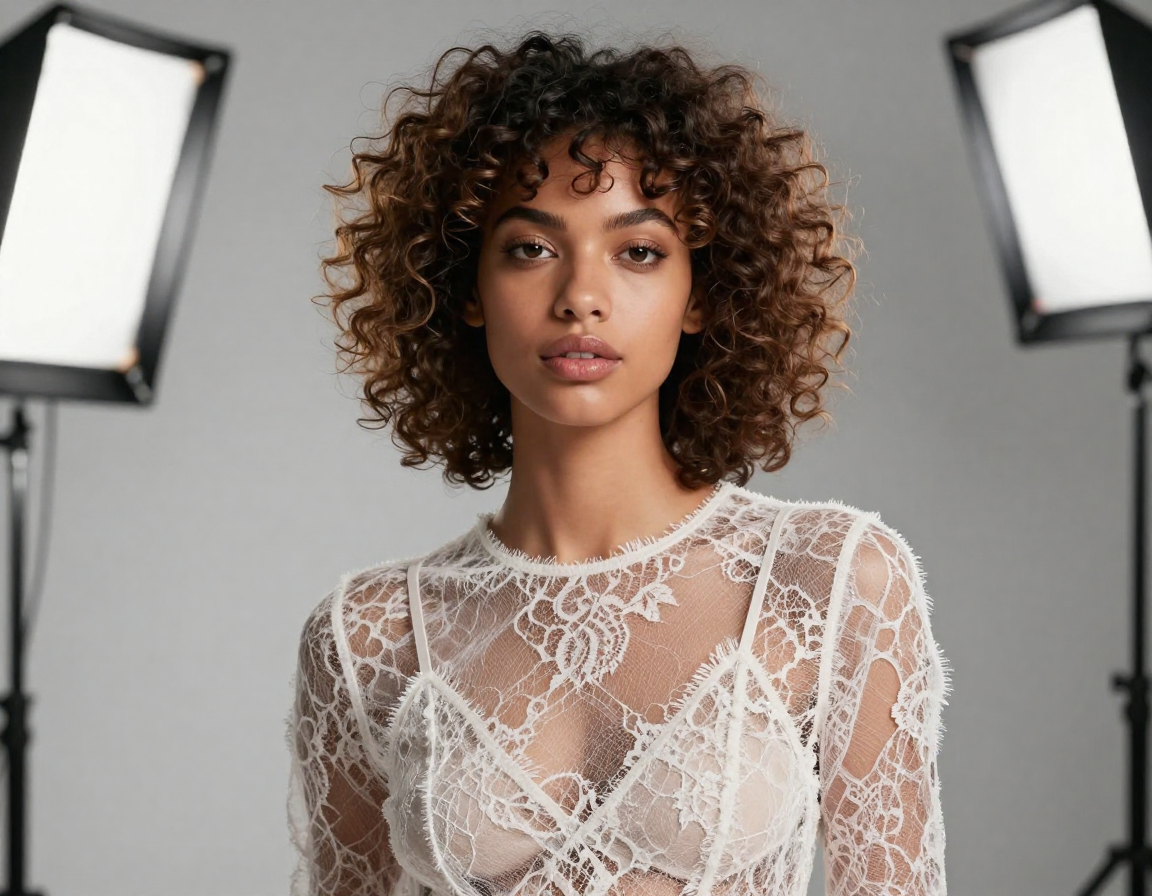
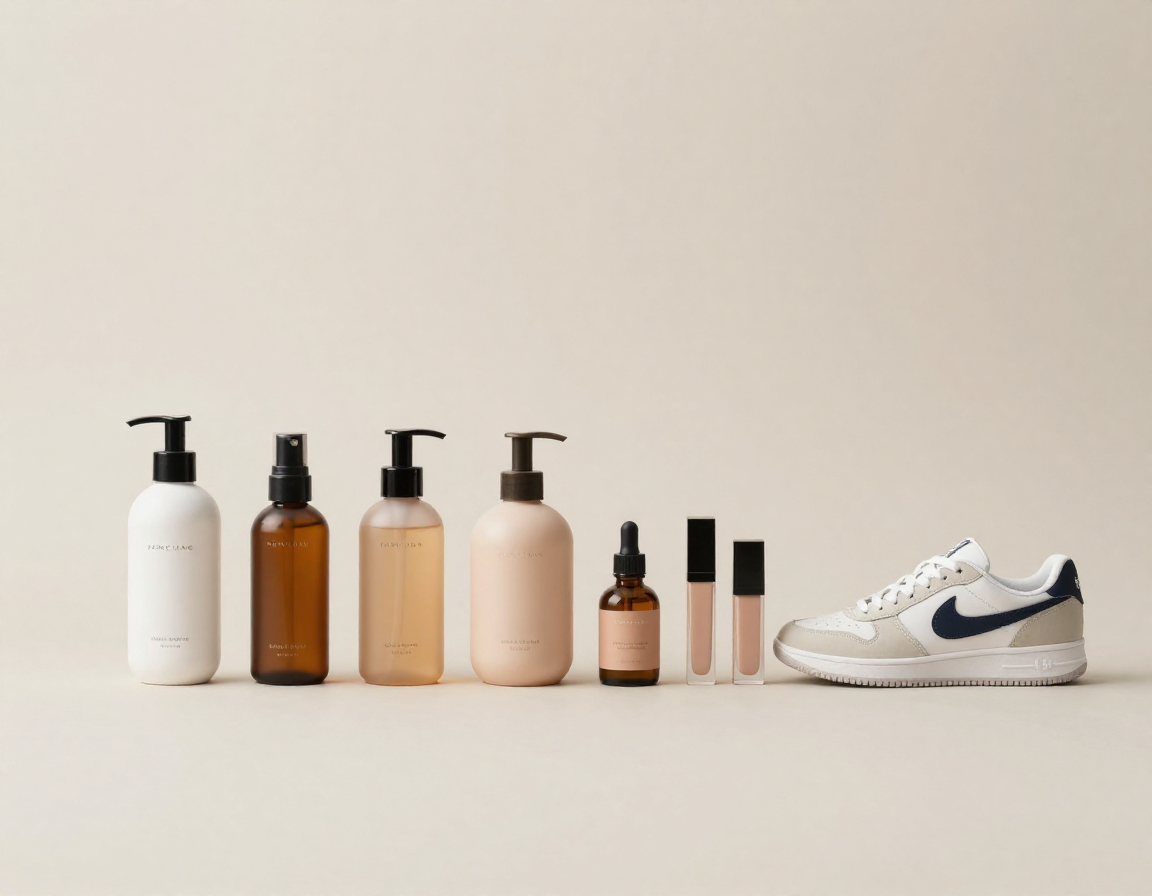
If you’ve ever tried to replace a background manually, you know the pain: jagged hair, fuzzy edges, missing fabric details. The AI Background Changer is built to avoid those mistakes. It detects fine strands, transparent materials, and soft fabric textures so the subject looks intact. The AI Background Changer keeps the integrity of curls, wisps, lace, and thin straps while still cleaning the background behind them. That detail is critical for fashion, beauty, and portrait work, where a single rough edge breaks the illusion. By preserving these micro-details, the AI Background Changer gives you a clean replacement without losing the soul of the photo. You get the convenience of automation with the fidelity of meticulous editing.
A repeatable workflow for teams and creators
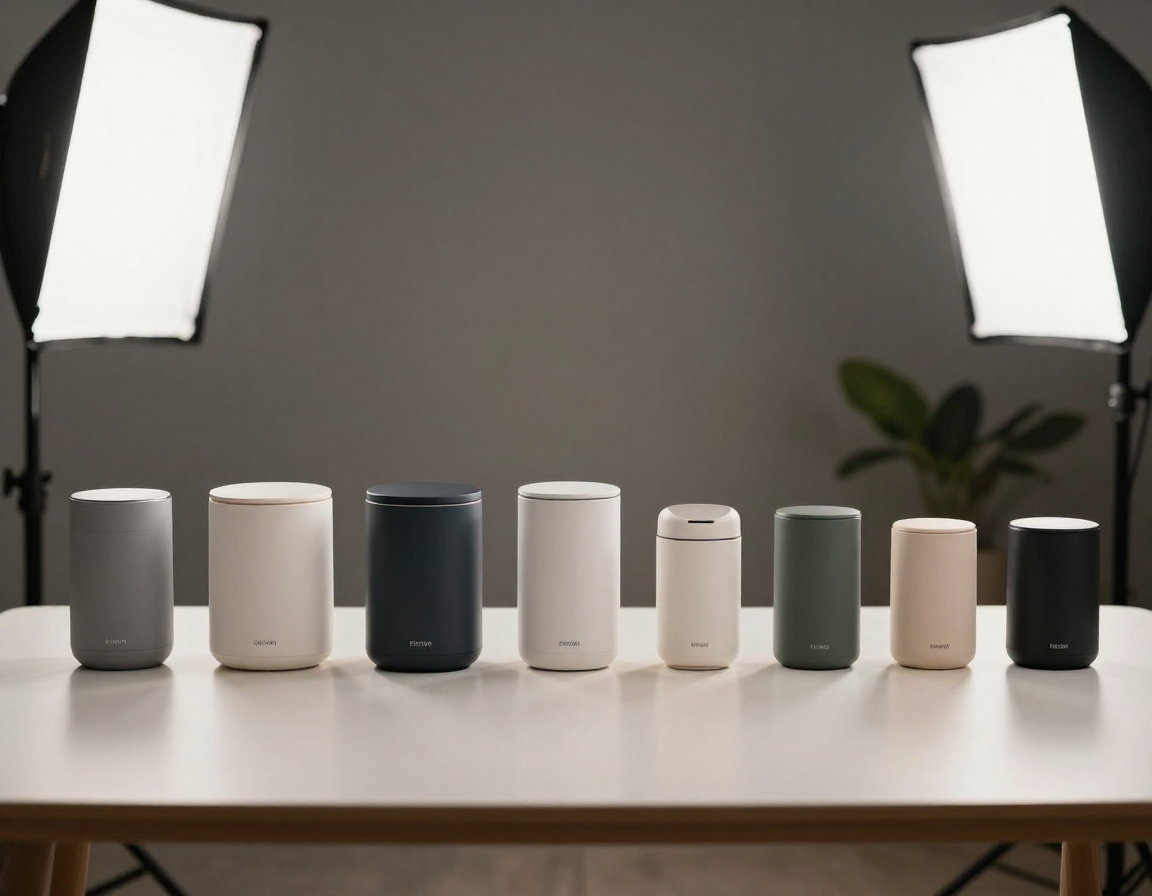
When you work on content weekly, consistency matters. The AI Background Changer helps you build a repeatable workflow that scales. Upload a batch of product photos, apply the same look, and export a consistent gallery. Or keep a favorite prompt and reuse it whenever you need new lifestyle shots. The AI Background Changer is fast enough for busy creators, yet precise enough for brand guidelines. Because the subject is preserved, your products and people remain consistent while the background updates with campaigns, seasons, or channels. The AI Background Changer becomes a reliable production tool: less time fixing edges, more time telling the right visual story. It’s how one small team can produce work that feels like a studio pipeline.
How to use the AI Background Changer
The AI Background Changer is designed for speed and clarity. You upload, you choose a look or write a prompt, and you download a new image that feels natural. No learning curve, no complex editor, and no guessing where to start. This AI Background Changer keeps the process simple so you can focus on the story.
Step 1: Upload the photo you want to keep
Start with the image that already has the expression, product angle, or pose you love. The AI Background Changer works with portraits, product shots, pets, and lifestyle photos. Upload a JPG, PNG, or WebP under 10MB. As soon as the image loads, the AI Background Changer begins preparing a clean separation so your subject stays intact and ready for a new environment.
Step 2: Choose a style or describe the scene
Pick a preset when you need speed—studio, office, nature, urban, or gradient. Or type a detailed prompt if you want a specific mood. The AI Background Changer reads your prompt, interprets scale and perspective, and builds a backdrop that fits your subject. You can keep it simple or highly descriptive; the AI Background Changer adapts to both. When you find a look you love, the AI Background Changer makes it easy to reuse.
Step 3: Download a believable new image
Preview the result, then download the final image. The AI Background Changer balances light, color, and shadow so the background feels like it belongs. Use the result in listings, profiles, marketing pages, or social posts right away. If you want variation, run another prompt and compare.
AI Background Changer FAQ
Short answers to the most common questions about using the AI Background Changer for real-world projects. If you are new to an AI Background Changer, start here.
Turn one great photo into many great scenes with the AI Background Changer
Use the AI Background Changer to keep what matters—your subject—and replace what doesn’t. In minutes, you can craft a clean studio look, a lifestyle setting, or a campaign-ready scene. Try the AI Background Changer for free and build a consistent visual story without reshoots. This AI Background Changer helps you scale content without scaling effort.