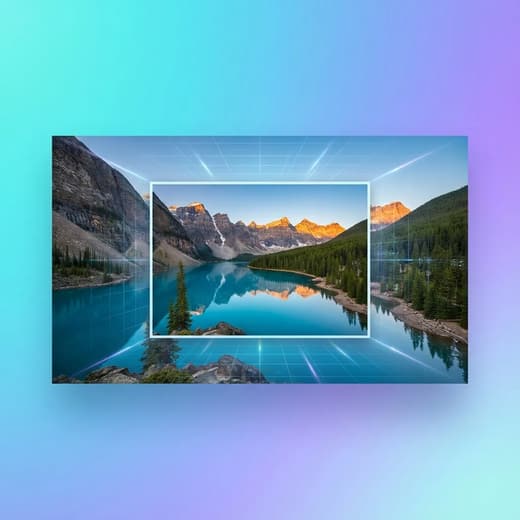
Before
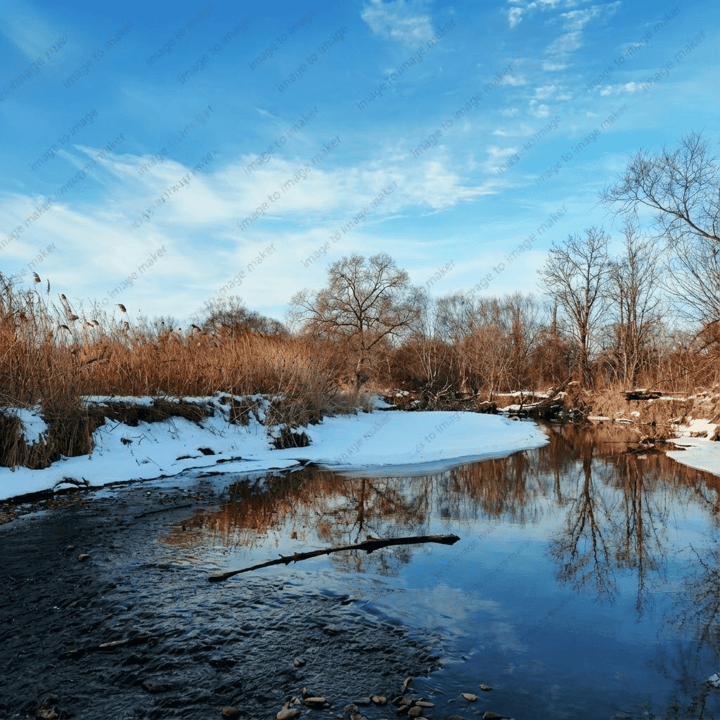
After

ai watermark remover that Makes Your Images Look Untouched
If a watermark is blocking your content, the ai watermark remover helps you clean it without damaging your image. You upload one photo, describe what you want removed, and the ai watermark remover rebuilds the missing area so it blends naturally with the surrounding pixels. That means your texture, lighting, and sharpness stay consistent while the watermark disappears. The ai watermark remover is ideal for creators who need clean visuals now, teams refreshing product images, and anyone who wants to restore a photo without spending hours in editing software. The ai watermark remover focuses on believable reconstruction, so the result looks like the mark was never there. When you need a fast, marketing-ready clean image, the ai watermark remover gives you a professional finish in minutes.

Why Users Rely on the ai watermark remover
Every feature is designed from your point of view: fast cleanup, clean output, and zero quality loss. The ai watermark remover removes the mark and protects the photo you actually want to use.


Commercial-Grade Product Cleanup
Perfectly remove various logos, tags, or watermarks from product photos. AI intelligently recognizes product edges and material details for a clean, professional finish, ready for e-commerce or social media marketing.


Stunning Landscapes, Now Unobstructed
Whether it's complex natural textures or old photo watermarks, our AI restores them accurately. It automatically fills missing pixels based on light and environment, letting majestic landscapes shine in their pure form.


Focus on Portrait Beauty, Erase Distractions
Quickly remove watermarks, date stamps, or background flaws from portraits. AI excels at handling semi-transparent or overlapping marks while protecting skin texture, making your subjects stand out clearly.
How to Remove Watermarks with the ai watermark remover
You do not need a complex editor to clean your photos. The ai watermark remover gives you a simple, three-step workflow that feels effortless and still delivers professional results.
1. Upload the Image You Want to Clean
Start by uploading your photo with the watermark. The ai watermark remover works best when the watermark is clearly visible, but it can also handle faint or semi-transparent marks. If you are working with a large image, the ai watermark remover keeps the original resolution so you do not lose quality. This step is intentionally simple because you should not have to do any pre-editing just to get a clean result. Choose the image you plan to use publicly, and the ai watermark remover will handle the cleanup.
2. Tell the ai watermark remover What to Remove
You can let the ai watermark remover detect the mark automatically, or you can describe it in your own words. This gives you control when the watermark sits on a complex area like hair, fabric, or patterned backgrounds. The ai watermark remover uses your description to focus its reconstruction on the right area while preserving the rest of the scene. This is the part where the tool saves you time, because you do not need to mask or clone anything. The ai watermark remover does the precision work for you.
3. Review the Result and Download
Once the ai watermark remover finishes, compare the before and after view. You should see the watermark disappear while the photo still looks natural. If you want a stronger cleanup, you can refine the prompt and run again. When the result feels right, download the image and use it immediately in your marketing, portfolio, or product listing. The ai watermark remover keeps your original file untouched and gives you a clean, ready-to-use version that fits your workflow.
ai watermark remover FAQ
Answers to common questions about the ai watermark remover, how it works, and how to get the best results.
Make Your Images Clean and Ready with the ai watermark remover
Stop letting watermarks block your content. The ai watermark remover removes the mark, keeps your quality, and delivers a clean image you can publish right away.