
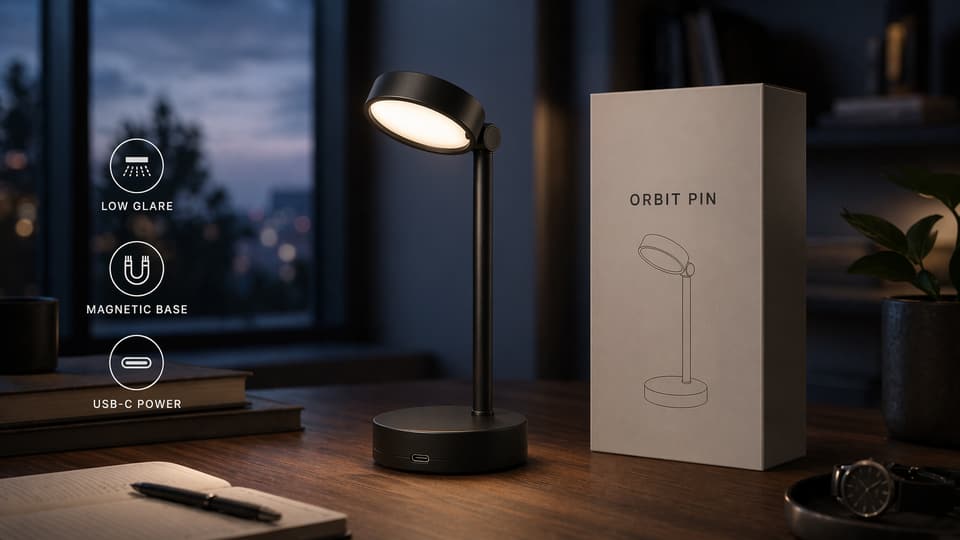
High-fidelity reference edits
When an existing image already has the right product, subject, or composition, GPT Image 2 can use it as a high-fidelity reference and edit around it. That makes it useful for turning a spec sheet into a campaign scene, changing context, or refining style while keeping the important visual identity intact.
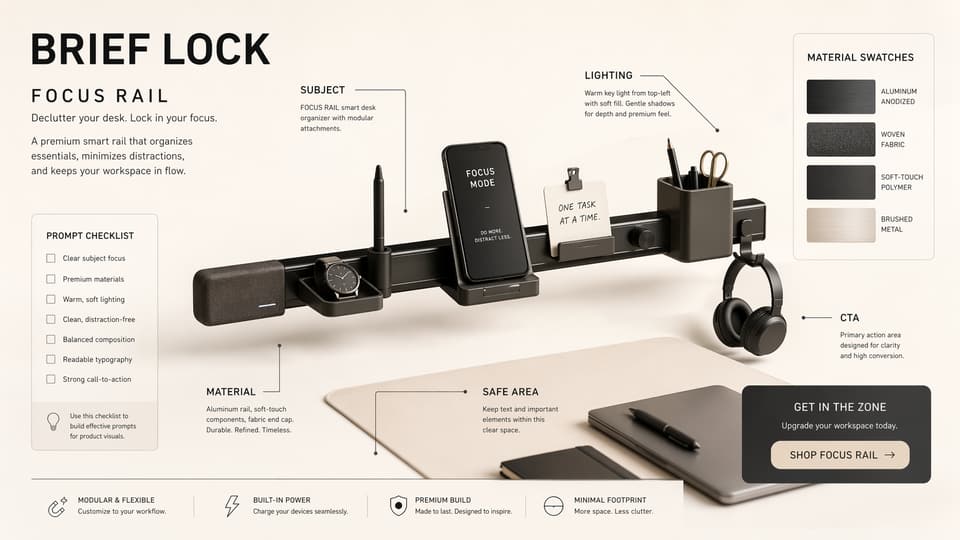
Brief-aware layouts with readable text
GPT Image 2 is better suited to prompts where layout is part of the assignment, not a loose suggestion. Use it for product sheets, labeled callouts, poster grids, UI mockups, and ad concepts that need objects, short text, and visual hierarchy to stay aligned with the brief.
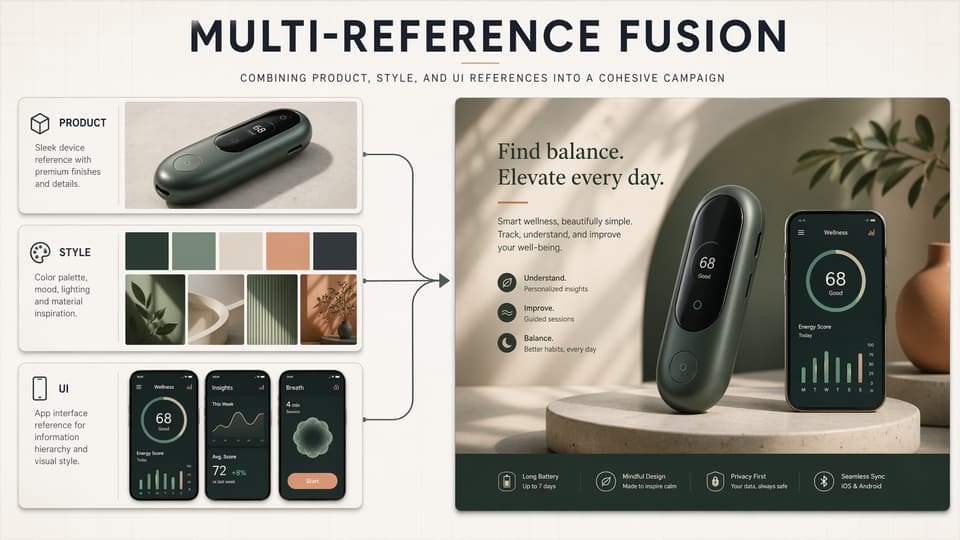
Multi-reference inputs for one coherent output
GPT Image 2 can work from several image references instead of forcing every detail into one prompt. Combine product shots, style boards, UI frames, or brand cues, then describe which parts should carry over so the final image feels intentional rather than stitched together.
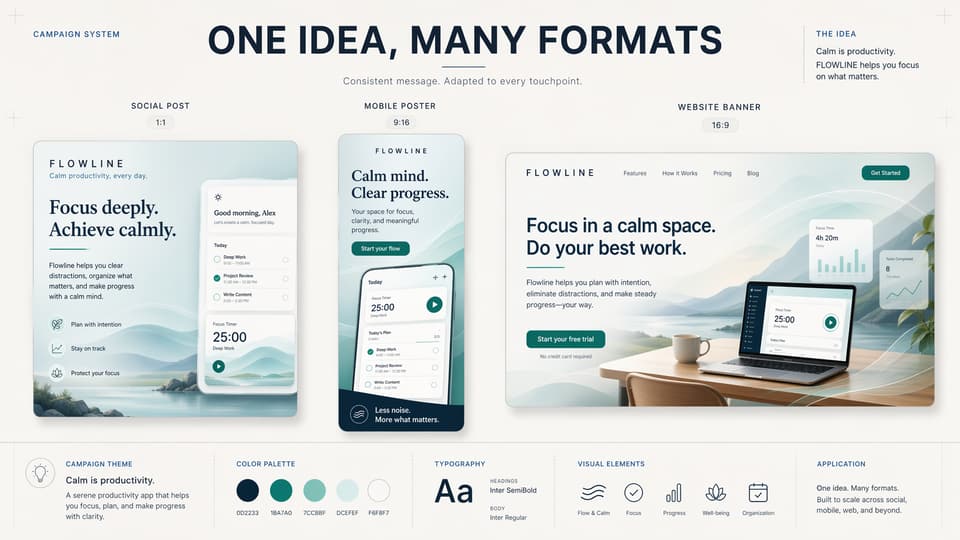
Flexible formats for final channels
GPT Image 2 supports flexible output sizes, so the same creative direction can move from square concepts to vertical posters, landscape ads, banners, and high-resolution assets. Pick the ratio for the channel first, then ask for composition rules that fit that canvas.
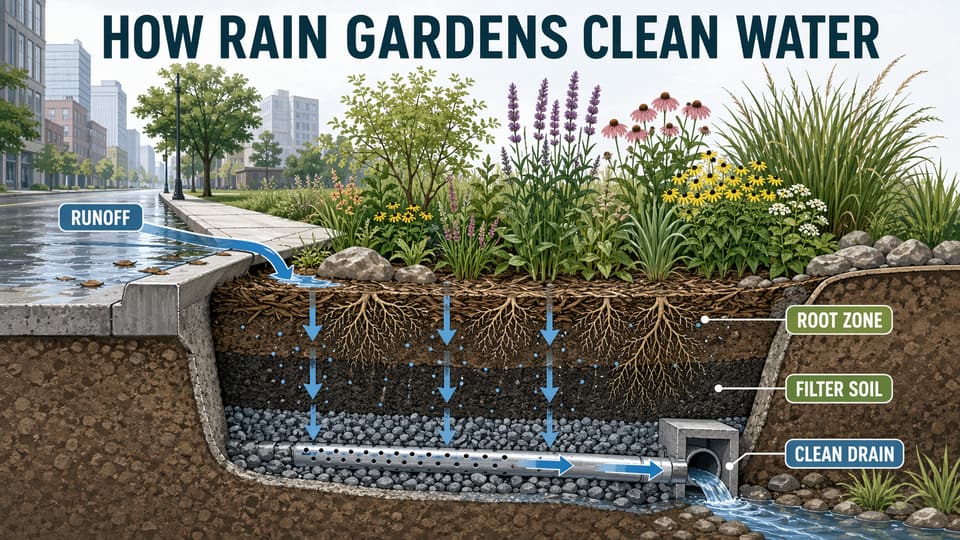
Visual reasoning for explainers and diagrams
Because GPT Image 2 can use world knowledge and follow structured instructions, it is stronger for images that need to explain something: infographics, educational posters, maps, cutaways, diagrams, and dense layouts where labels and relationships matter as much as style.
Use GPT Image 2 for images that stay on brief and edits that keep detail
Create images from text prompts, refine existing visuals with reference images, choose flexible aspect ratios, and keep your creative workflow in one workspace.
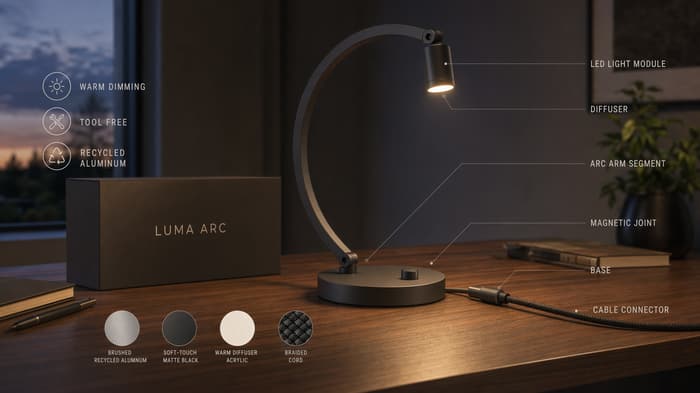
What GPT Image 2 adds to visual production
These feature examples focus on the new GPT Image 2 strengths that matter in real work: stronger prompt following, high-fidelity references, multi-image edits, flexible formats, and structured visual reasoning.
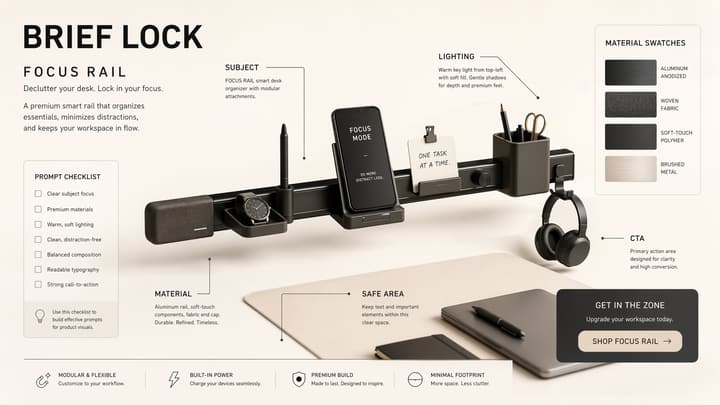
Brief-aware layouts with readable text
GPT Image 2 is better suited to prompts where layout is part of the assignment, not a loose suggestion. Use it for product sheets, labeled callouts, poster grids, UI mockups, and ad concepts that need objects, short text, and visual hierarchy to stay aligned with the brief.
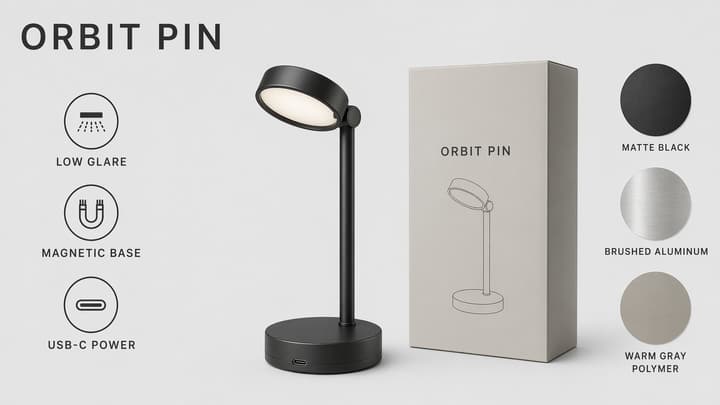
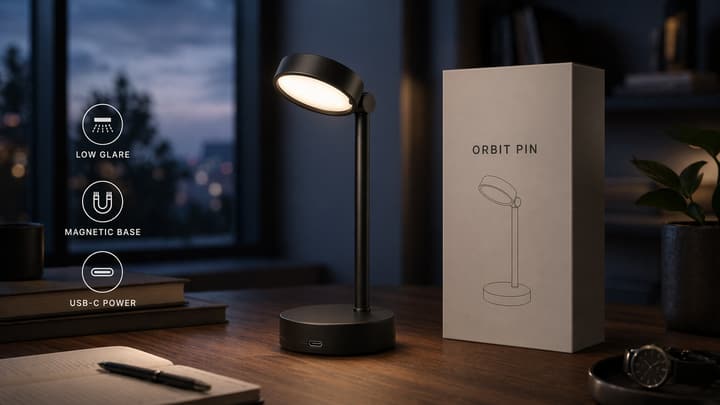
High-fidelity reference edits
When an existing image already has the right product, subject, or composition, GPT Image 2 can use it as a high-fidelity reference and edit around it. That makes it useful for turning a spec sheet into a campaign scene, changing context, or refining style while keeping the important visual identity intact.
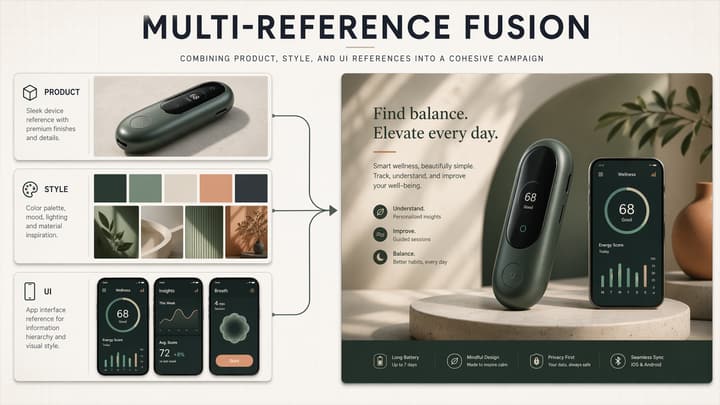
Multi-reference inputs for one coherent output
GPT Image 2 can work from several image references instead of forcing every detail into one prompt. Combine product shots, style boards, UI frames, or brand cues, then describe which parts should carry over so the final image feels intentional rather than stitched together.
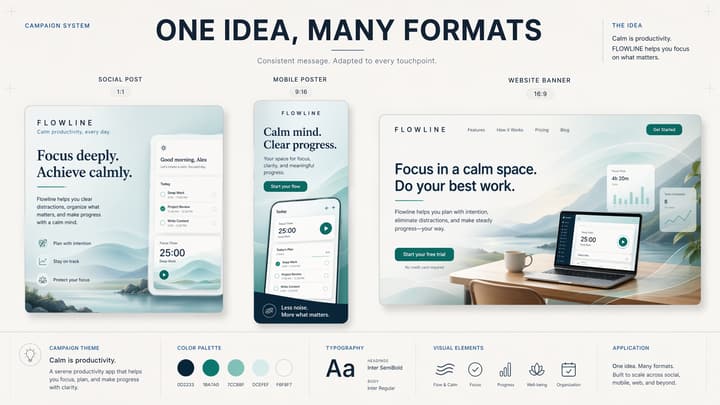
Flexible formats for final channels
GPT Image 2 supports flexible output sizes, so the same creative direction can move from square concepts to vertical posters, landscape ads, banners, and high-resolution assets. Pick the ratio for the channel first, then ask for composition rules that fit that canvas.
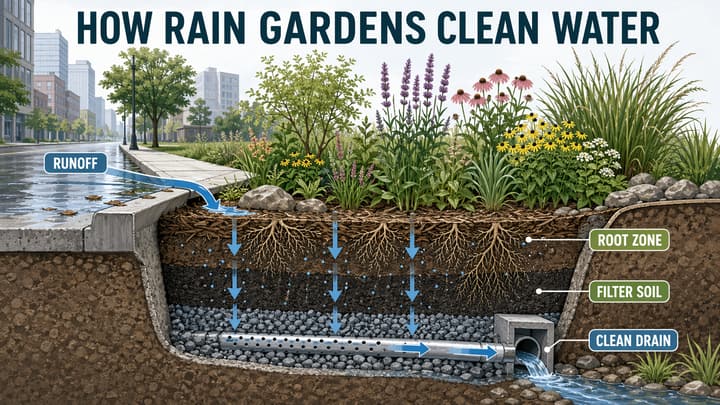
Visual reasoning for explainers and diagrams
Because GPT Image 2 can use world knowledge and follow structured instructions, it is stronger for images that need to explain something: infographics, educational posters, maps, cutaways, diagrams, and dense layouts where labels and relationships matter as much as style.
GPT Image 2 examples generated for this page
This gallery intentionally covers text-to-image, image-to-image, single-reference edits, multi-reference fusion, layout-heavy prompts, commercial visuals, and photoreal scenes.
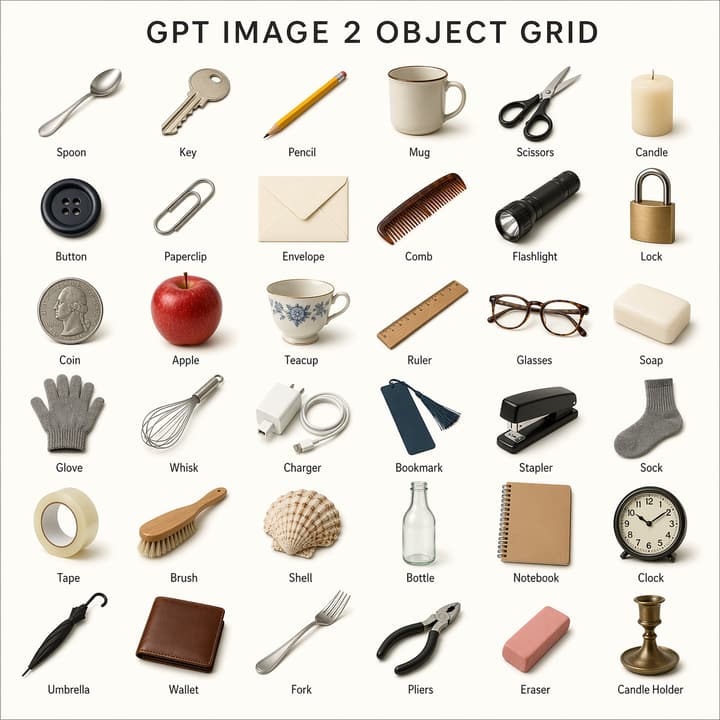 Instruction Following
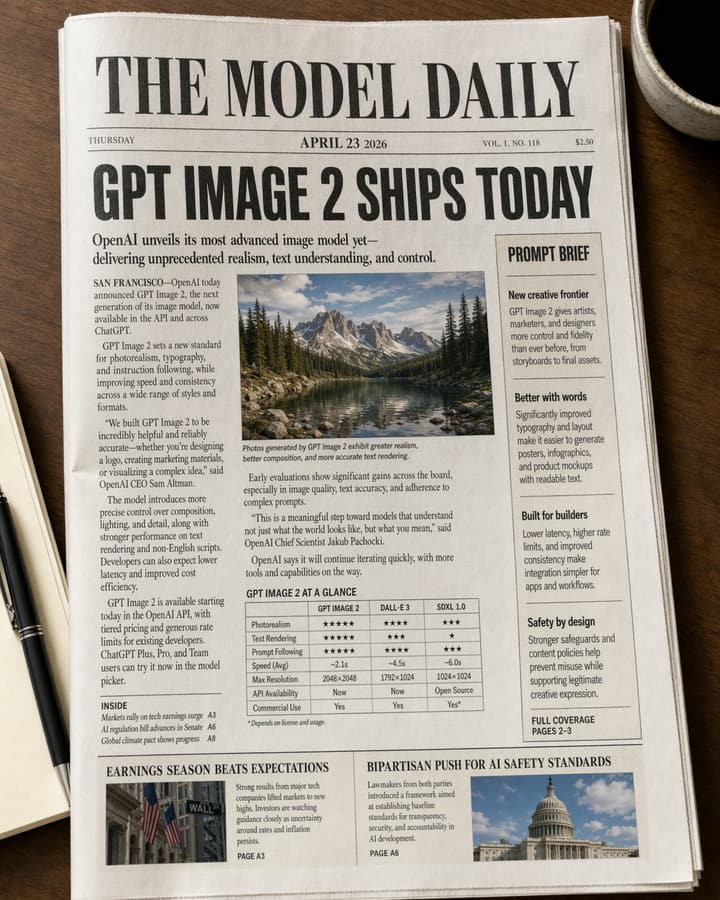 Text Rendering
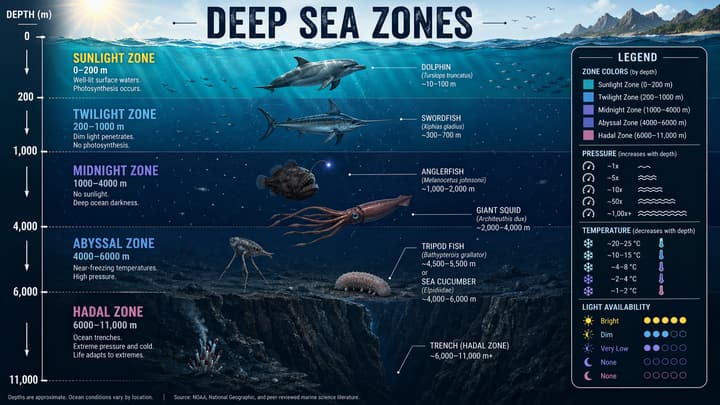 Infographic
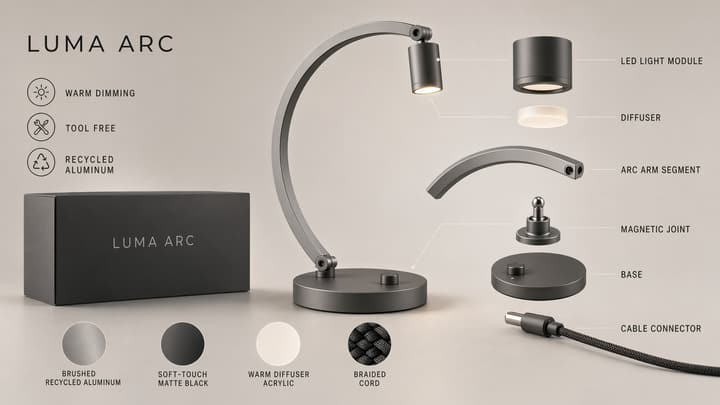 Commercial
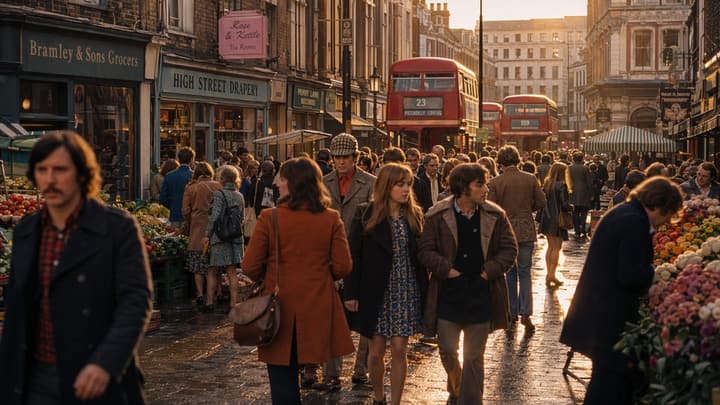 Photorealism
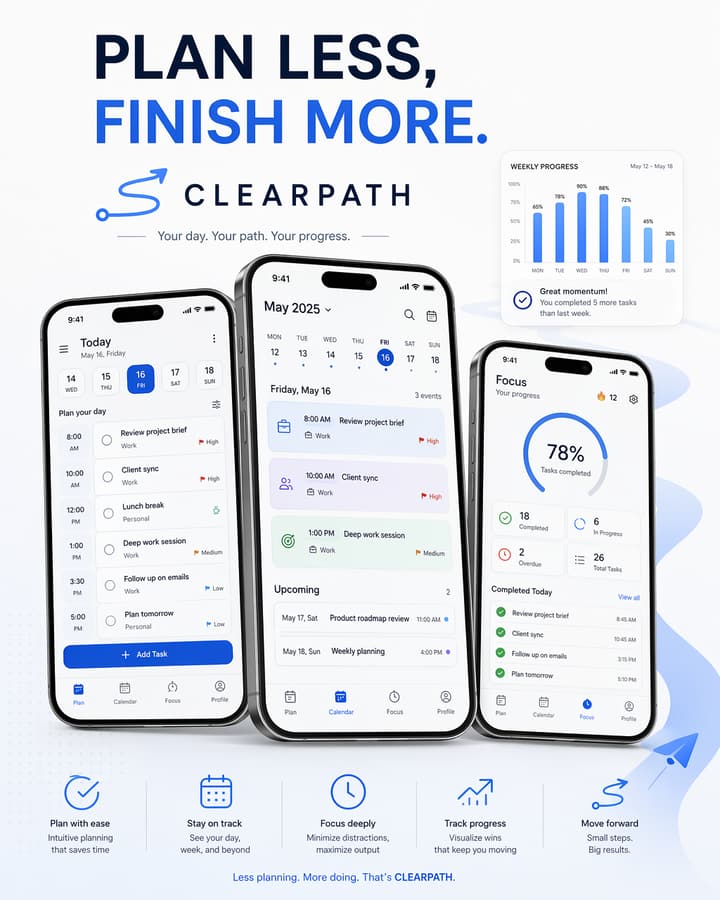 UI Mockup
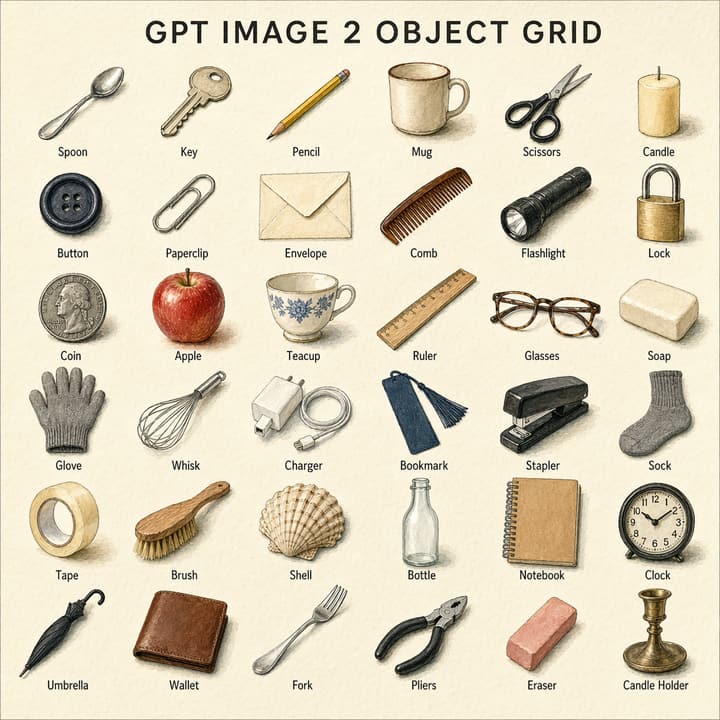 Image to Image
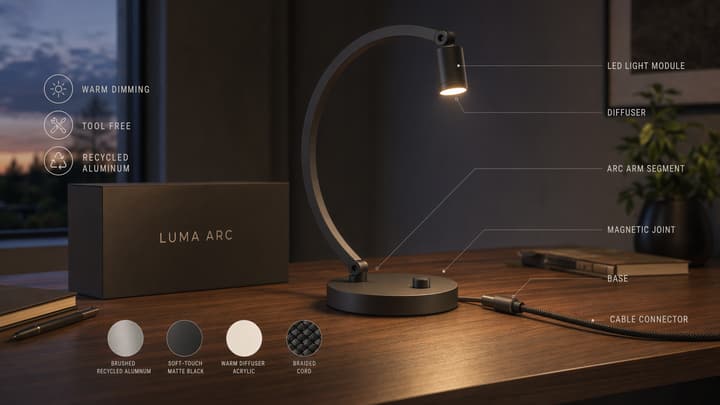 Image to Image
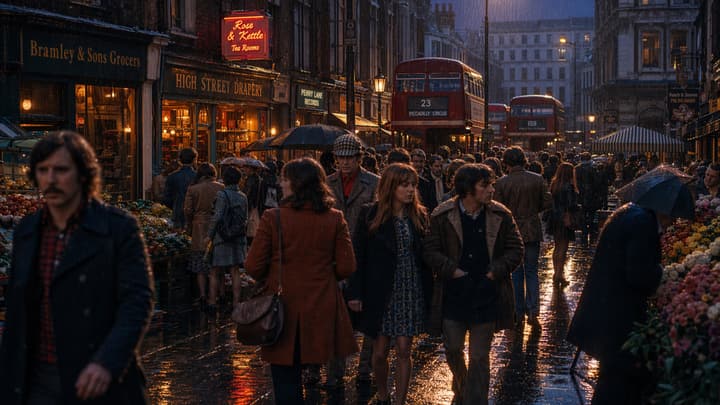 Image to Image
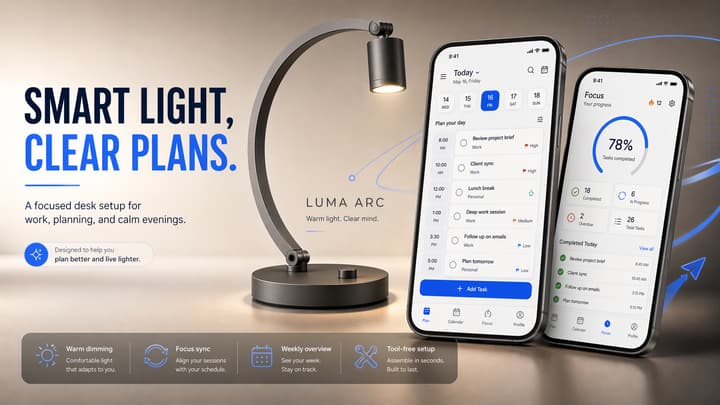 Multi-Reference
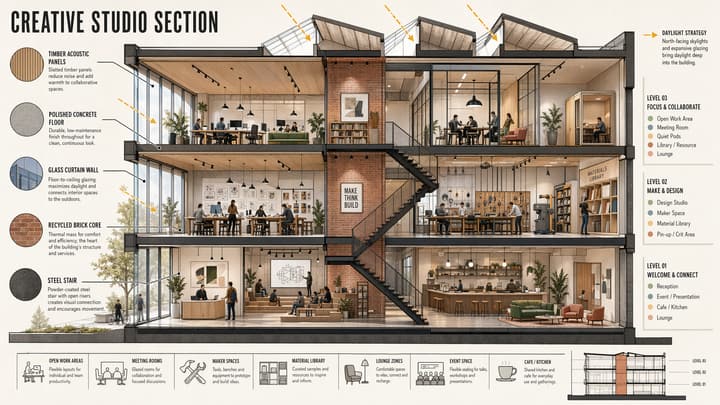 Architecture
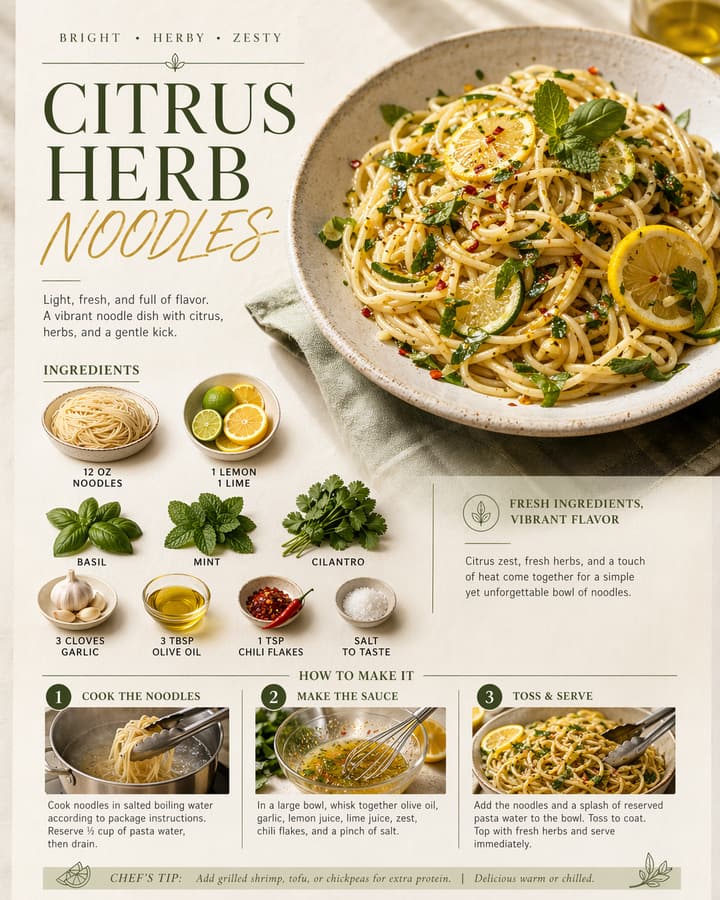 Editorial
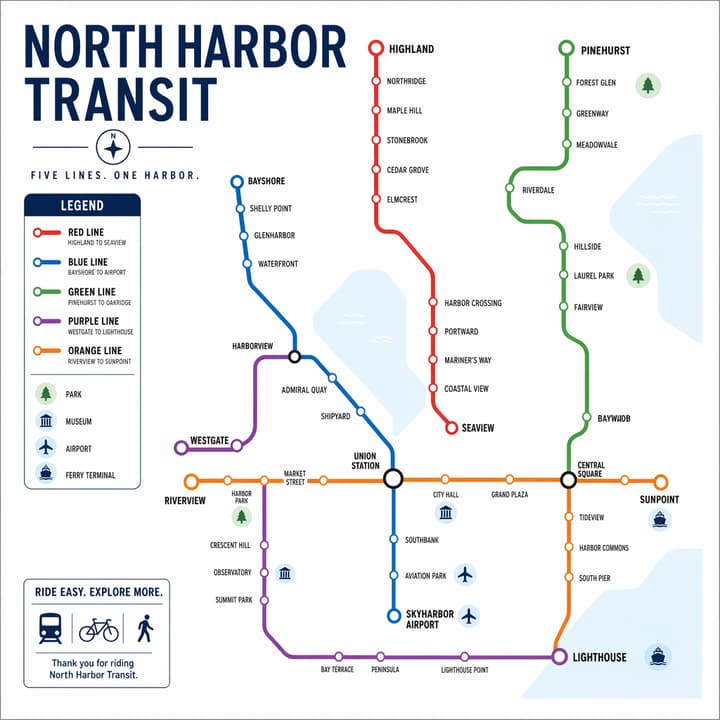 Diagram
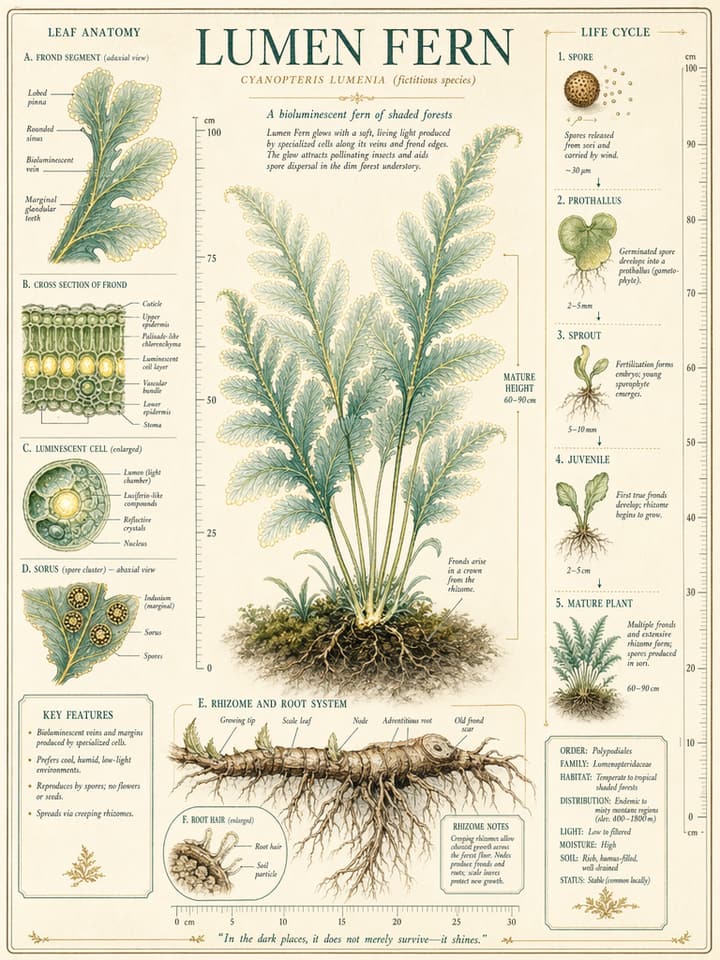 Education
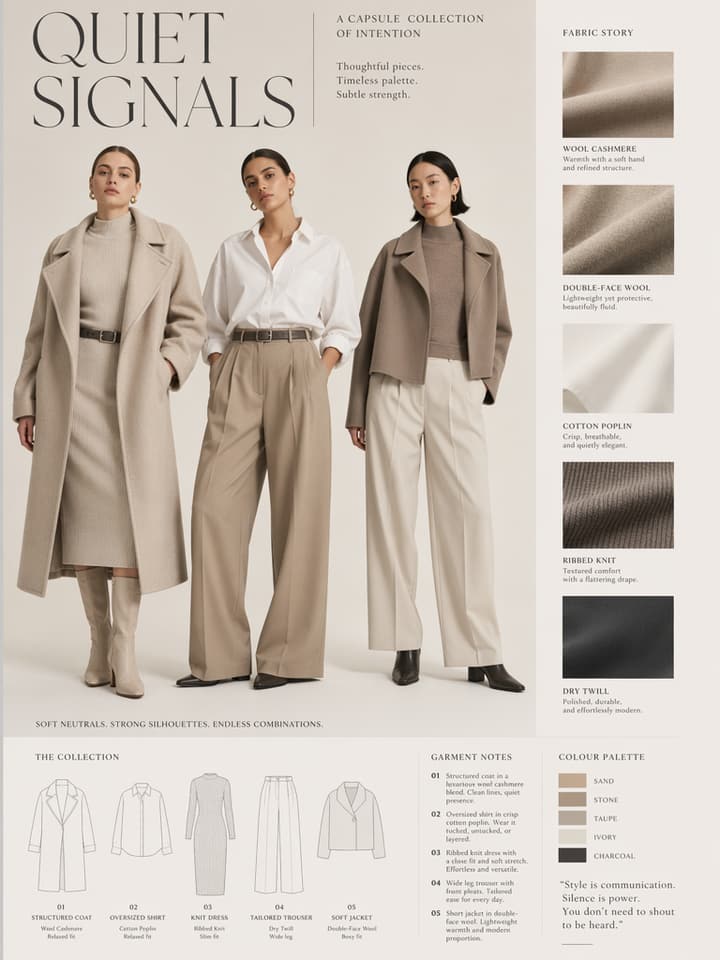 Lookbook
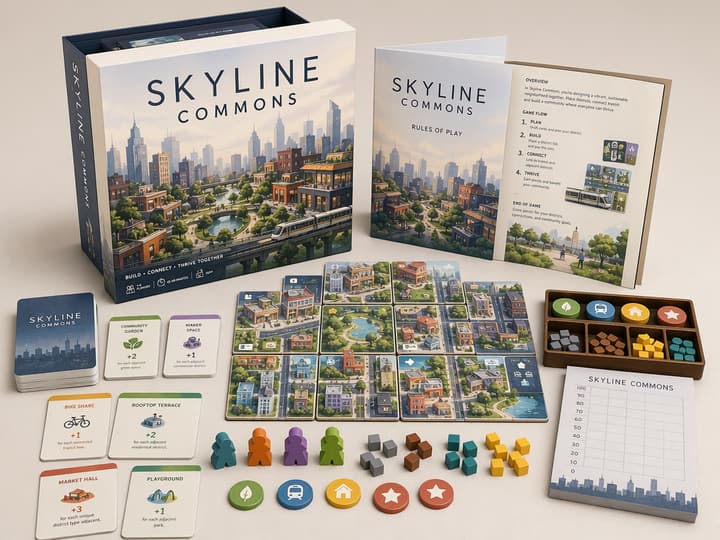 Packaging
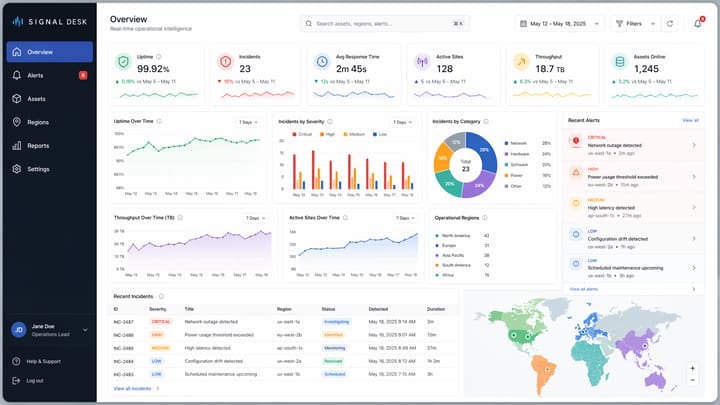 Interface
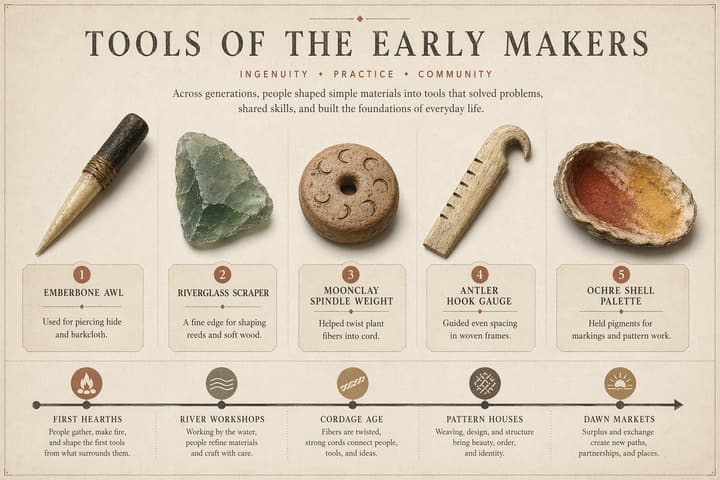 Exhibit
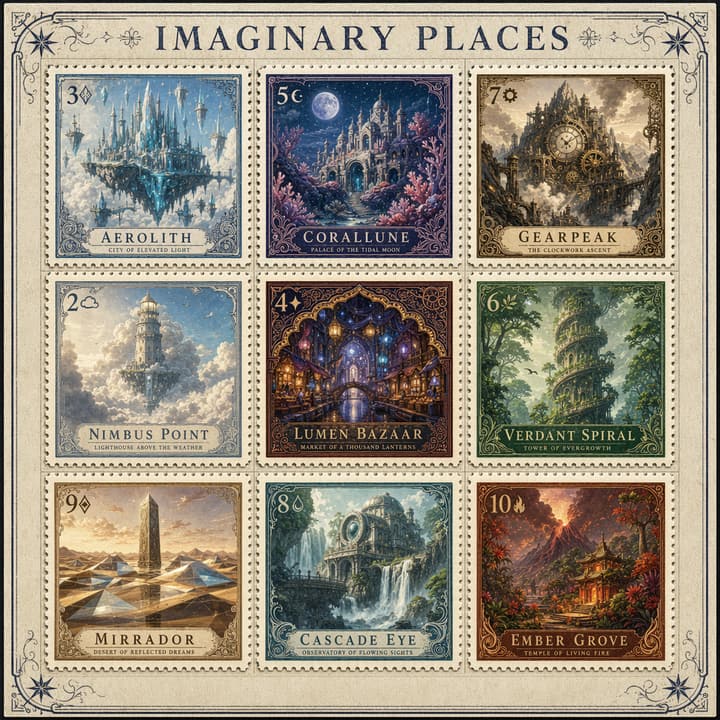 Illustration
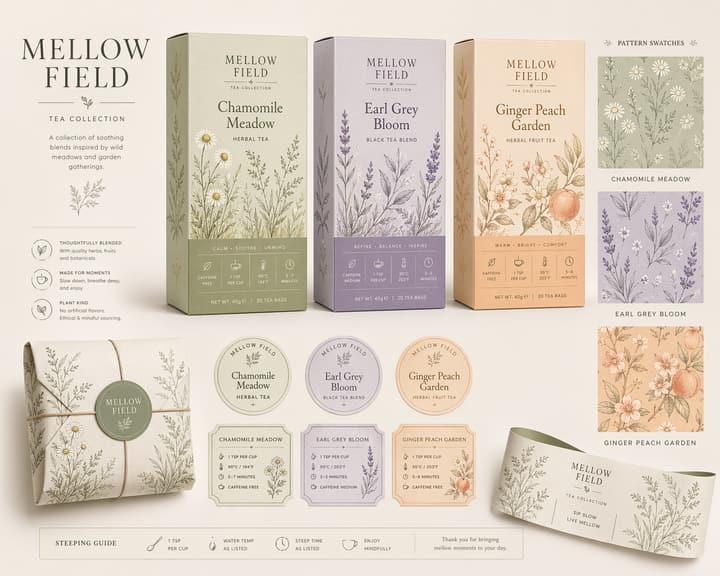 Brand System
How to get better GPT Image 2 results on this page
This workflow works best when you treat GPT Image 2 like a structured creative brief, not a one-line toy prompt.
Start with text, then switch to edits only when continuity matters
Use Text to Image for first concepts, posters, charts, and mock layouts. Switch to Image to Image when you need to preserve composition, likeness, branded details, or scene continuity.
Write like you are briefing a designer, not a toy generator
Spell out the subject, relationships between objects, camera feel, layout rules, exact on-image text, and what must not change. GPT Image 2 becomes more useful as the brief becomes more concrete.
Use references selectively, then lock the final ratio
Bring in reference images only when you need identity, composition, or style continuity. After that, choose the right ratio for your final use case and render the job asynchronously.
GPT Image 2 FAQ
Model basics plus practical details for using this workspace.
Use GPT Image 2 for posters, edits, and structured visual briefs
Go from prompt-led generation to reference-guided revision in one workspace, with a page tuned for layout-sensitive and detail-sensitive image tasks.