
Before (Low-Res)
After (Upscaled)

AI Image Upscaler
From old family photos to product shots—upscale any image to crystal-clear 4K in seconds.
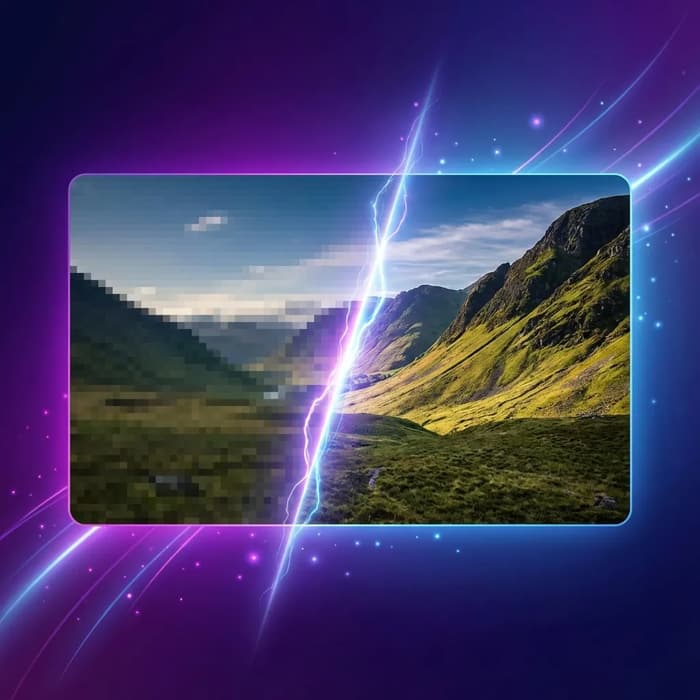
Transform Low-Res to Crystal Clear — Instantly
Experience the power of our advanced AI image upscaler. We intelligently reconstruct lost details to deliver stunning 4K and 8K quality images.
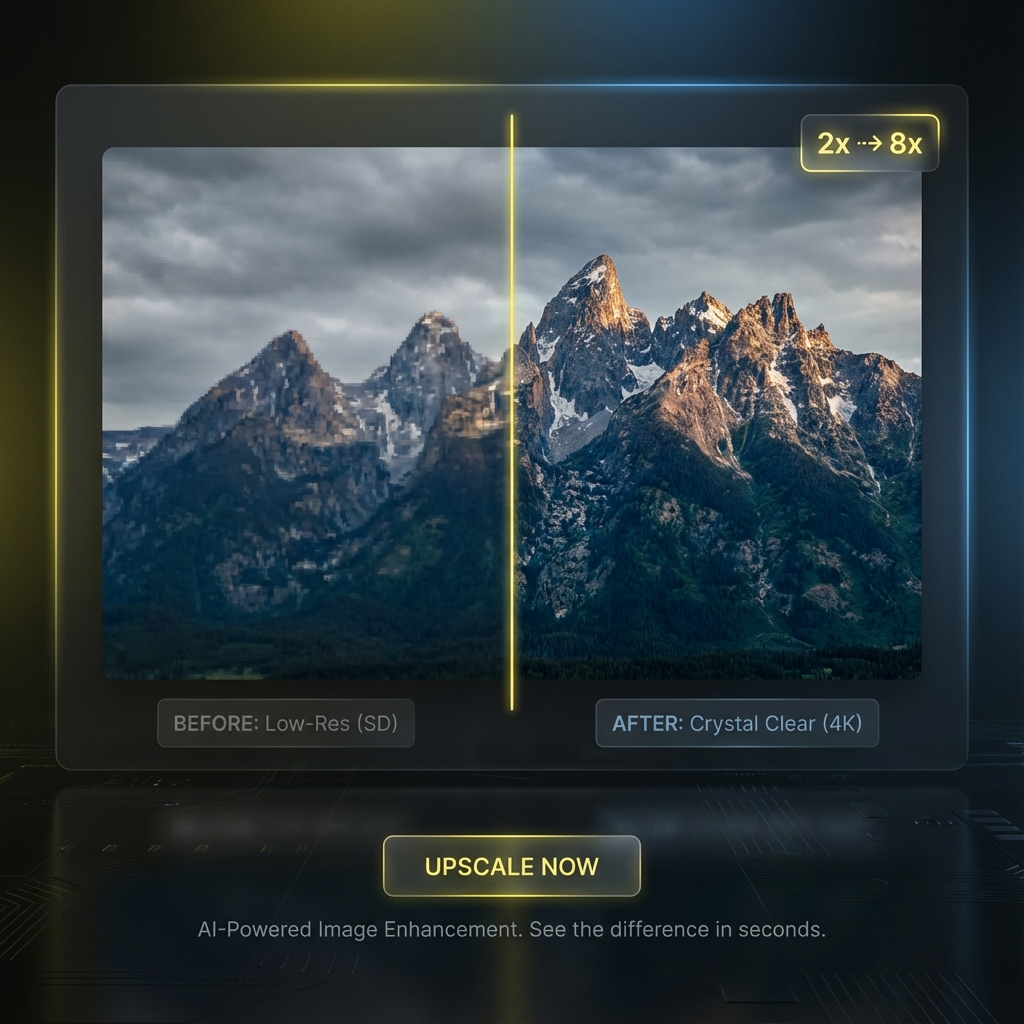
State-of-the-Art AI Upscaling
Our AI image upscaler utilizes cutting-edge deep learning models trained on millions of high-resolution images. It intelligently predicts and inserts new pixels to upscale photos by 2x, 4x, or even 6x while maintaining perfect sharpness. Whether it's a blurry snapshot or a small web image, our tool transforms it into a professional-grade masterpiece in seconds.
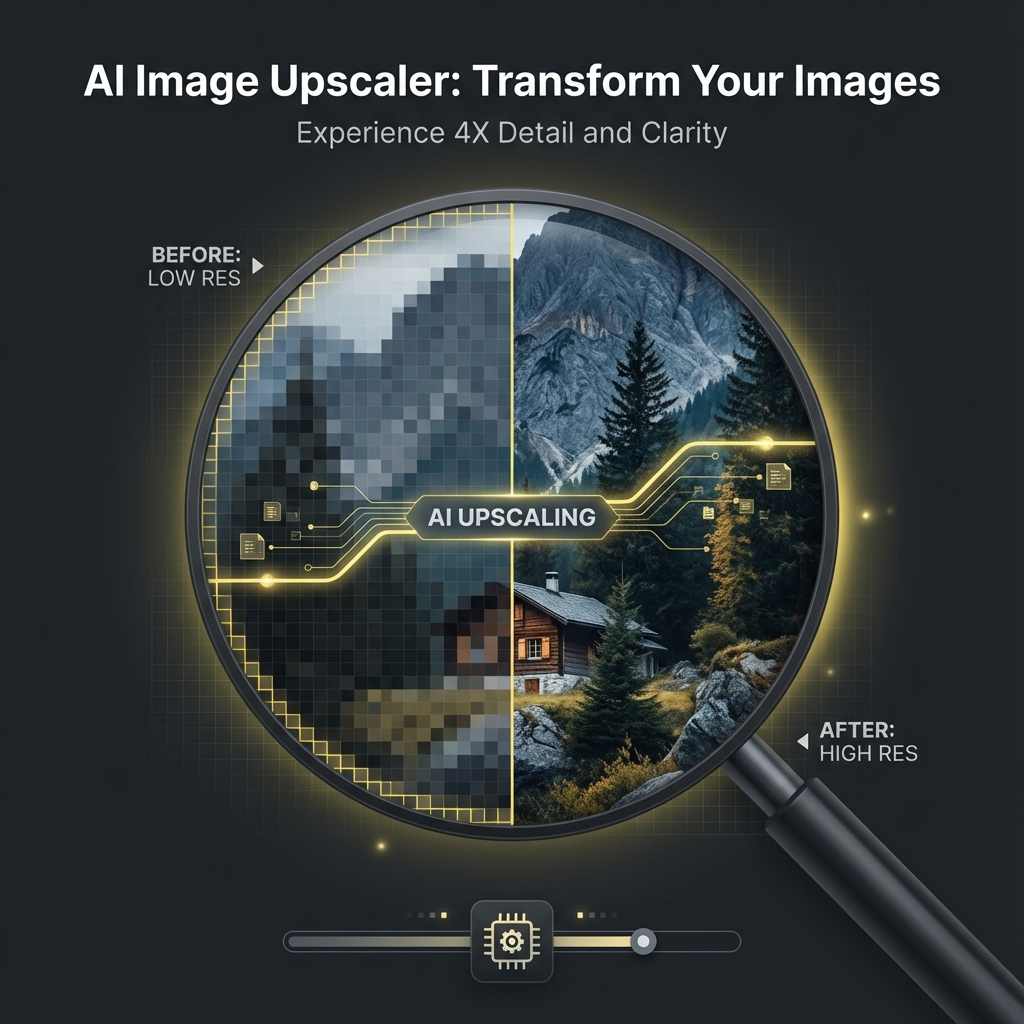
Intelligent Detail Reconstruction
Unlike traditional resizing methods that result in pixelation, our AI image upscaler analyzes the context of your image to accurately reconstruct textures like hair, skin, fabric, and nature elements. It adds realistic details that weren't visible in the original low-res file, giving your photos a crisp look.
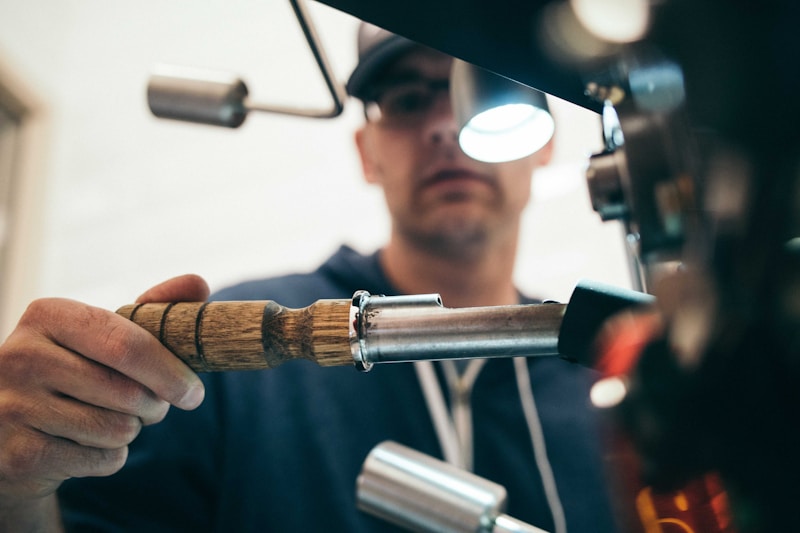
Seamless Batch Processing for Pros
Designed for photographers, designers, and e-commerce businesses, our AI image upscaler supports efficient workflows. While the current interface handles one image at a time for precision, our engine is built to handle high-volume demands, ensuring consistent, high-quality results across all your visual assets.
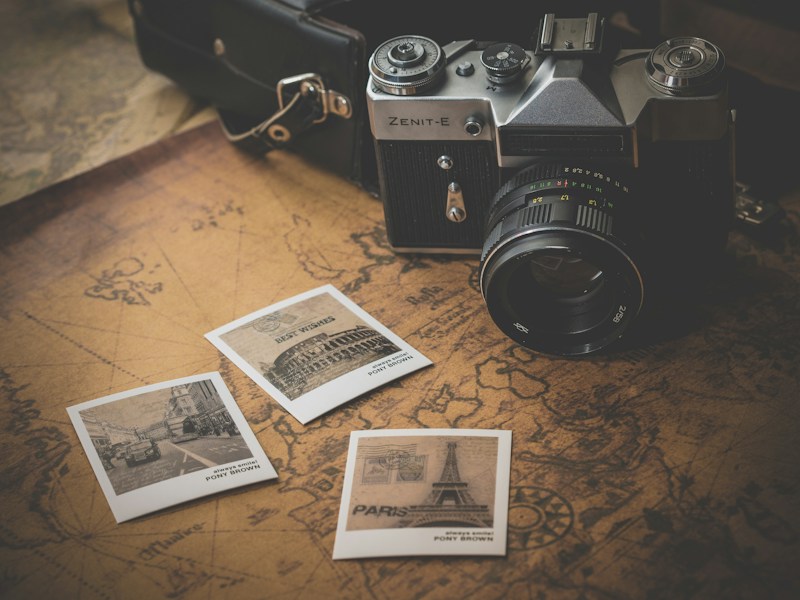
Print-Ready Resolution
Prepare your digital images for large-format printing without worrying about quality loss. Our AI image upscaler increases pixel density (DPI) effectively, allowing you to print posters, banners, and marketing materials that look sharp even up close.

100% Secure & Commercial Safe
Your privacy is our priority. All images processed by our AI image upscaler are encrypted during transfer and automatically deleted from our servers after processing. You retain full copyright ownership of your upscaled images.
Popular Use Cases for AI Upscaling
Discover how our AI image upscaler empowers professionals and creators across various industries.

How to Upscale an Image using AI
Transform your low-resolution photos into HD masterpieces in 3 simple steps.
Upload Your Image
Drag and drop your JPG, PNG, or WebP file into our AI image upscaler. We support images up to 10MB.
Select Scale Factor
Choose your desired magnification: 2x for subtle enhancement, 4x for standard HD, or 6x for maximum detail.
Download & Enjoy
Wait a few seconds for the AI to process, then download your high-resolution, watermark-free image instantly.
Frequently Asked Questions
Learn more about our AI image upscaler and how to get the best results.
Ready to Enhance Your Images?
Transform low-resolution photos into stunning high-definition images.