
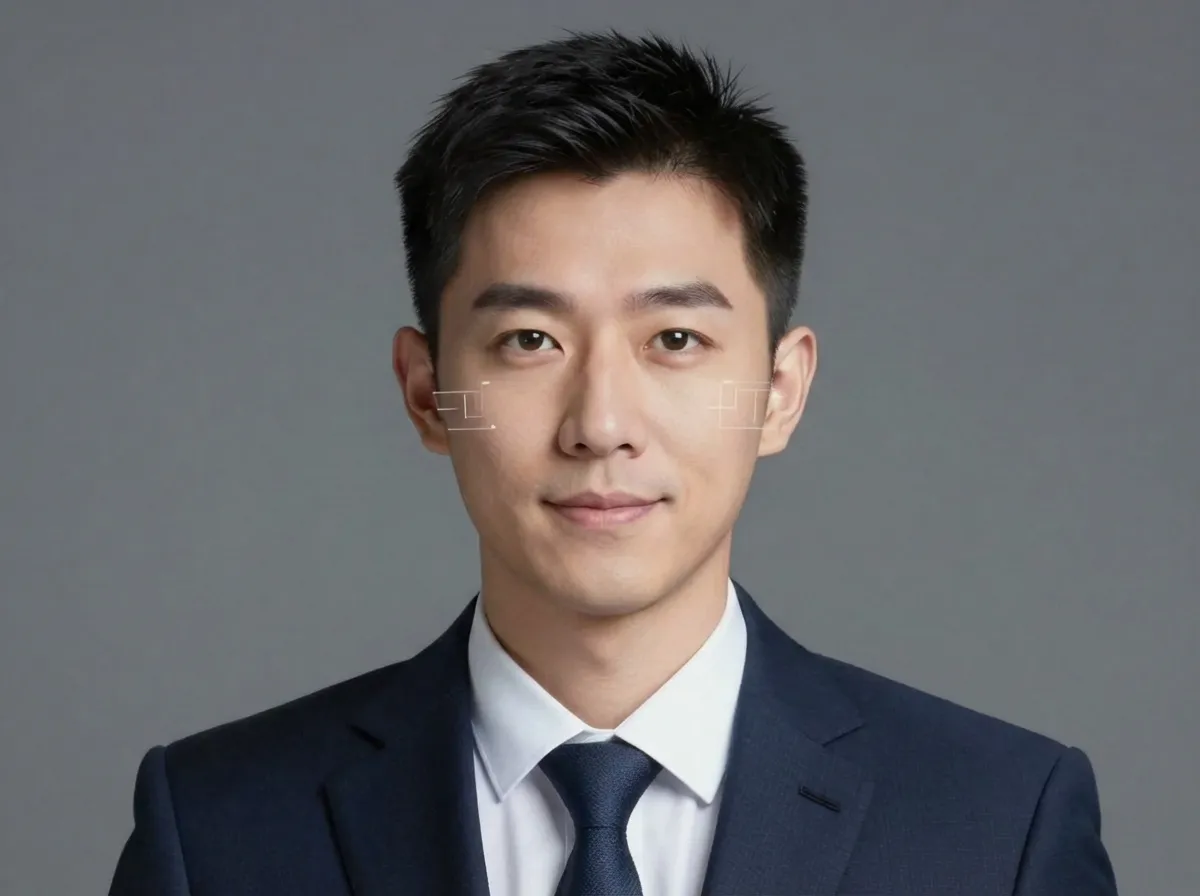
Before
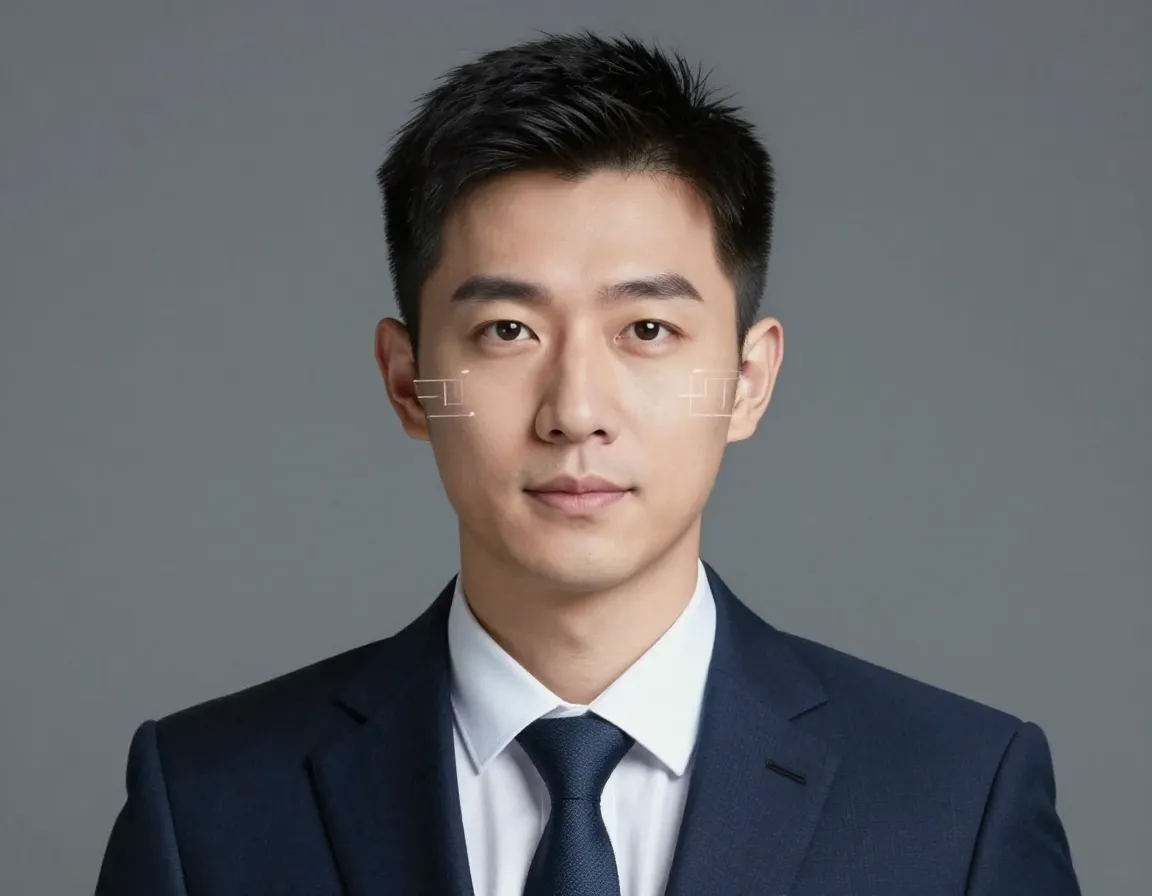
After
AI Face Expression Changer for the exact expression you meant to capture
The ai face expression changer is built for those moments when the photo is great but the expression is not. You might have the right lighting, a clean background, and a sharp image, yet the face feels too serious, too flat, or just off for the message you want to send. With the ai face expression changer, you upload a single portrait and describe the emotion you need — a warm smile, calm confidence, or friendly professionalism. The ai face expression changer refines the expression while keeping the same person, the same pose, and the same lighting, so the edit looks natural instead of artificial. This is not a filter that changes who you are; it is a focused expression edit that helps the image match your intent. Whether you are preparing a resume headshot, a team page, or social content, the ai face expression changer gives you a version that feels right, ready, and shareable.

Real situations where the AI Face Expression Changer saves the photo
Each feature below is written from your point of view, with clear scenarios that show when the ai face expression changer is the fastest path to the expression you actually want.
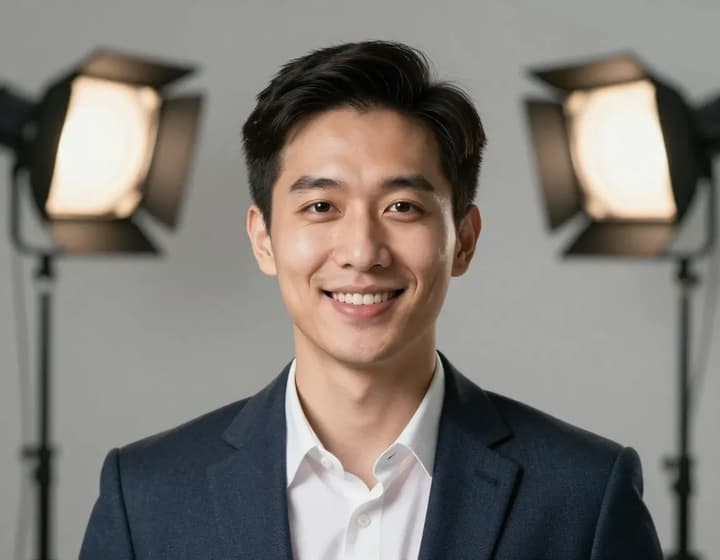
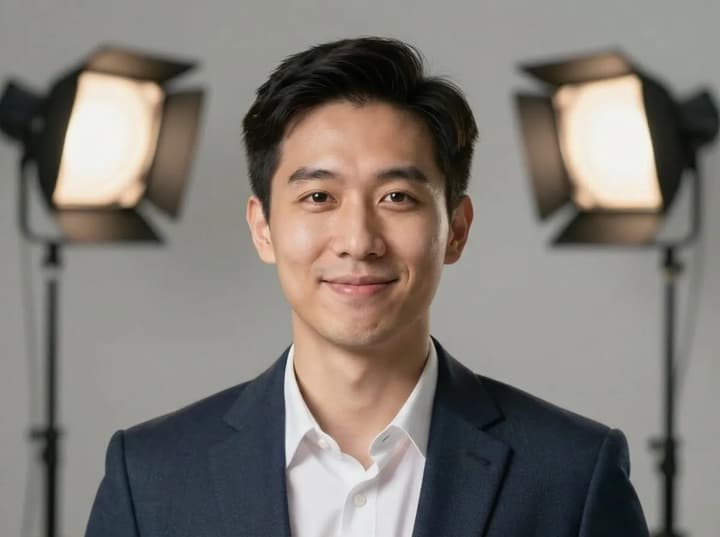
Resume and LinkedIn headshots that feel friendly, not stiff
You finally have a clean headshot, but the expression reads too serious for a resume, LinkedIn, or company bio. You do not want to reshoot, and you do not want an exaggerated grin that looks fake. The ai face expression changer is designed for this exact scenario: take a formal portrait and bring in a subtle, professional smile that feels approachable. You keep the same face shape, same lighting, and the same wardrobe, but the mood shifts to something more welcoming. The ai face expression changer helps your headshot feel confident and human without looking edited, which is exactly what hiring managers and clients respond to.
Team photos where one person did not smile
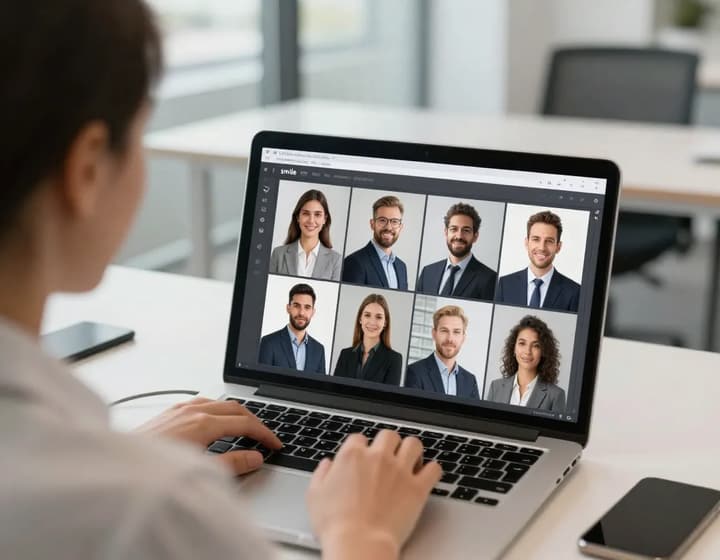
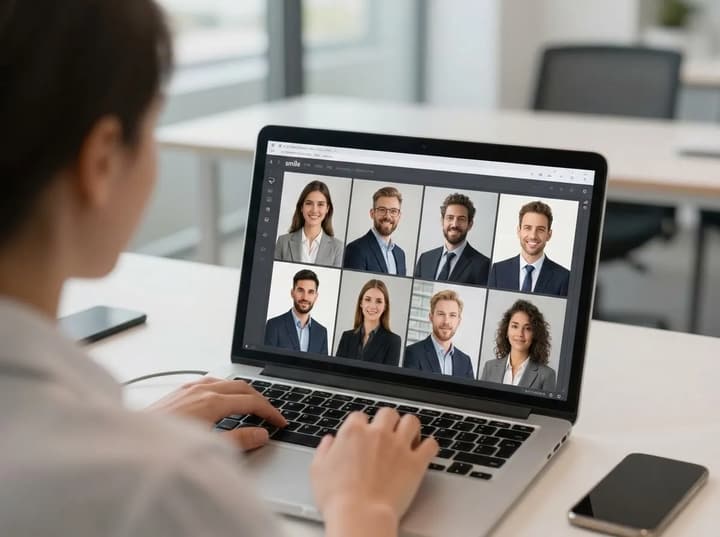
You are preparing a team page or company announcement and there is one person who looks tense, distracted, or simply not smiling. Retaking the photo might be impossible, and cropping the person out is not an option. The ai face expression changer lets you fix that one expression while keeping the rest of the group unchanged. You upload the photo, describe the target mood, and the ai face expression changer makes the expression match the rest of the team. This is ideal for company sites, internal directories, and press kits where every face should feel consistent and professional. The ai face expression changer saves the group shot without the awkward reshoot.

Family and event photos that feel warmer
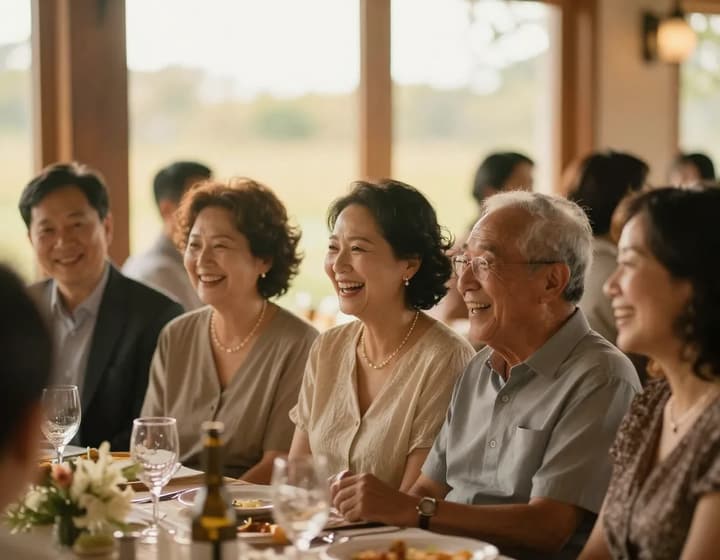
At weddings, reunions, and family events, you often get one great frame where the lighting is perfect but the expression feels flat. Maybe someone looks tired, serious, or slightly awkward. The ai face expression changer lets you soften that moment into a warmer, more joyful expression without changing the memory itself. You keep the same scene, the same people, and the same candid feel, but the emotion now matches the moment. It is the difference between a nice photo and a photo you actually want to frame. For family albums and event highlights, the ai face expression changer helps the photo feel like the celebration you remember, not the expression you happened to catch.
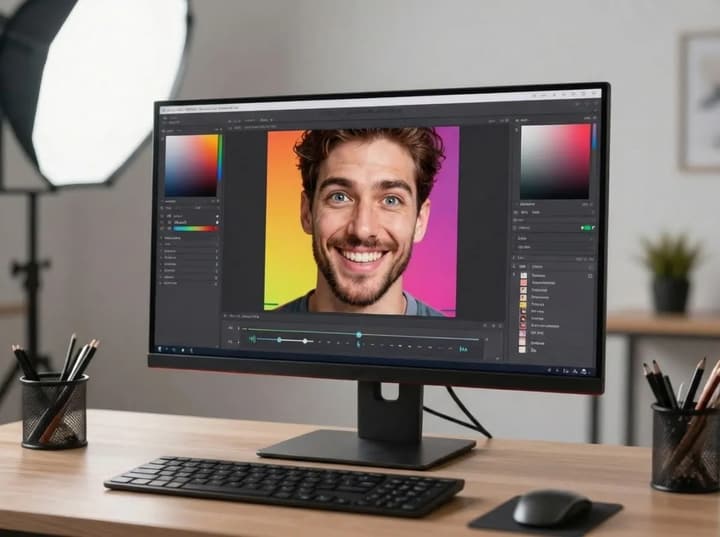
Creator thumbnails that look energetic and clickable
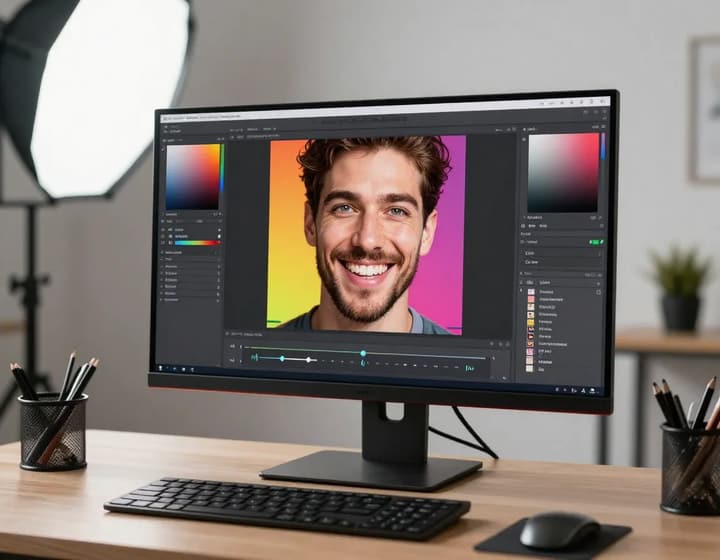
If you post videos, courses, or social content, the expression in your thumbnail matters. A neutral face often underperforms, even when the photo is sharp. The ai face expression changer helps you lift the energy — a brighter smile, a more expressive look, or a confident on-camera vibe — while keeping your identity consistent. You do not need to reshoot; you just guide the expression and export a new version that feels more clickable. This is perfect for YouTube thumbnails, course covers, and creator profiles where the face sells the message. The ai face expression changer gives your content a stronger first impression.
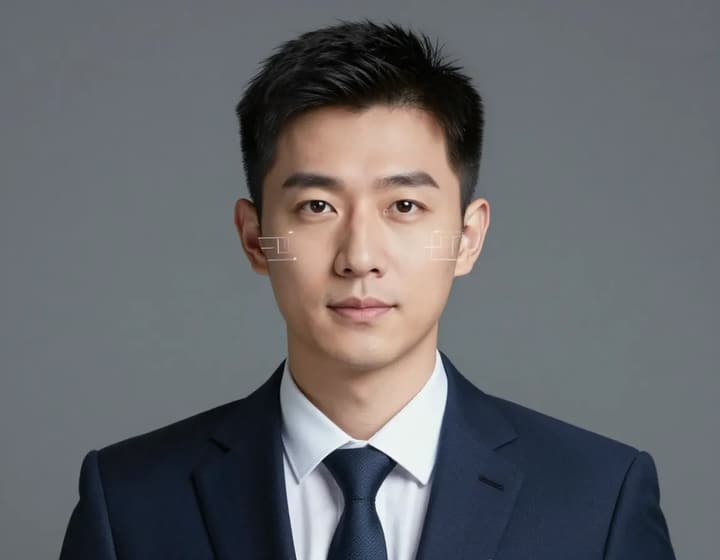
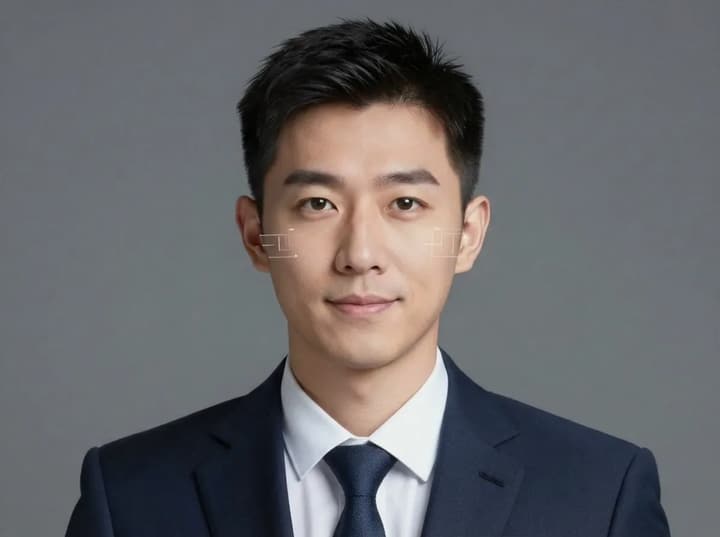
Professional portraits that project calm confidence
Sometimes you do not want a big smile. You want calm confidence — the kind of expression that feels capable, trustworthy, and ready for leadership. The ai face expression changer helps you reach that balance by adjusting the expression without altering your identity or the professional tone of the portrait. This is ideal for executives, founders, speakers, and consultants who want a strong yet approachable look. It is also useful for press photos, speaker kits, and investor materials where tone matters. The ai face expression changer keeps the image polished and realistic, so the final headshot still feels like you, just more aligned with the role you want to present.
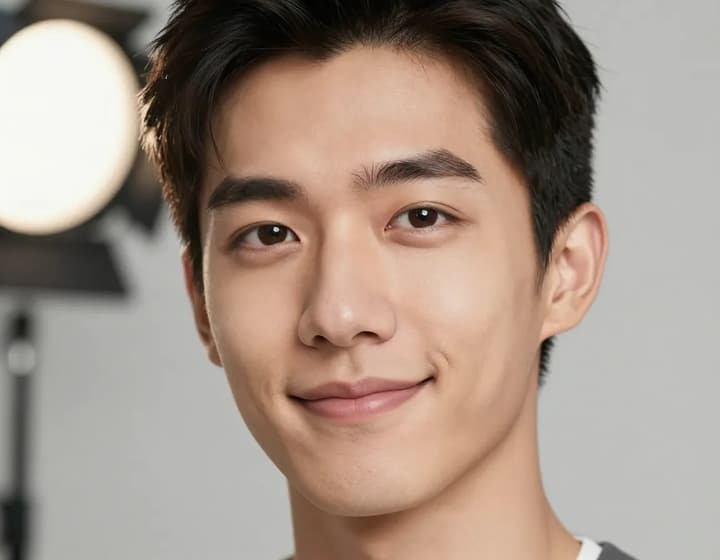
Subtle micro‑expression polish for natural results
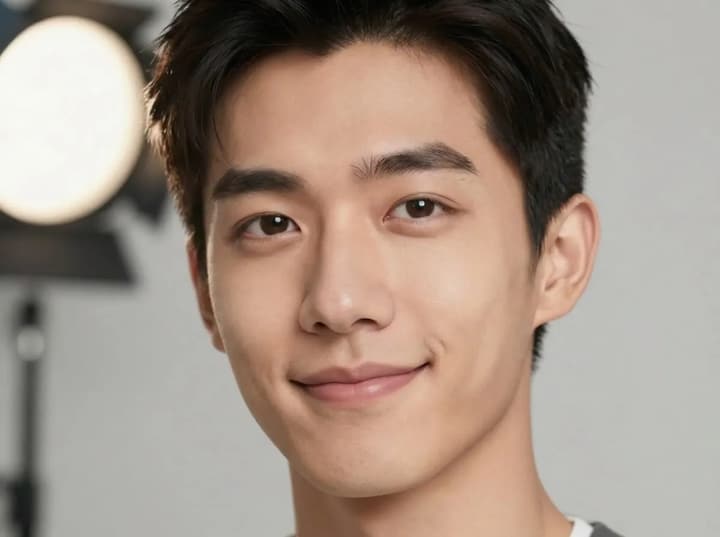
Not every edit should be dramatic. You may want a small change: a softer jaw, slightly lifted cheeks, or a gentle smile that feels like it happened naturally. The ai face expression changer is built for these subtle, high‑impact adjustments. You can nudge the expression without changing the character of the photo, which is perfect for casting submissions, dating profiles, or portfolio images where authenticity matters. The ai face expression changer keeps the original mood while making it feel more present and human. It is the quiet kind of improvement that people feel, even if they cannot describe it.
How to change expressions in three steps with the AI Face Expression Changer
The ai face expression changer is designed for speed and clarity, so you can get the right expression without a complex editing workflow.
1. Upload a clear portrait
Choose a photo where the face is visible and in focus. The ai face expression changer performs best on well‑lit portraits, but it also works on casual photos as long as the eyes and mouth are clear. If you are editing a full‑body shot, make sure the face still has enough resolution to capture expression detail. This first step sets the quality baseline for the ai face expression changer, so pick your sharpest frame and you will get the most natural result.
2. Describe the expression you want
Write a short prompt such as "warm friendly smile", "calm confidence", or "approachable professional" and let the ai face expression changer interpret it. If you want something subtle, say so. If you want more energy, be explicit. The ai face expression changer uses your wording to guide the final mood, so the expression feels intentional rather than random.
3. Compare, refine, and download
Review the before and after to make sure the new expression feels authentic. The ai face expression changer is fast, so you can adjust your prompt and regenerate in seconds if needed. When the result feels right, download the image and use it immediately for your resume, team page, social post, or campaign asset. The ai face expression changer keeps your original file untouched while giving you a new, ready‑to‑use version.
AI Face Expression Changer FAQ
Common questions about how the ai face expression changer works, what it changes, and how to get the most natural result.
Make every portrait feel right with the AI Face Expression Changer
Upload one photo, describe the mood, and get a more confident, friendly expression in minutes. The ai face expression changer is the easiest way to fix the expression without a reshoot.