
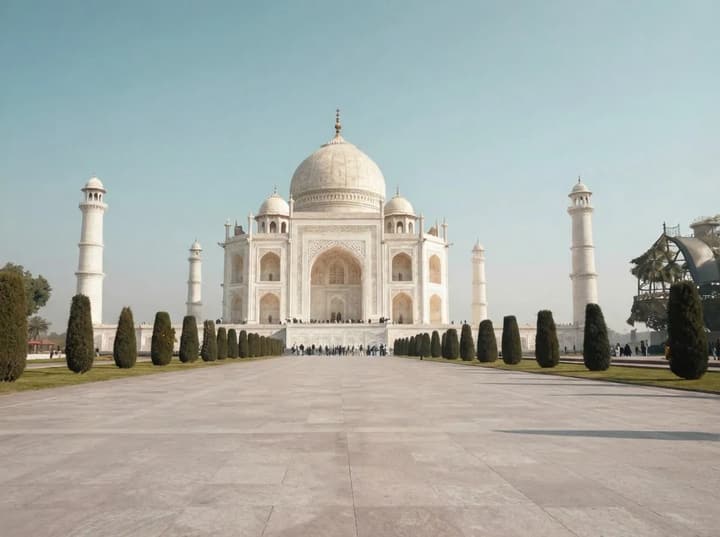
Original Photo
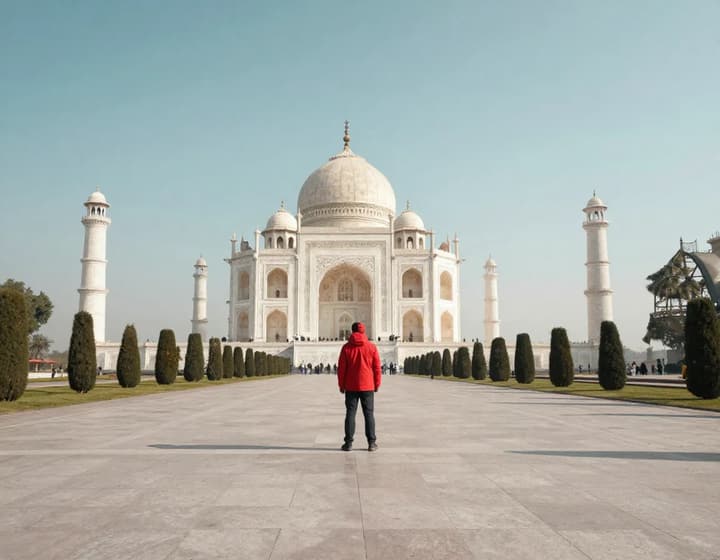
AI Cleaned
AI Object Remover: Remove Anything You Don't Want in a Photo
Photobombers, power lines, trash cans, logos, and random clutter: just brush over the object and Cutfly AI Object Remover (ai object remover) removes it while reconstructing the background. No Photoshop, no sign-up, results in seconds. ai object remover keeps textures natural and your subject in focus.
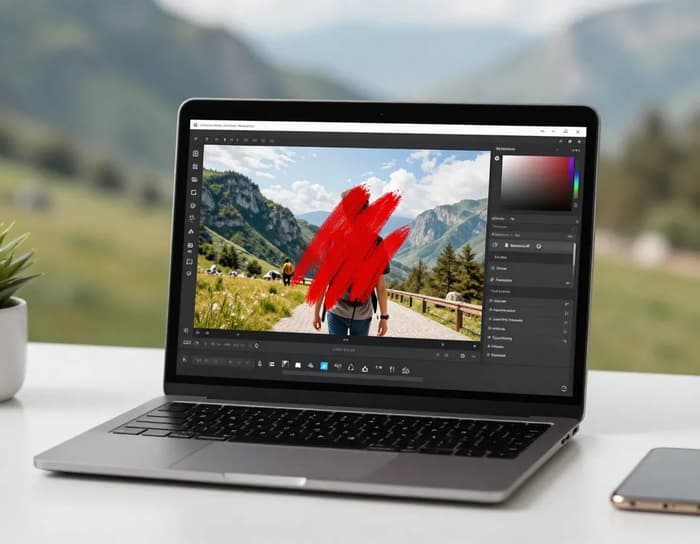
Built for Real Cleanup Tasks with AI Object Remover
Erase objects and restore the scene naturally, not just cover it. ai object remover analyzes lighting, texture, and perspective so the missing area blends seamlessly with the rest of the photo.
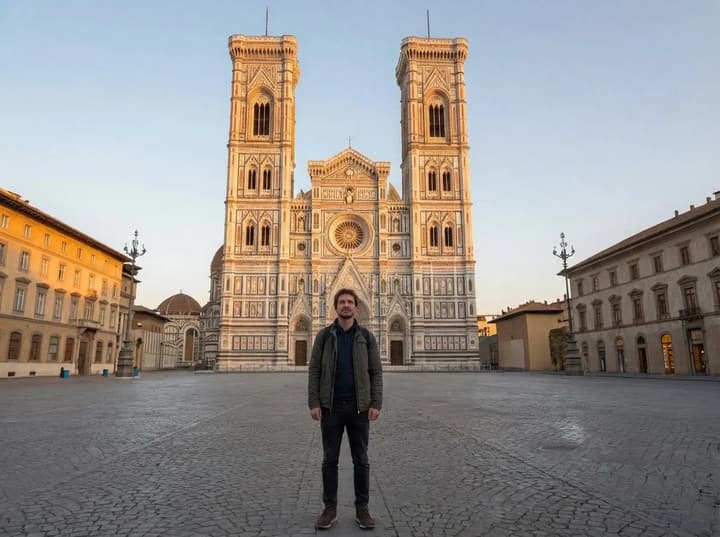
Travel Photos: Remove Crowds
Busy landmarks and tourist crowds can ruin your shot. AI Object Remover (ai object remover) lets you brush over people or vehicles and rebuilds the background details so your travel photo looks like a private shoot, even on textured pavement and complex architecture.
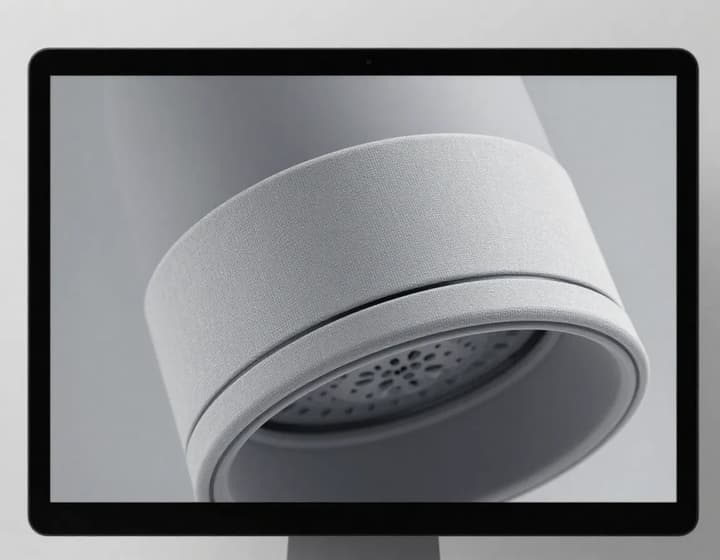
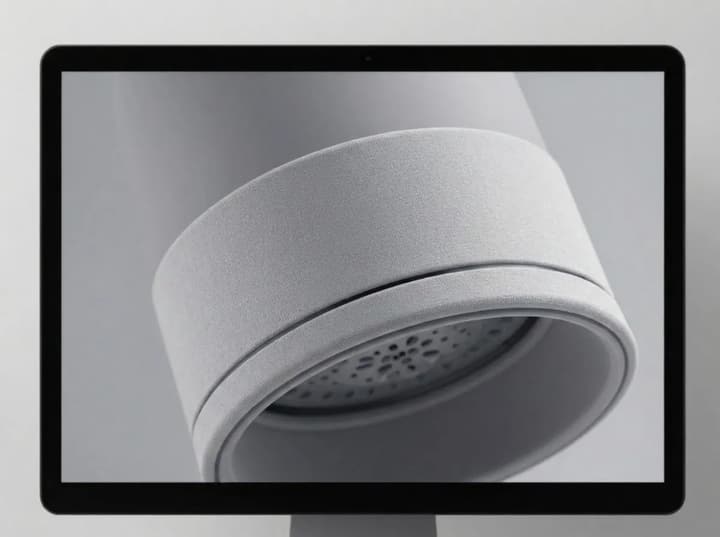
Clutter, Wires, and Trash Gone
Power lines, poles, bins, and random clutter break composition. With ai object remover you can erase thin wires and small objects while preserving sky gradients, walls, and depth cues, giving you a cleaner, more professional frame without visual scars.
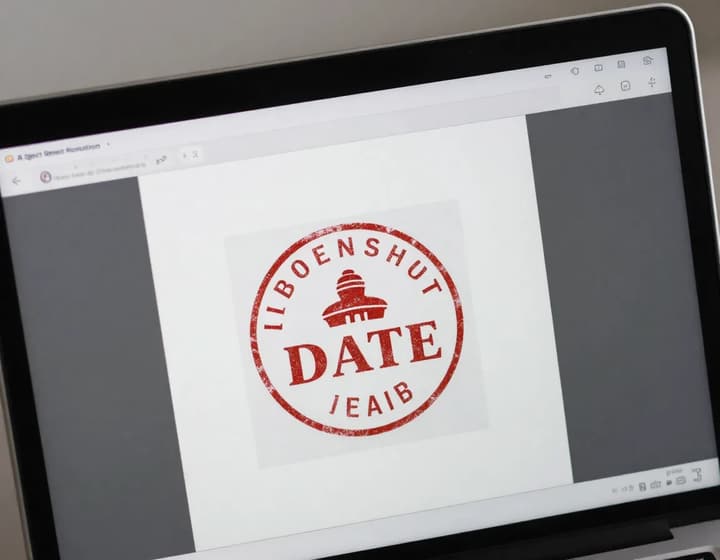
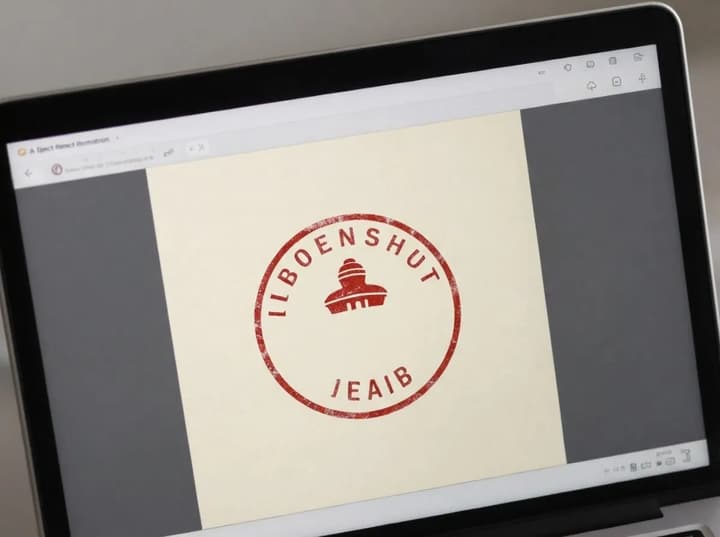
Text & Watermark Cleanup
Date stamps, captions, and watermarks distract from the subject. AI Object Remover (ai object remover) reconstructs the hidden texture and lighting so the text disappears naturally, making the image ready for social posts and product presentations.
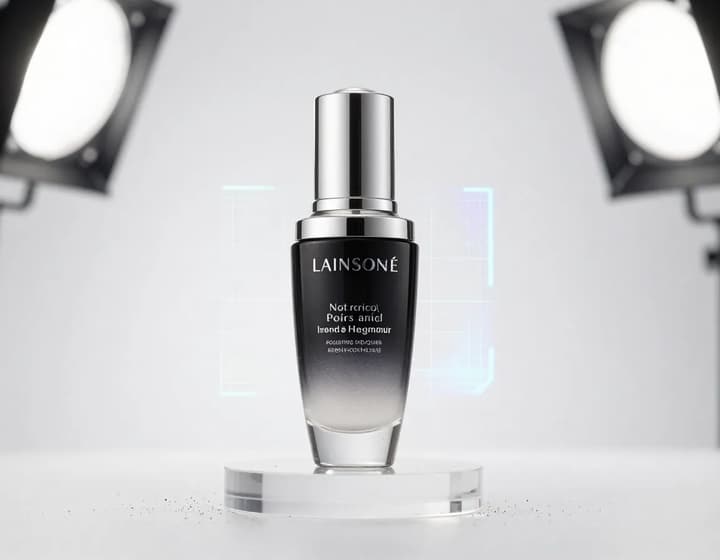
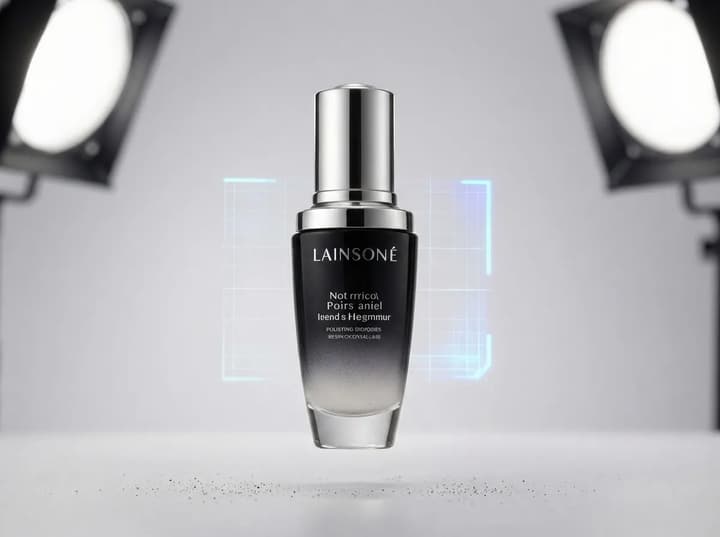
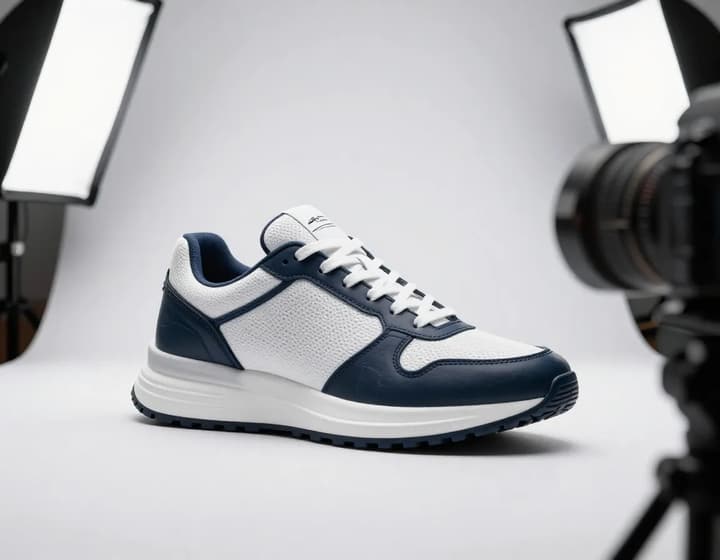
E-commerce Product Polish
Product photos often include supports, dust, or reflections. ai object remover removes these distractions while keeping edges sharp and materials realistic, so your product looks premium on listings, ads, and hero banners with minimal effort.
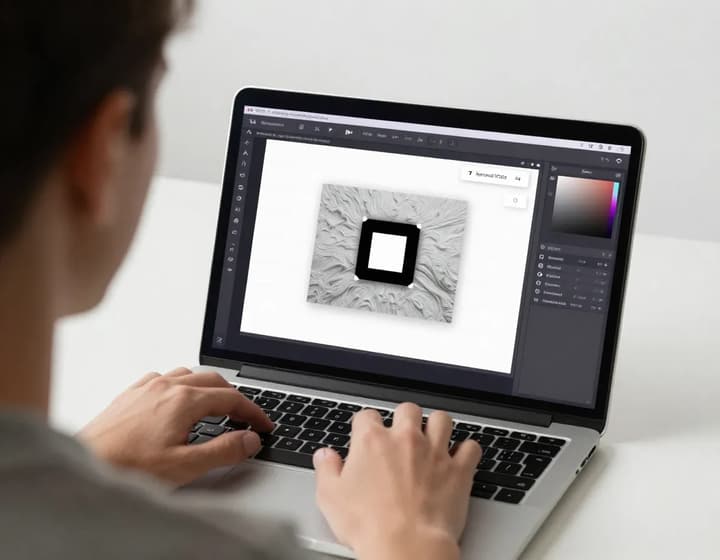
Context-Aware Inpainting
Deletion should never leave a hole. AI Object Remover (ai object remover) studies nearby lighting and texture, then fills the missing area with matching detail. Even zoomed in, the repaired area blends smoothly into the original scene.
Remove Objects in 3 Steps
Upload → Brush → Download. ai object remover is simple enough for first-time users and fast enough for batch cleanup sessions.
1. Upload Your Photo
Use JPG/PNG/WEBP. Higher resolution images preserve detail and help ai object remover rebuild textures more accurately.
2. Enter a Prompt
Describe what to remove (e.g., “remove photobomber” or “delete power lines”). ai object remover will interpret the text and complete the background.
3. Generate & Download
AI removes the object and rebuilds the background. Download instantly and keep your edited image in HD.
AI Object Remover FAQs
Quick answers before you start using ai object remover.
Clean Your Photos with AI Object Remover
Free, fast, and no sign-up required. ai object remover makes cleanup effortless.