
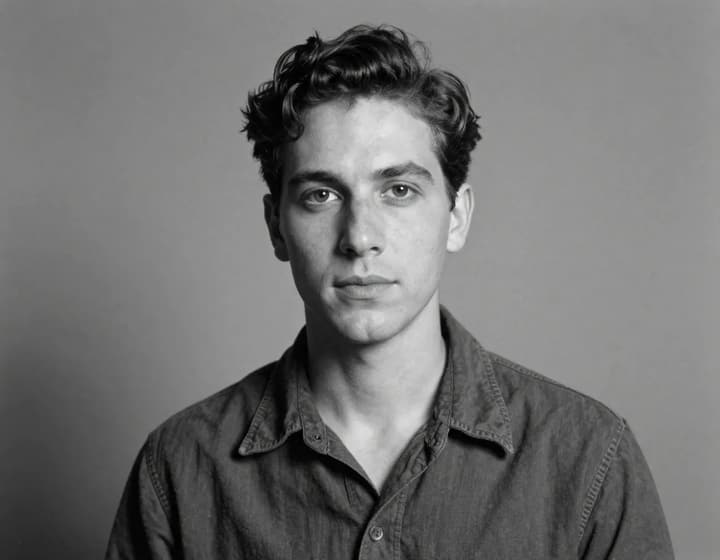
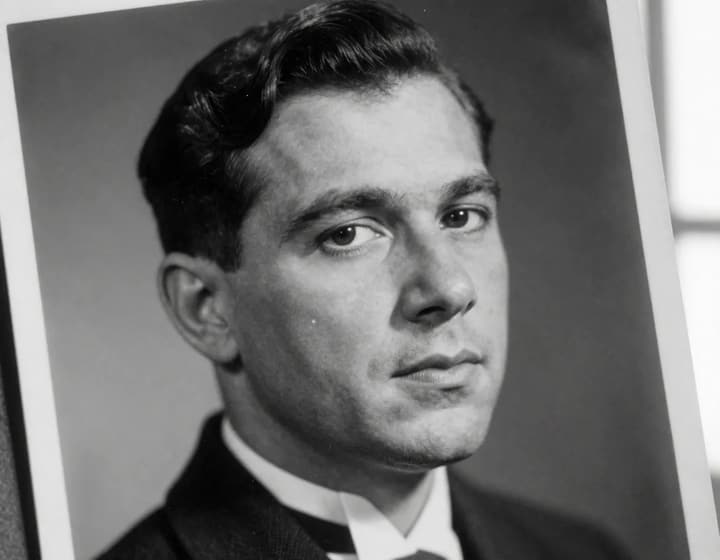
Original
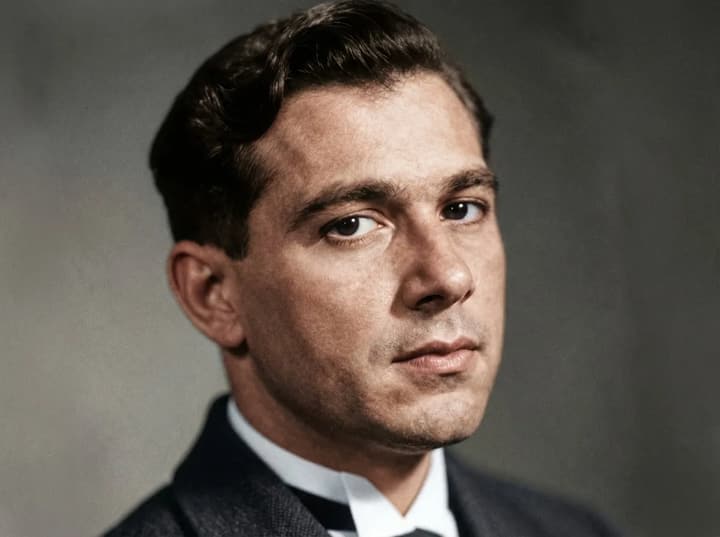
Colorized
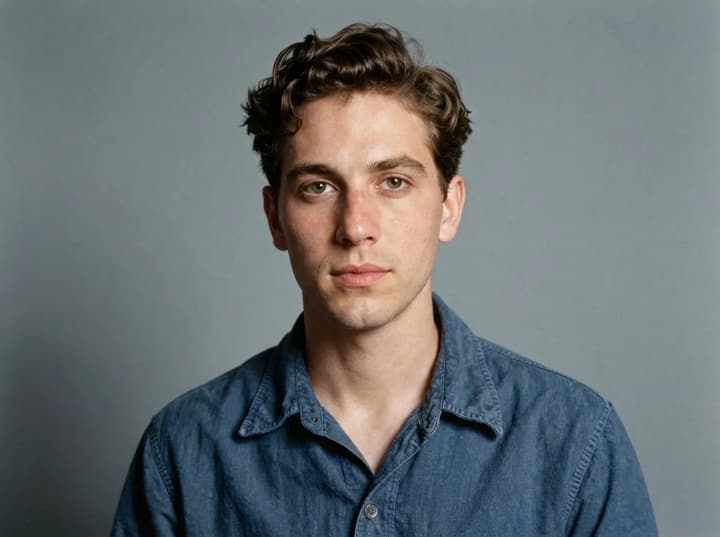
AI photo colorizer that turns black and white memories into living color
Old family photos deserve more than grayscale. The AI photo colorizer helps you revive black and white images with realistic color while preserving the original texture, contrast, and emotion. Upload a single photo and the AI photo colorizer adds natural skin tones, clothing colors, and background hues that feel true to the era. You keep the same faces, the same lighting, and the same memory—just in color. Whether you are restoring family history, enhancing archival photos, or preparing images for a presentation, the AI photo colorizer gives you a believable color result without manual retouching.
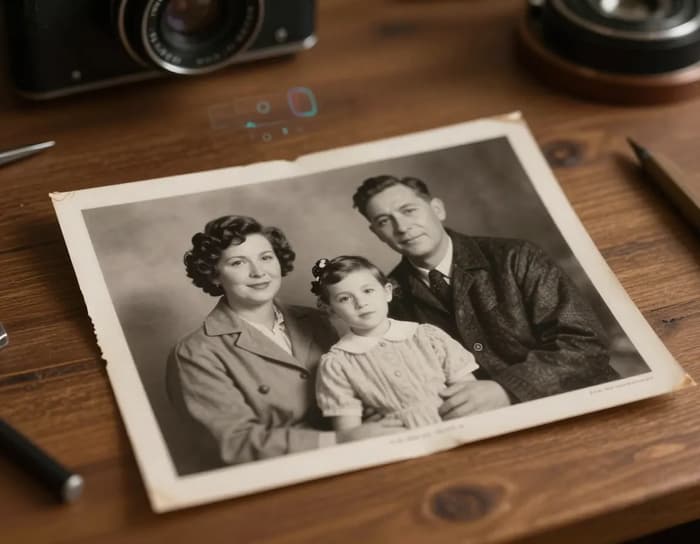
Why people choose the AI photo colorizer
Every feature is designed around real restoration needs: accuracy, realism, and results you can actually share.
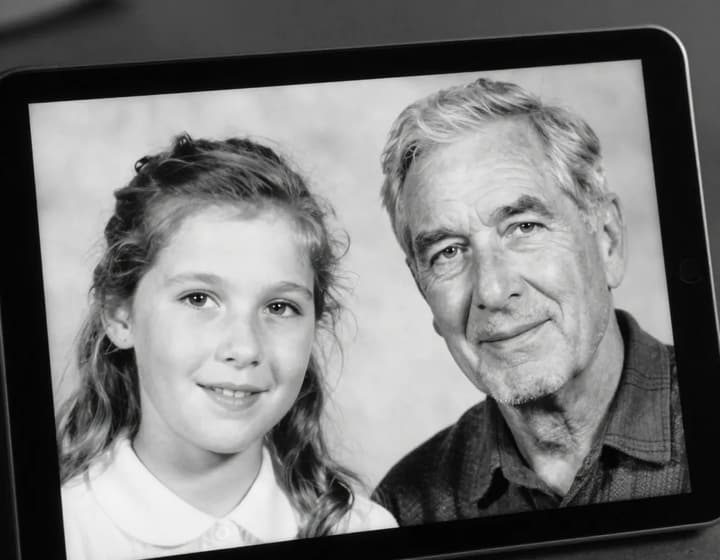
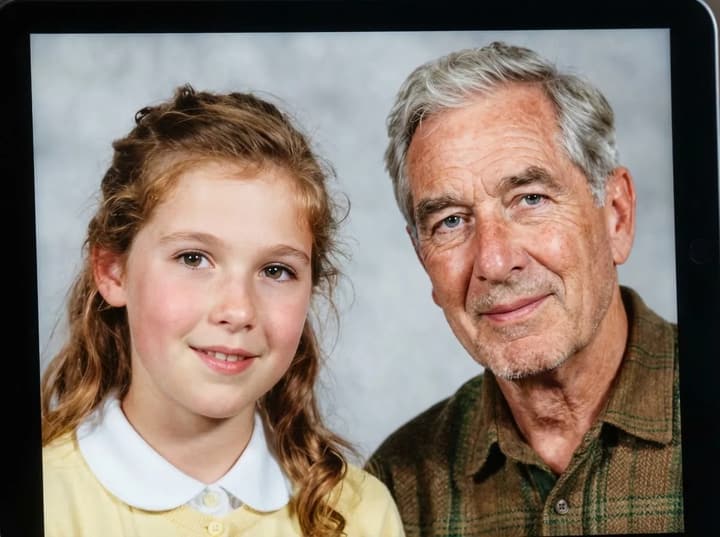
Restore family portraits with natural skin tones
You have a treasured black and white portrait of grandparents or parents, but it feels distant in grayscale. The AI photo colorizer brings warmth back with natural skin tones, realistic hair color, and balanced lighting that respects the original image. The goal is not to guess wildly—it is to create a believable, gentle colorization that feels consistent and emotionally true. The AI photo colorizer keeps facial details, wrinkles, and expressions intact so the result feels like the same person, just seen in color for the first time. This is ideal for framing, gifting, or sharing with family.
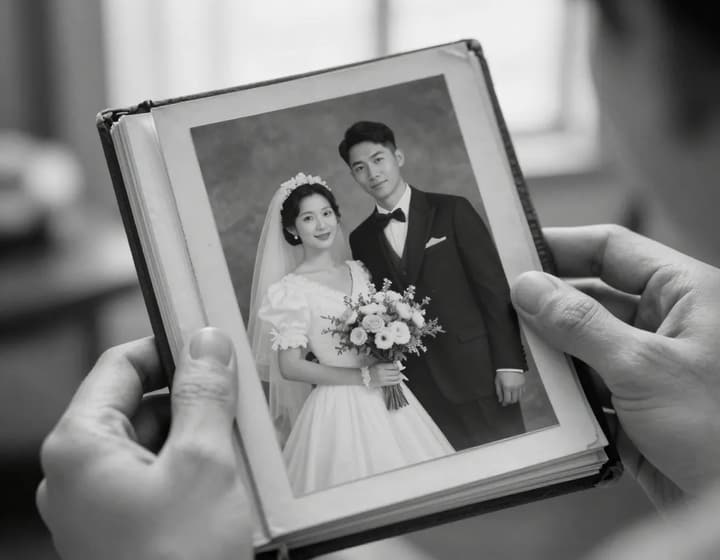
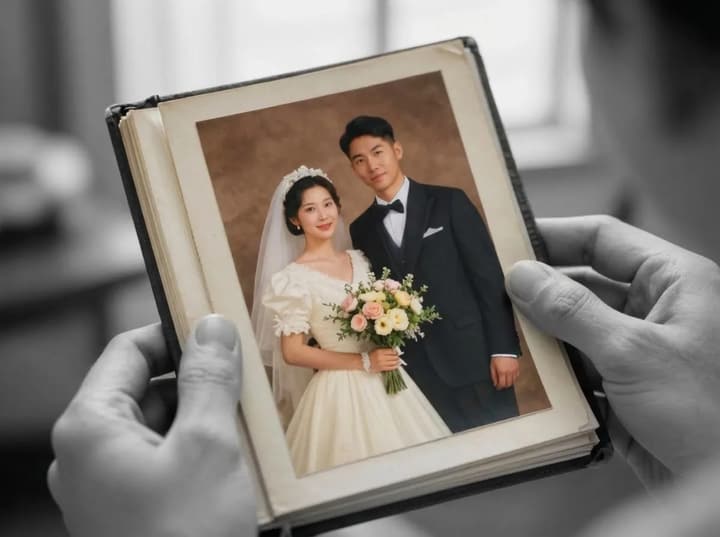
Bring vintage wedding photos back to life
Wedding photos capture a once‑in‑a‑lifetime moment, but many older albums are stuck in black and white. The AI photo colorizer restores the warmth of skin, the softness of the dress, and the color of flowers without over‑saturating the image. You keep the original lighting and film texture, while the photo gains a natural, timeless palette. The AI photo colorizer is perfect for anniversaries, family archives, and reprints that deserve a more vivid presence.
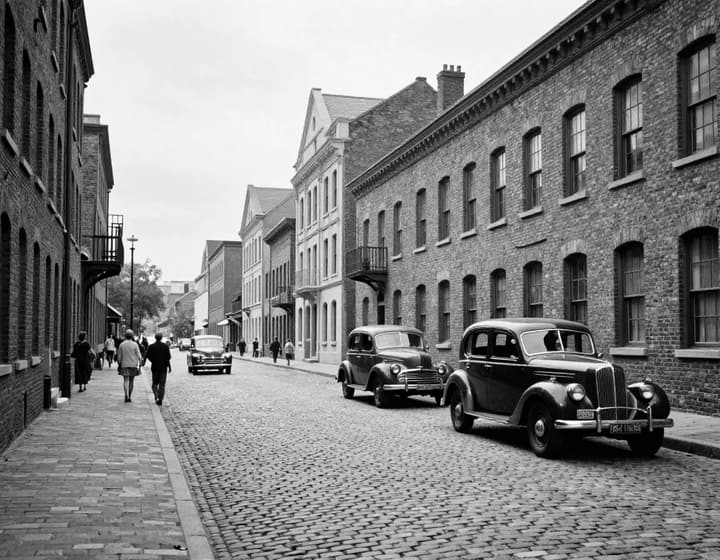
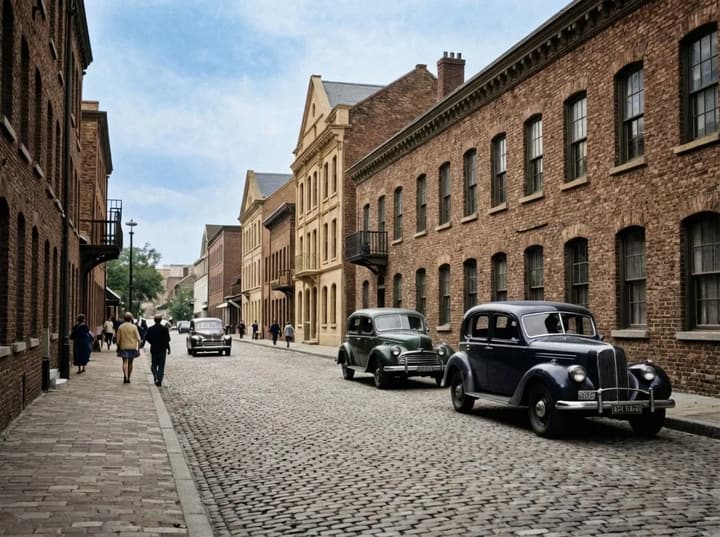
Colorize historical cityscapes and archives
Old street scenes, historical buildings, and archival landscapes often lose their impact in grayscale. The AI photo colorizer restores realistic sky tones, brick colors, and street details so the image feels more immersive and informative. This is valuable for educators, museums, historians, and creators who want to make the past feel vivid and accessible. The AI photo colorizer keeps the original grain and contrast while applying color that looks natural at typical viewing sizes.
Keep texture and detail while adding color
The best colorization keeps the texture of the original image—film grain, fabric detail, and lighting direction. The AI photo colorizer focuses on preserving those details so the final result still feels like a real photograph, not a painted overlay. This is especially important for close‑up portraits and heirloom images where realism matters most. You get believable color without losing the sharpness and authenticity of the original.
How to colorize black and white photos in 3 steps
The AI photo colorizer is designed for speed and clarity so anyone can restore a photo without complex tools.
1. Upload a black and white photo
Choose a clear photo with visible faces and details. High‑resolution scans produce the most realistic results, but the AI photo colorizer also works on casual snapshots.
2. Let the AI add natural color
Click colorize and the AI photo colorizer will add skin tones, clothing colors, and background hues that match the image structure.
3. Compare and download
Review the before and after view. If it looks right, download the colorized image and share, print, or archive it immediately.
AI photo colorizer FAQ
Common questions about colorizing black and white photos.
Bring your black and white photos back to life
Try the AI photo colorizer and see your memories in full color today.