
Free Online Image Collage Maker
Create stunning photo collages in minutes with our powerful, easy-to-use image collage maker. No design skills required.
Upload images to start
Why Choose Our Image Collage Maker?
Discover why thousands of users trust our free image collage maker to create professional photo collages. Our tool combines powerful features with an intuitive interface.
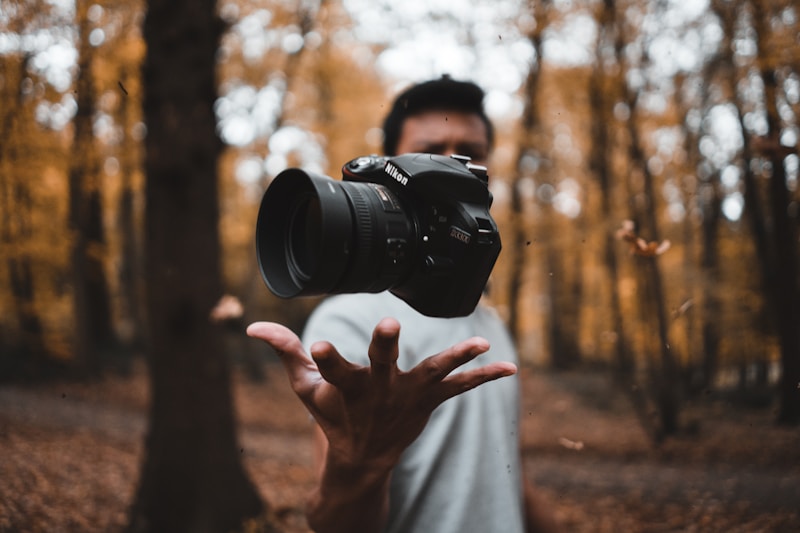
Intuitive Drag & Drop Image Collage Editor
Our image collage maker features a seamless drag-and-drop interface that makes creating photo collages effortless. Simply upload your images and drag them anywhere on the canvas. No technical skills required – anyone can create stunning image collages in minutes. The intuitive design ensures that even first-time users can produce professional-looking photo collages.

Precise Resize & Rotate Controls
Take full control of your image collage with our advanced resizing and rotation tools. Each photo in your collage can be independently scaled and rotated using intuitive corner handles. Maintain aspect ratios automatically or create unique compositions with custom sizing. Our image collage maker gives you the precision needed for pixel-perfect photo arrangements.

Pre-Designed Canvas Sizes for Every Platform
Create image collages optimized for any platform with our pre-set canvas sizes. Whether you need an Instagram post collage (1080×1080), Instagram Story (1080×1920), Facebook Cover photo, YouTube thumbnail, or professional print dimensions, our image collage maker has you covered. Switch between sizes instantly and create collages that look perfect everywhere.
High-Resolution Export Quality
Export your image collages in stunning high resolution. Our image collage maker produces crisp, clear PNG files that look amazing whether you're sharing on social media or printing large posters. No quality loss, no compression artifacts – just beautiful, print-ready photo collages every time you export.

100% Free with No Watermarks
Unlike other image collage makers, our tool is completely free with absolutely no watermarks on your finished collages. Create unlimited photo collages for personal or commercial use without paying a cent. No hidden fees, no premium upgrades required – just a powerful free image collage maker at your fingertips.
How to Create an Image Collage in 3 Easy Steps
Making beautiful photo collages has never been easier. Follow these simple steps to create your perfect image collage.
Step 1: Upload Your Photos
Click the 'Add Image' button or simply drag and drop up to 10 photos into our image collage maker. We support all popular image formats including JPG, PNG, WebP, and GIF.
Step 2: Arrange & Customize Your Collage
Drag your photos to position them perfectly on the canvas. Use the corner handles to resize, rotate for creative angles, and layer images for stunning overlapping effects. Choose your preferred canvas size and background color.
Step 3: Export Your Image Collage
When you're satisfied with your creation, click 'Export' to download your finished image collage as a high-resolution PNG file. Your collage is ready to share on social media, print, or use anywhere!
Image Collage Maker - Frequently Asked Questions
Ready to Create Your Image Collage?
Join thousands of users who create beautiful photo collages with our free image collage maker. No signup required – start creating now!