
Image Compressor
Start Compressing Your Images
Upload an image to start. Everything happens in your browser - no files are uploaded to any server.
Free Image Compressor — Reduce File Size Without Losing Quality
Compress JPG, PNG, and WebP images directly in your browser. No upload, no server, no privacy risk. Reduce file sizes by up to 80% while preserving visual quality — completely free, forever.
Why Choose Our Free Image Compressor for Optimizing Your Photos
Our free image compressor combines cutting-edge browser-based compression technology with an intuitive interface to deliver the fastest, safest, and most efficient image optimization experience available online.
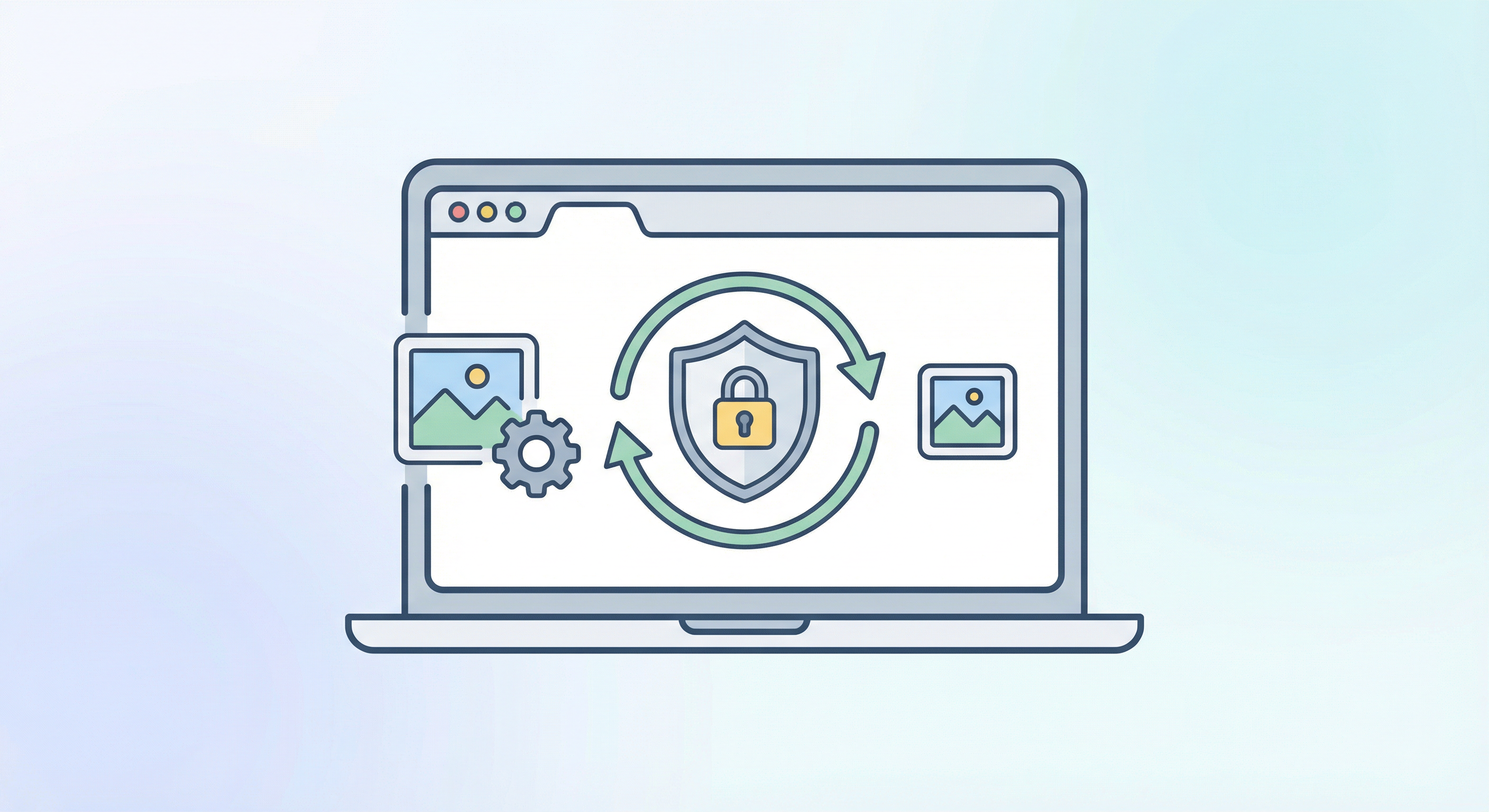
100% Browser-Based Compression — Your Images Never Leave Your Device
Unlike other online image compressors that upload your files to remote servers, our free image compressor processes everything directly in your browser using advanced client-side algorithms. This means your photos, screenshots, and personal images are never transmitted over the internet, never stored on any server, and never accessible to anyone but you. Whether you are compressing sensitive business documents, personal photographs, or confidential design assets, our image compressor guarantees complete privacy. The entire compression pipeline runs locally on your device using optimized WebAssembly and Canvas API technology, delivering professional-grade results without compromising your data security or requiring any account registration.
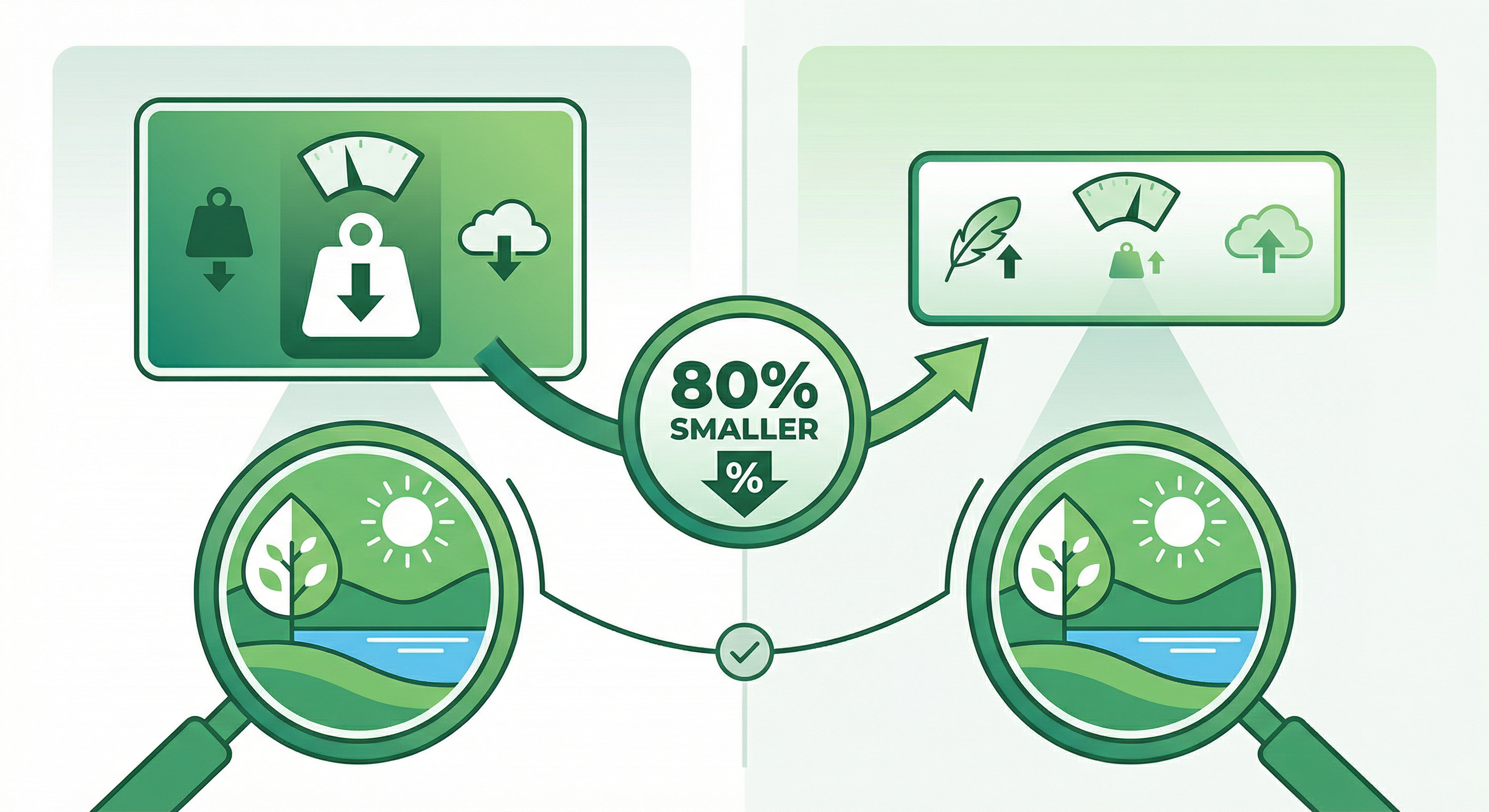
Smart Quality Preservation — Reduce Size by Up to 80% Without Visible Loss
Our image compressor uses intelligent perceptual compression algorithms that analyze the visual content of each image to find the optimal balance between file size reduction and visual quality. Instead of applying a one-size-fits-all compression ratio, the tool evaluates color gradients, edge sharpness, texture complexity, and detail density to determine exactly how much data can be removed without any perceptible quality degradation. The result is dramatic file size reduction — typically 60% to 80% smaller — while maintaining crystal-clear visual fidelity that is virtually indistinguishable from the original. This smart compression approach is ideal for photographers, web developers, e-commerce managers, and content creators who need fast-loading images that still look professional and stunning on any screen size or device.
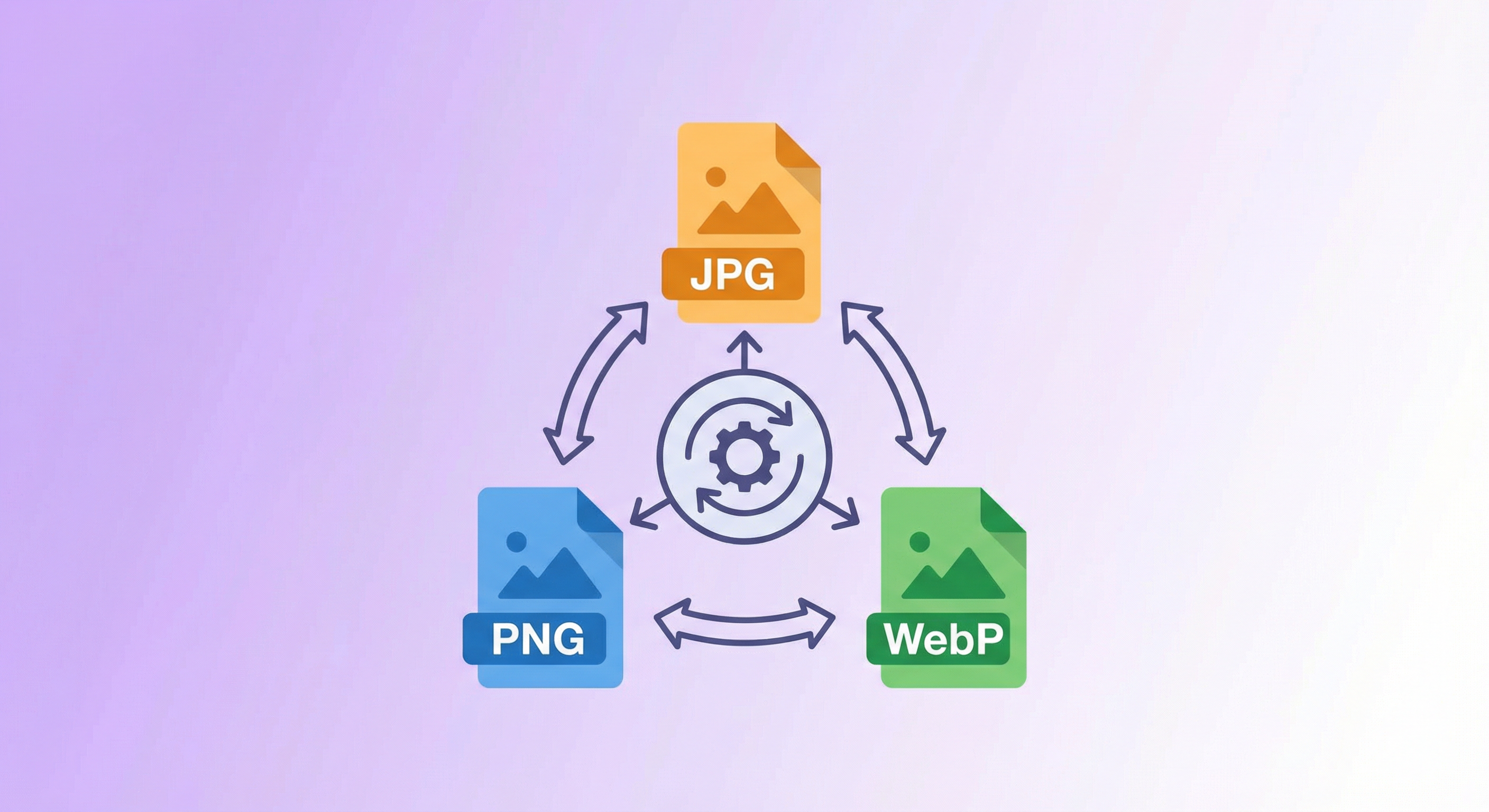
Multiple Format Support — Compress and Convert JPG, PNG, and WebP Images
Our versatile image compressor supports all major image formats including JPEG, PNG, and WebP, giving you complete flexibility over your image optimization workflow. Upload any supported format and choose your preferred output — keep the original format for compatibility, or convert to WebP for maximum compression efficiency with modern browser support. The WebP format typically delivers 25-35% smaller file sizes compared to JPEG at equivalent visual quality, making it the preferred choice for web performance optimization. PNG images with transparency are handled intelligently, preserving alpha channels while still achieving significant size reduction. Whether you are optimizing product photos for your online store, preparing blog images for faster page loads, or compressing screenshots for documentation, our image compressor handles every format with precision and care.
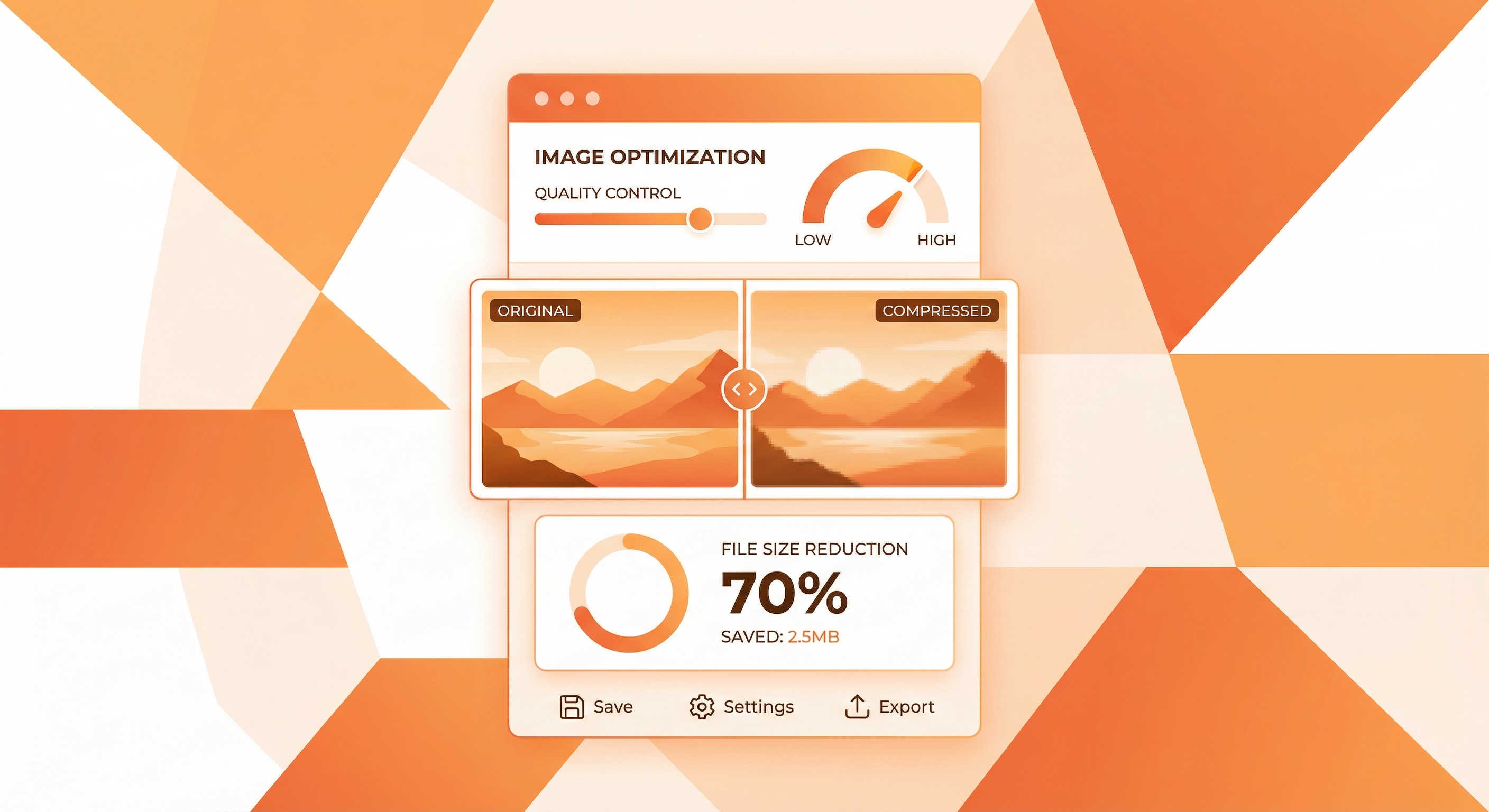
Instant Results with Adjustable Quality Control for Every Use Case
Take full control of your compression workflow with our intuitive quality slider that lets you fine-tune the perfect balance between file size and image quality for your specific needs. Preview the compressed result in real-time with a side-by-side comparison view that shows both the original and compressed versions simultaneously, so you can make informed decisions before downloading. Need the smallest possible file for email attachments? Slide the quality down for maximum compression. Preparing images for a high-end portfolio? Keep the quality high for minimal visual impact. Our image compressor provides detailed statistics including original file size, compressed file size, and the exact percentage of space saved, giving you complete transparency and control over every optimization. The processing happens in milliseconds, making it the fastest free image compressor available for batch workflows and quick one-off compressions alike.
How to Compress Images Online for Free
Optimize your images in three simple steps — no sign-up, no software download, no file uploads to servers.
Upload Your Image
Click the upload area or drag and drop your image file. We support JPEG, PNG, and WebP formats up to 20MB. Your file stays on your device — nothing is uploaded to any server.
Adjust Compression Settings
Use the quality slider to set your desired compression level. Choose your preferred output format — keep the original, convert to WebP for maximum savings, or export as JPEG. Preview the result instantly with side-by-side comparison.
Download Your Compressed Image
Review the compression statistics showing original size, compressed size, and percentage saved. When satisfied, click Download to save your optimized image. The compressed file is ready for web, email, social media, or any other use.
Frequently Asked Questions About Our Free Image Compressor
Find answers to common questions about image compression, file formats, quality settings, and how our free online image compressor works.
Start Compressing Your Images for Free — No Sign-Up Required
Join thousands of web developers, designers, and content creators who use our free image compressor to optimize their images every day. Fast, private, and unlimited.