
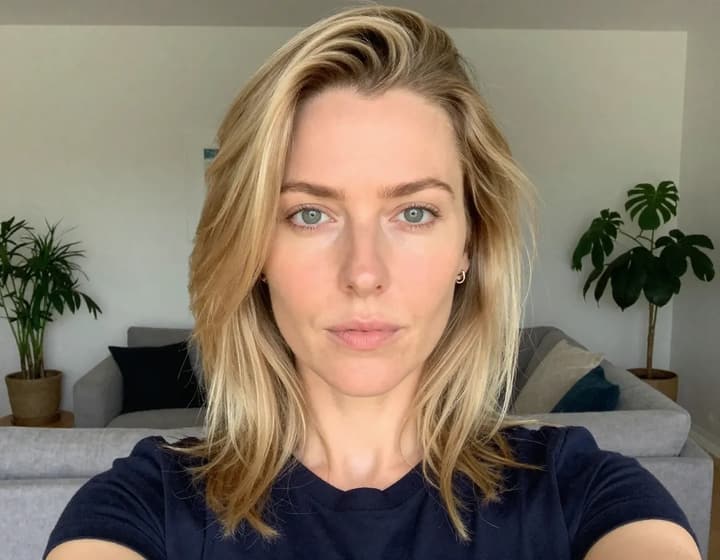
Selfie
Passport Photo
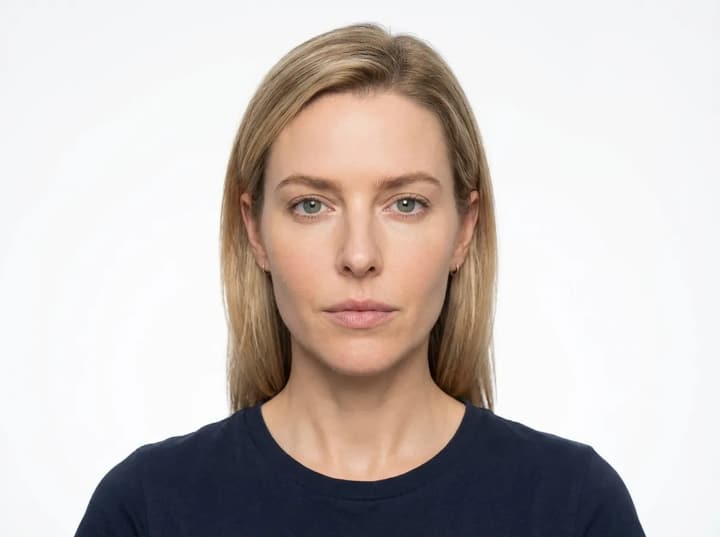
Passport Photo Maker: Turn a Selfie into a Compliant Passport Photo
With Passport Photo Maker, you can create a compliant passport photo from a simple front‑facing selfie—no studio visit required. The tool automatically removes the background, aligns the face, adjusts lighting, and crops to official requirements for your selected country. Whether you are applying for a passport, visa, or ID renewal, Passport Photo Maker helps you avoid rejections and save time. Upload once, generate once, and download a professional passport photo that meets size and composition rules without manual editing. If you need a reliable passport photo maker on a tight timeline, this is built for you.
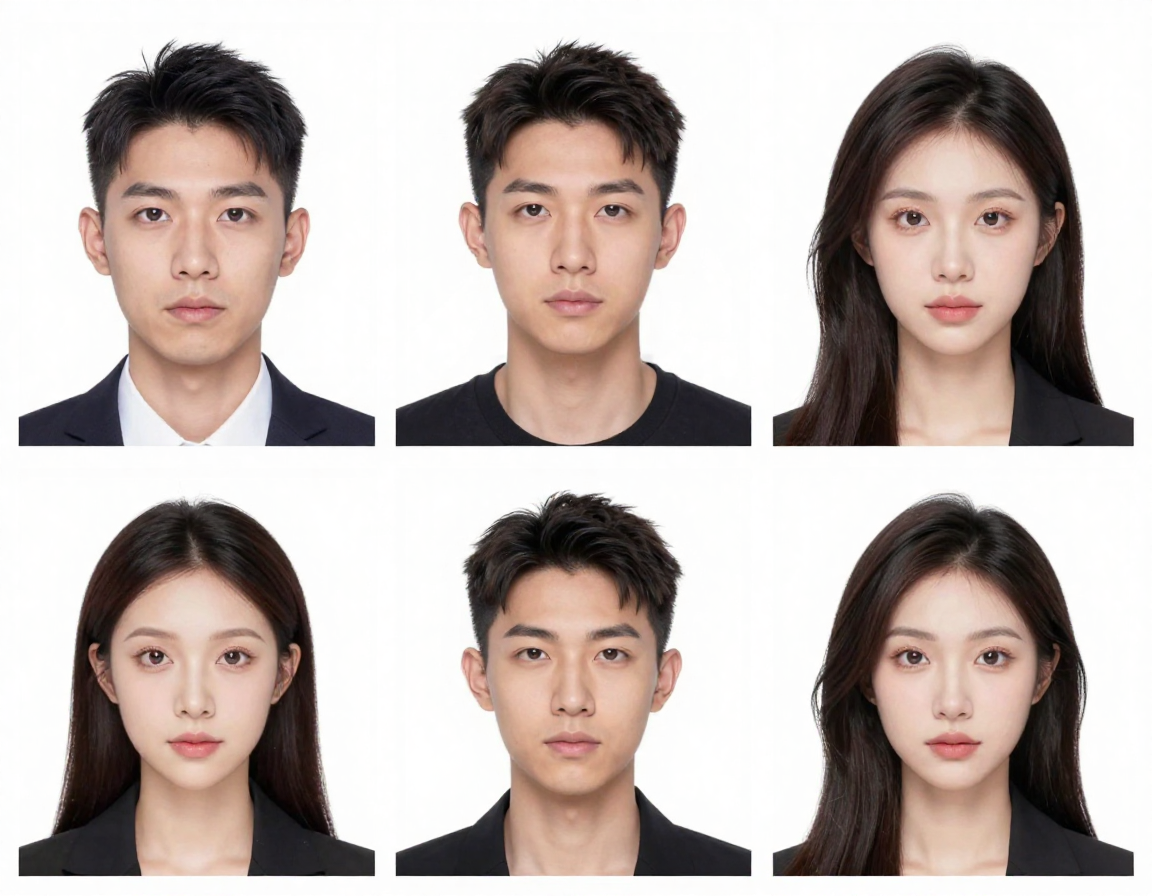
Passport Photo Maker Features Built for Approval
Every step is designed to pass real-world document checks. Passport Photo Maker focuses on compliance, accuracy, and consistent output so your passport photo is accepted the first time. This passport photo maker workflow reduces guesswork.
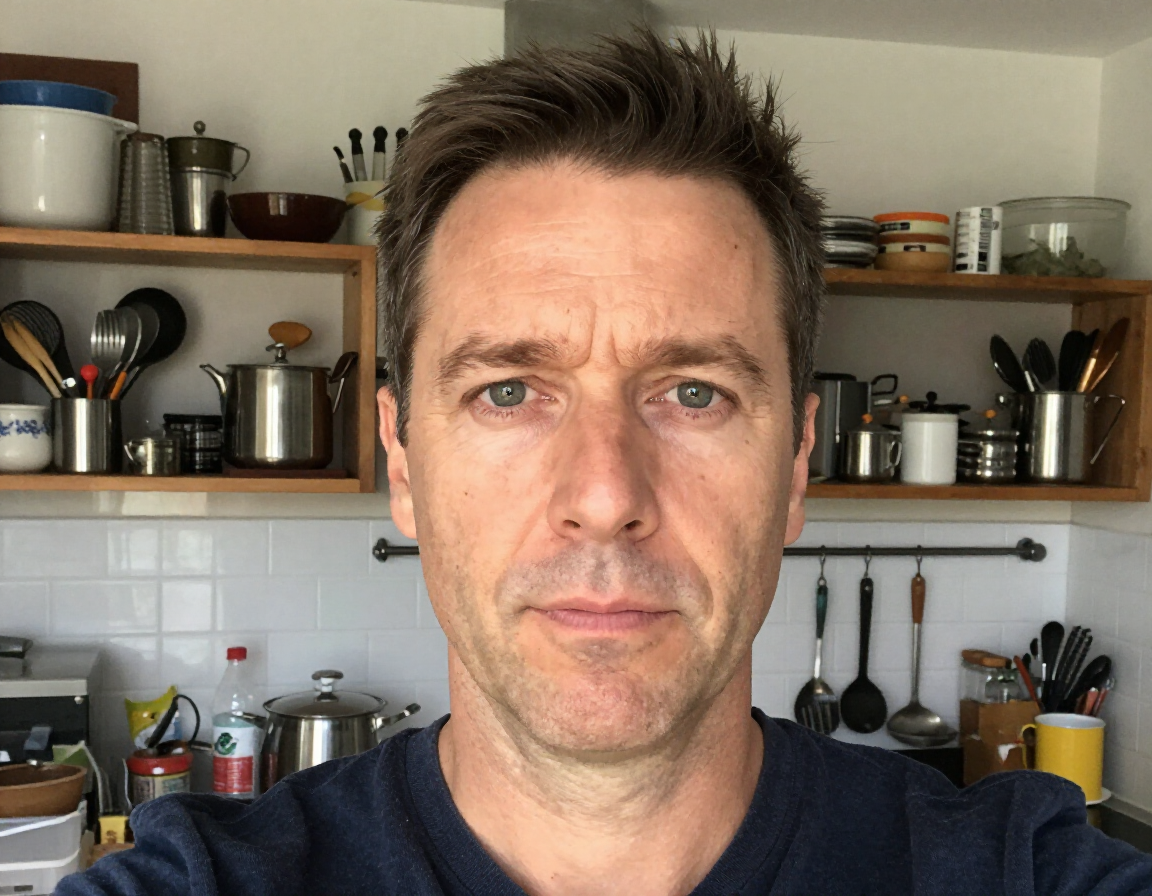
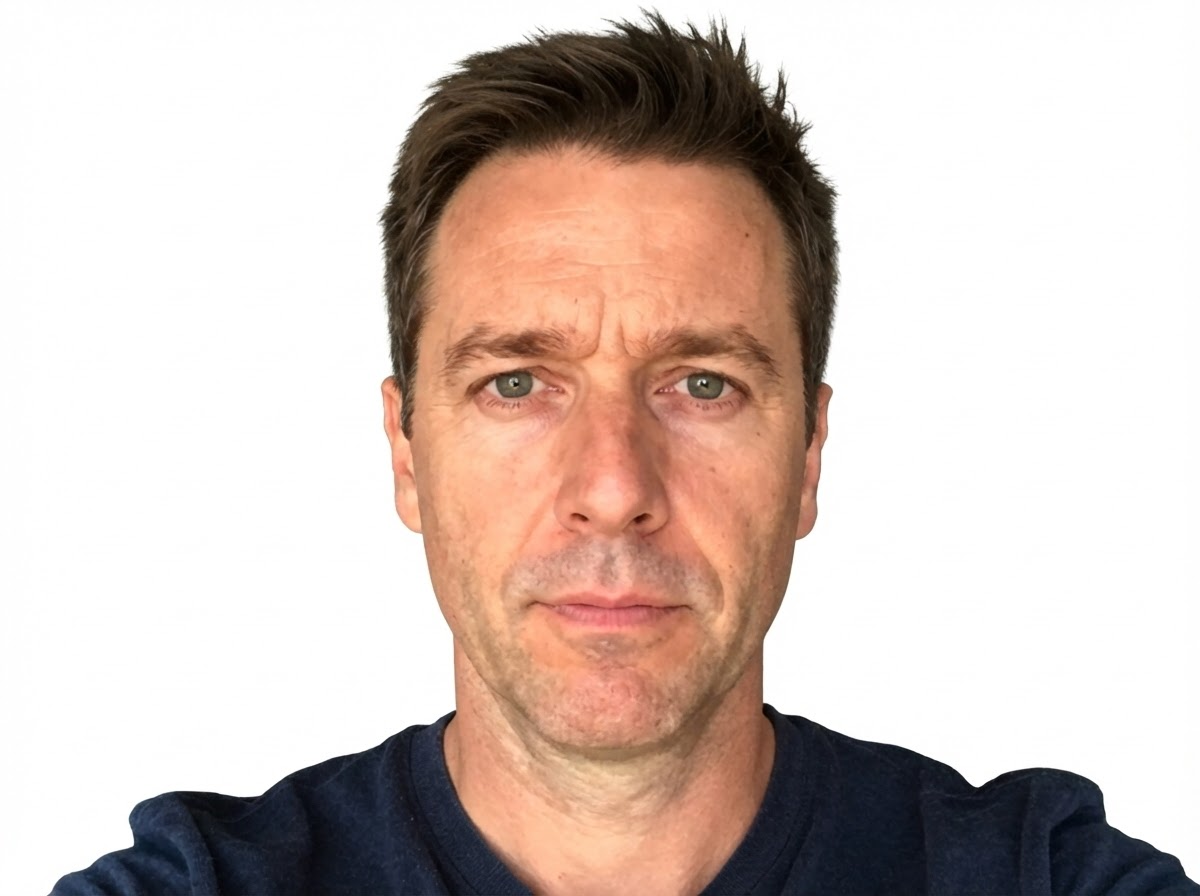
Instant Background Standardization
A common rejection reason is a non‑compliant background. Passport Photo Maker detects the subject, cleanly separates hair and shoulders, and replaces cluttered walls with the exact solid color required (white, blue, or red). It removes shadows, gradients, and texture so the background is uniform and flat. The result is a passport photo that looks official without manual masking. Passport photo maker processing also minimizes edge halos and color spill so your outline remains natural and crisp, which helps agencies approve your image on the first submission. This is especially helpful for home selfies taken near furniture, windows, or patterned walls. Passport photo maker output also keeps neck and shoulder edges clean for biometric cropping, so you don’t need retakes for background errors.
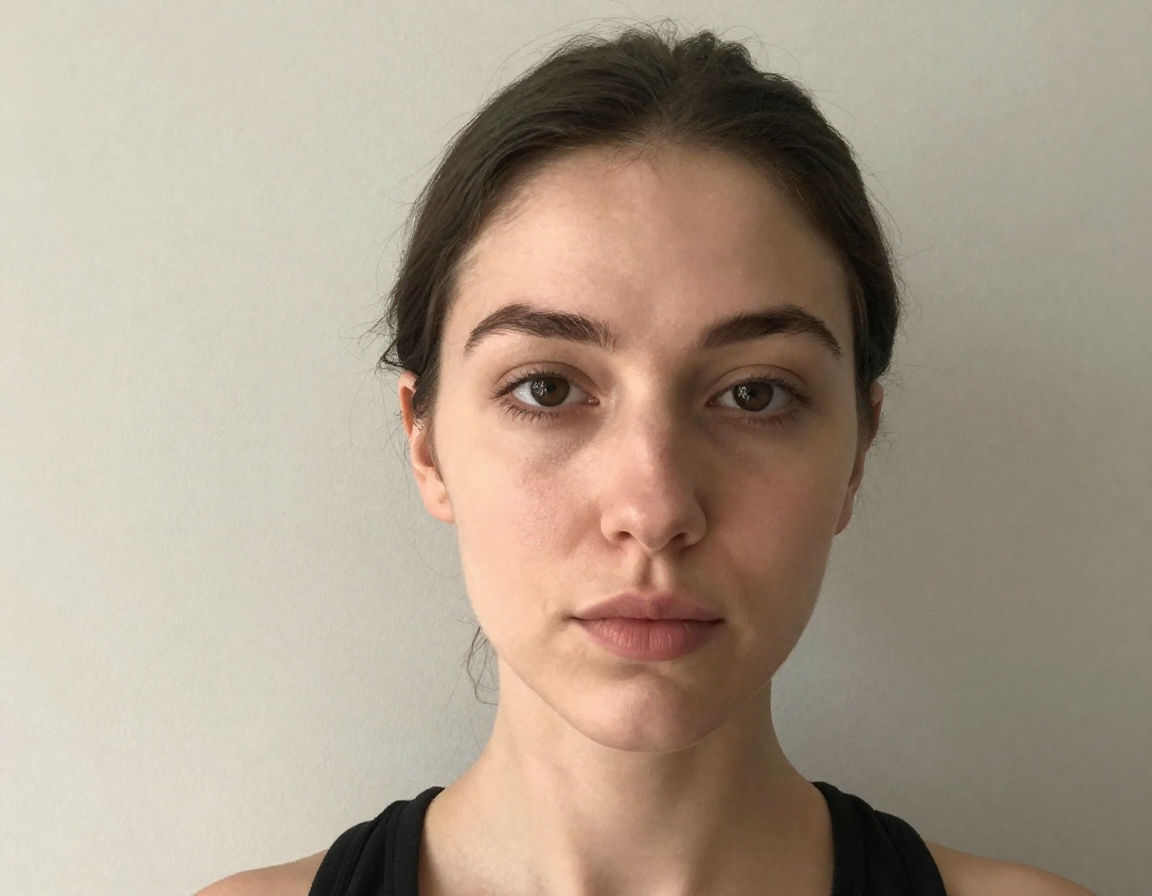
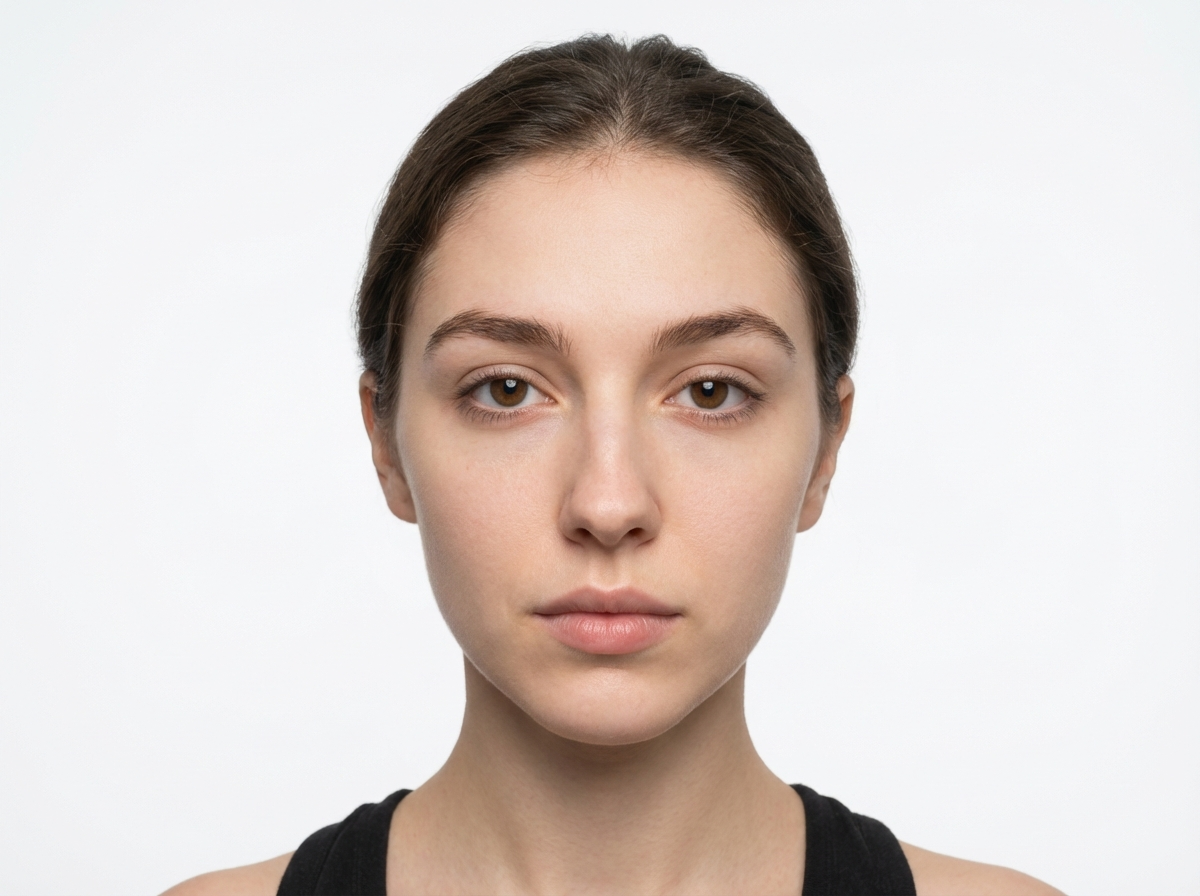
Biometric Face Alignment
Passport photo rules are strict about head size, eye level, and positioning. Passport Photo Maker automatically detects facial landmarks, aligns the eye line, and sets head height and shoulder placement to match the official template. The crop is adjusted to the exact proportions for the selected country, so your passport photo meets size and padding rules. This passport photo maker alignment step reduces rejection risk and keeps results consistent across different document types and jurisdictions. It also prevents common mistakes like too much headroom, tilted faces, or misaligned shoulders that often lead to resubmission. Passport photo maker precision removes guesswork and helps you pass size checks across agencies without manual measurements.
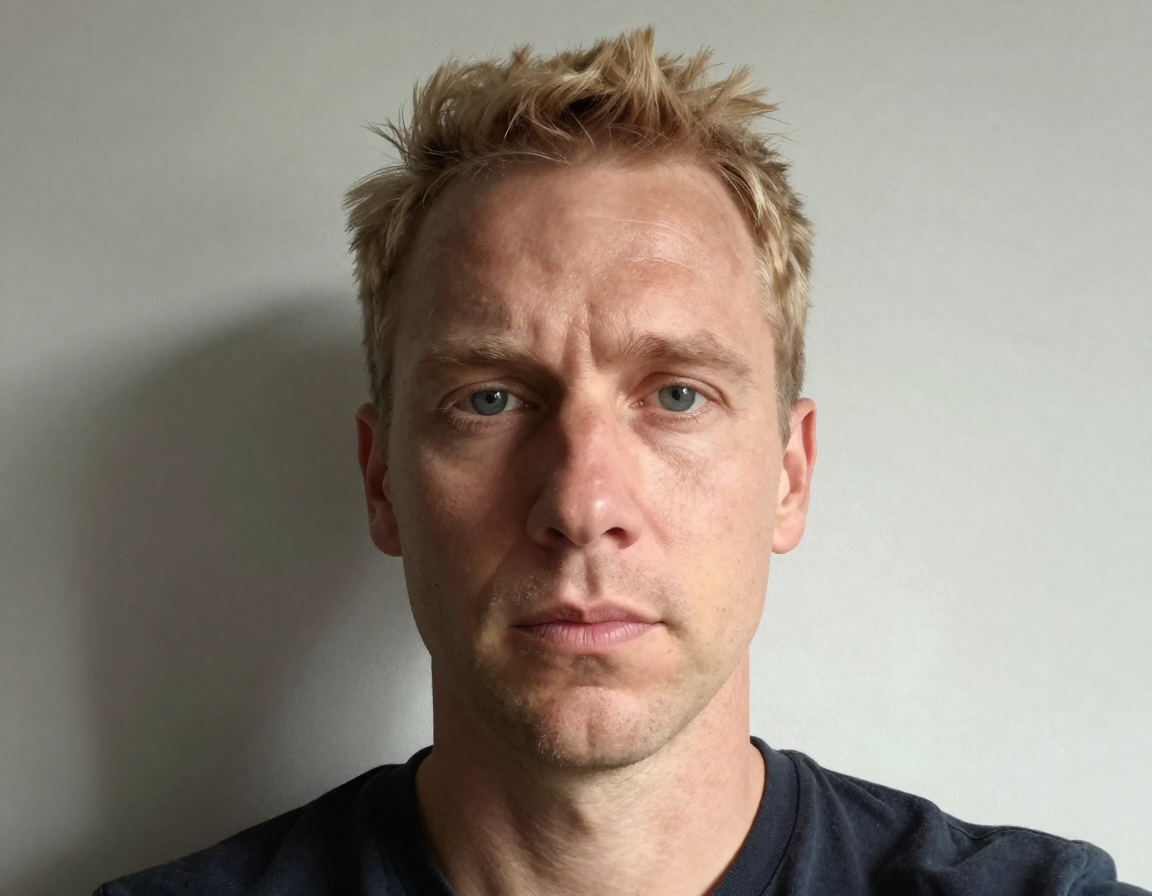
Lighting & Shadow Correction
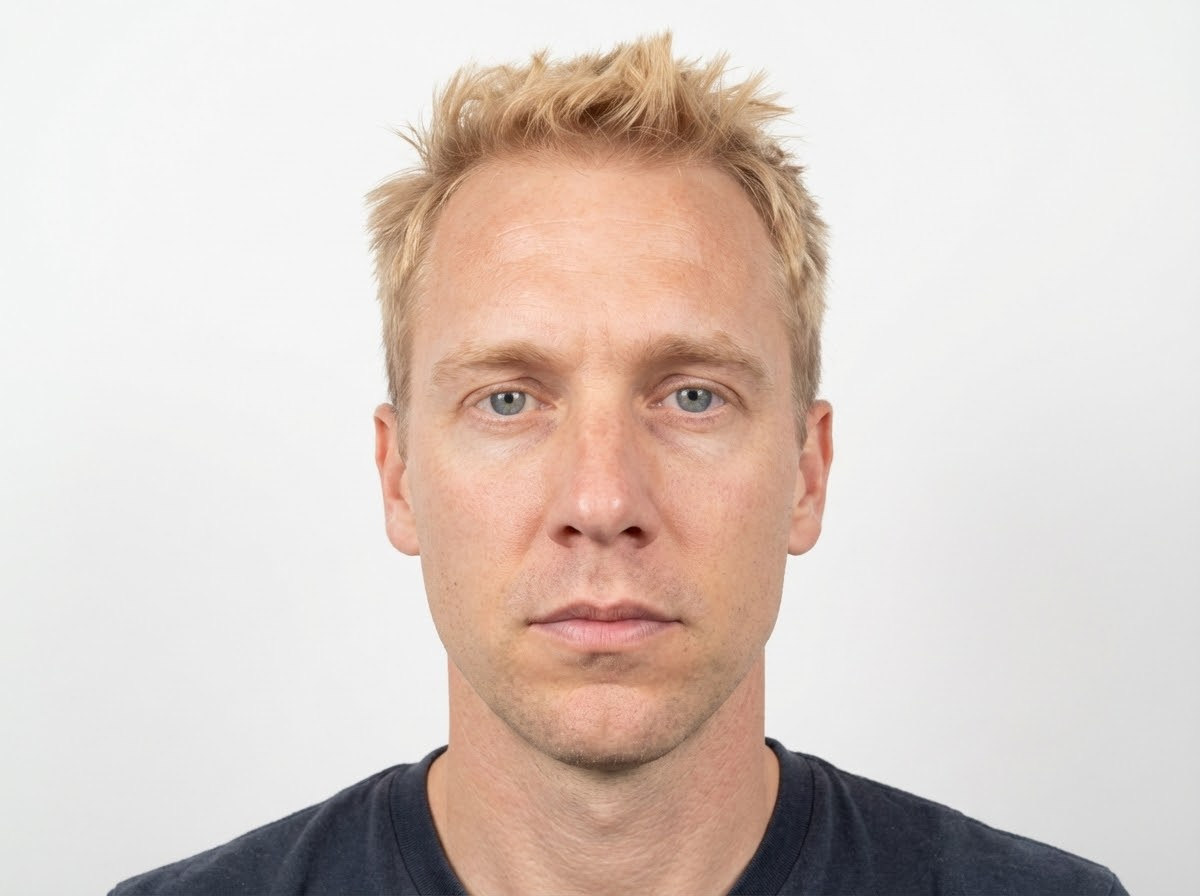
Uneven light or harsh shadows can cause a passport photo to be rejected. Passport Photo Maker balances exposure across the face, softens dark patches, and removes background shadows for a clean, flat‑lit look. It also reduces glare hotspots without over‑smoothing skin, so features remain natural and clear. Passport photo maker lighting correction ensures your photo meets official standards while still looking like you, even if the original selfie was taken in difficult indoor light. This helps keep skin tone consistent, improves facial visibility, and avoids the “flashy” look that can fail automated checks. Passport photo maker lighting ensures your face remains evenly visible in both digital and printed submissions.
Country Size & Template Matching
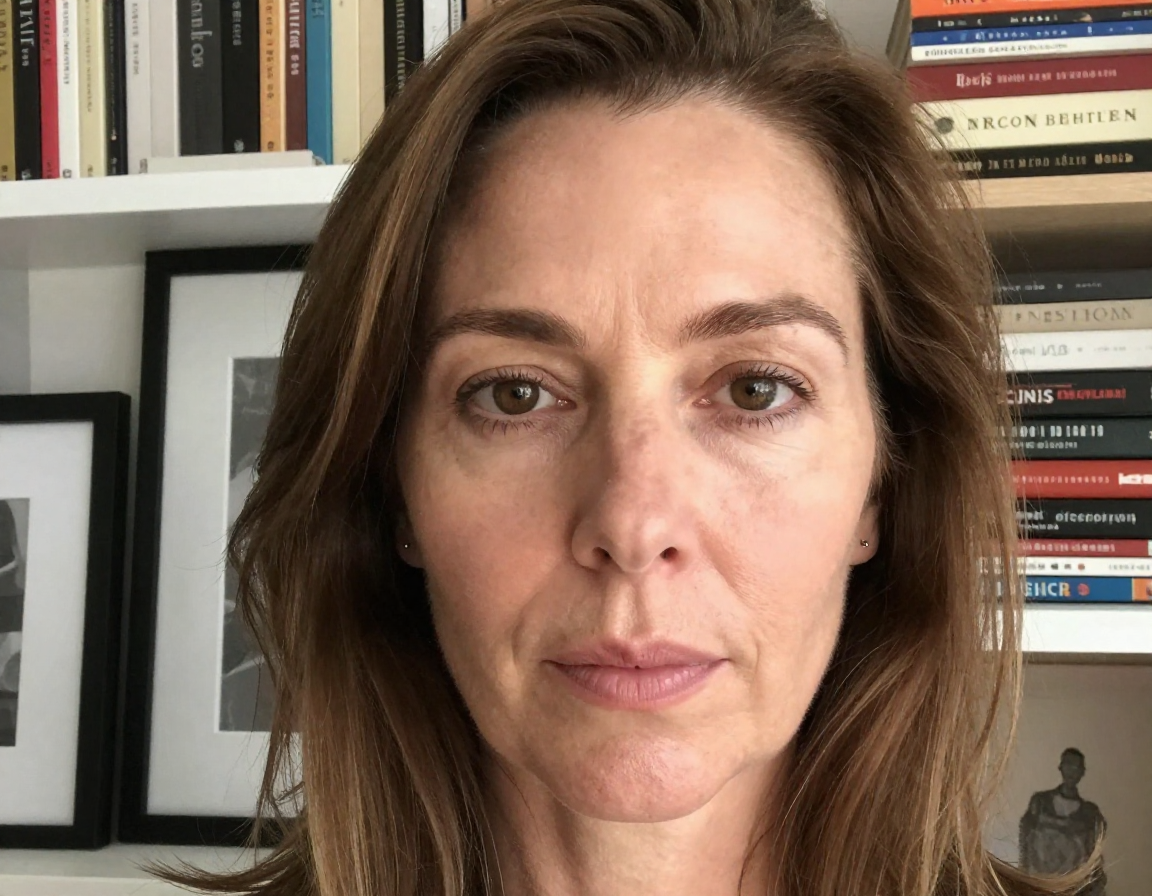
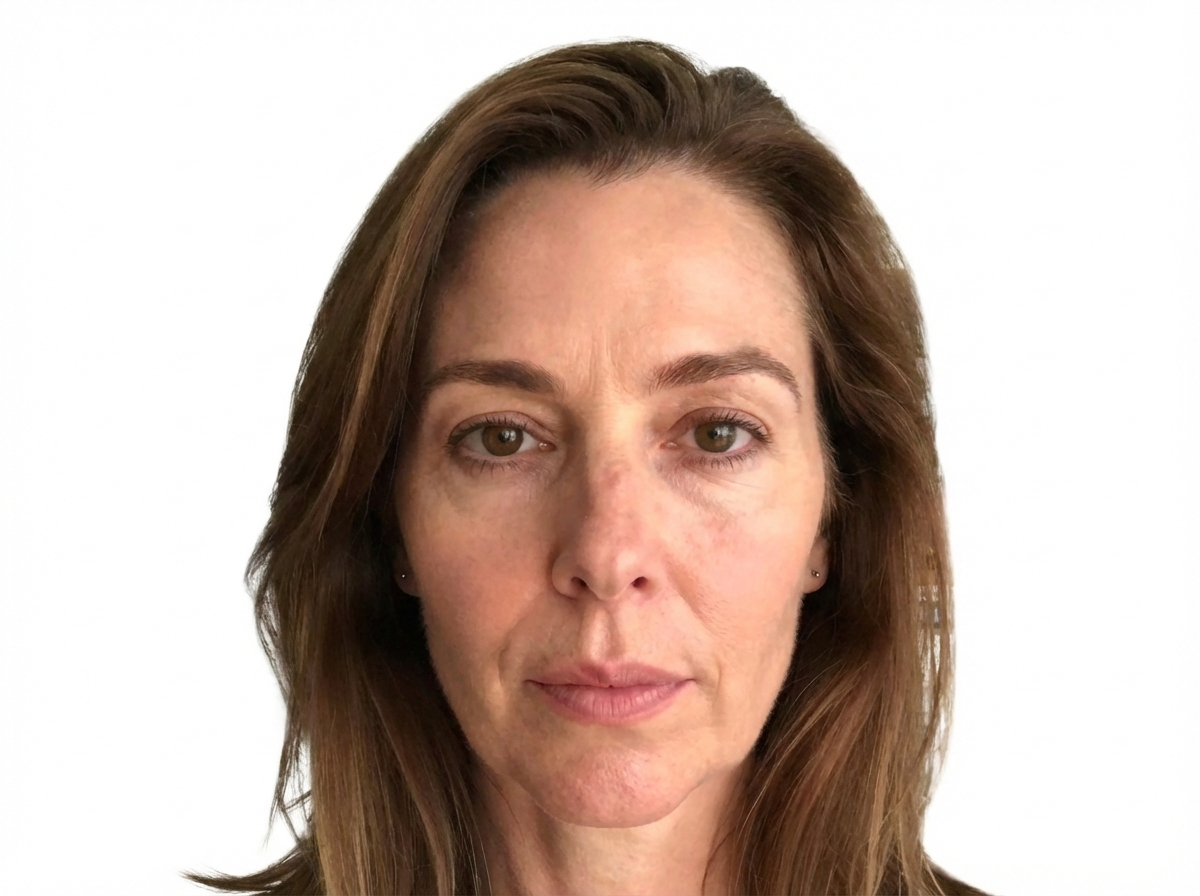
Passport photo sizes vary widely between countries. Passport Photo Maker includes templates for common standards such as 2x2 inches, 35x45mm, and other national formats. Select your country or document type and the tool auto‑applies the correct size, aspect ratio, and padding. This passport photo maker step prevents wrong‑size submissions and avoids rejections that come from mismatched dimensions, making the process smoother for passports, visas, and ID renewals. It also ensures the correct head-to-photo ratio, which is often the hidden reason for failed applications. Passport photo maker presets help you switch between passport, visa, and ID formats without resizing in external tools.
Natural Color & Tone Optimization
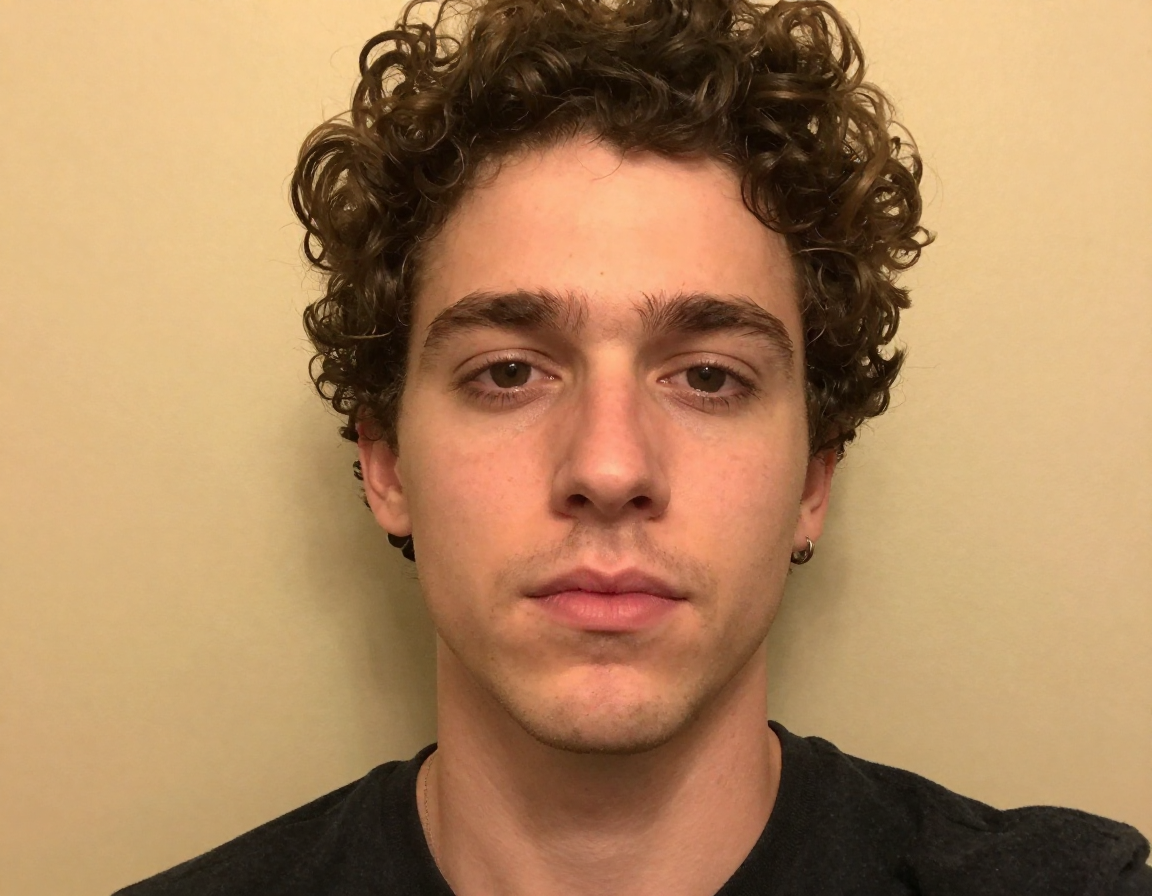
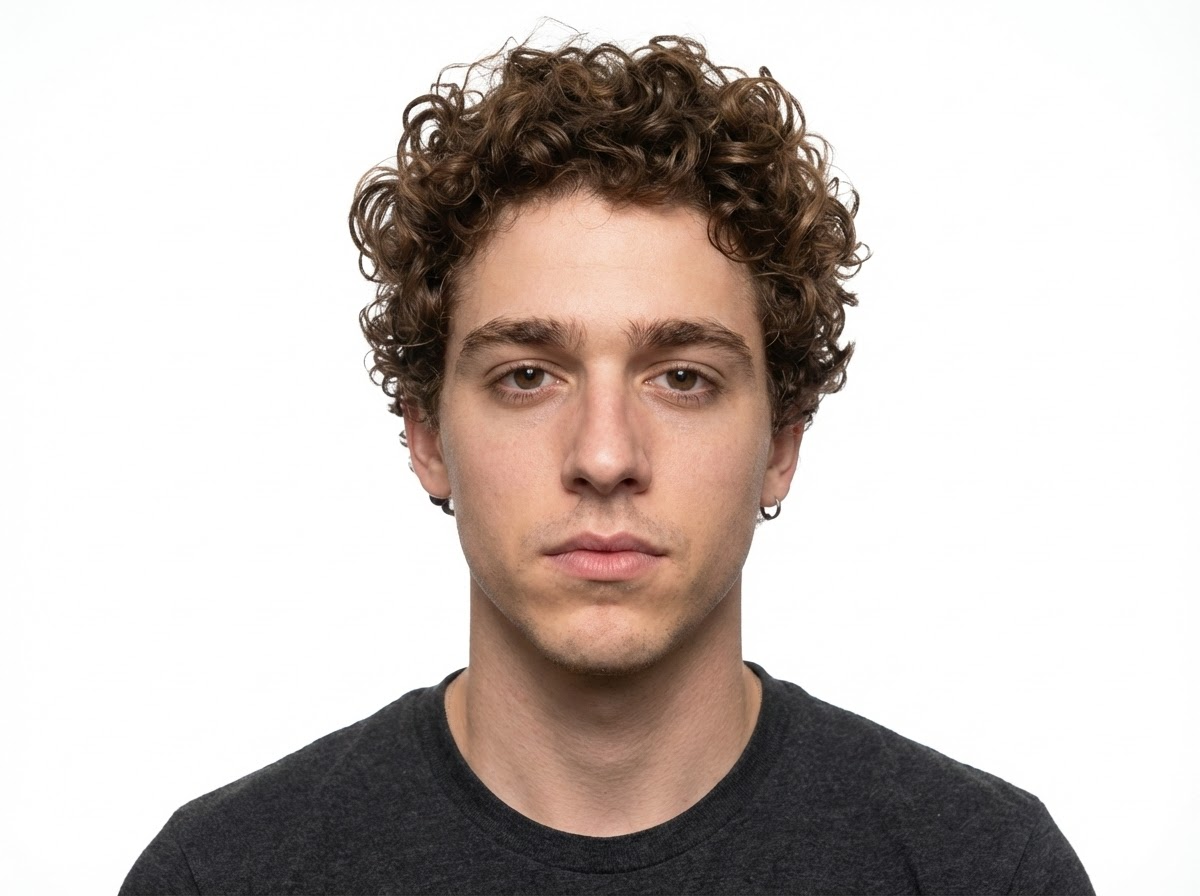
An acceptable passport photo must look natural without heavy edits. Passport Photo Maker subtly balances skin tone, contrast, and white balance so your face is clear and realistic. Clothing color and facial details remain accurate while the overall image looks professional and consistent with official requirements. This passport photo maker adjustment avoids artificial filters and keeps the photo compliant, readable, and visually trustworthy for biometric checks. If your selfie has a warm indoor color cast or dull tones, the tool corrects it to a neutral, official‑grade look. Passport photo maker color control keeps the image honest while still improving clarity for official review.
Print‑Ready Layout Sheet
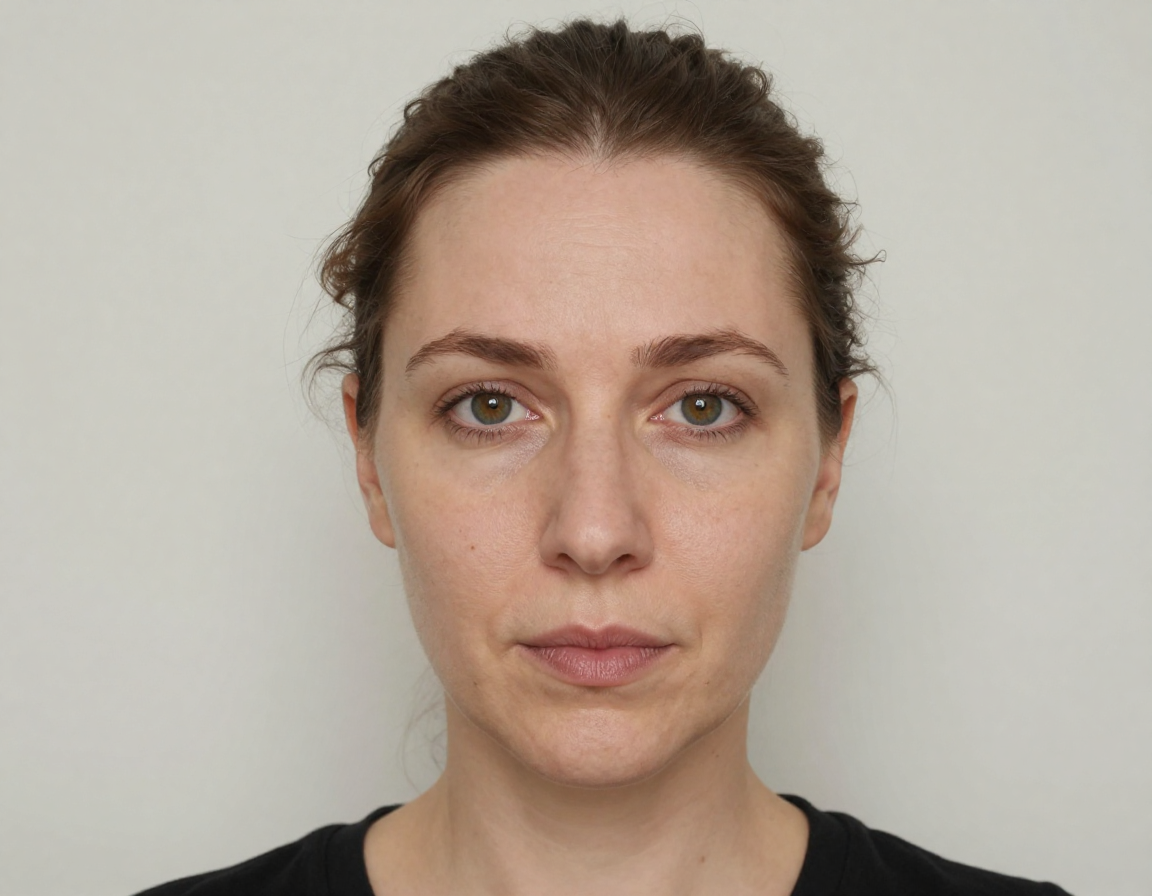
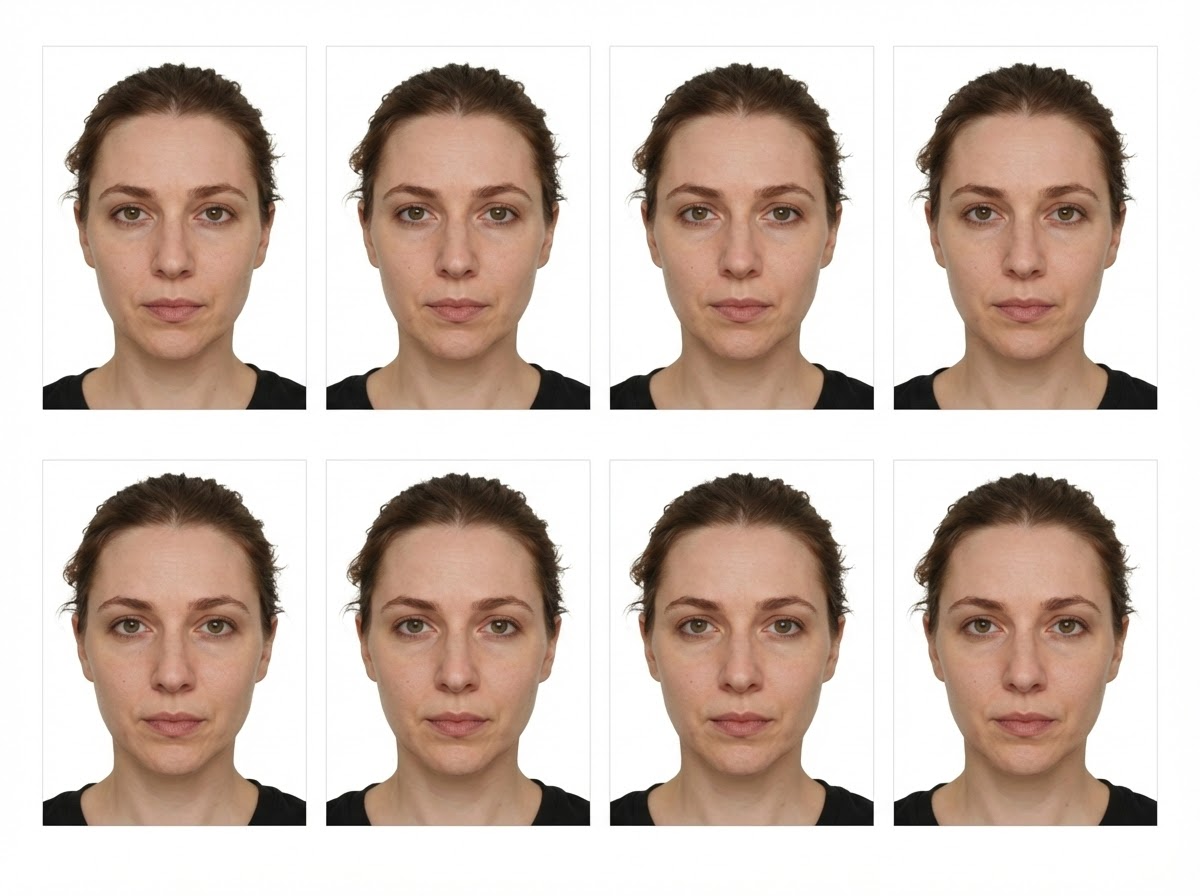
Need printed copies? Passport Photo Maker generates a standard 4x6 layout sheet with multiple passport photos aligned for easy printing and cutting. Spacing is precise so local print shops can produce consistent results without extra setup. The passport photo maker layout saves time and money compared to photo booths and ensures you have multiple copies ready for paper submissions or backup use. It also eliminates guesswork about spacing and sizing, so you don’t waste paper on trial prints. Passport photo maker print layouts reduce trial prints and give you a reliable sheet for mail‑in or in‑person applications. It also standardizes spacing for common print kiosks.
Glasses & Obstruction Checks
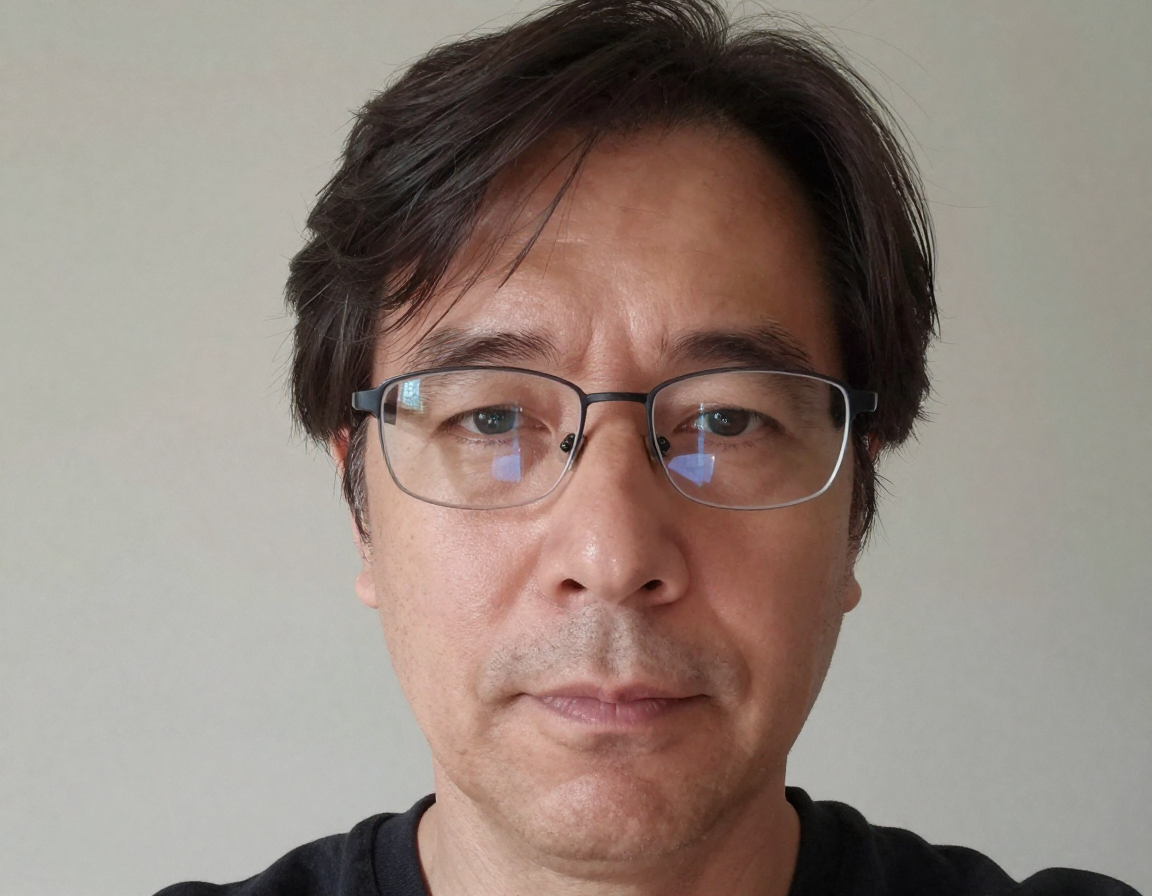
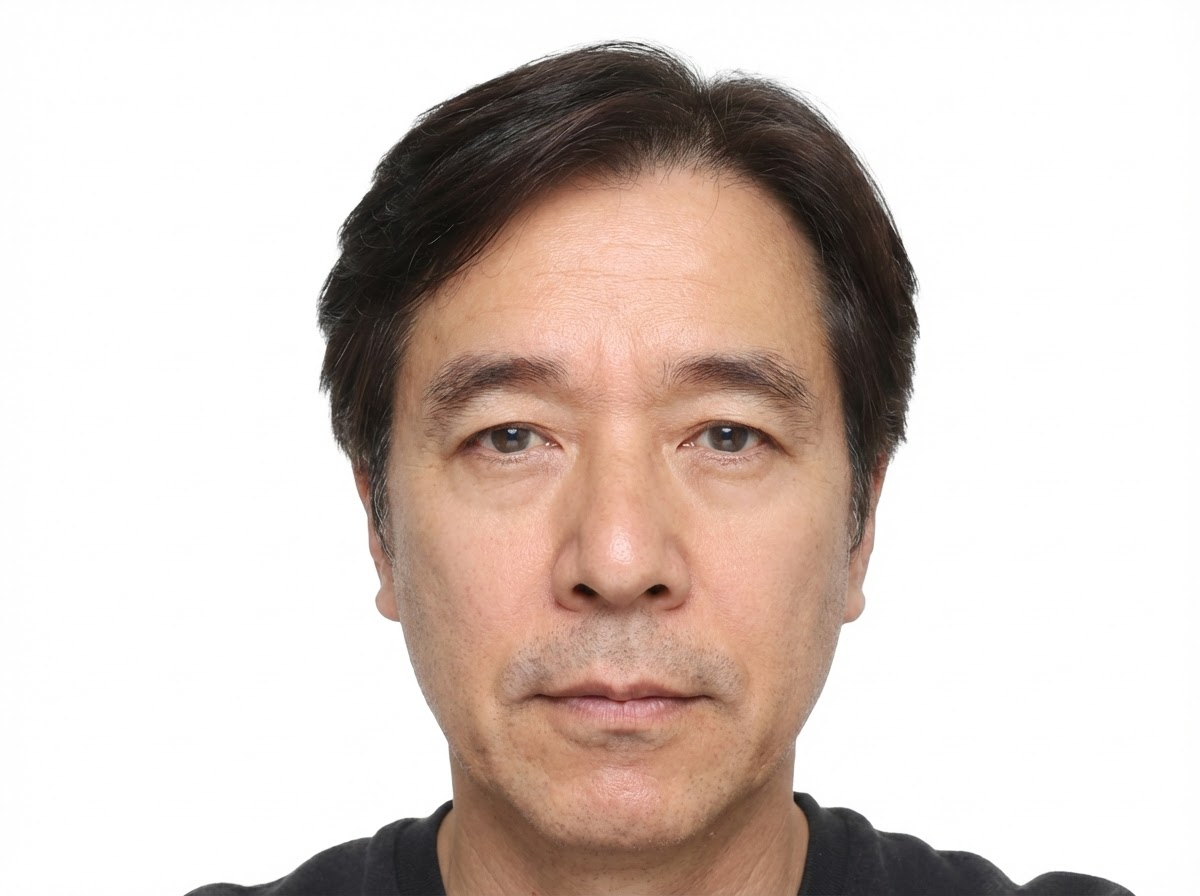
Reflections on glasses, hair covering the forehead, or partial face obstruction can trigger rejection. Passport Photo Maker scans for these issues and flags them before you submit. It helps you decide whether to retake the selfie or proceed, which reduces delays. Passport photo maker checks provide a simple compliance layer so you can feel confident that your passport photo meets visibility rules. This is especially useful for people who wear glasses daily, where glare is the most common hidden rejection reason. Passport photo maker warnings help you decide quickly whether to remove glasses or adjust hair before final download. This saves time and reduces resubmissions.
High‑Resolution Output for Digital Submission
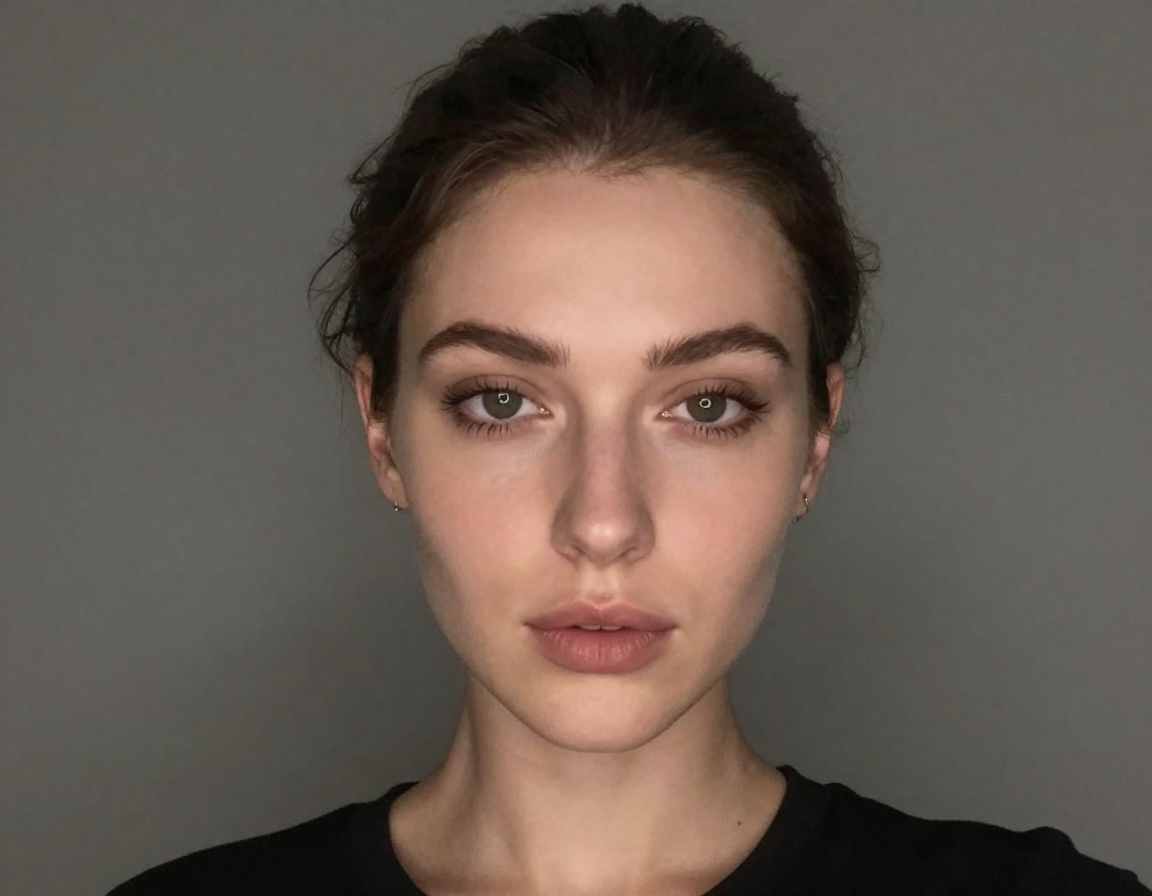
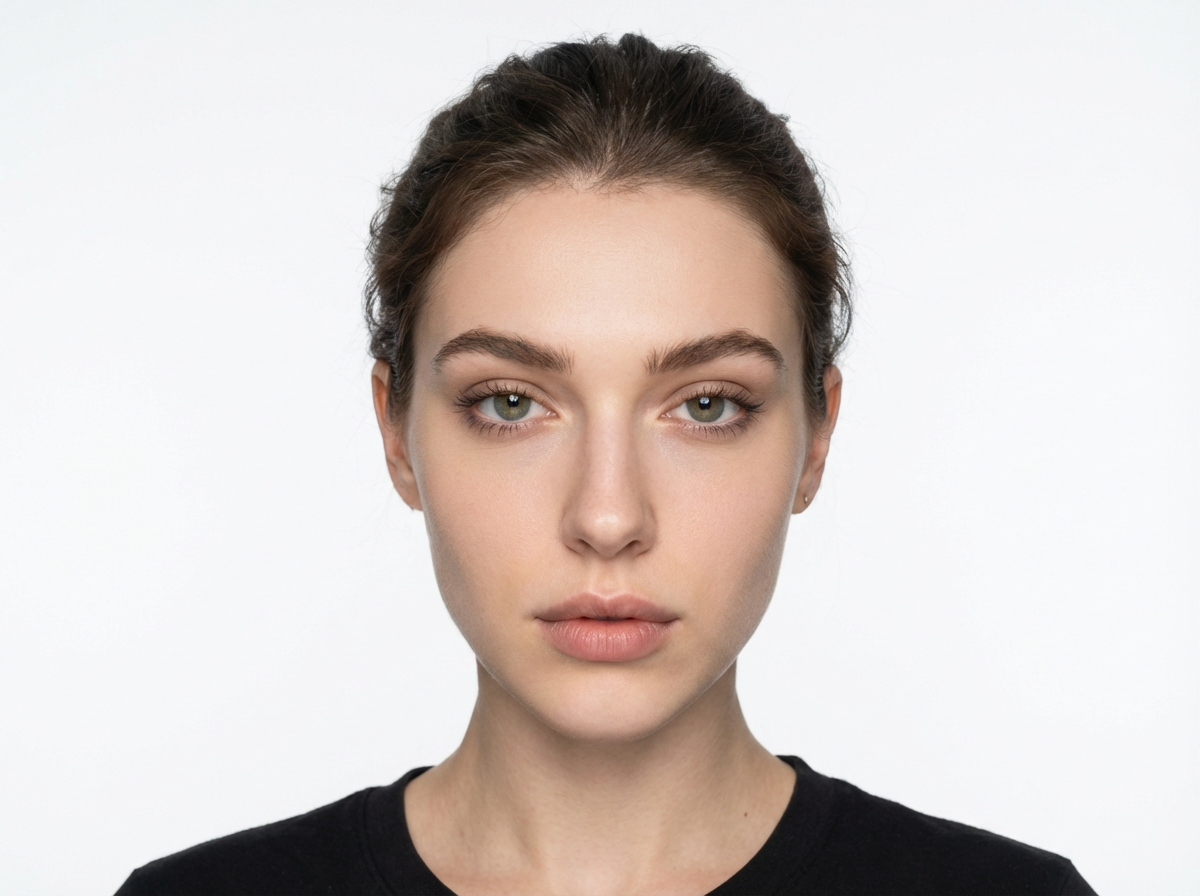
Passport Photo Maker keeps output sharp and high‑resolution for biometric scanning and online applications. The final passport photo remains crisp, with clean edges and readable facial detail, even after download. This passport photo maker output quality is suitable for digital submission and printing, so you don’t need additional enhancement steps before sending your application. High resolution also protects you from compression issues on submission portals that might otherwise reduce clarity and cause a failed review. Passport photo maker files are optimized for upload portals and remain sharp even after standard compression. That consistency is crucial for approvals. It improves approval confidence.
Create a Compliant Passport Photo in 3 Steps
Use Passport Photo Maker at home to generate a valid passport photo quickly.
1. Upload a Front‑Facing Selfie
Use a neutral expression, face the camera, and keep the image clear. Passport Photo Maker will handle the rest.
2. Select Country & Size
Choose the target country or document type so Passport Photo Maker applies the correct size and alignment rules.
3. Generate & Download
Download your compliant passport photo and optional print sheet immediately.
Passport Photo Maker FAQs
Answers to help you create a compliant passport photo easily.
Create Your Passport Photo at Home
Save time and get approval faster with Passport Photo Maker.