
Sketch
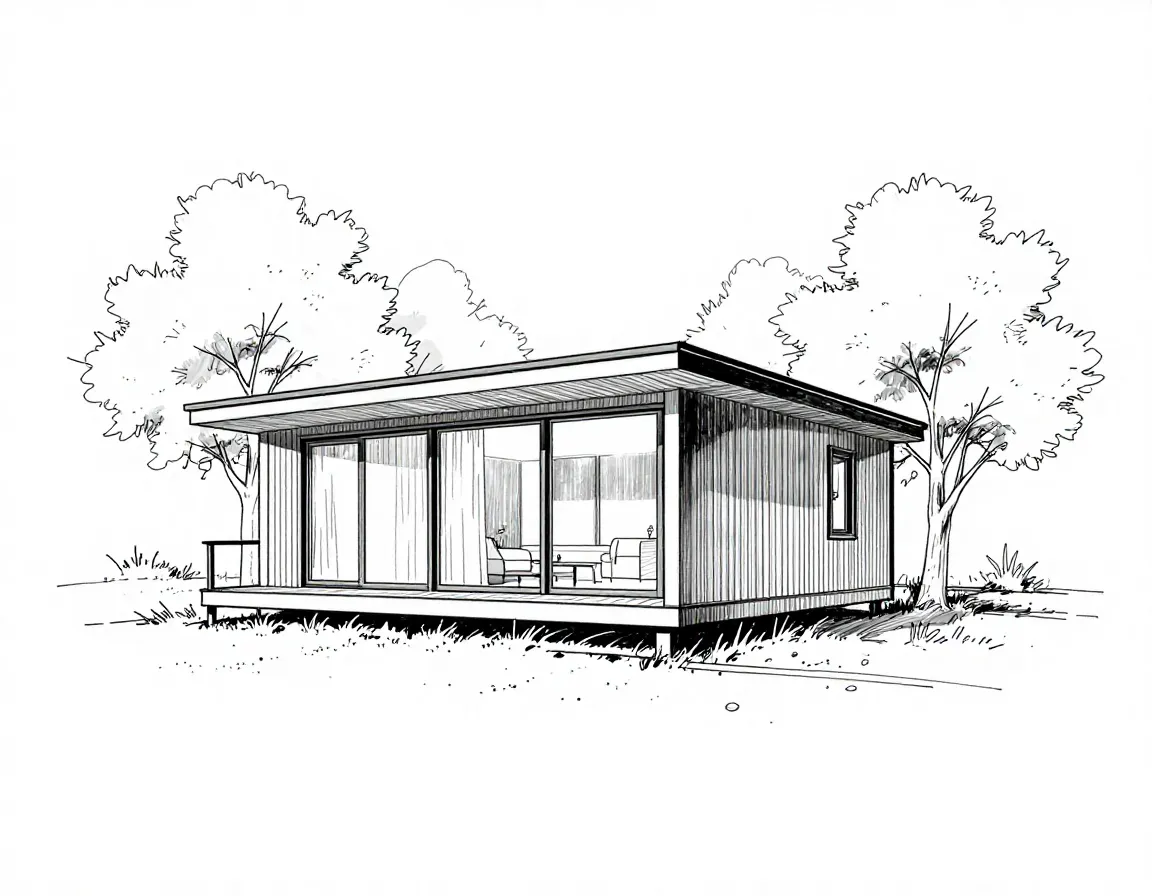
Photo
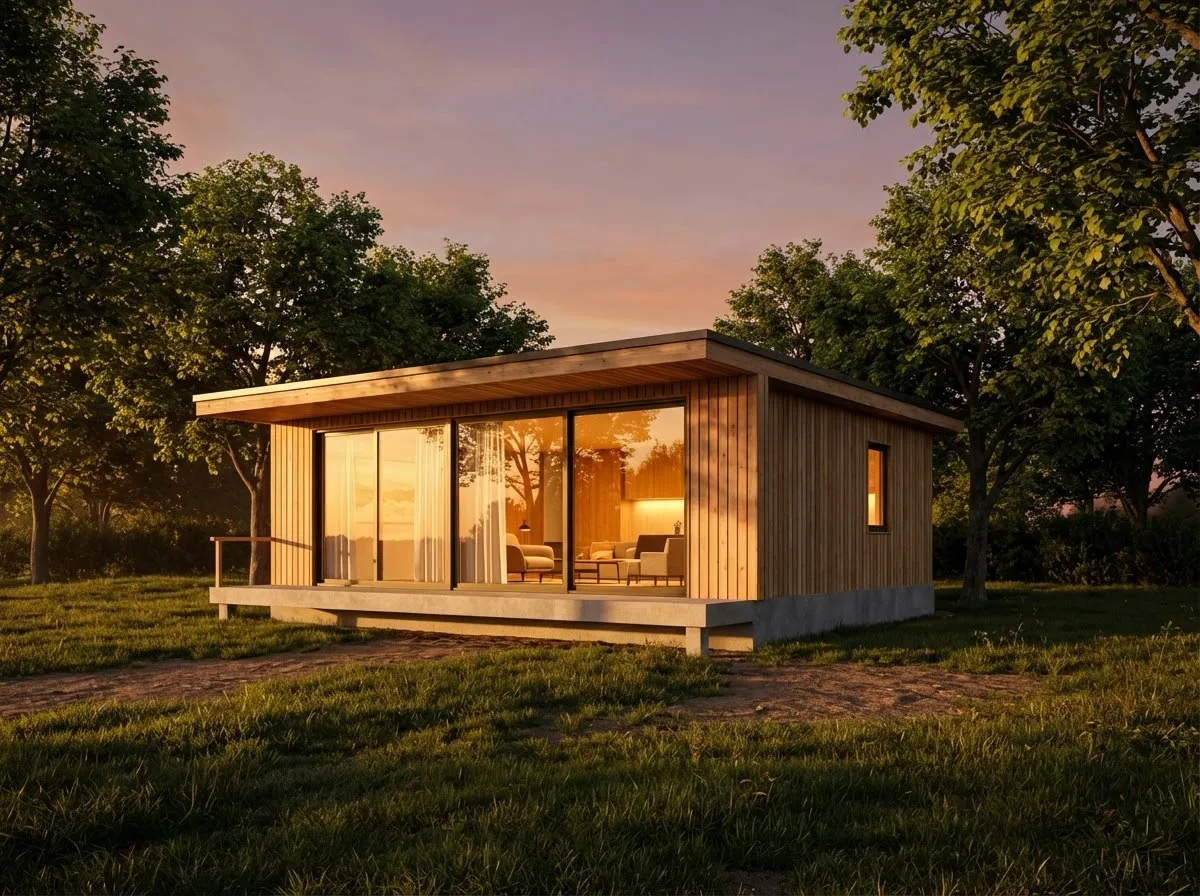
Sketch to Photo AI: Turn Line Art into Realistic Scenes
When you only have a line sketch or a rough concept, Sketch to Photo AI can convert it into a realistic photo in seconds. Whether it’s an architectural facade, interior style, product prototype, or game scene, upload your sketch and describe the lighting, materials, and mood you want. The AI preserves your structure and fills in details, producing a polished, realistic image that’s ready to present. Sketch to photo helps early concepts look as clear and credible as final renders, reducing back‑and‑forth in reviews and making stakeholder communication faster.
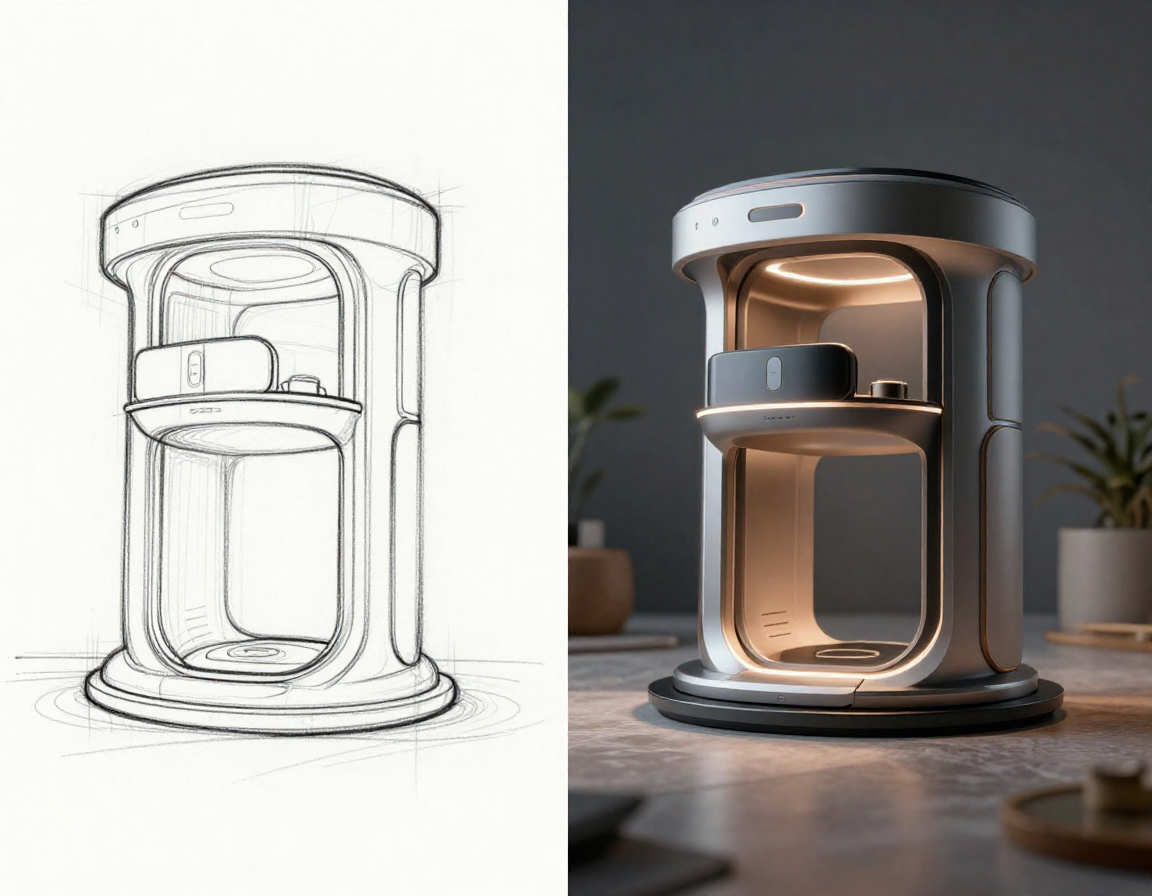
Sketch-to-Photo Features Built for Real Use Cases
Respect your composition and creativity, then turn lines into deliverable, photoreal visuals. The sketch to photo workflow is designed for real projects where accuracy, speed, and clarity matter.
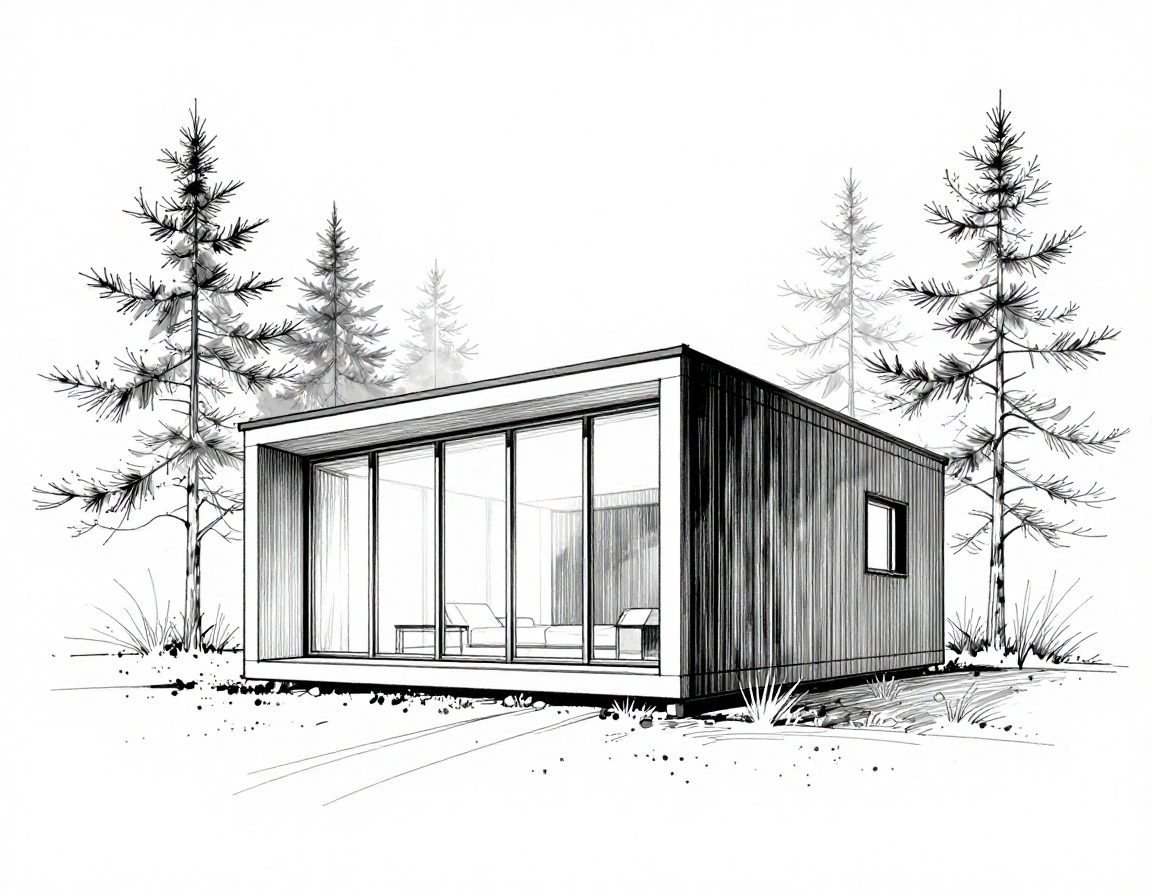
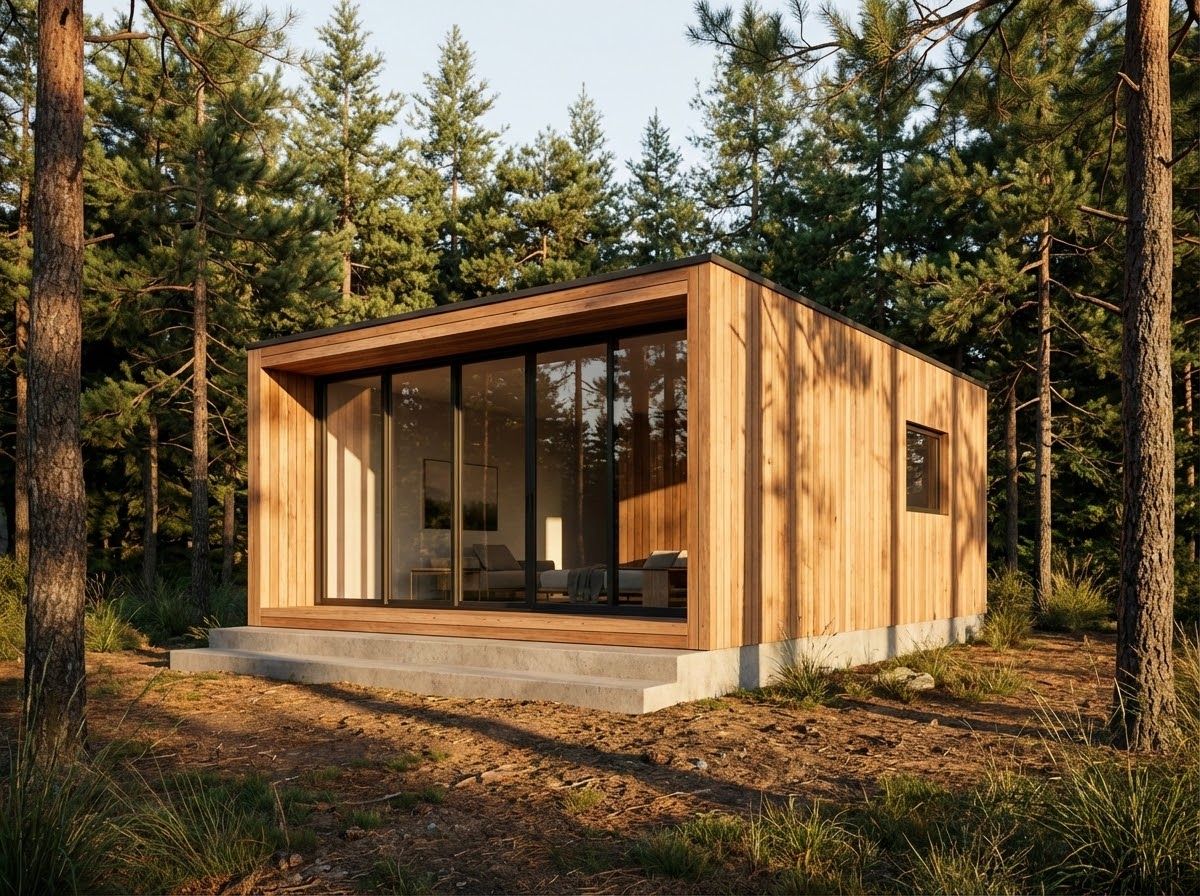
Accurate Composition Preservation
The AI follows your perspective, proportions, and layout without changing your intent. From architectural outlines to furniture silhouettes and storyboards, your structure stays intact so you can trust sketch to photo as a faithful translation rather than a random reinterpretation. This keeps decision‑making focused on design, not on re‑drawing the same idea.
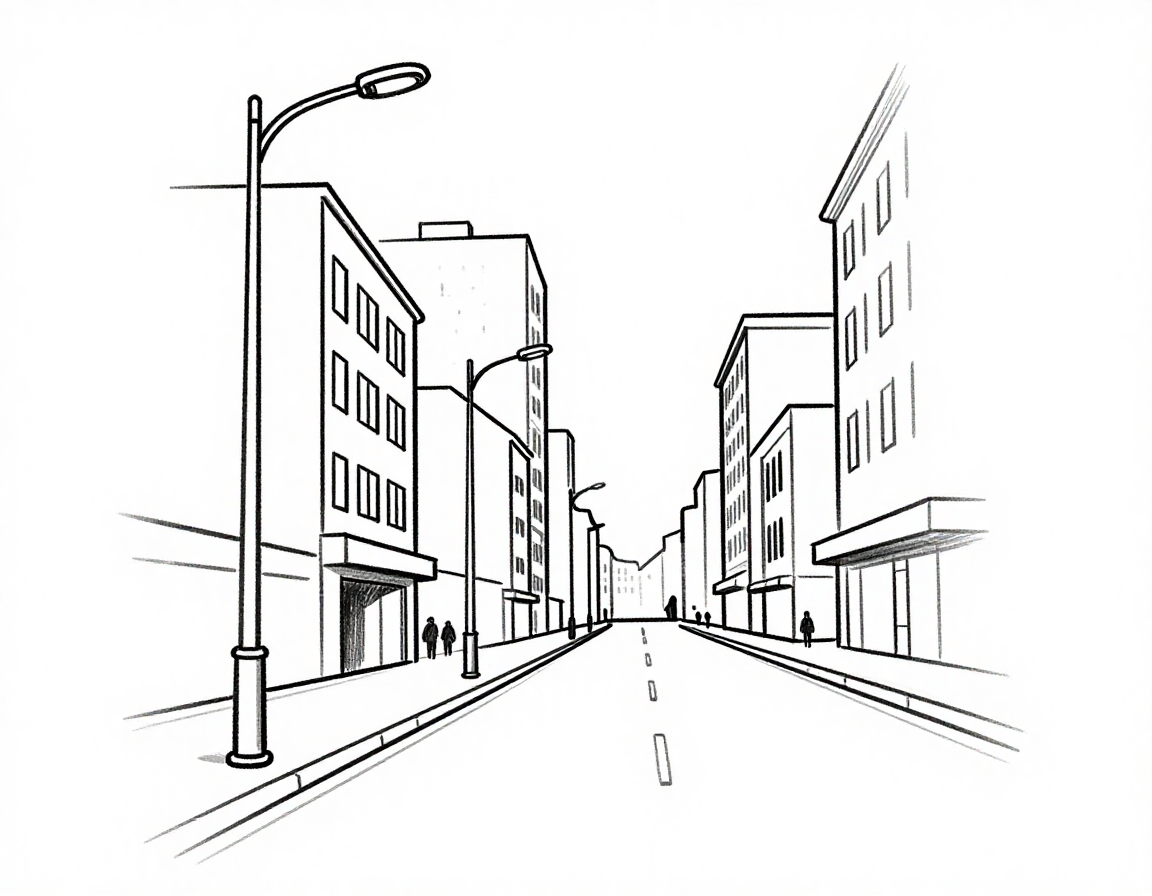
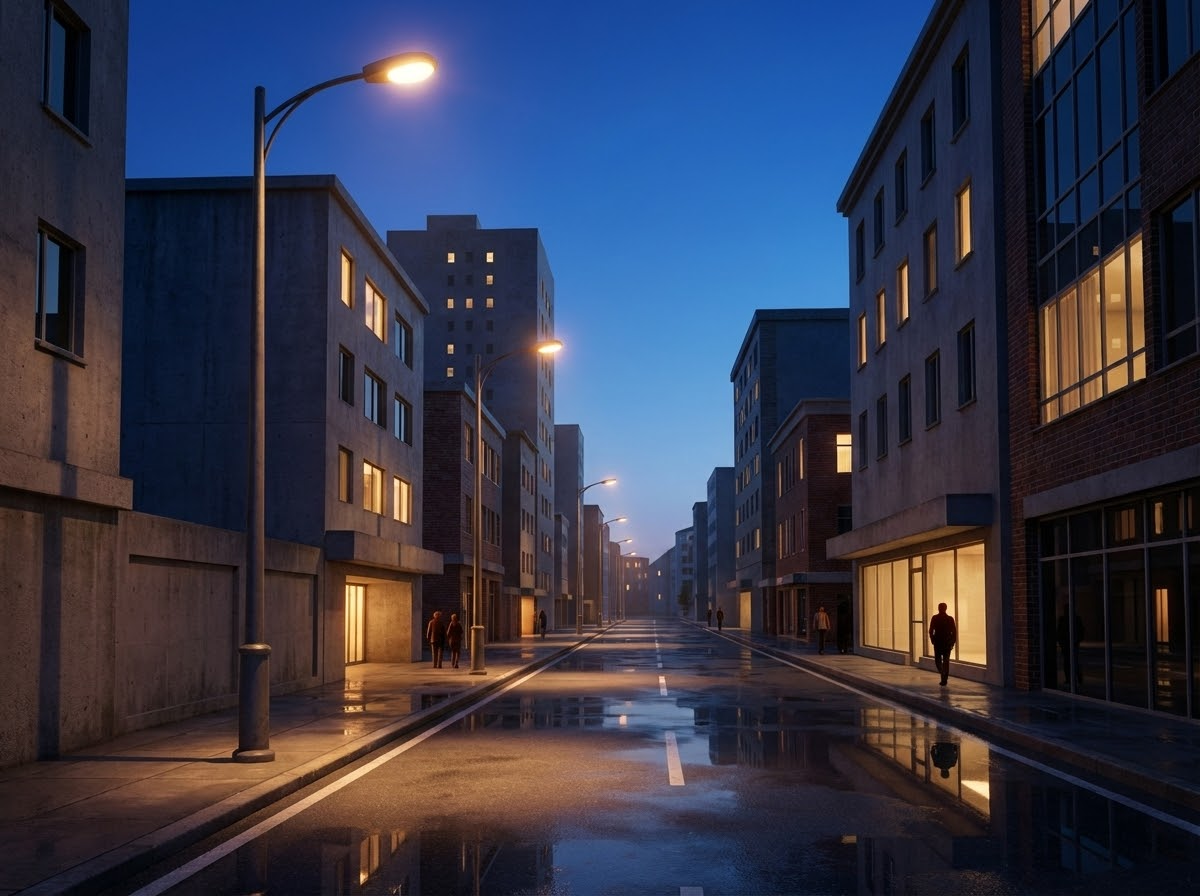
Automatic Lighting & Depth
Sketch to photo infers light direction, shadow layering, and reflections to add believable depth. It’s ideal for mood‑driven presentations and portfolios, where atmosphere and realism help your concept read immediately. You can also specify lighting in your prompt and the AI will adjust the scene accordingly.
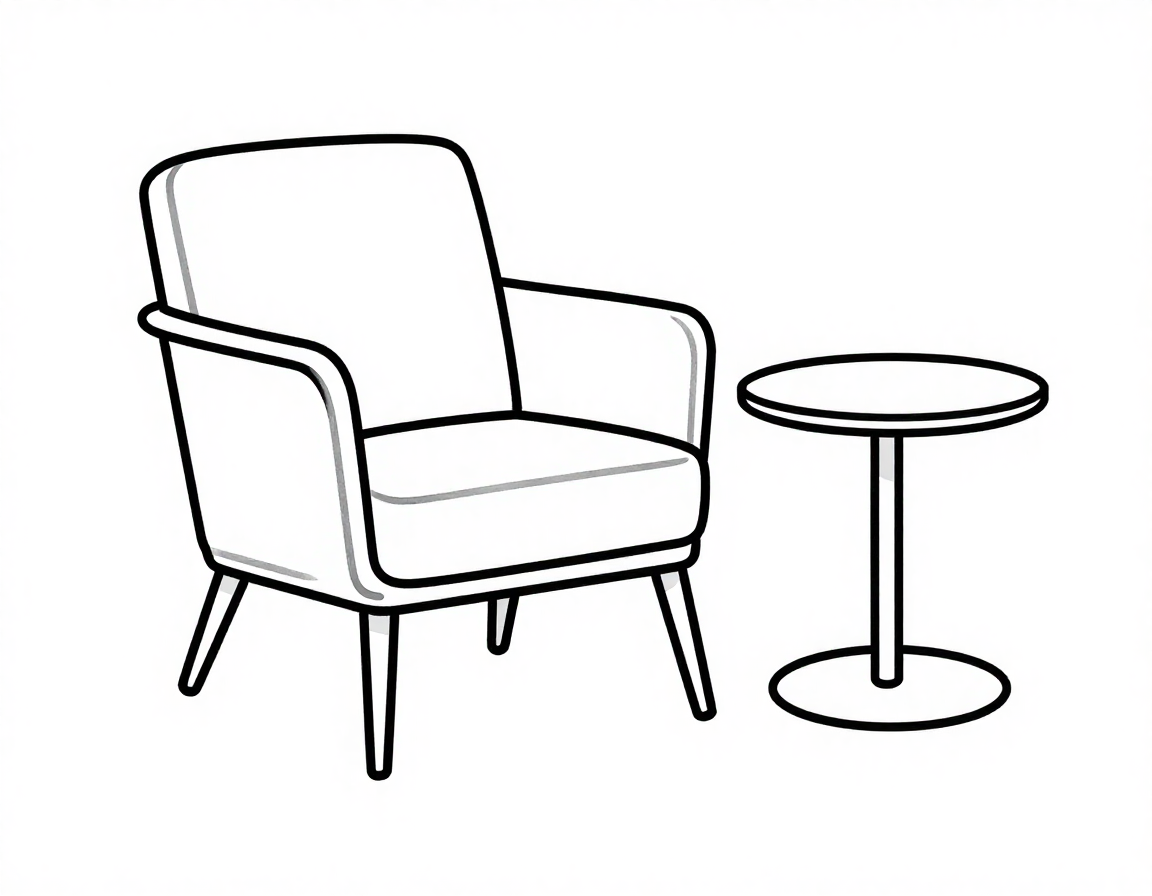
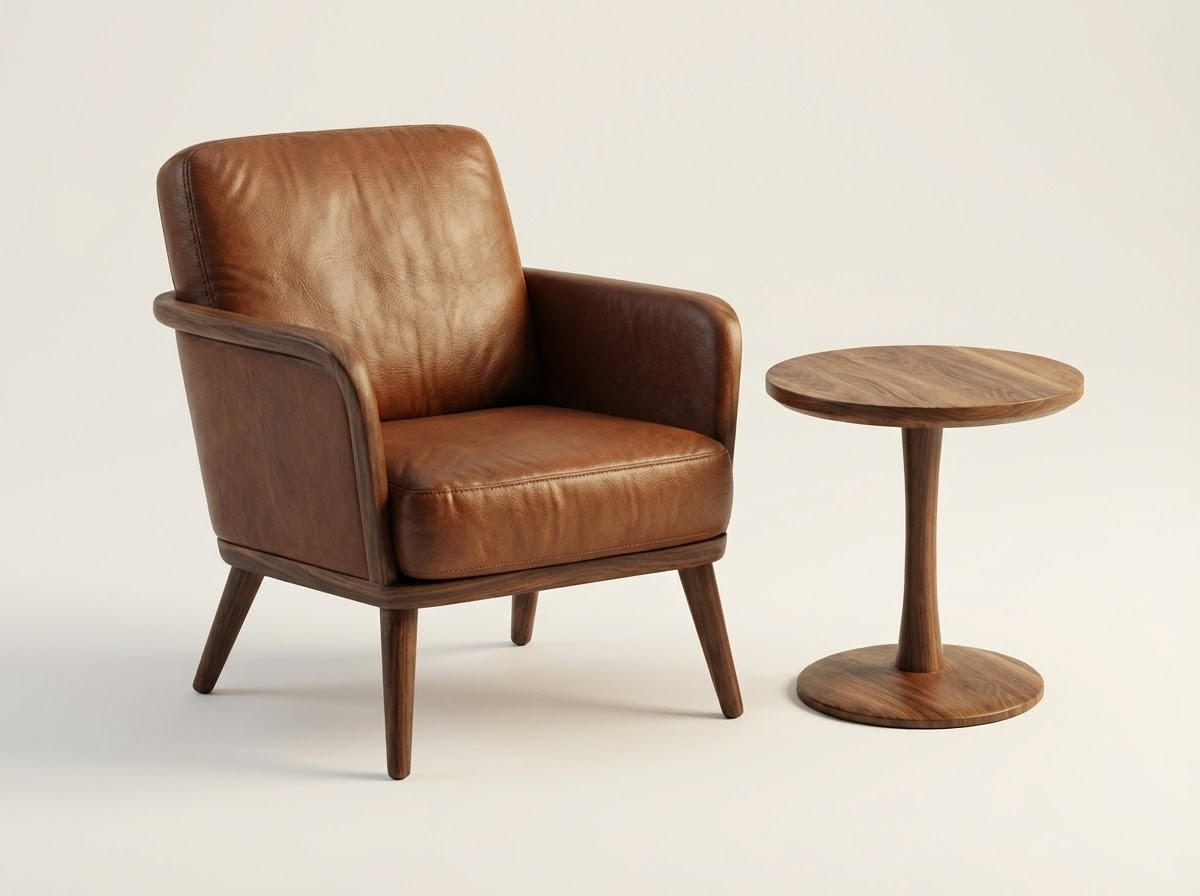
Material & Texture Rendering
A single sketch can show real materials. Wood grain, metal, glass, and stone are rendered based on your prompt so products and spaces feel premium and credible. Sketch to photo makes material decisions easier to review, because the output shows finish, reflectivity, and surface detail in context.
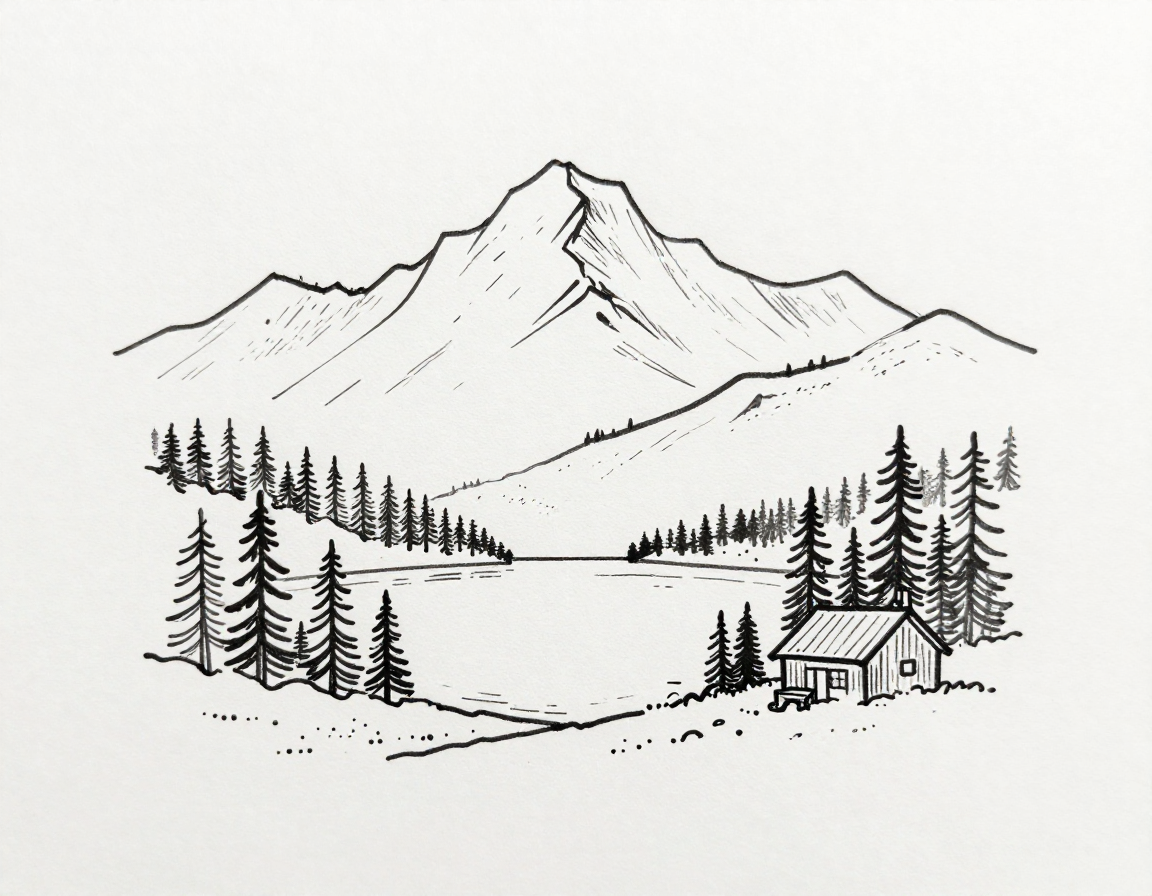
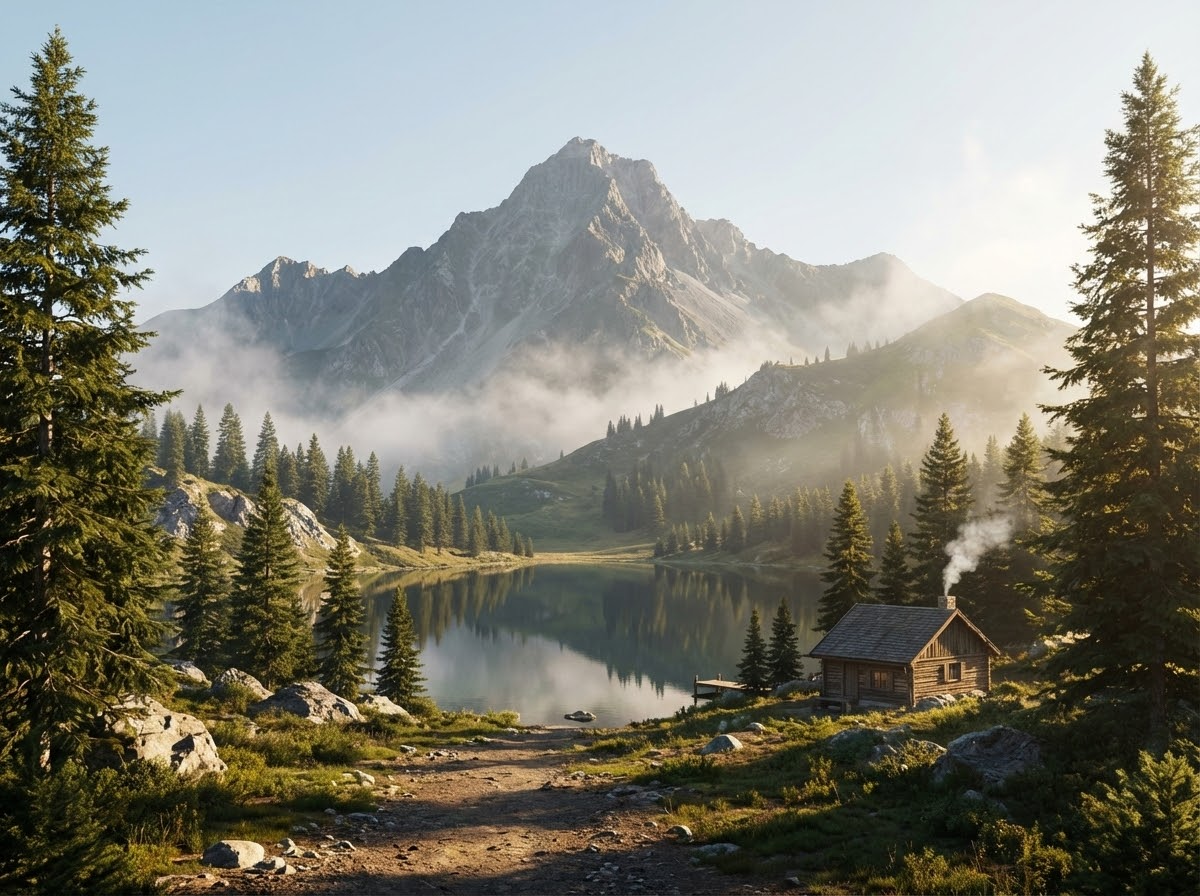
High-Resolution Output
Generate high‑res results suitable for decks, presentations, portfolios, and posters. Even early drafts become polished visuals quickly, saving time while improving clarity for decision‑making. Sketch to photo lets you show more detail without a full production pipeline.
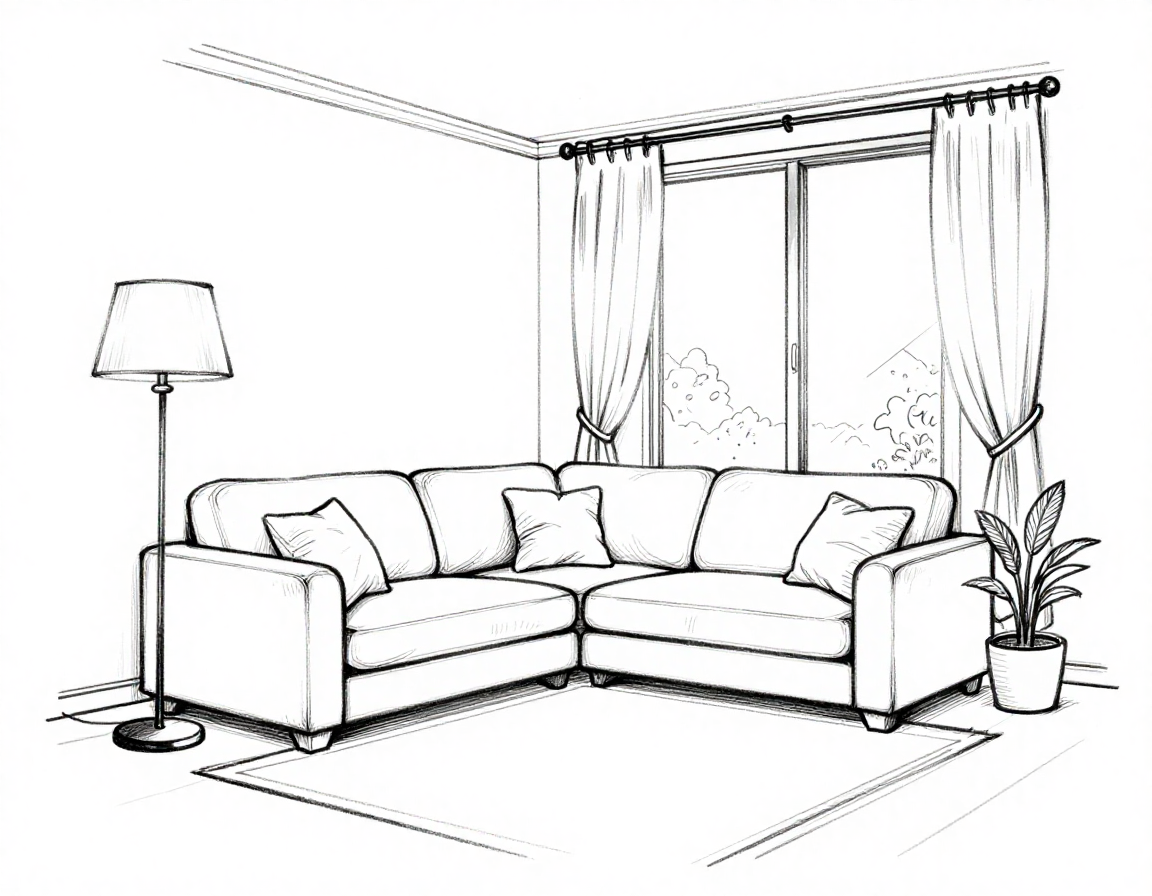
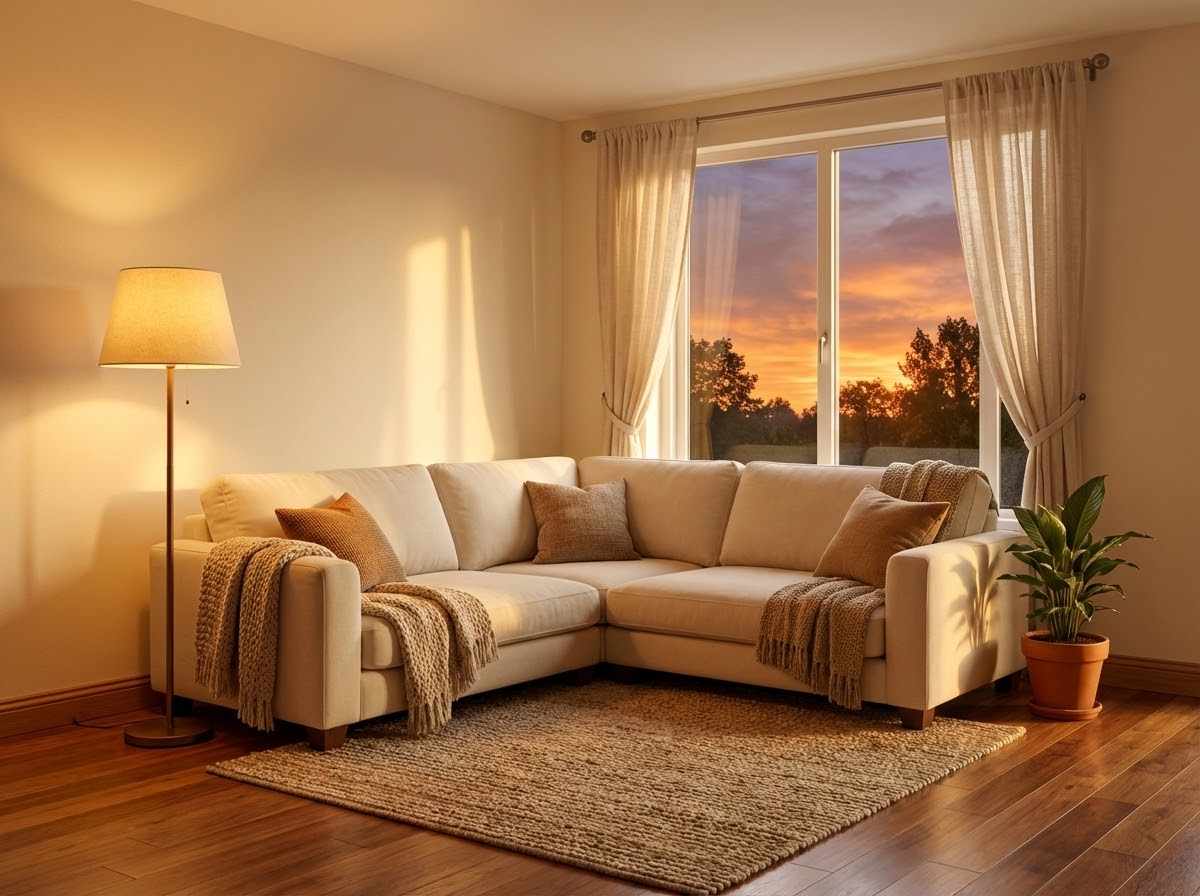
Prompt-Controlled Style
Control the aesthetic with text prompts such as “sunset, warm tone, cinematic” or “minimal, cool, industrial.” The same sketch can generate multiple styles fast, helping you compare directions and decide sooner. Sketch to photo is great for rapid style exploration without extra redraws.
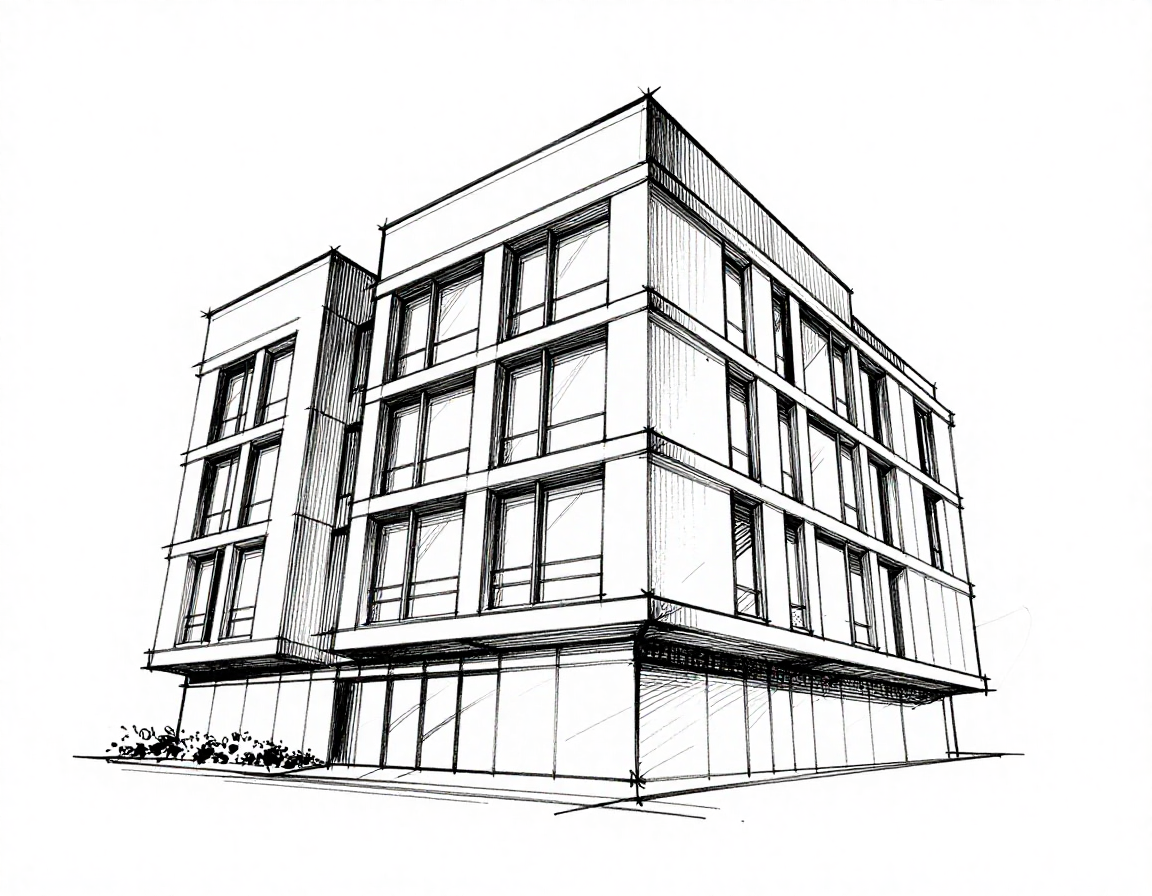
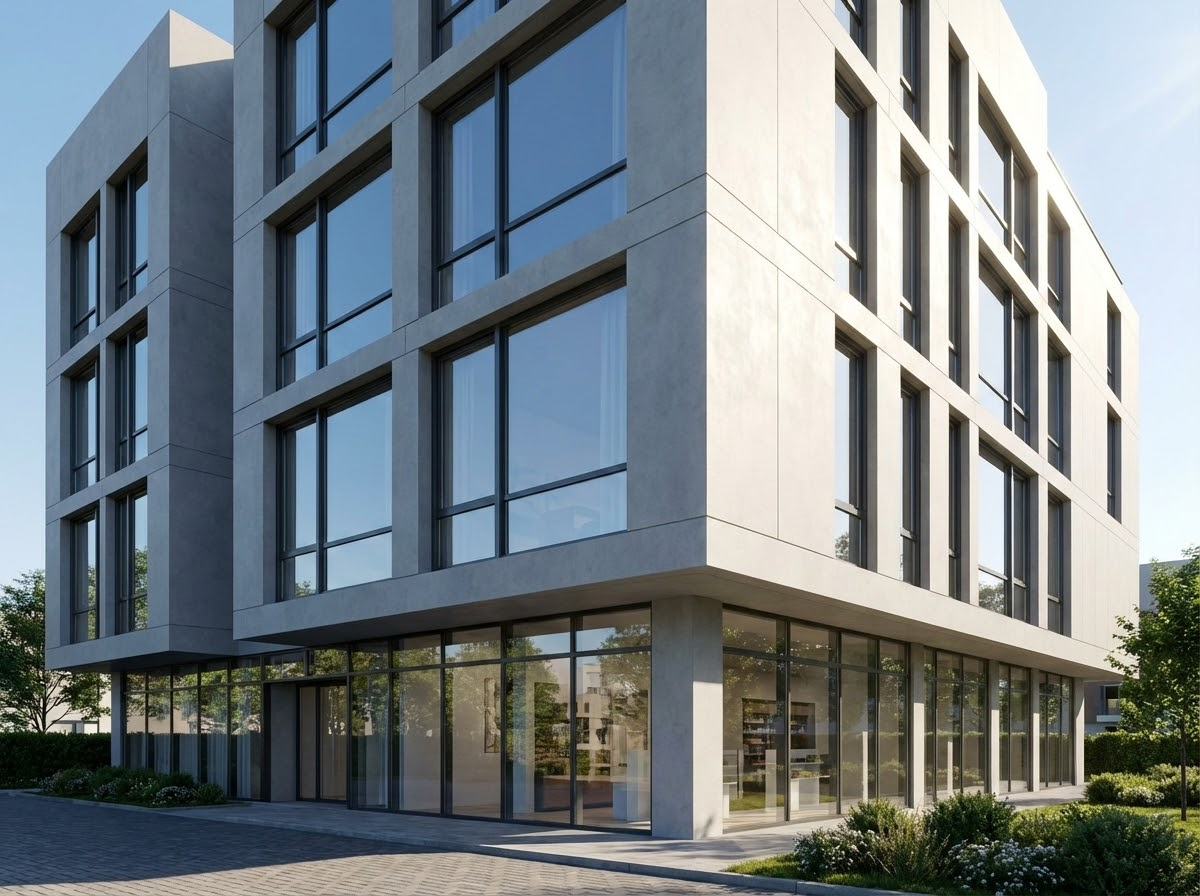
Architecture & Landscape Ready
Sketch to photo understands structured lines and environments. It converts facades, streets, and landscapes into realistic scenes, making it great for architects and landscape designers who need fast visualization. Geometry stays consistent while the AI adds sky, foliage, and materials.
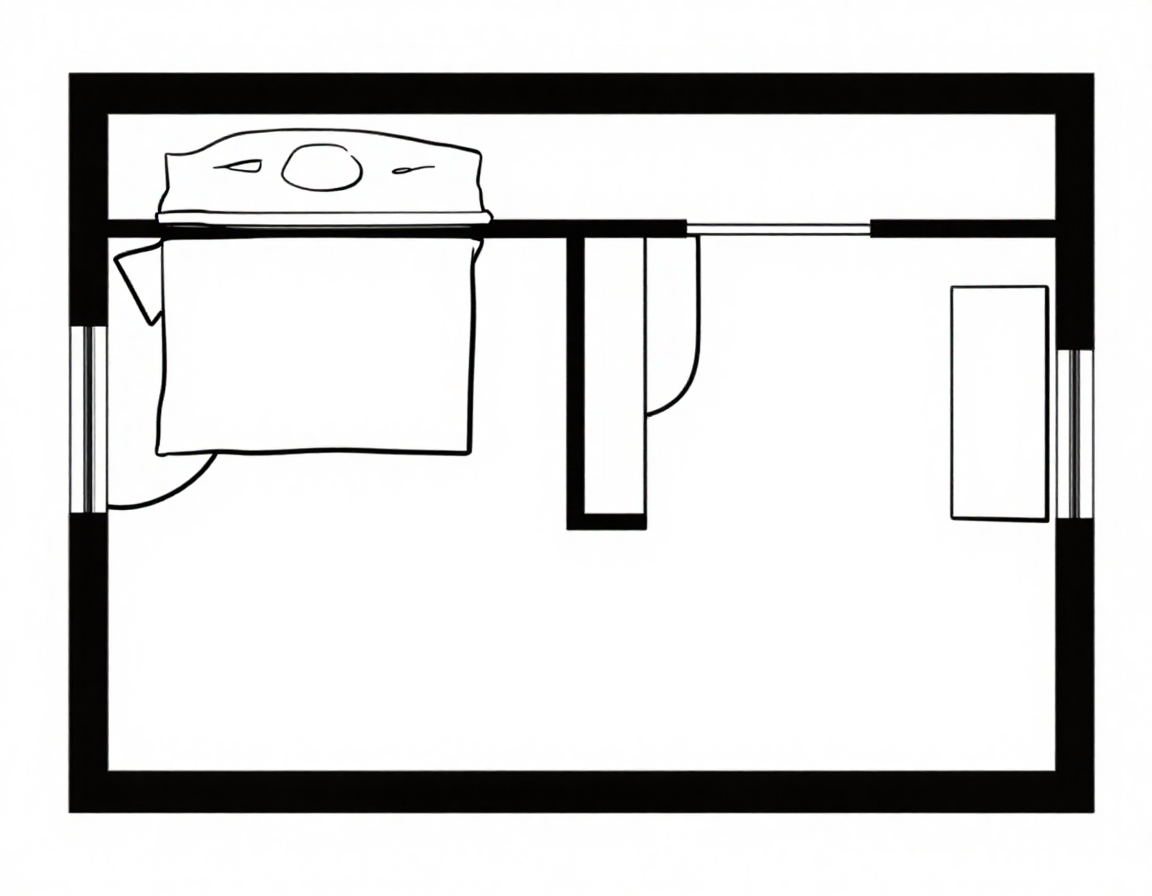
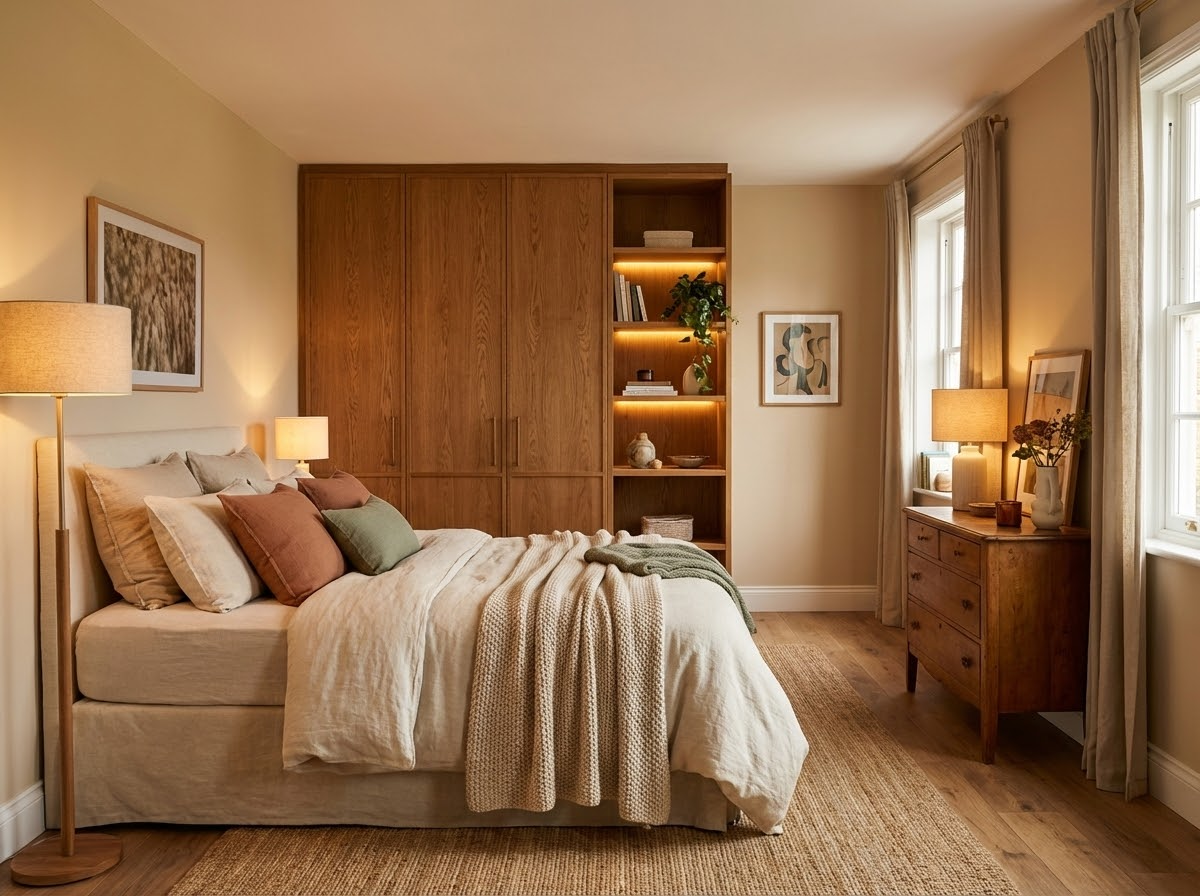
Interior Concept Exploration
Provide a simple room layout or furniture outline and the AI will fill in lighting, materials, and decor. Sketch to photo helps you compare interior styles quickly without heavy 3D modeling, so you can validate direction early.
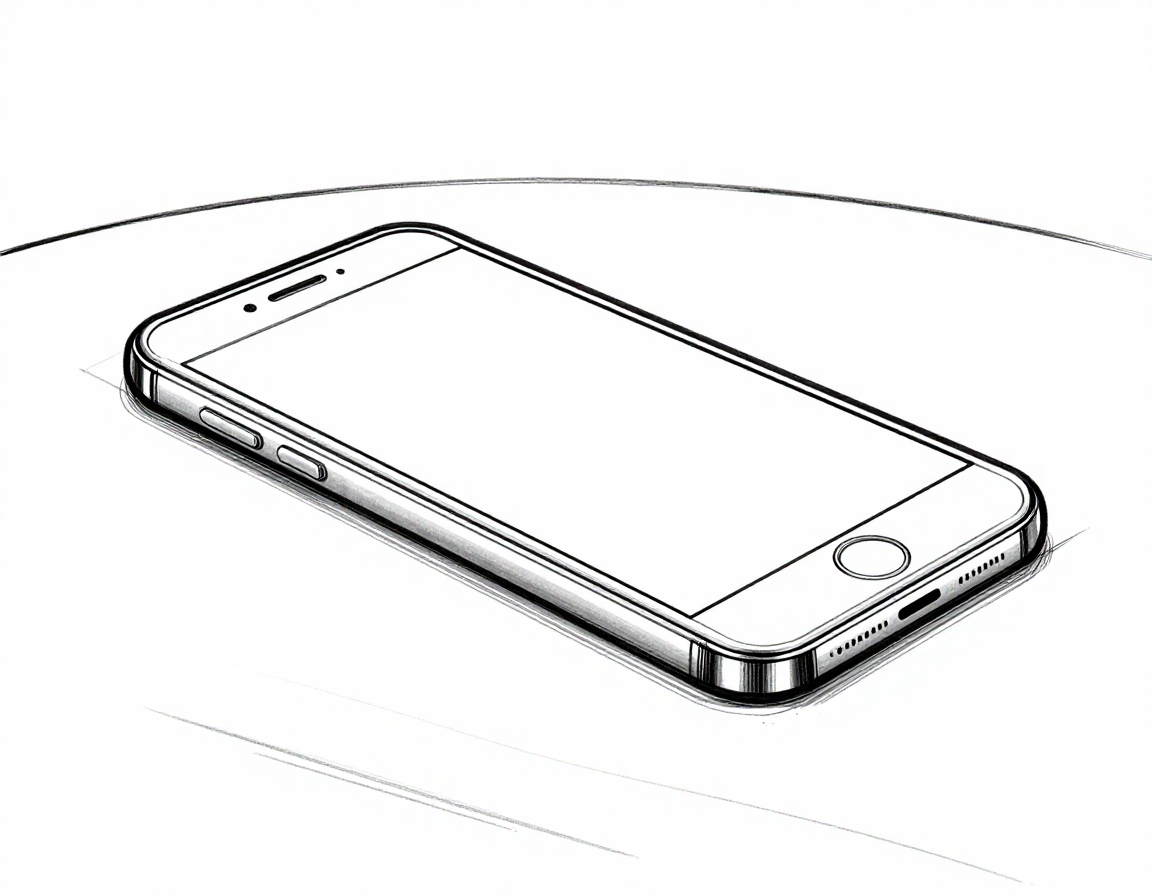
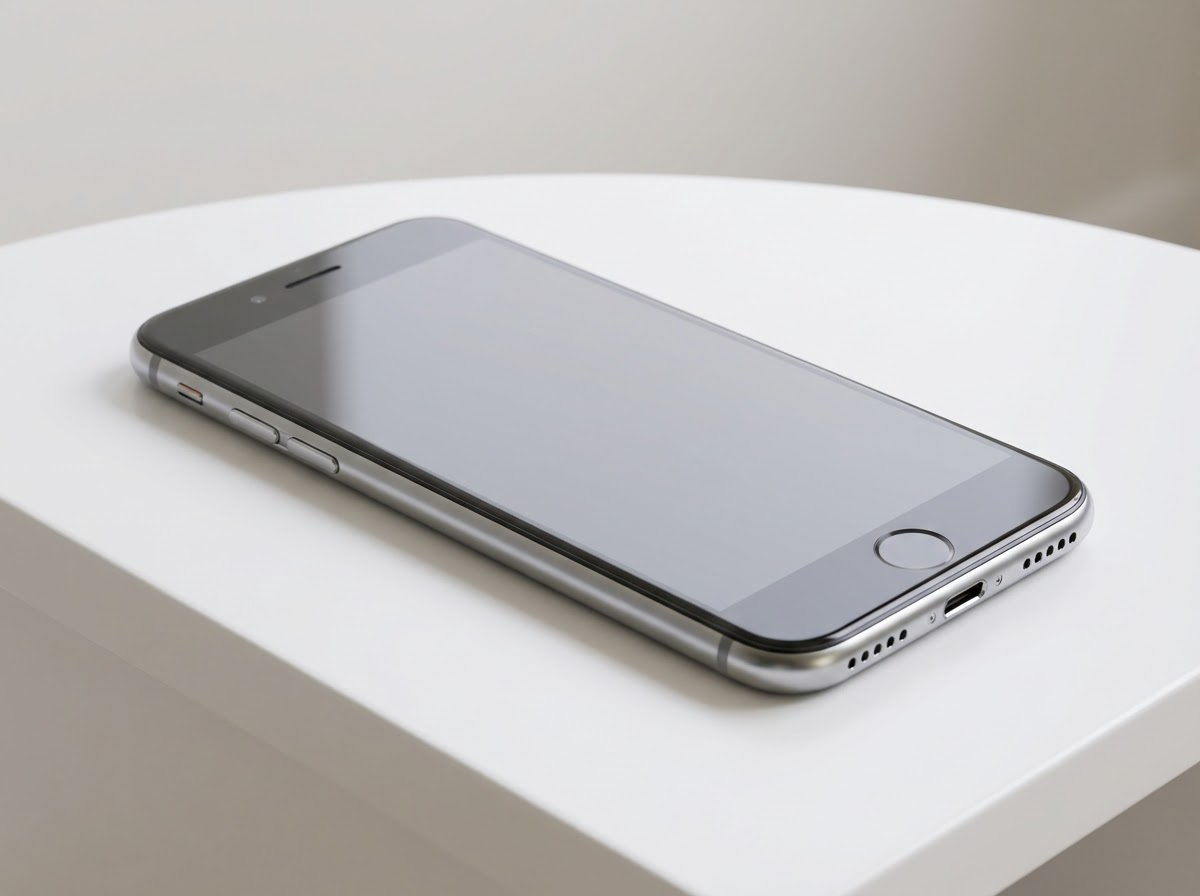
Works with Hand-Drawn or Digital
Upload a paper sketch, scan, or digital line art from iPad or Photoshop. Sketch to photo handles different input styles consistently so you get stable results across workflows. This flexibility makes it easy for teams to use the tool without changing their process.
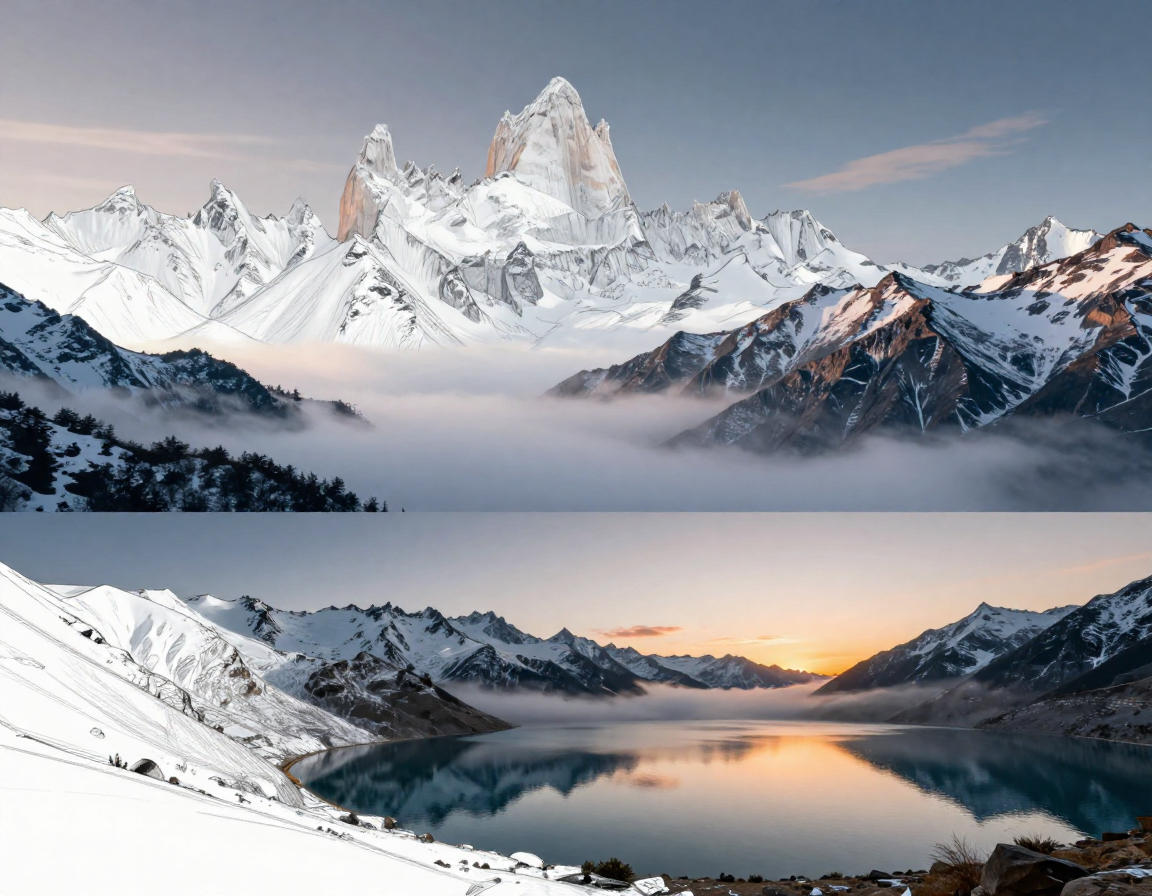
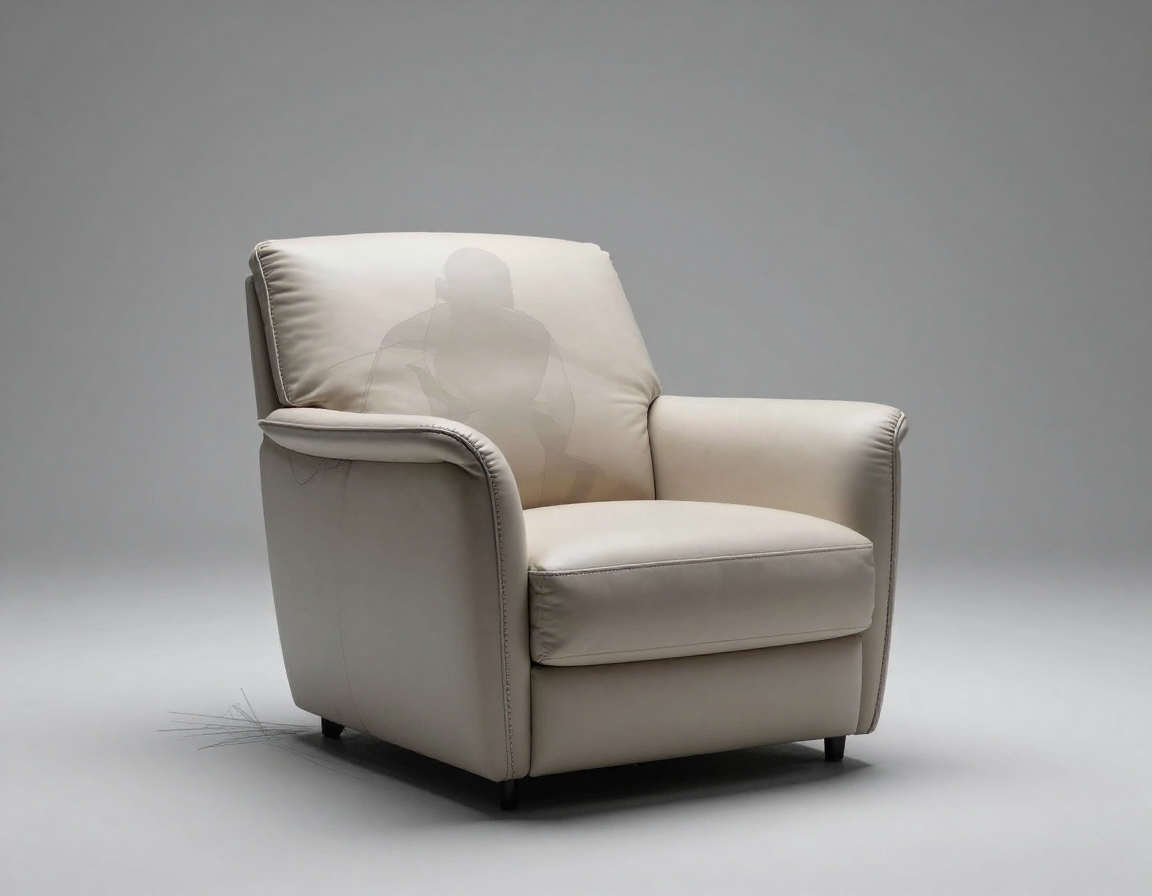
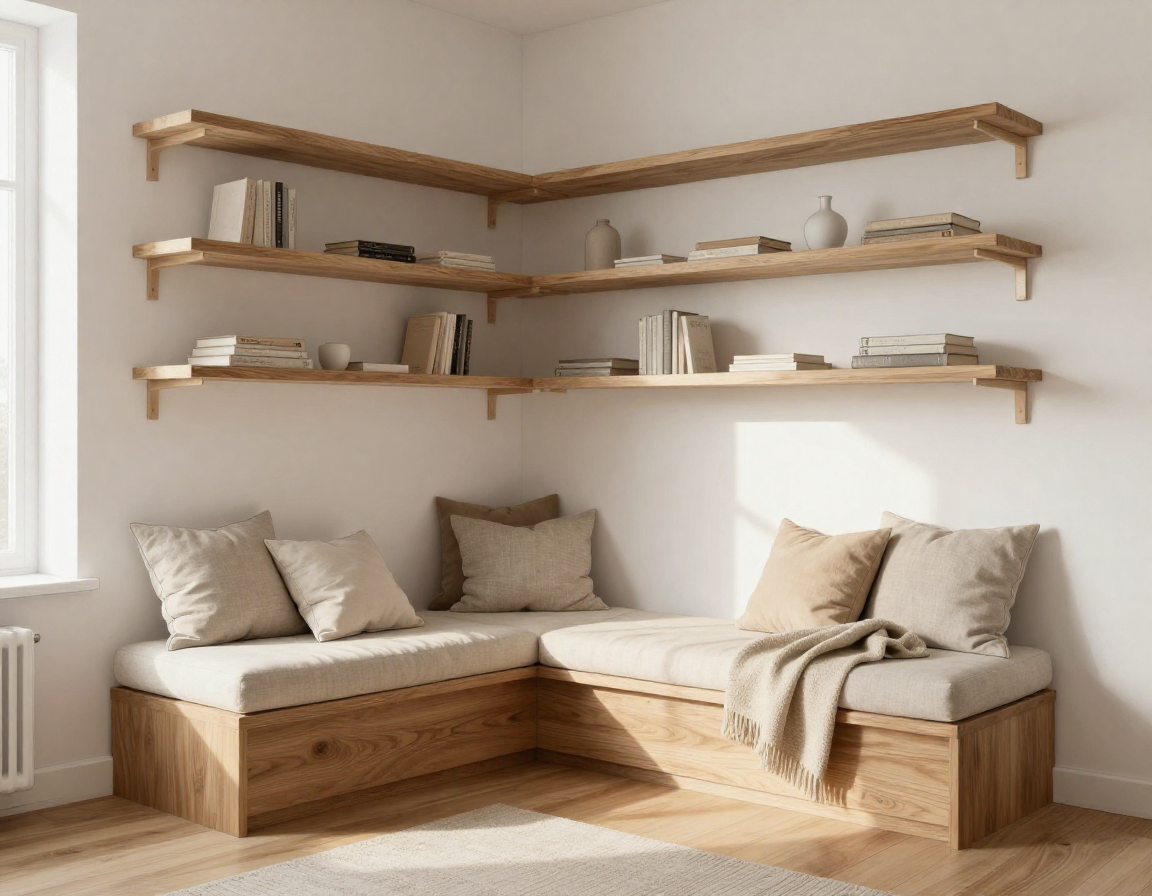
Sketch-to-Photo Examples
From concept to presentable visual, starting with a single line drawing.
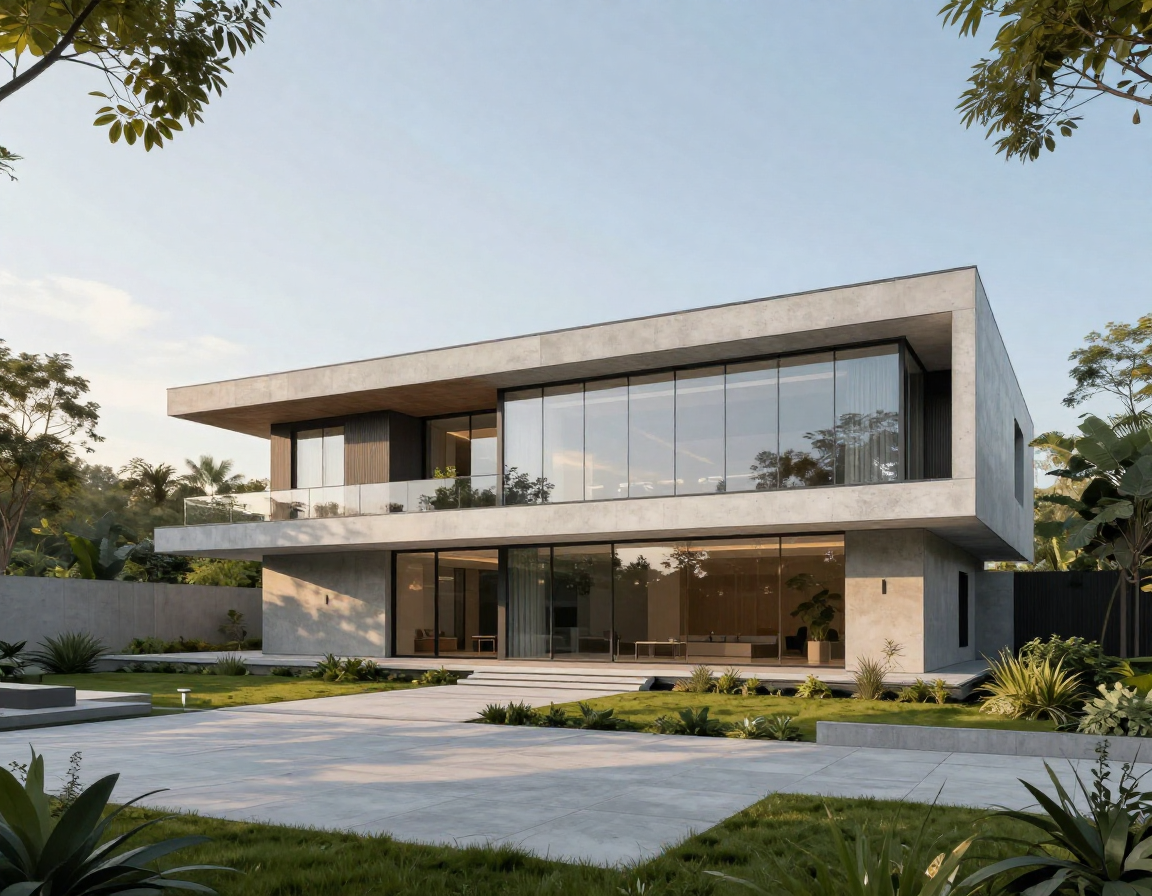
Turn Sketches into Photos in 3 Steps
No complex software—just upload, describe, and generate.
1. Upload Your Sketch
Use a hand‑drawn photo, scan, or digital line art. Clear lines help the AI keep your composition accurate and reduce misinterpretation.
2. Add a Prompt
Describe materials, lighting, and style (e.g., “warm wood interior, soft sunlight, minimal”). A clear prompt gives sketch to photo a strong direction.
3. Generate & Download
AI fills in detail while preserving your layout. Download a high‑res result instantly for presentation, iteration, or sharing.
Sketch to Photo AI FAQs
Quick answers to help you get the best results.
Turn Your Sketch into a Real Photo
Fast visualization that helps you present ideas with clarity.