
Best GPT Image 2 Prompts: 15 Examples for Text, Product Ads, Infographics, and Layouts
GPT Image 2 is strongest when your prompt reads like a clear creative brief. Short keyword stacks can still work, but the model is noticeably better when you describe the goal, canvas, layout, exact text, visual style, and constraints.
This guide collects practical GPT Image 2 prompts you can adapt for real work: product ads, infographics, labels, posters, UI mockups, educational diagrams, and image edits. If you want to test any example, paste it into our GPT Image 2 generator.
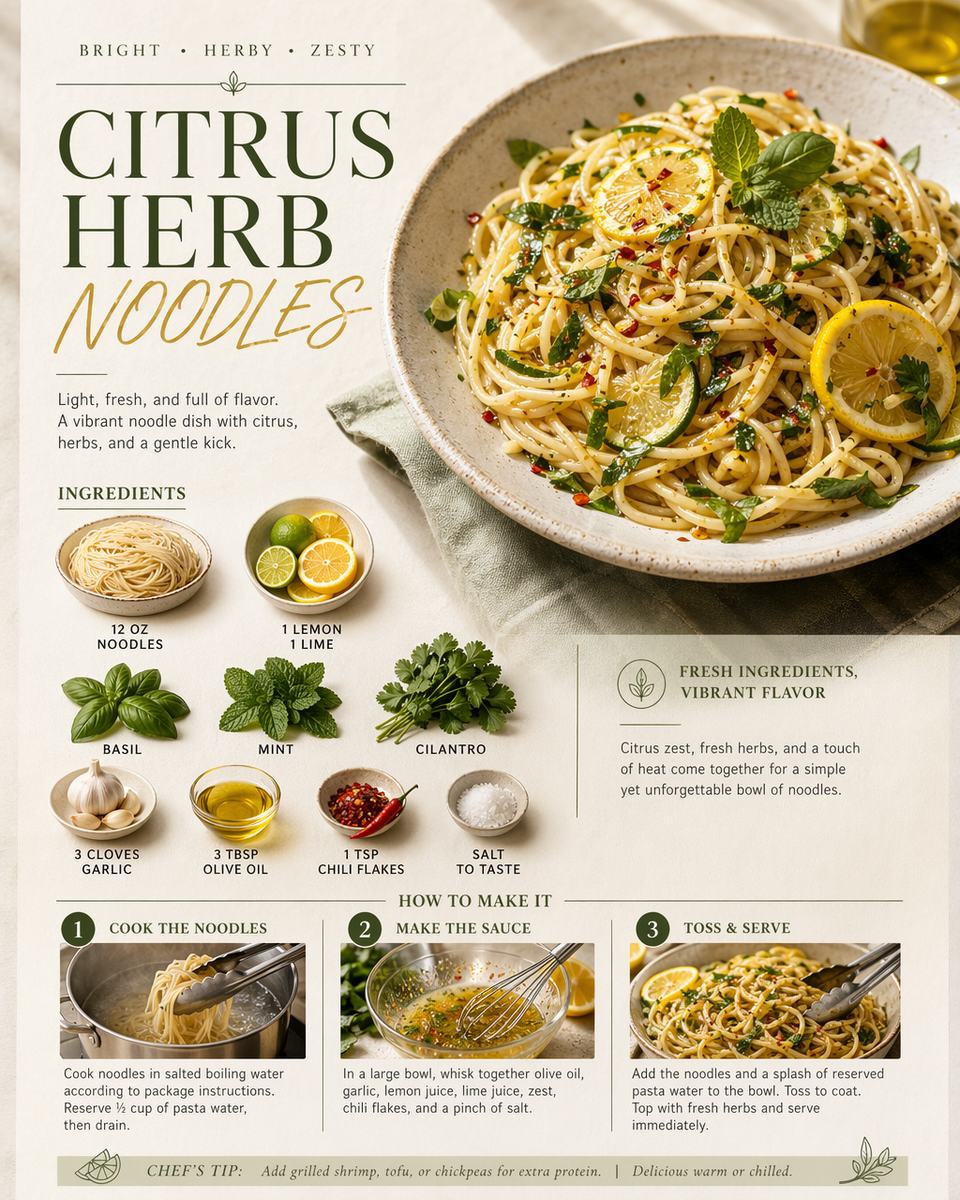
The GPT Image 2 prompt formula
Use this structure when quality matters:
Goal: What the image is for.
Canvas: Aspect ratio, format, and output type.
Subject: The product, person, object, or scene.
Layout: Grid, spacing, hierarchy, and placement.
Text: Exact words, language, capitalization, and where they go.
Style: Lighting, material, color, camera, or design direction.
Constraints: What must stay accurate, readable, or unchanged.
The most important part is the constraint section. GPT Image 2 is better at following exact layout and text instructions than older models, but it still benefits from clear boundaries such as "do not add extra text," "keep labels readable," or "preserve the product shape."
Product ad prompts
1. Premium product launch ad
Create a 4:5 social media product ad for a minimalist skincare serum bottle.
Place the product centered on a pale stone pedestal with soft morning light.
Add the headline "Glow in Three Steps" at the top and three small benefit labels under the product: "Hydrate", "Smooth", "Brighten".
Use elegant editorial photography, neutral colors, realistic shadows, and clean spacing.
Keep all text readable. Do not add extra words.
2. Ecommerce hero banner
Create a 16:9 ecommerce hero banner for wireless headphones.
Show the headphones floating slightly above a matte black surface.
Left side: headline "Studio Sound, Anywhere". Right side: product with three feature callouts.
Use premium lighting, crisp typography, and a modern technology brand style.
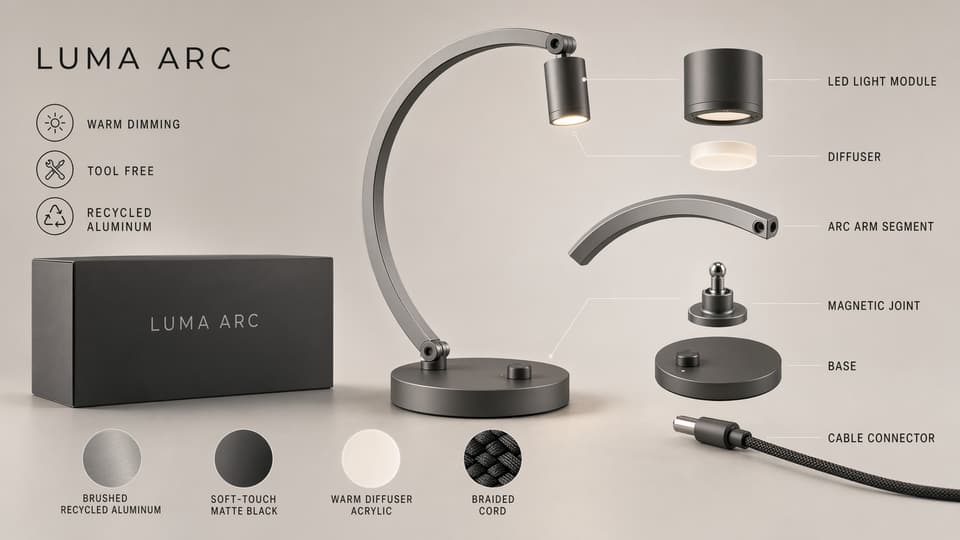
3. Marketplace product spec graphic
Create a square product specification graphic for a stainless steel travel mug.
Use a clean white background with the mug centered.
Add four labeled callouts: "Leakproof Lid", "12 Hour Heat", "BPA Free", "500 ml".
Use thin leader lines and accurate spacing. Keep every label sharp and readable.
Text and typography prompts
4. Poster with exact headline
Create a vertical event poster with the exact headline "Design Systems Week".
Subheadline: "Workshops, talks, and visual AI demos".
Use a clean Swiss grid, strong black typography, one electric blue accent, and plenty of white space.
Do not misspell any text. Do not add extra copy.
5. Packaging label concept
Design a front label for a fictional coffee bag named "Northline Roast".
Include the text "Dark Blend", "Whole Bean", and "Chocolate · Cedar · Orange".
Use a premium craft packaging style, cream paper texture, simple icon marks, and centered typography.
All text must be legible and correctly spelled.
6. Menu board
Create a small cafe menu board in a 3:2 landscape image.
Sections: "Coffee", "Tea", "Pastry".
Add three items under each section with prices.
Use warm lighting, chalkboard texture, and readable hand-lettered text.
Infographic and layout prompts
7. Step-by-step infographic
Create a horizontal infographic titled "How GPT Image 2 Prompts Work".
Use five labeled steps: "Goal", "Canvas", "Subject", "Layout", "Constraints".
Show each step as a numbered card with an icon and one short line.
Use a modern educational design style and keep spacing consistent.
8. Object grid with labels
Create a 5 by 4 object grid on a clean white background.
Each cell contains one everyday object and one small label underneath.
Use exact labels: Button, Paperclip, Envelope, Comb, Flashlight, Lock, Coin, Apple, Teacup, Ruler, Glasses, Soap, Glove, Whisk, Charger, Bookmark, Stapler, Sock, Tape, Clock.
Keep every object centered and every label readable.
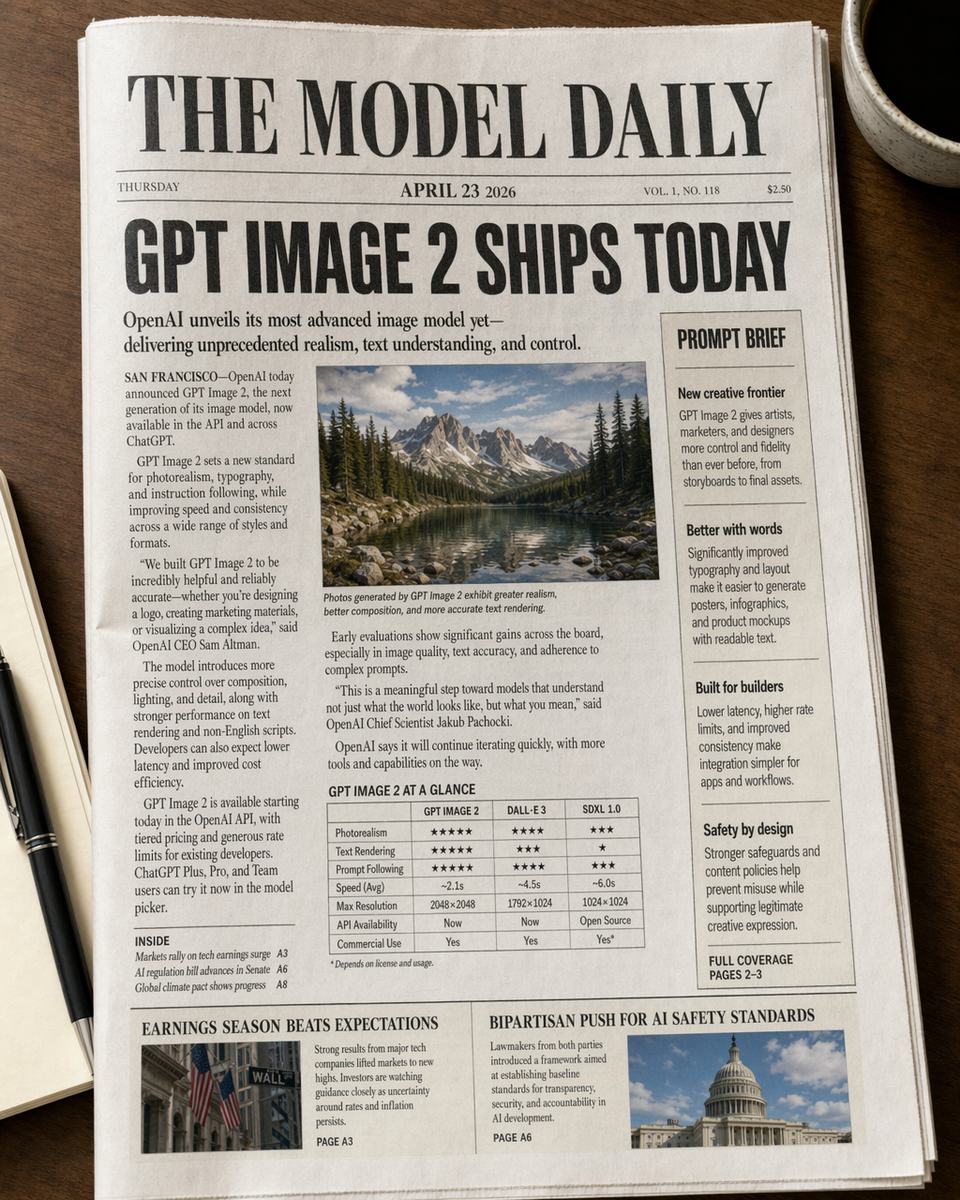
9. Editorial magazine spread
Create a realistic magazine spread about AI image generation.
Use a two-page layout with a large title, three article columns, one pull quote, and two image placeholders.
Title text: "The New Visual Workflow".
Use refined editorial typography and a clean publication design.
UI and dashboard prompts
10. SaaS dashboard mockup
Create a 16:9 SaaS analytics dashboard mockup for an AI image platform.
Include a left sidebar, top metric cards, a line chart, a prompt performance table, and a recent generations panel.
Use a light professional interface style with compact spacing and readable UI labels.
11. Mobile app launch screen
Create a polished mobile app launch screen for an AI photo editor.
Show the app name "ImageFlow" at the top, a large preview image, and two buttons: "Start Editing" and "Explore Templates".
Use soft gradients only inside the preview image, not as the page background.
12. Feature comparison table
Create a clean comparison table graphic titled "GPT Image 2 Prompt Checklist".
Columns: "Prompt Part", "What to Specify", "Why It Helps".
Rows: Goal, Canvas, Layout, Text, Constraints.
Keep the table readable and aligned.
Image editing prompts
13. Change only the background
Edit the uploaded product photo.
Keep the product shape, logo, color, and label unchanged.
Replace the background with a bright studio kitchen scene, add natural shadows, and make the product look photographed in place.
Do not alter the product text.
14. Create campaign variations
Using the uploaded product image as the reference, create a summer campaign ad.
Keep the product accurate and centered.
Add tropical fruit, glass reflections, and a bright outdoor table setting.
Add the headline "Fresh Energy Daily" in clean readable typography.
15. Localize a visual
Create a Japanese version of this product feature graphic.
Keep the same layout, product placement, colors, and icons.
Replace the English labels with natural Japanese text and keep every label readable.
Do not change the product.
What to avoid
Avoid vague phrases like "make it better" or old prompt habits like stacking "8K, masterpiece, ultra detailed" without telling the model what the image should communicate. GPT Image 2 performs better when the prompt gives it a job, not just a mood.
The best prompts are specific but not noisy. Tell the model what matters, where things go, what text must appear, and what should not change.
Try these prompts
Open the GPT Image 2 generator, choose one prompt from this guide, and adapt the subject, text, and canvas to your own use case. For commercial visuals, review spelling, brand details, product accuracy, and legal claims before publishing.
Related GPT Image 2 tools and guides
- Start with the GPT Image 2 generator to test these prompt templates directly.
- Use the AI image editor when the task is closer to editing or replacing part of an image than generating from scratch.
- Open the image to image tool for reference-based variations and controlled restyling.
- Read the full overview in GPT Image 2 Deep Dive.
- Compare aesthetic and workflow differences in GPT Image 2 vs Midjourney.
- See campaign-focused examples in How to Use GPT Image 2 for Product Photography and Ad Creatives.