
How to Use GPT Image 2 for Product Photography and Ad Creatives
GPT Image 2 is especially useful for product photography and ad creatives because it can combine three things marketers care about: visual quality, instruction following, and readable text. Instead of generating a random beautiful image, you can ask for a specific product scene, layout, headline, and campaign format.
This makes GPT Image 2 useful for ecommerce stores, agencies, founders, creators, and product teams that need many visual directions quickly. You can start testing with our GPT Image 2 generator.
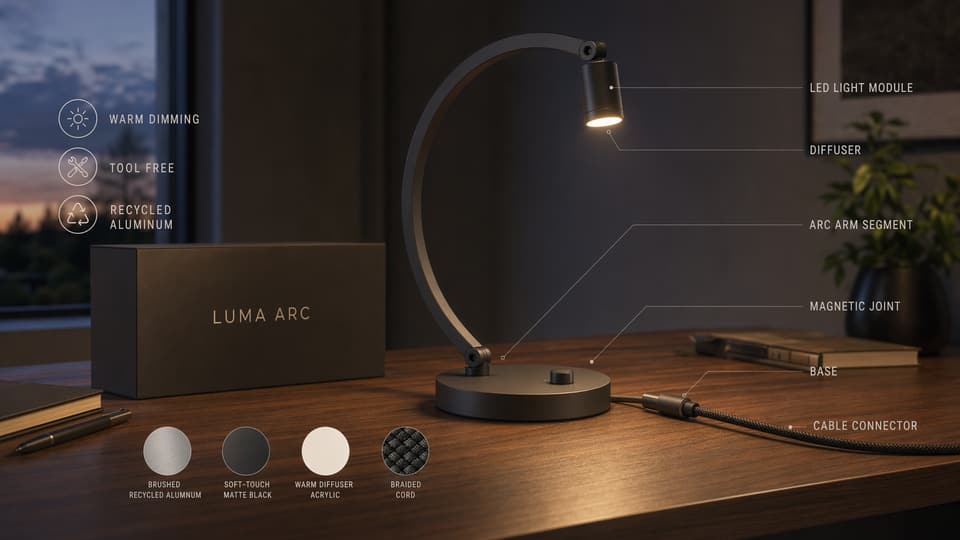
Start with a product-first prompt
A good product prompt should protect the product before it describes the scene. If you are editing an uploaded product image, make the constraints explicit:
Keep the product shape, color, label, logo, and proportions unchanged.
Place it in a premium studio setting with realistic shadows.
Do not alter any text on the product.
Then add the creative direction:
Create a 4:5 social ad with the headline "Everyday Energy".
Use bright morning light, citrus props, glass reflections, and a clean wellness brand style.
Leave negative space at the top for the headline.
This order matters. Product accuracy comes first, then campaign styling.
Use GPT Image 2 for ecommerce image sets
Product pages need more than one image. A strong set might include:
- A clean hero image.
- A lifestyle scene.
- A feature callout graphic.
- A comparison image.
- A packaging detail shot.
- A social ad crop.
GPT Image 2 can help draft these formats from one product idea or reference image. The key is to keep each prompt narrow. Do not ask for a full campaign in one prompt. Generate one asset type at a time.
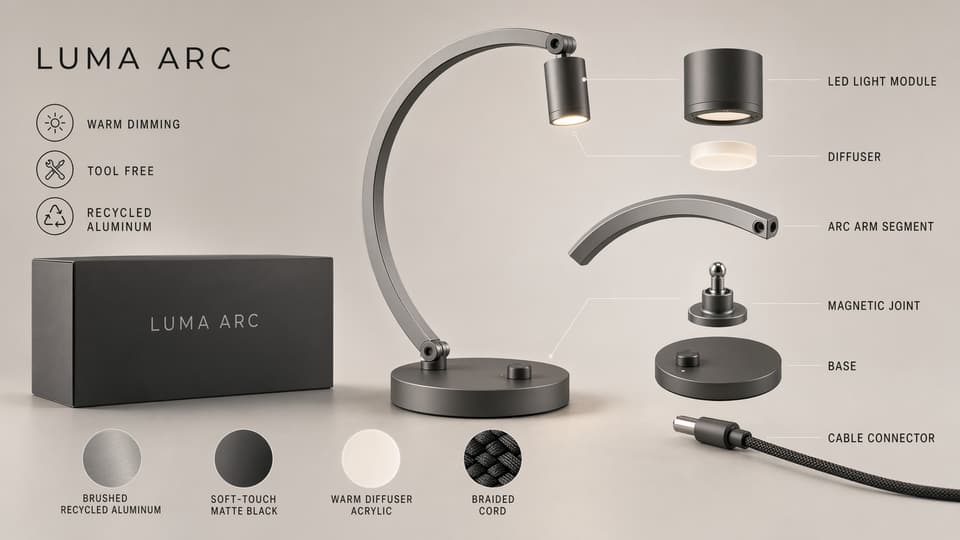
Product photography prompt templates
Studio product photo
Create a high-end studio product photo of a matte black water bottle.
Place it on a dark stone surface with a soft side light and realistic reflection.
Use a premium minimalist photography style.
No text. No extra objects except a subtle shadow.
Lifestyle product scene
Create a lifestyle product photo for a reusable travel mug on a wooden cafe table.
Morning window light, blurred background, warm but realistic colors.
Keep the product centered and sharp. Do not change the product label.
Feature callout image
Create a square product feature graphic for a wireless charger.
Show the charger centered with four thin callout lines.
Labels: "Fast Charge", "Magnetic Hold", "USB-C", "Slim Design".
Use a clean ecommerce style with readable text.
Ad creative prompt templates
Launch ad
Create a 4:5 launch ad for a premium smart lamp.
Headline: "Light That Learns Your Day".
Show the lamp in a warm modern bedroom with soft ambient lighting.
Add three small benefit labels at the bottom: "Adaptive", "Quiet", "Energy Saving".
Keep all text readable and do not add extra words.
UGC-style ad frame
Create a realistic social ad frame for a creator holding a skincare product.
Vertical 9:16 composition, natural bathroom lighting, friendly expression, product clearly visible.
Add a small top caption: "My 7-day skin reset".
Keep the text readable and natural.
Seasonal campaign variation
Using the same product, create a winter holiday ad creative.
Keep the product unchanged.
Use warm lights, gift packaging, soft snow outside the window, and a premium cozy mood.
Headline: "A Better Gift for Every Morning".
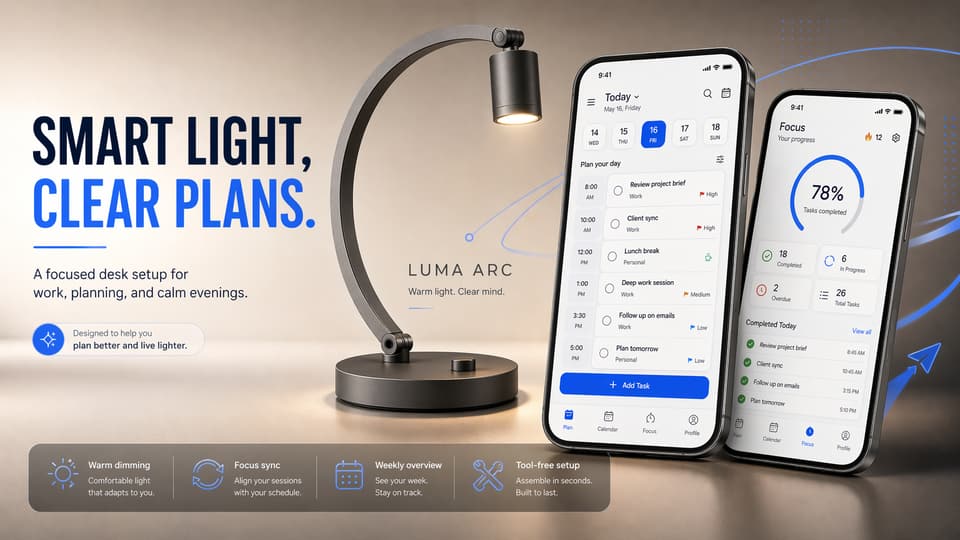
Localize your campaign visuals
One of GPT Image 2's most useful upgrades is multilingual text handling. That matters for ads because the same visual system often needs English, Korean, Japanese, Spanish, or other market-specific versions.
Use a prompt like this:
Create a Japanese version of this product ad.
Keep the same layout, product placement, colors, and visual style.
Translate the headline naturally into Japanese and keep it readable.
Do not alter the product logo or packaging text.
Always proofread localized text before publishing. GPT Image 2 can get much closer than older tools, but a human review step is still necessary.
A simple GPT Image 2 product workflow
- Generate or upload a clean product image.
- Create a studio hero shot.
- Create a lifestyle version.
- Create a feature callout graphic.
- Create two or three campaign ad versions.
- Localize the strongest creative for your main markets.
- Review spelling, product accuracy, claims, and brand consistency.
This workflow is fast enough for early creative testing and structured enough for real marketing review.
Try it with your own product
Open the GPT Image 2 generator, paste one of the templates above, and replace the product, headline, and format. If you are using a reference image, tell GPT Image 2 exactly what must stay unchanged before you describe the new scene.
Related GPT Image 2 tools and guides
- Use the GPT Image 2 generator to build product shots, campaign concepts, and text-led ad layouts.
- If you are working from an existing asset, open the AI image editor for background swaps, layout refinements, and iterative edits.
- Use the image to image tool when you want controlled variations from a product reference.
- Read Best GPT Image 2 Prompts for more reusable prompt templates.
- Compare tool fit in GPT Image 2 vs Midjourney.
- Start with the broader overview in GPT Image 2 Deep Dive.