
GPT Image 2 vs Midjourney: Which AI Image Generator Is Better for Design Work?
GPT Image 2 and Midjourney are both powerful AI image generators, but they are not trying to win the same workflow. Midjourney is famous for aesthetic range, cinematic style, and art-direction energy. GPT Image 2 is more interesting when the image needs to follow instructions: readable text, exact layouts, reference-based edits, and structured visual communication.
If your goal is a beautiful fantasy scene, Midjourney may still be the more expressive playground. If your goal is a product ad, a labeled infographic, a social carousel, a UI mockup, or a multilingual poster, GPT Image 2 is often the better starting point.
You can test the GPT Image 2 side directly in our GPT Image 2 generator.
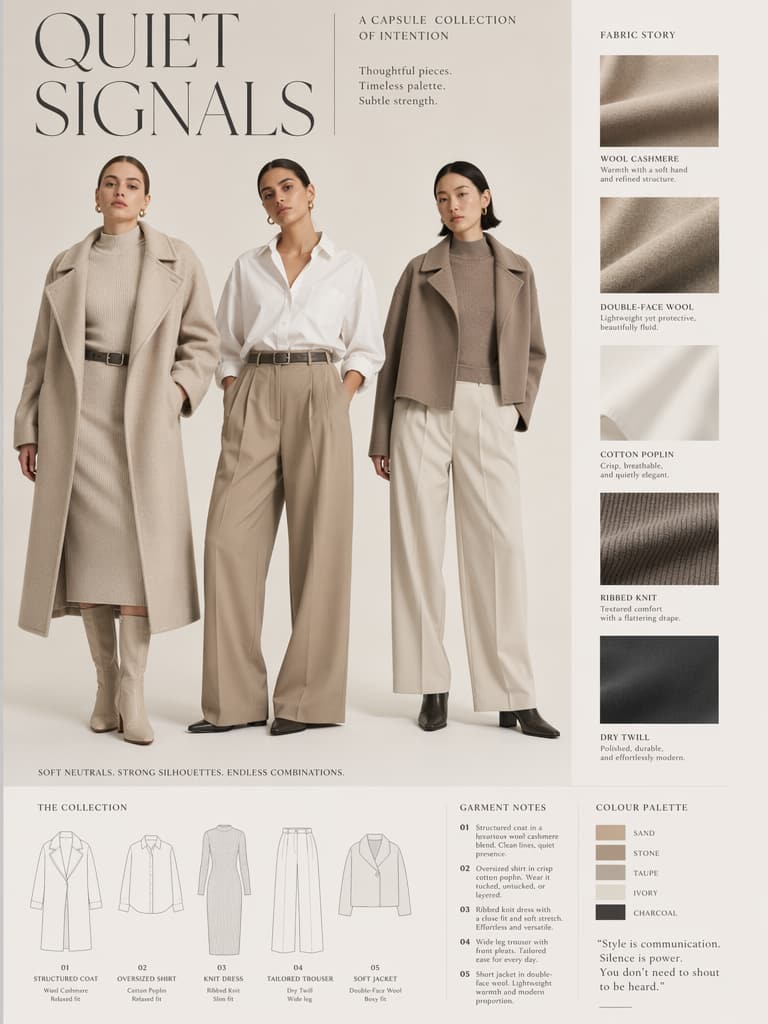
Quick comparison
| Workflow | GPT Image 2 | Midjourney |
|---|---|---|
| Text inside images | Stronger for readable words and labels | Often less reliable for exact text |
| Layout control | Better for grids, diagrams, cards, and structured prompts | Strong visually, but more interpretive |
| Product ads | Strong when product accuracy and copy matter | Strong when mood and aesthetic matter |
| Image editing | Natural-language edits are a major strength | Remixing can reinterpret the scene |
| Style exploration | Good, but more controlled | Excellent for stylized exploration |
| Multilingual visuals | Stronger direction for non-English text | Less predictable |
| Developer/API use | Available as an OpenAI model | Not the same API-first workflow |
Text rendering is the biggest difference
Text is where GPT Image 2 changes the comparison. Many AI image tools can make a poster look good from a distance, but the words break when you zoom in. GPT Image 2 is much more useful for headings, callouts, product labels, menus, slide titles, and infographic captions.
That does not mean every text-heavy image is perfect. You should still proofread everything. But GPT Image 2 makes it realistic to draft assets where text is part of the composition rather than something you must add later.
Midjourney can create stunning poster-like visuals, but if the exact words matter, GPT Image 2 is the safer choice.
Layout and instruction following
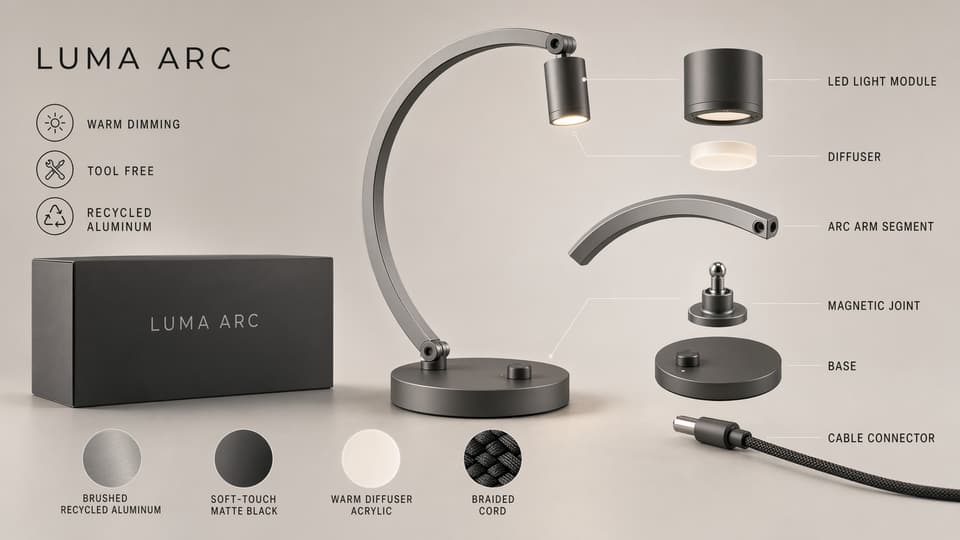
GPT Image 2 works well when the prompt has layout instructions:
- Create a 3 by 3 grid.
- Put the title at the top.
- Use four labeled cards.
- Keep the product centered.
- Do not add extra text.
- Preserve the reference object.
Midjourney is often more interpretive. That can be a benefit when you want surprise, mood, and artistic composition. It can be a problem when you need a layout to match a brief.
For design work, instruction following is not boring. It is the difference between a nice image and a usable asset.
Editing and iteration
Real creative work rarely ends after one image. You generate, review, edit, localize, and create variations.
GPT Image 2 is strong for iterative edits like:
- Replace the background but keep the product.
- Turn this product image into a campaign ad.
- Change the text while keeping the layout.
- Make a Japanese version of the same poster.
- Create three variations with the same subject.
Midjourney can produce variants, but the result often feels like a reinterpretation rather than a surgical edit. For concept art that may be fine. For ecommerce and brand work, it can be risky.
When Midjourney is still the better pick
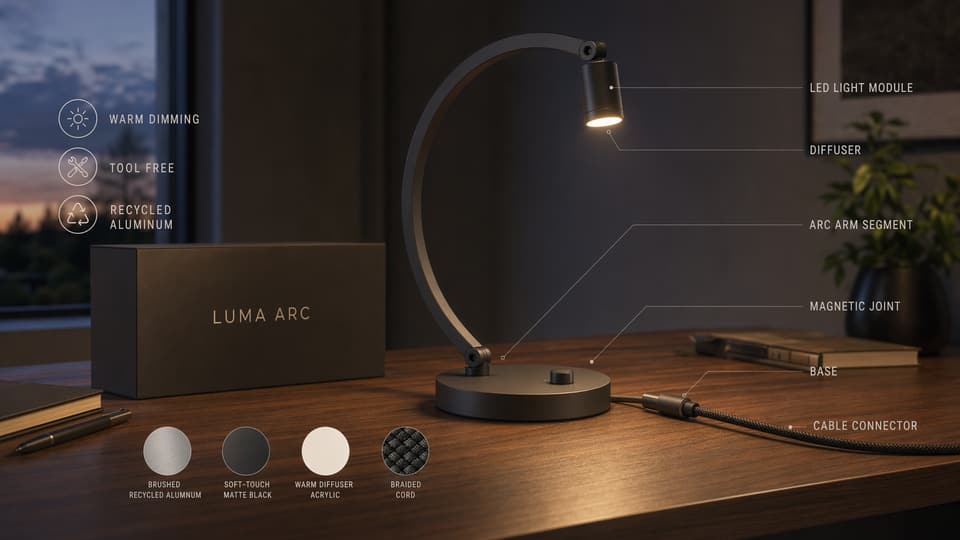
Midjourney remains excellent for visual exploration. If you want a cinematic world, fashion mood board, game concept, album cover, surreal scene, or fantasy environment, Midjourney's visual taste and stylization can be outstanding.
It is also strong when the prompt does not require exact text or rigid layout. Many creators use it because it produces images that feel polished, dramatic, and distinctive quickly.
Use Midjourney when the brief is mostly aesthetic.
When GPT Image 2 is the better pick
Use GPT Image 2 when the image has to communicate specific information:
- Product feature graphics.
- Ads with exact headlines.
- Infographics with labels.
- UI mockups and dashboard images.
- Educational diagrams.
- Multilingual campaign assets.
- Reference-based product edits.
These are the cases where GPT Image 2 feels less like an art toy and more like a production assistant.
The practical recommendation
For most design and marketing teams, the best answer is not "GPT Image 2 or Midjourney forever." It is choosing the right tool for the job.
Use Midjourney when you need visual inspiration, bold aesthetics, and exploratory art direction. Use GPT Image 2 when you need the image to follow a structured brief with readable text, specific layout, and editable references.
If you want to test a design-focused workflow, open the GPT Image 2 generator and try a prompt with exact labels, product callouts, or a grid layout. That is where the difference becomes obvious.
Related GPT Image 2 tools and guides
- Try the GPT Image 2 generator if you want to compare design-focused prompts yourself.
- Use the AI image editor when your workflow depends on editing an existing visual instead of generating a fresh one.
- Open the image to image tool for controlled variations based on a source image.
- Read Best GPT Image 2 Prompts for reusable prompt templates.
- Start with the broader overview in GPT Image 2 Deep Dive.
- See commercial use cases in How to Use GPT Image 2 for Product Photography and Ad Creatives.