
Your transformed video will appear here after processing finishes.
Video Style Transfer for Short Creative Clips
Video Style Transfer lets you upload a real clip, choose a style preset, and restyle motion, texture, color, and atmosphere while preserving the original action. This workflow is ideal for anime remixes, comic edits, branded experiments, mood-driven teaser trailers, and fast creative prototypes when you want a fresh visual language without rebuilding the scene from scratch.
Video Style Transfer Features for Fast, Controlled Restyling
Turn a live-action clip into a new visual identity without rebuilding the sequence from scratch. Video Style Transfer is designed for quick iteration, visual exploration, and production-friendly short-form edits.
Prompt-Driven Style Transfer
Combine a preset like manga, paper art, or ink wash with your own art direction. You can steer palette, texture, atmosphere, and character rendering in one pass, which makes Video Style Transfer useful for both exploratory moodboards and deliverable-ready short clips. Each preset ships with a carefully tuned prompt foundation that handles the technical baseline while leaving full room for creative customization. Whether you want a specific era, a particular genre aesthetic, or a hybrid look that crosses cultural influences, the prompt layer gives you fine-grained control without requiring deep knowledge of the underlying model.
Three Transformation Modes for Every Brief
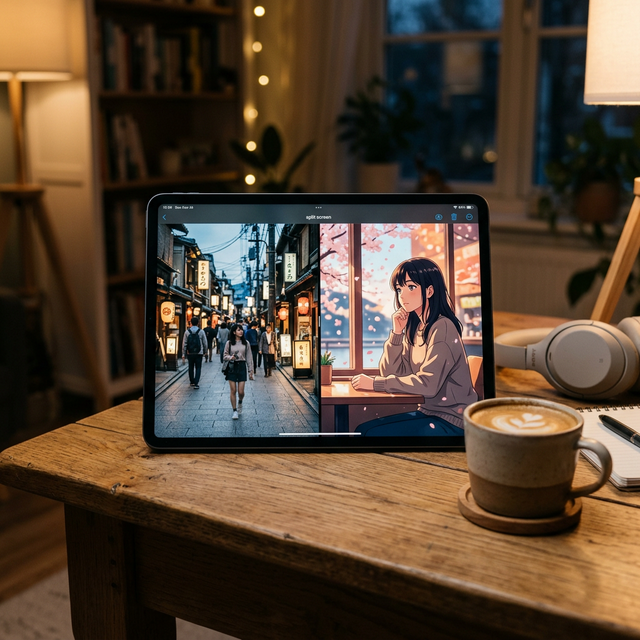
Choose whether the output should stay close to the source clip, strike a balance, or aggressively reinterpret the footage. This helps you go from clean brand polish to experimental art direction while keeping Video Style Transfer flexible for different creative briefs. Preserve mode is the right choice when clients need to recognize the original footage through the stylization. Balanced mode suits social content, reels, and music visuals where personality matters but readability must be maintained. Bold mode is designed for full creative reimagination — concept pitches, experimental shorts, and situations where the goal is a completely new visual identity rather than a refined version of the original.
Video-In, Video-Out Workflow
Upload an existing clip, launch the task, and review the transformed output in the same workspace. The page keeps source and result previews side by side for faster iteration, so Video Style Transfer feels closer to a practical editing workflow than a simple demo tool. Your generation history is saved automatically, so you can compare multiple style directions against the same source clip without losing any previous attempts. Swap a preset, adjust the mode, or refine the prompt and resubmit in seconds. The full round-trip from upload to finished stylized video typically completes in under two minutes for most standard source clips.

11 Style Presets Across Art Traditions
From traditional East Asian aesthetics — Chinese ink, Japanese comic, manga, and national-style cartoon — to Western conventions like American comic, oil painting, watercolor, and pixel art, plus cross-genre options like 3D cartoon, paper art, and simple illustration, Video Style Transfer covers a wide range of visual languages in a single tool. Each preset is engineered around the specific rendering logic of its tradition: ink presets use flowing gradient brushwork and rice-paper grain, comic presets apply bold outline geometry and halftone depth, and painterly presets manage layered texture and chromatic warmth. Mix any preset with a custom prompt to create hybrid styles that go well beyond the eleven starting points.
Video Style Transfer is best when you already have motion, timing, and shot structure, but need a new visual treatment. Compared with text-to-video, Video Style Transfer gives you more control over pacing because the source clip already defines movement and composition. Compared with manual editing, Video Style Transfer is much faster for testing stylized directions such as anime, comic, paper art, or ink-inspired looks. This makes it a strong fit for teaser edits, social campaigns, music snippets, branded experiments, mood trailers, and creator content where speed matters as much as polish.
Where Video Style Transfer Works Best
Use Video Style Transfer for short scenes with a clear subject, strong silhouette, and readable camera motion. It performs especially well on fashion clips, product reveals, city walks, portrait footage, dance loops, and cinematic B-roll that already has a strong visual rhythm. If your goal is to preserve structure while refreshing the entire art direction, this workflow is usually more efficient than rebuilding the same moment with a pure generation model. Source clip quality has a meaningful impact on output consistency. Well-lit footage with a clear foreground subject and readable motion will generally yield more stable stylization than dark, heavily compressed, or motion-blurred material.
How to Restyle a Video in 3 Steps
Keep the workflow simple: upload, direct, review.
Upload a clean source clip
Use a short MP4 or MOV with readable motion and a clear subject. For best results keep clips within 15 seconds and target 720p output. Well-lit footage with a stable foreground subject produces the most consistent stylization.
Pick a style and transformation mode
Choose from 11 presets spanning ink, comic, cartoon, painting, and illustration traditions, then decide how faithful the output should stay to the original clip with Preserve, Balanced, or Bold mode.
Add extra direction and generate
Describe mood, color palette, lighting, texture, or framing. The model will render a new stylized video that you can preview and download directly from the workspace.
Video Style Transfer FAQ
Common questions about AI video style transfer and Video Style Transfer workflows.
Start Your Video Style Transfer Workflow
Upload a clip, pick your visual direction from 11 style presets, and generate a fresh stylized version without opening a heavy editing suite. Video Style Transfer works best when you need fast short-form restyling with clear creative control.