Turn Any Photo or Prompt into a Studio-Ready Image
Generate, edit, and enhance with simple instructions—remove backgrounds, upscale, retouch, and create new styles in seconds.
Explore Popular AI Tools
Create stunning images with powerful AI technology

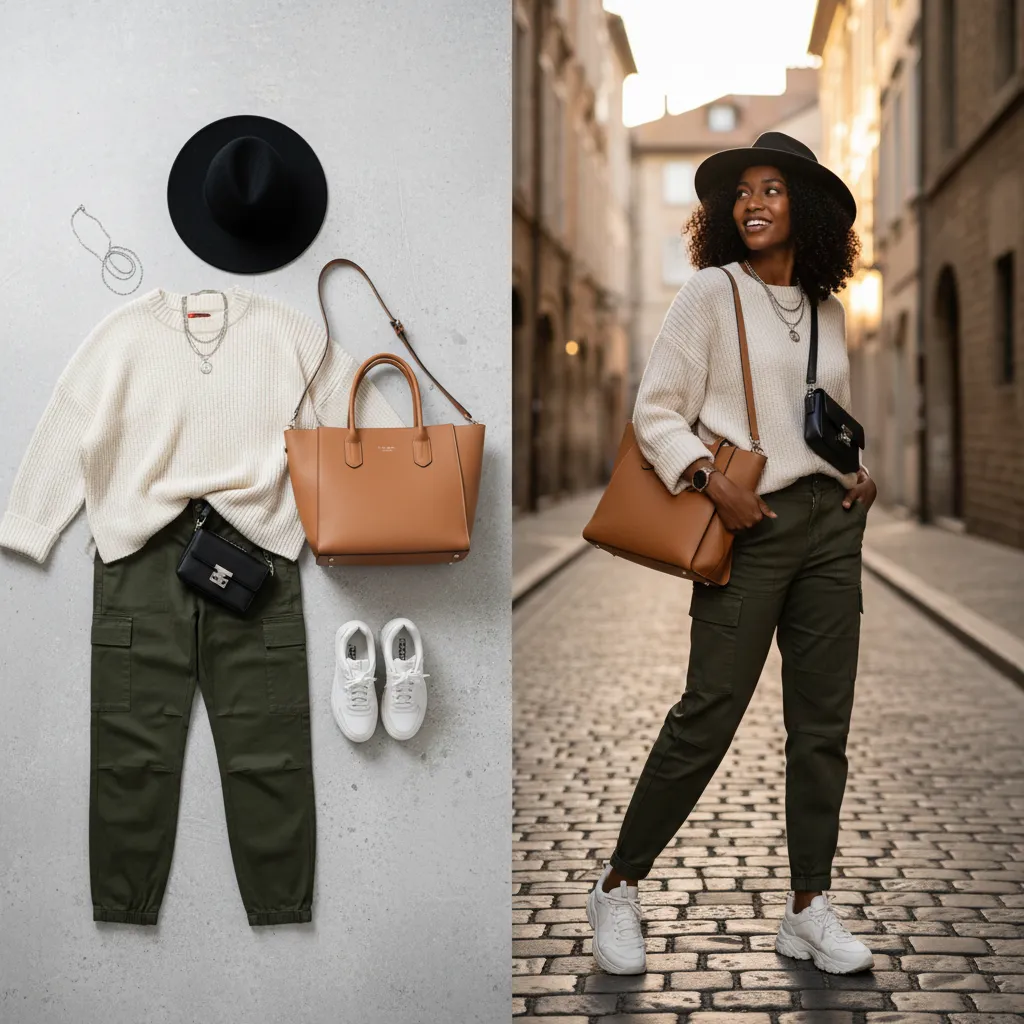
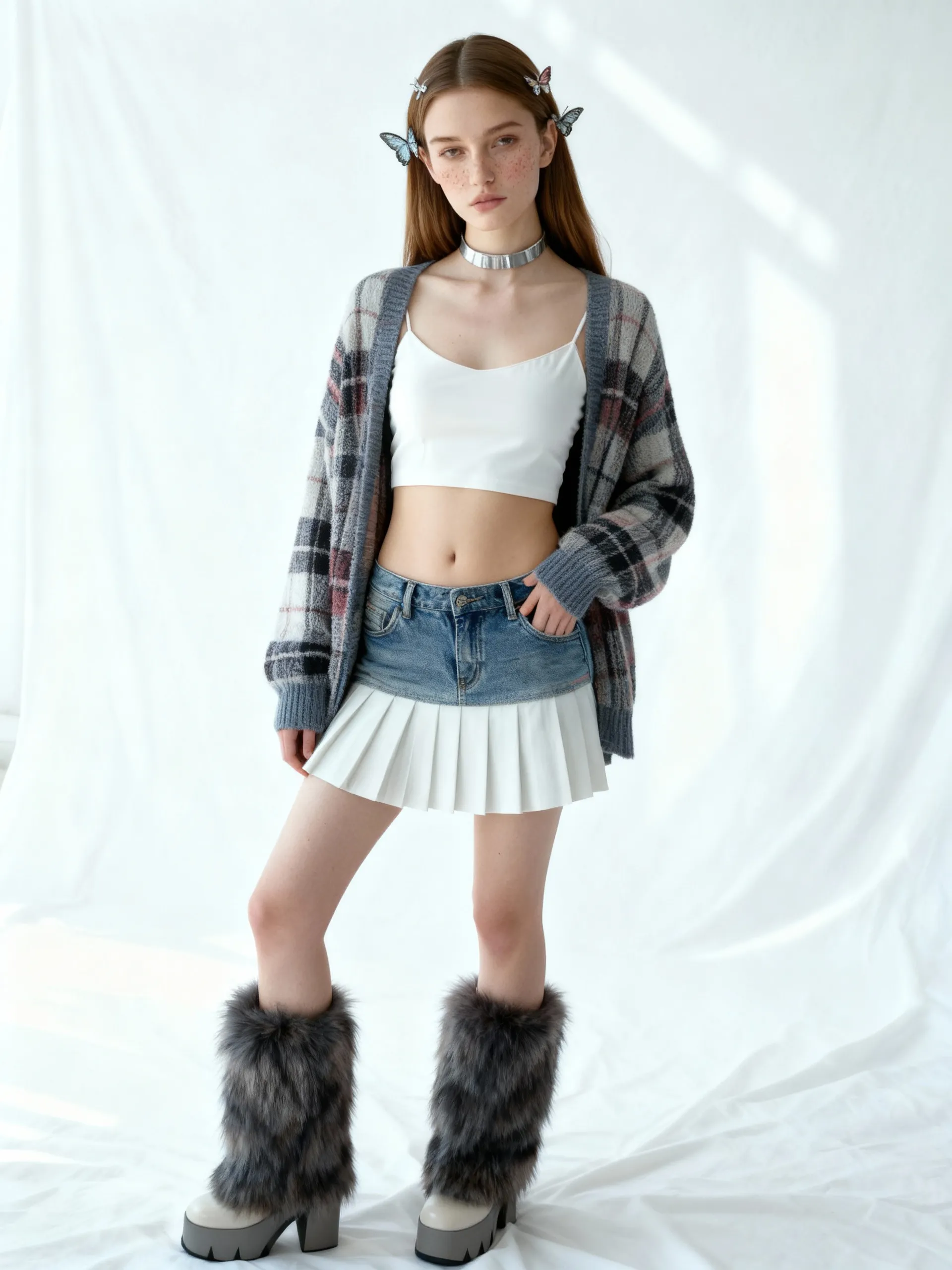
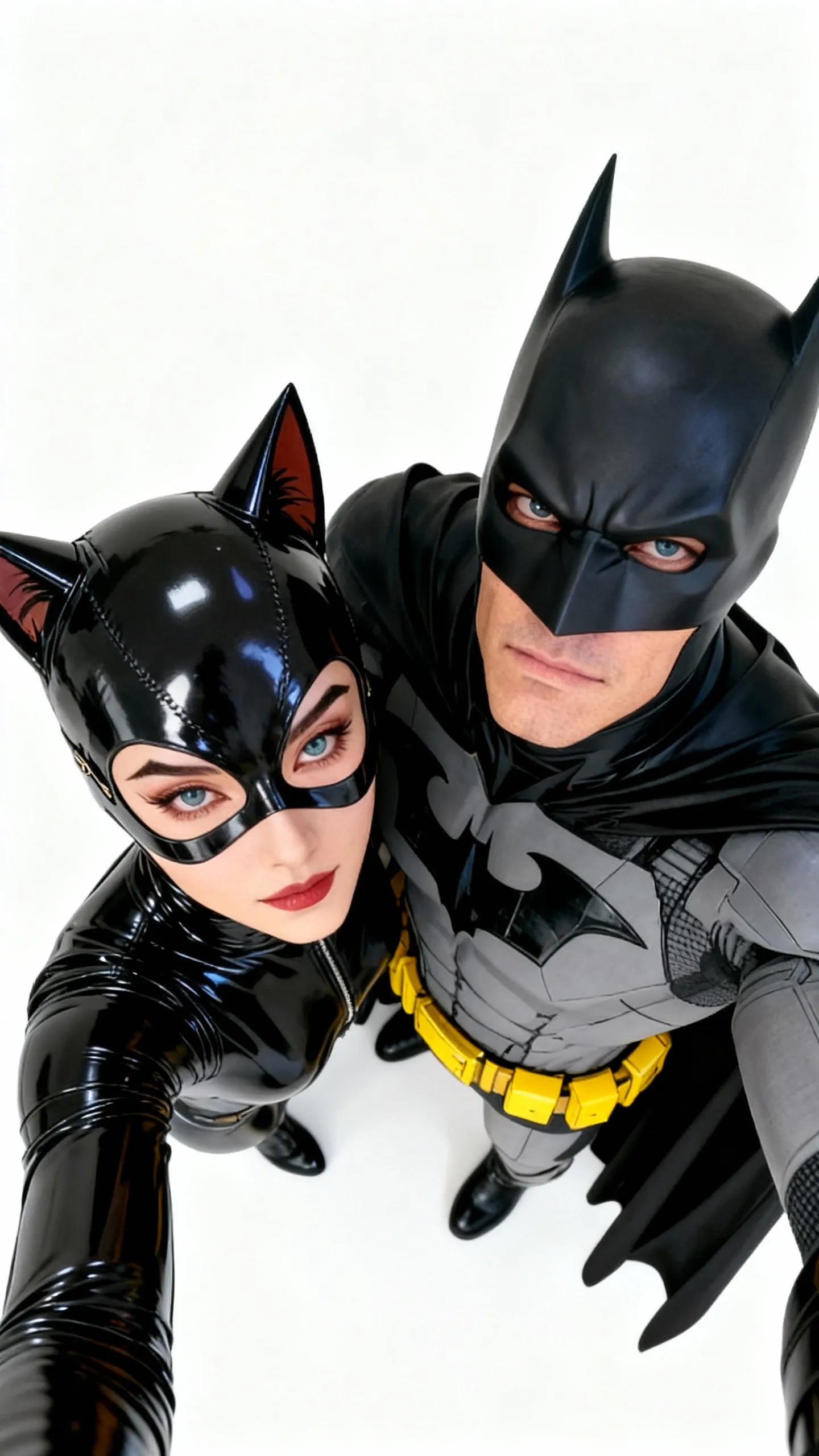
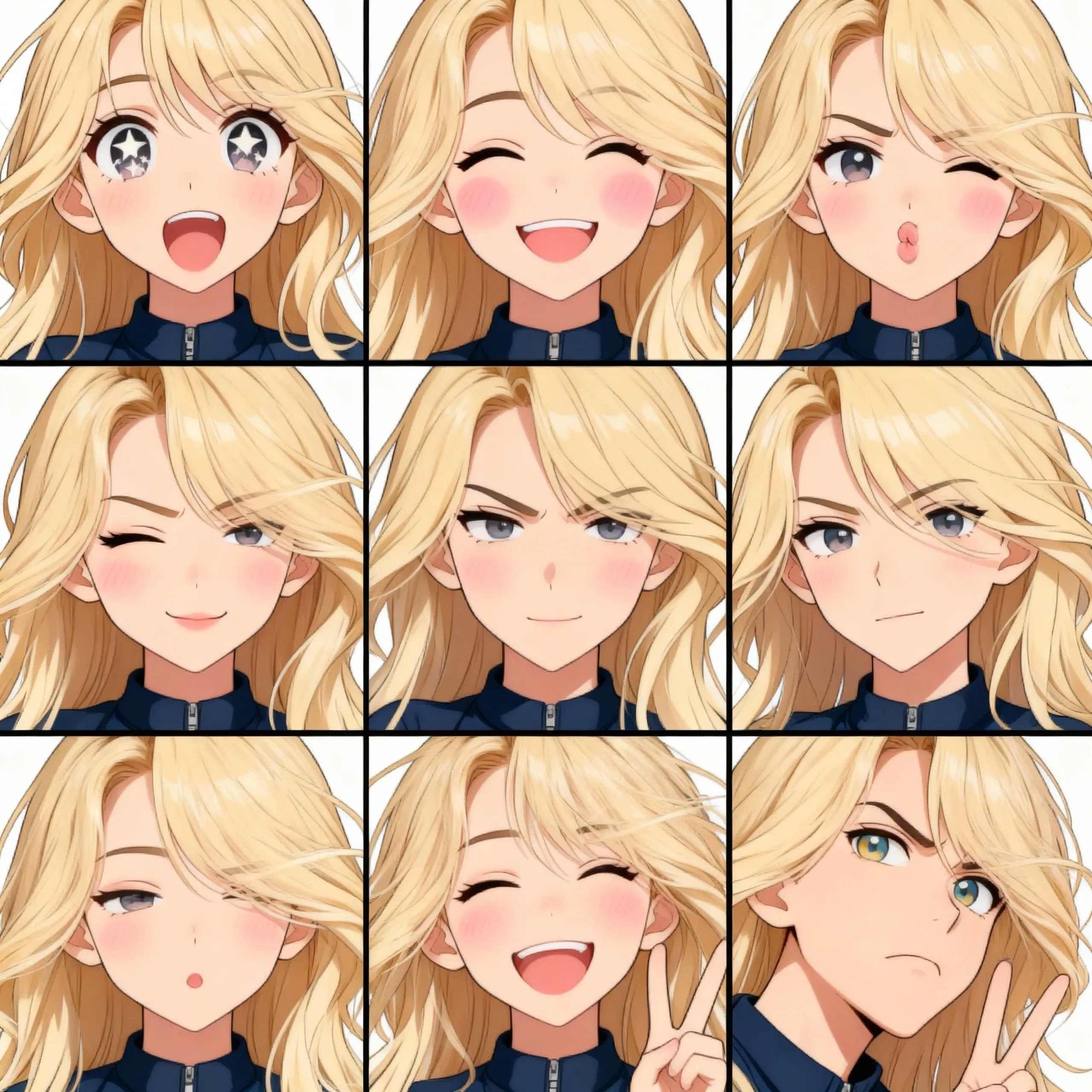
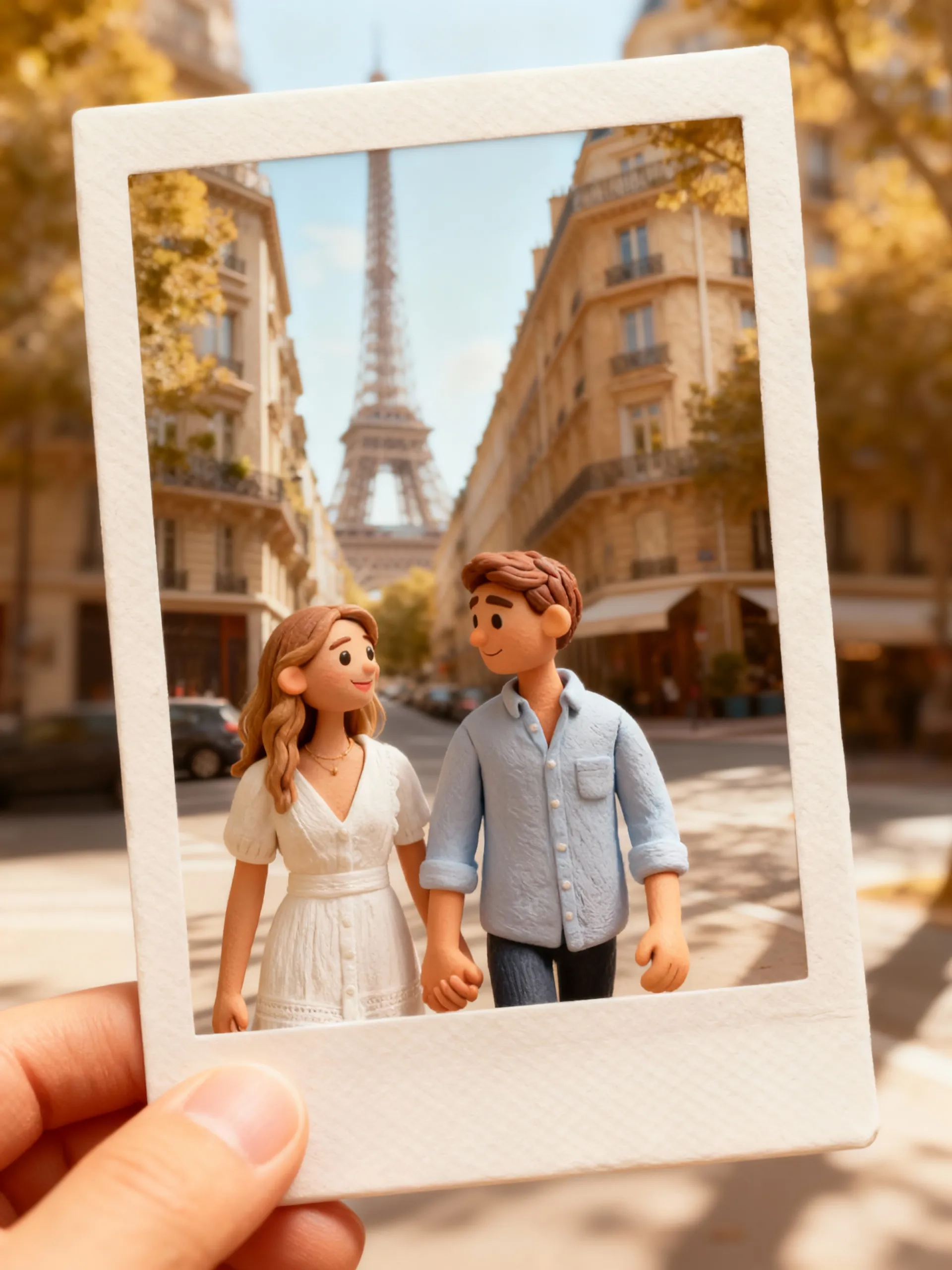
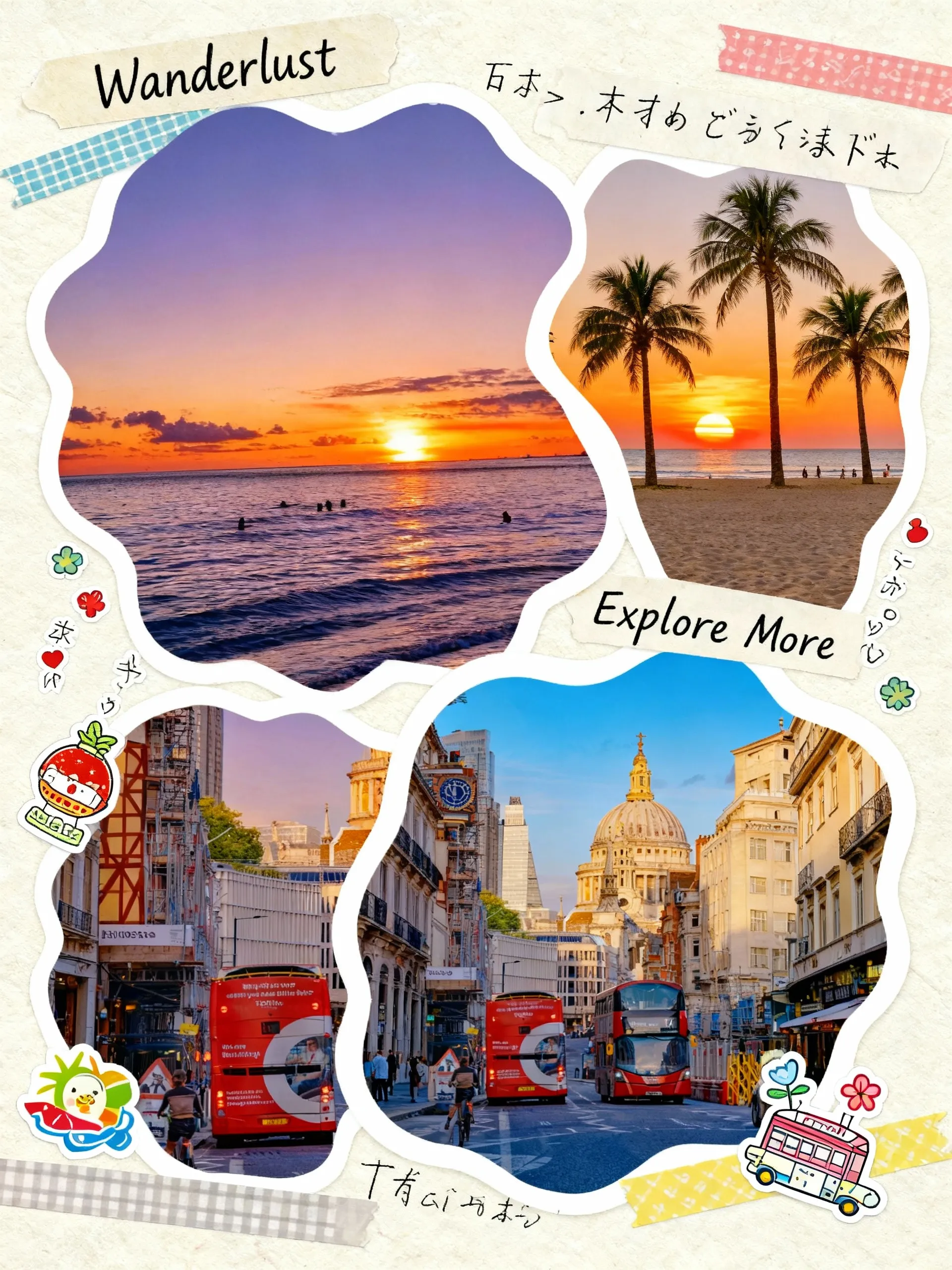

Powerful Image to Image Maker Features for Professional Results
Transform your photos with our advanced AI image editor. Professional-quality image transformations powered by cutting-edge artificial intelligence.
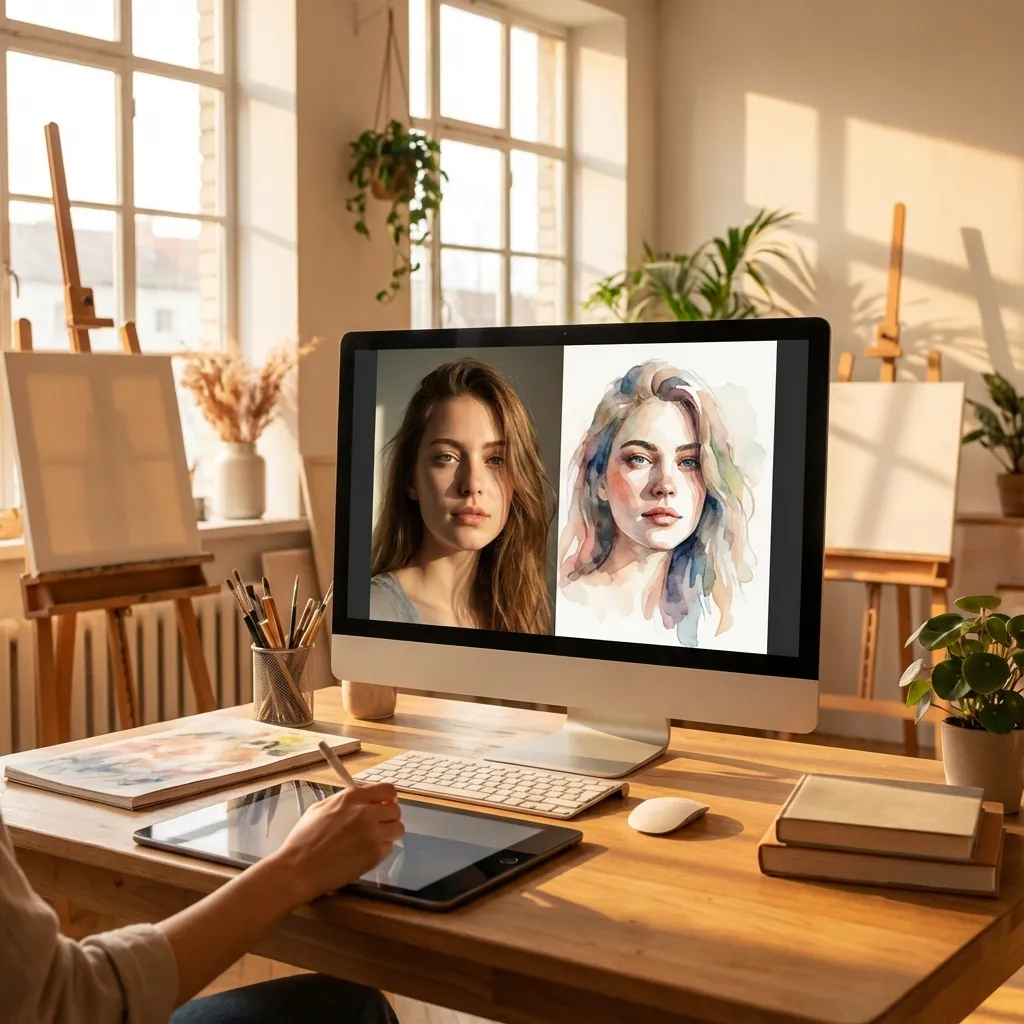
Fast Retouch & Style
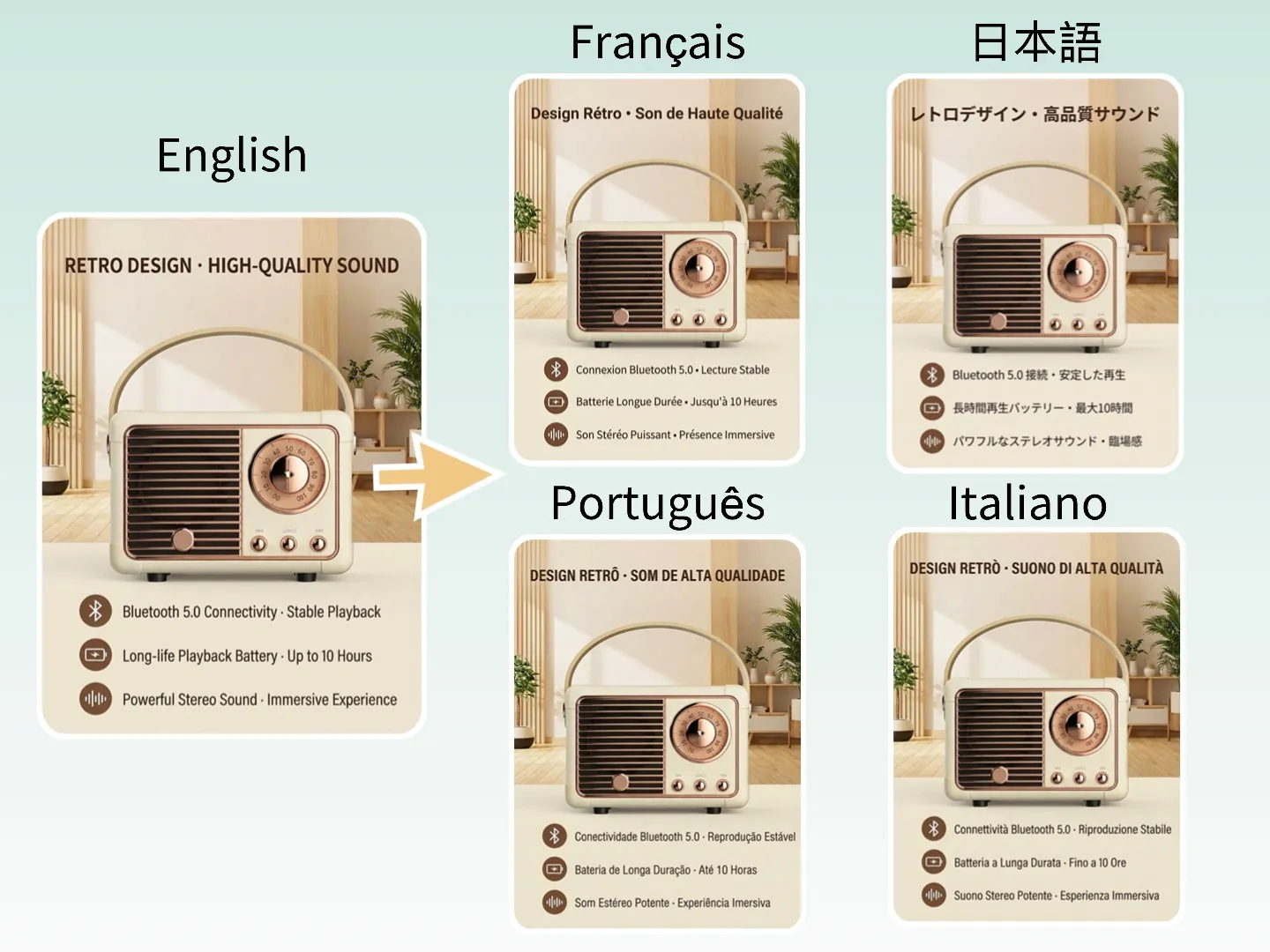
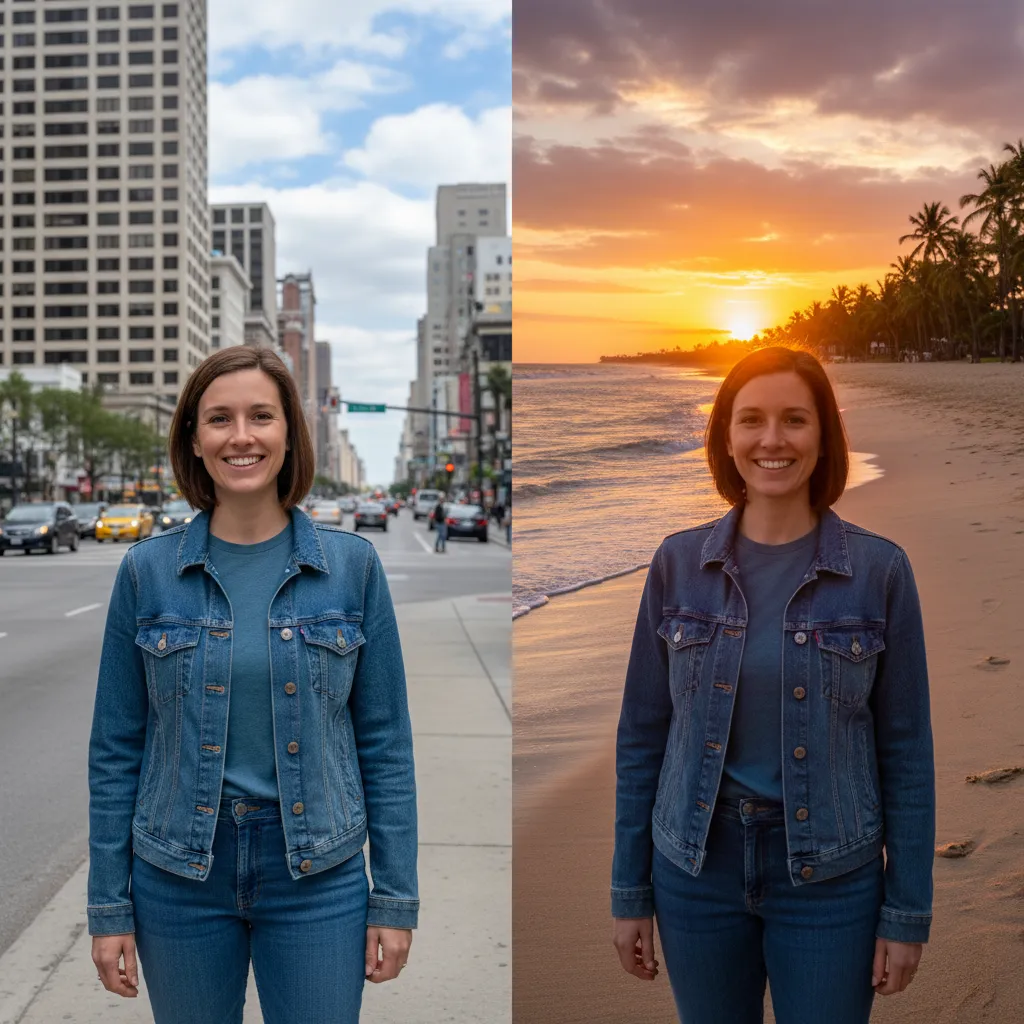
Edit fast with AI Image Editor to refine skin, lighting, and color in seconds, then clean results with Background Changer and Watermark Remover. Perfect for ecommerce hero images, social portraits, and marketing assets, with consistent brand style and faster batch production.
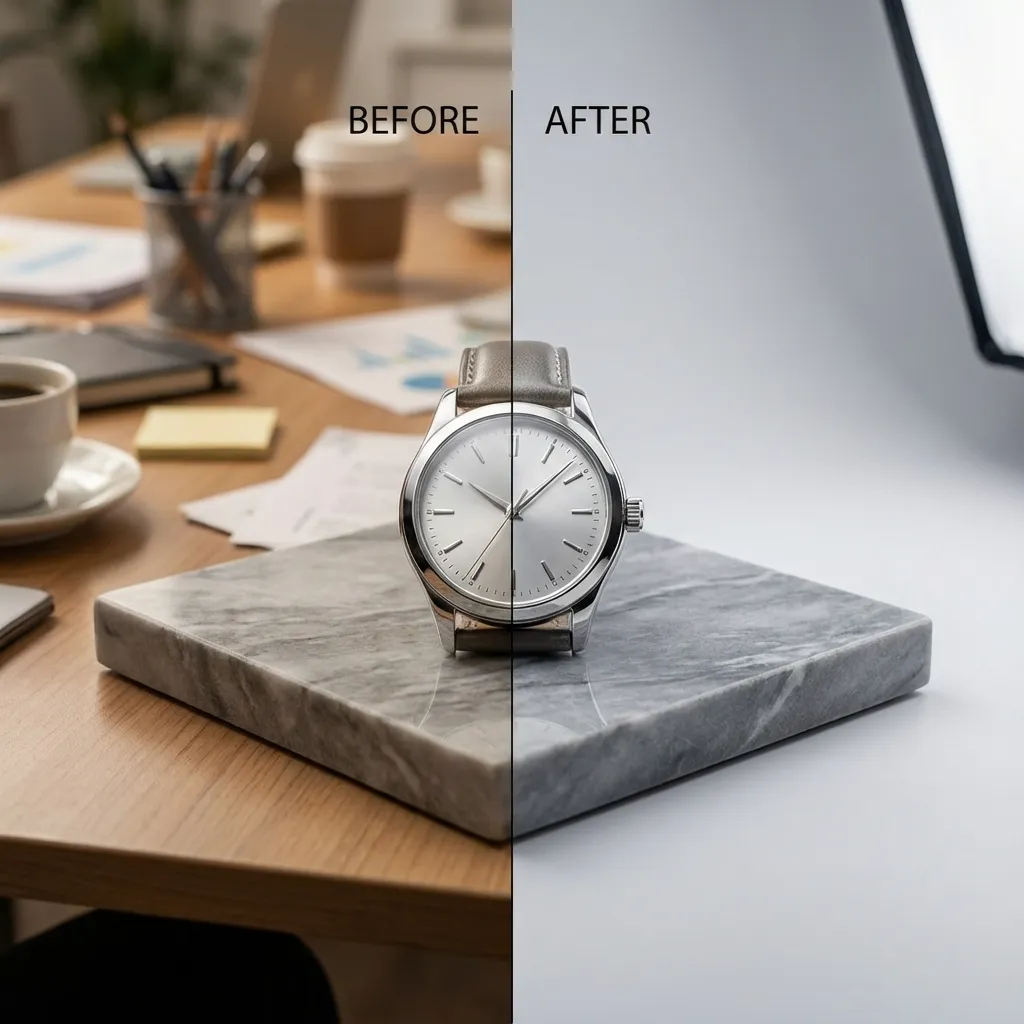
Cutout & Extend
Remove distractions with AI Object Remover, then expand the frame using AI Image Extender. This gives you clean margins for layouts, banners, and cover art while keeping lighting and perspective consistent, reducing manual cleanup and resizing work.
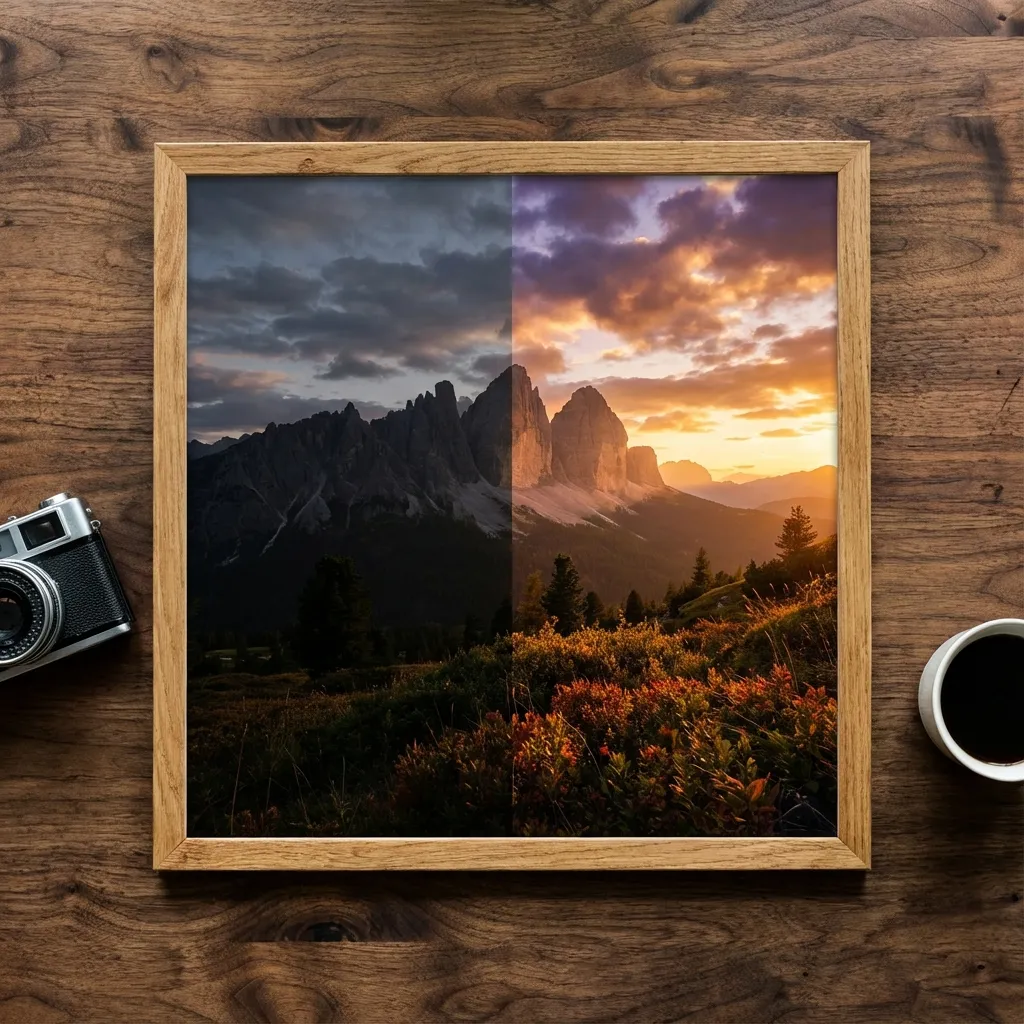
Enhance & Restore
Upscale for clarity with AI Image Upscaler, colorize with Photo Colorizer, and fix blur using AI Unblur Image. Ideal for scanned prints, archival images, and low‑resolution assets that need sharper edges, richer tones, and a modern finish without losing the original character.
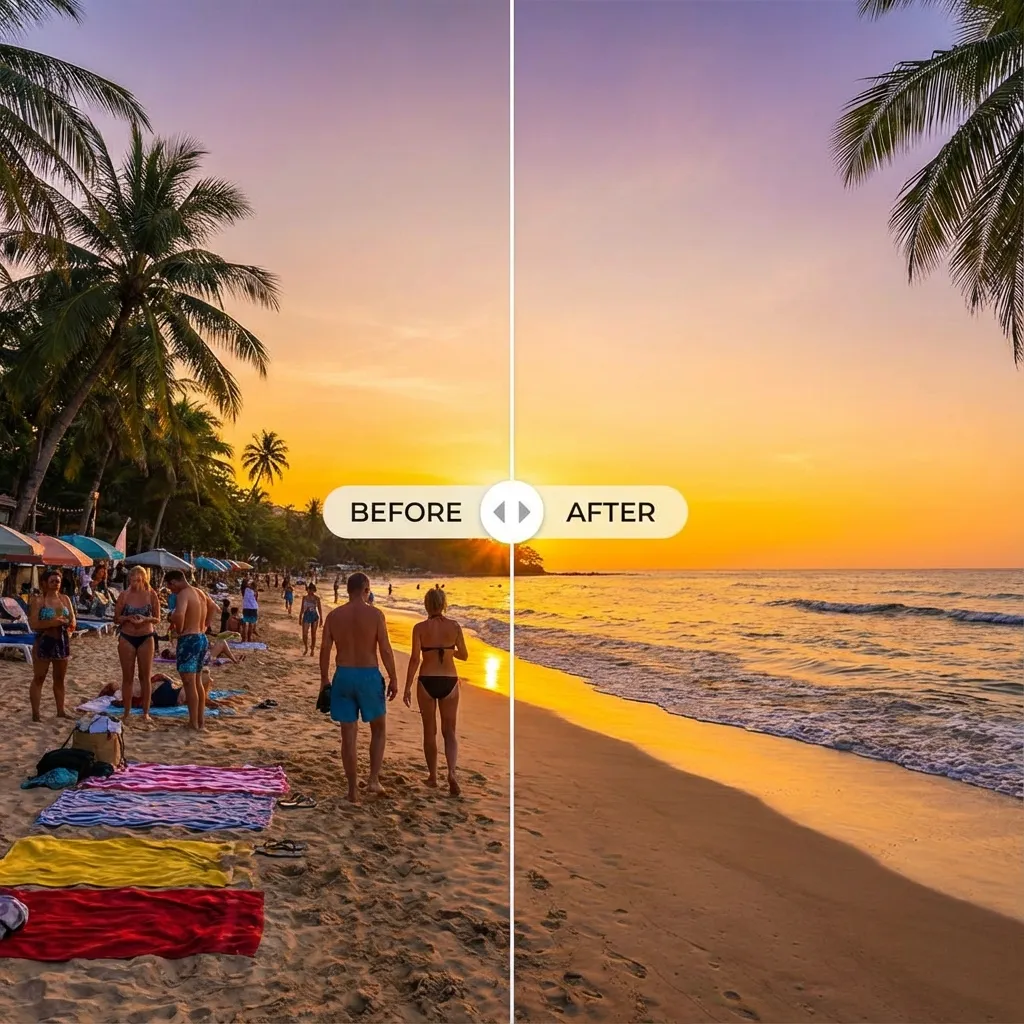
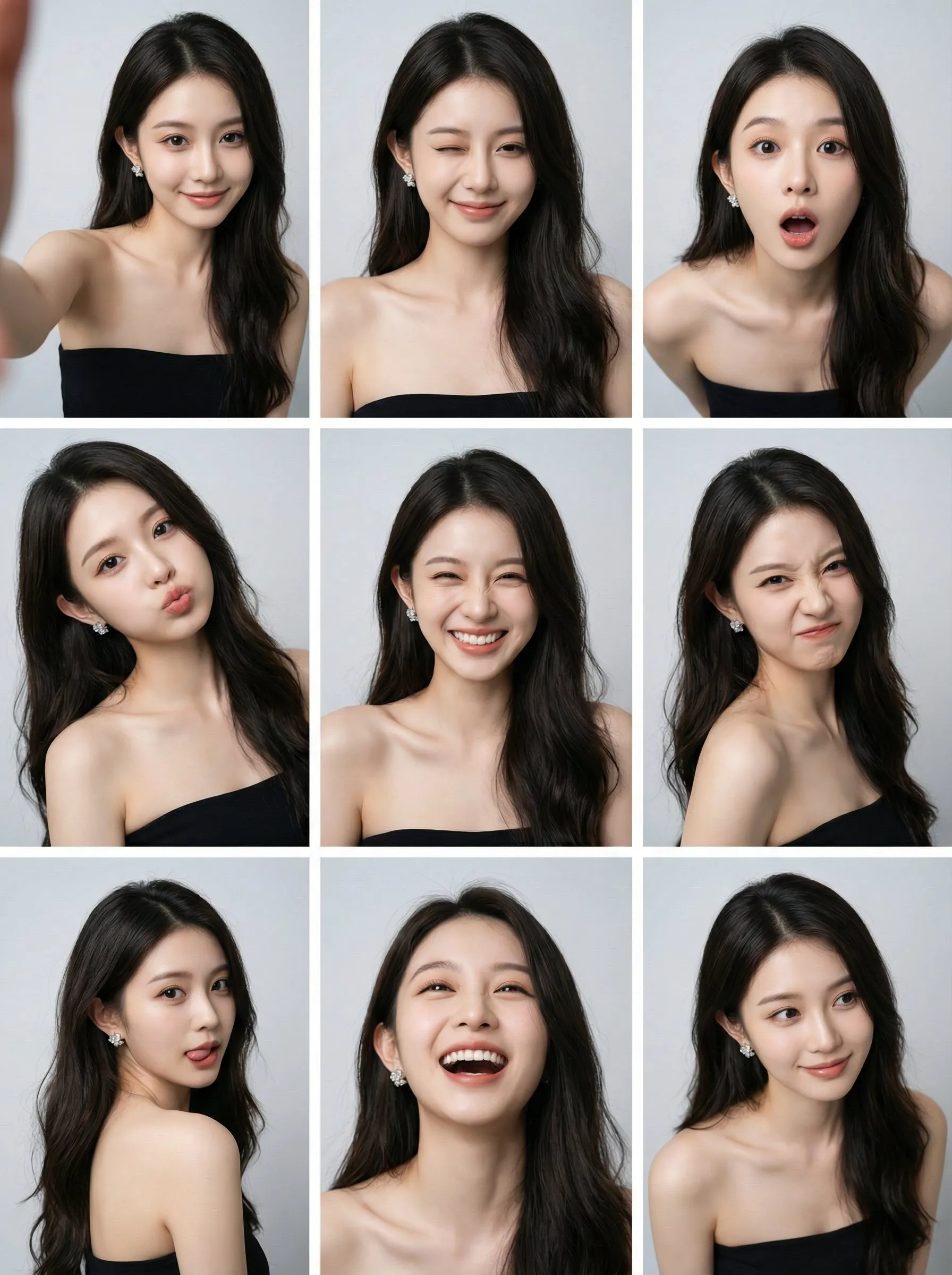
Create & Animate
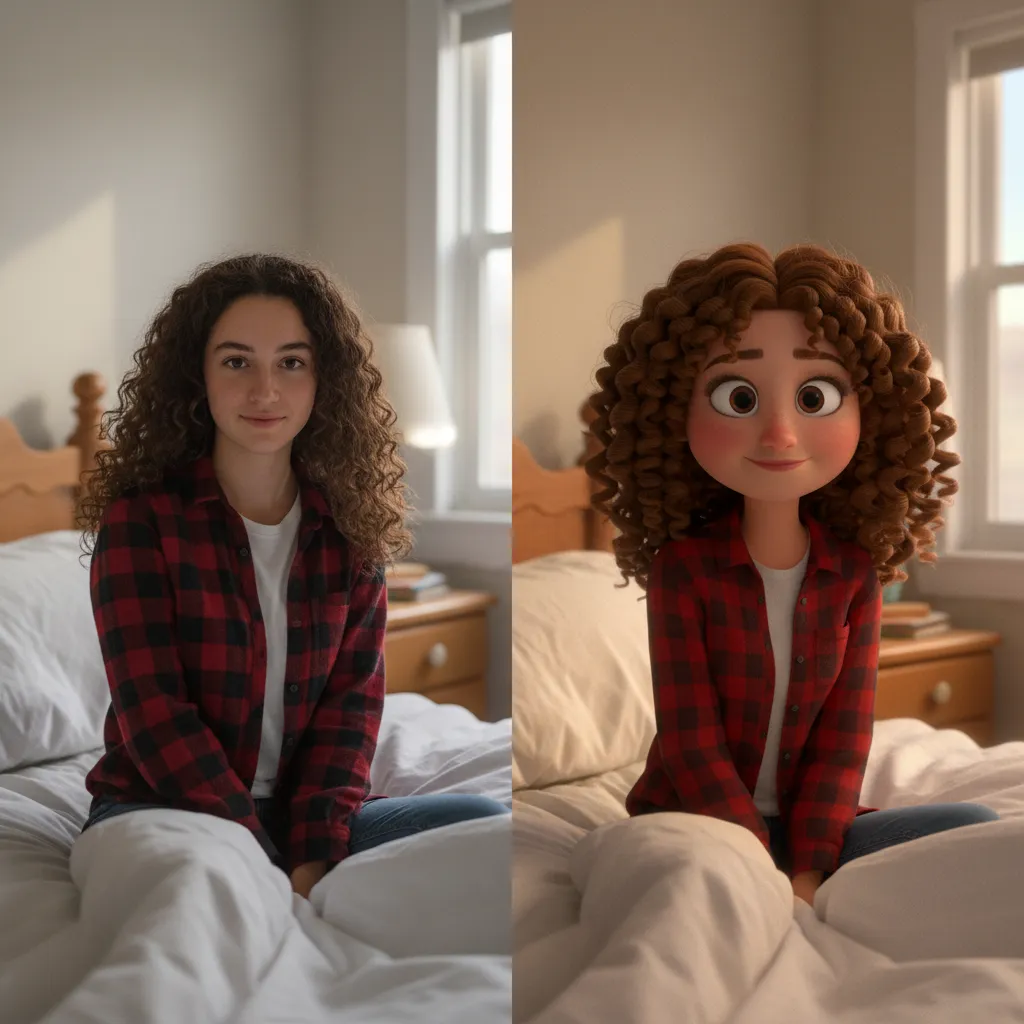
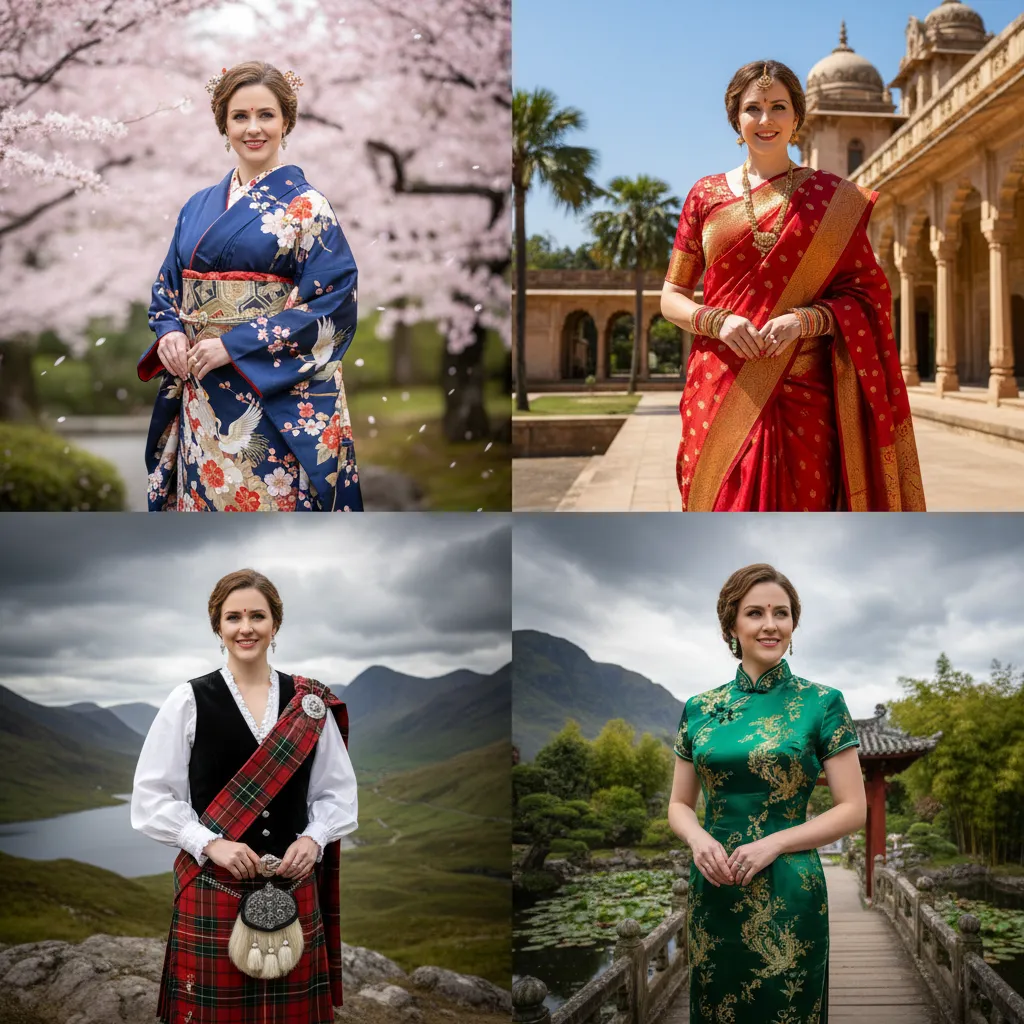
Generate styles with AI Photo Booth or Photo to Cartoon, then animate with Image to Video. Create avatars, stickers, and campaign visuals, then turn them into motion clips for intros, reels, and social ads—great for A/B tests and rapid iteration.
Discover Powerful AI Tools for Image Editing
Discover advanced AI-powered tools to enhance, transform, and perfect your images with professional results
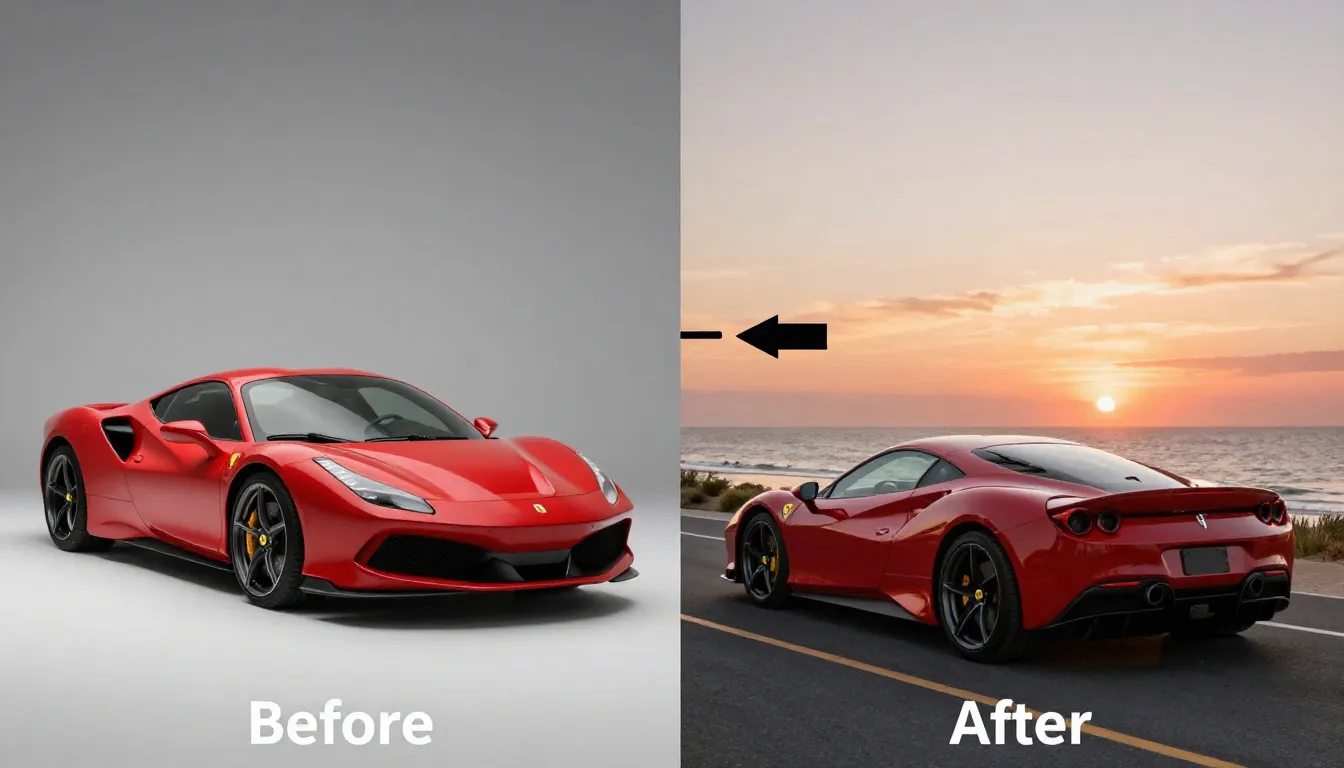
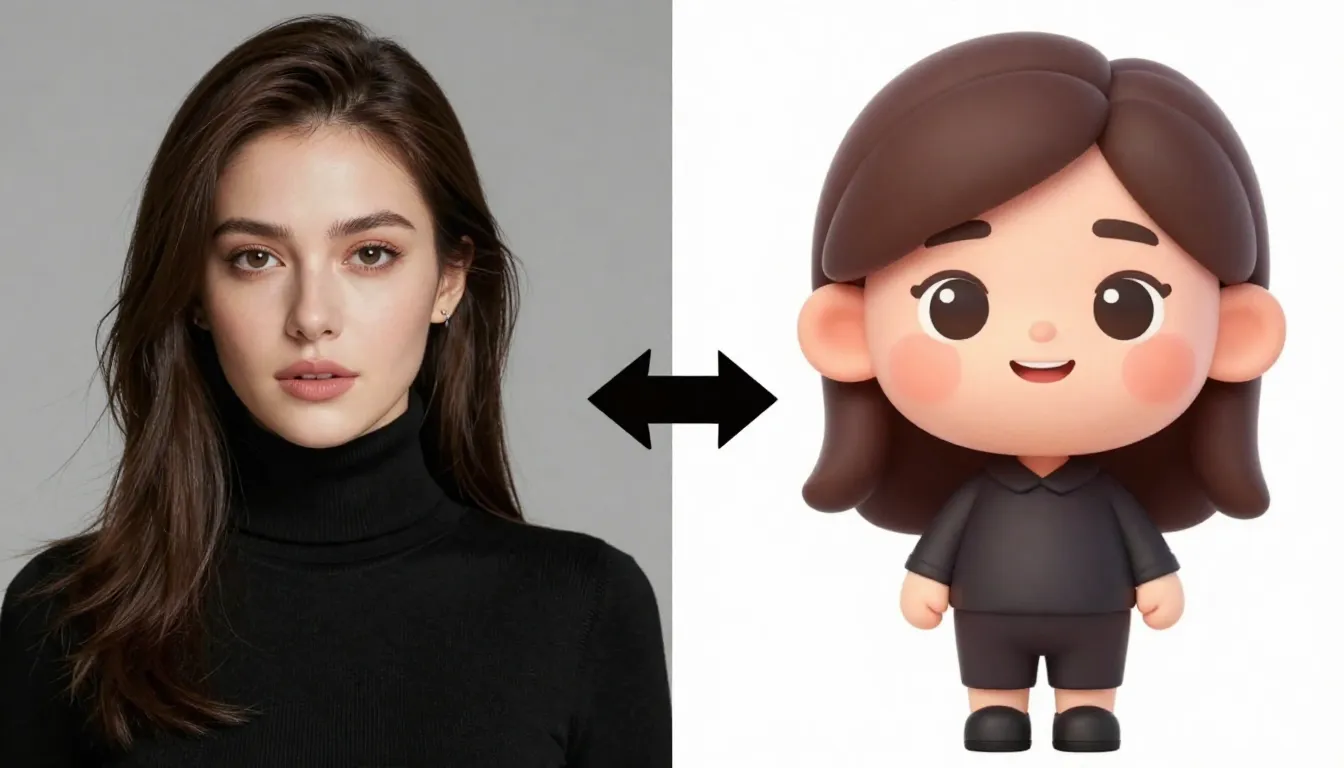
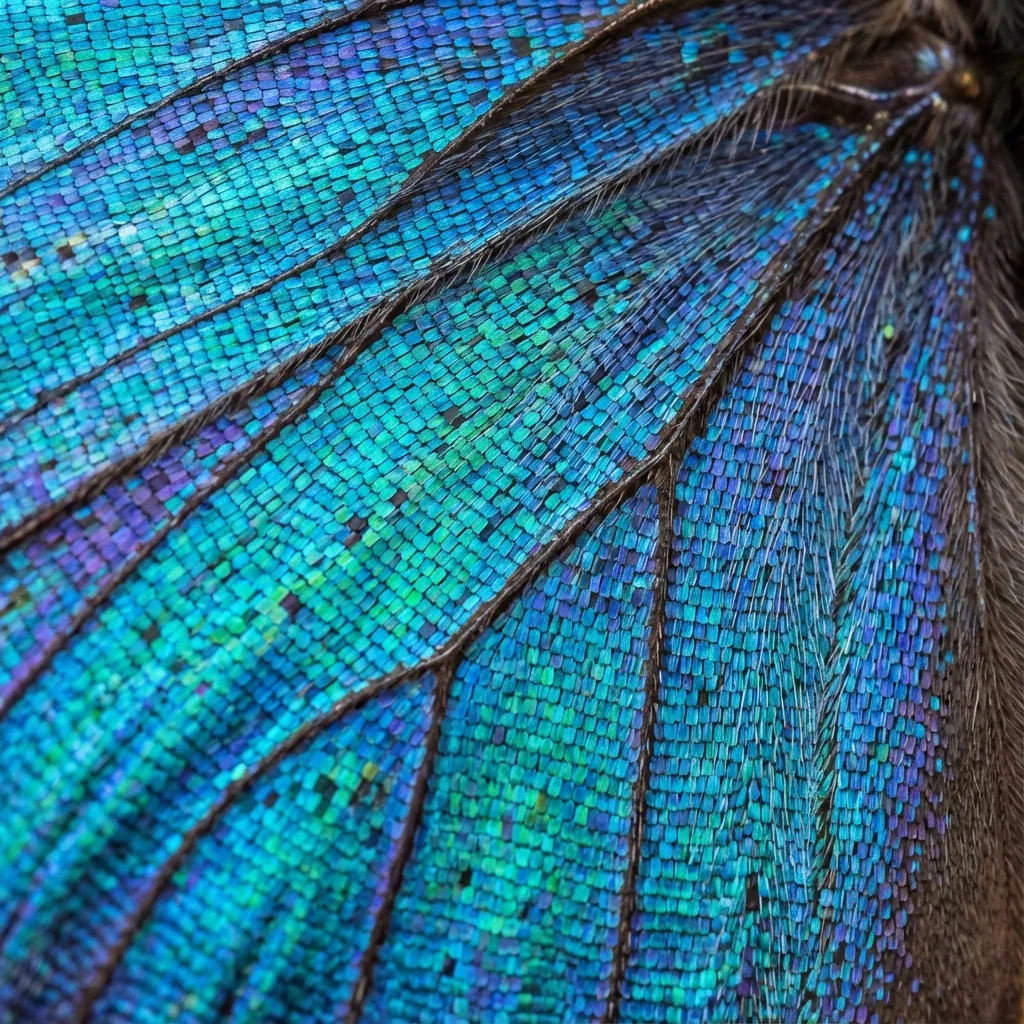
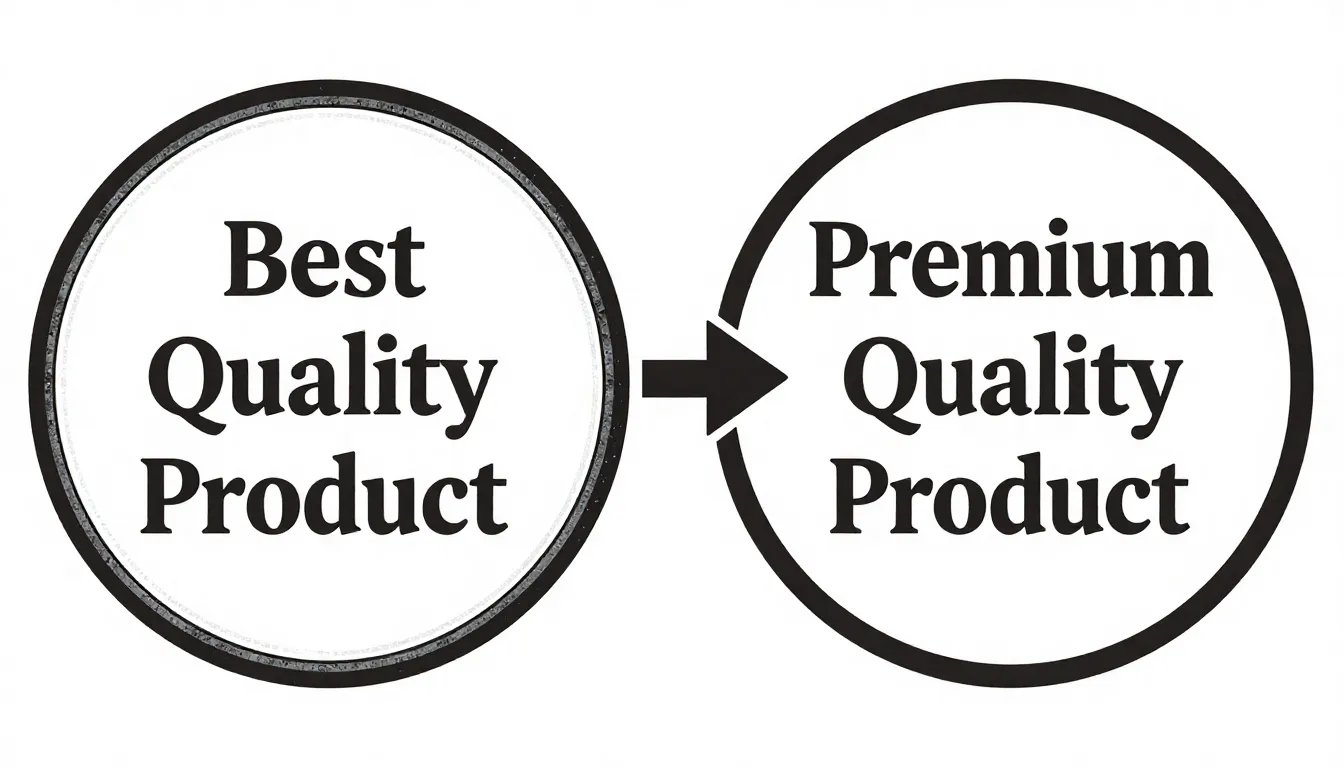
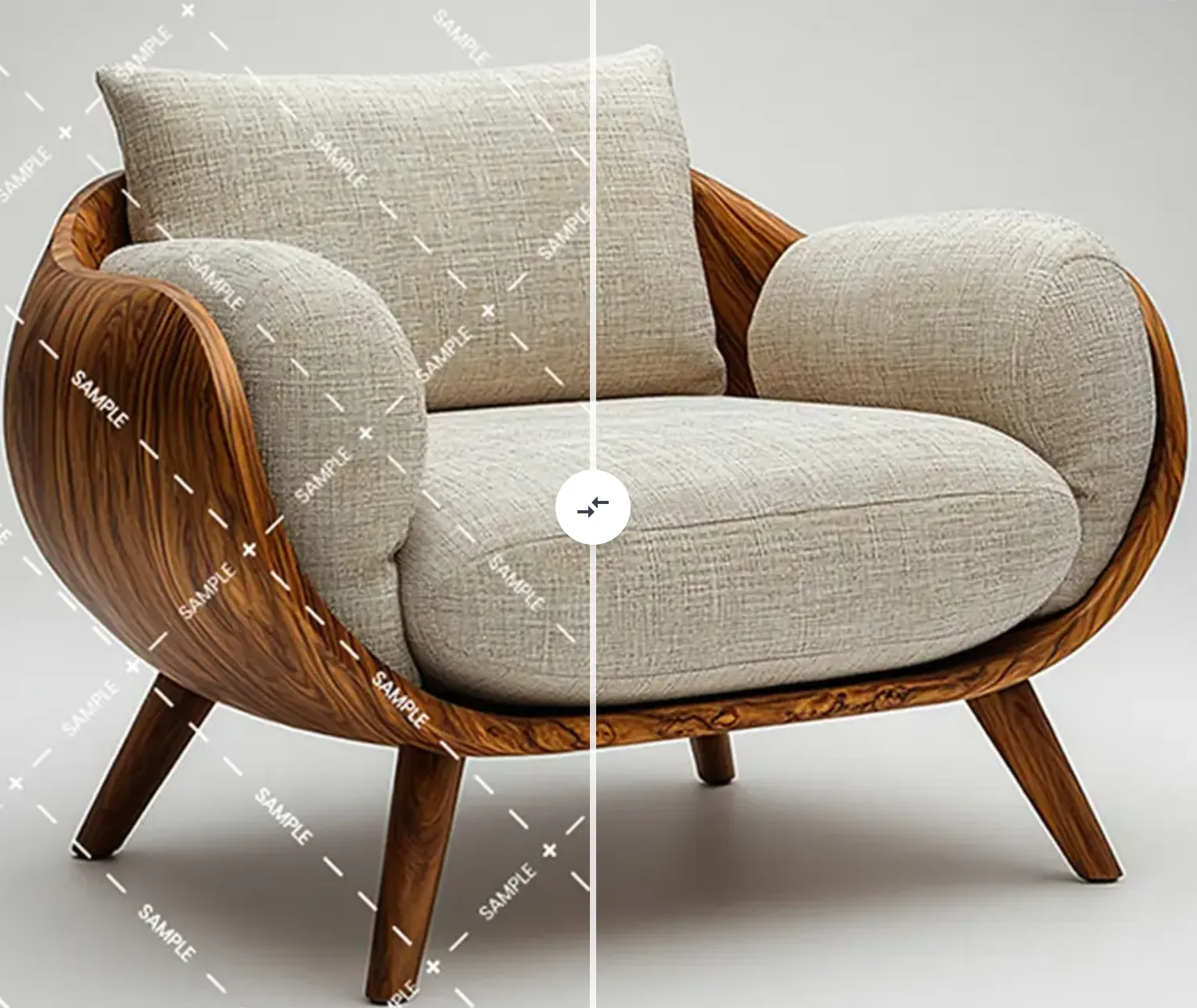
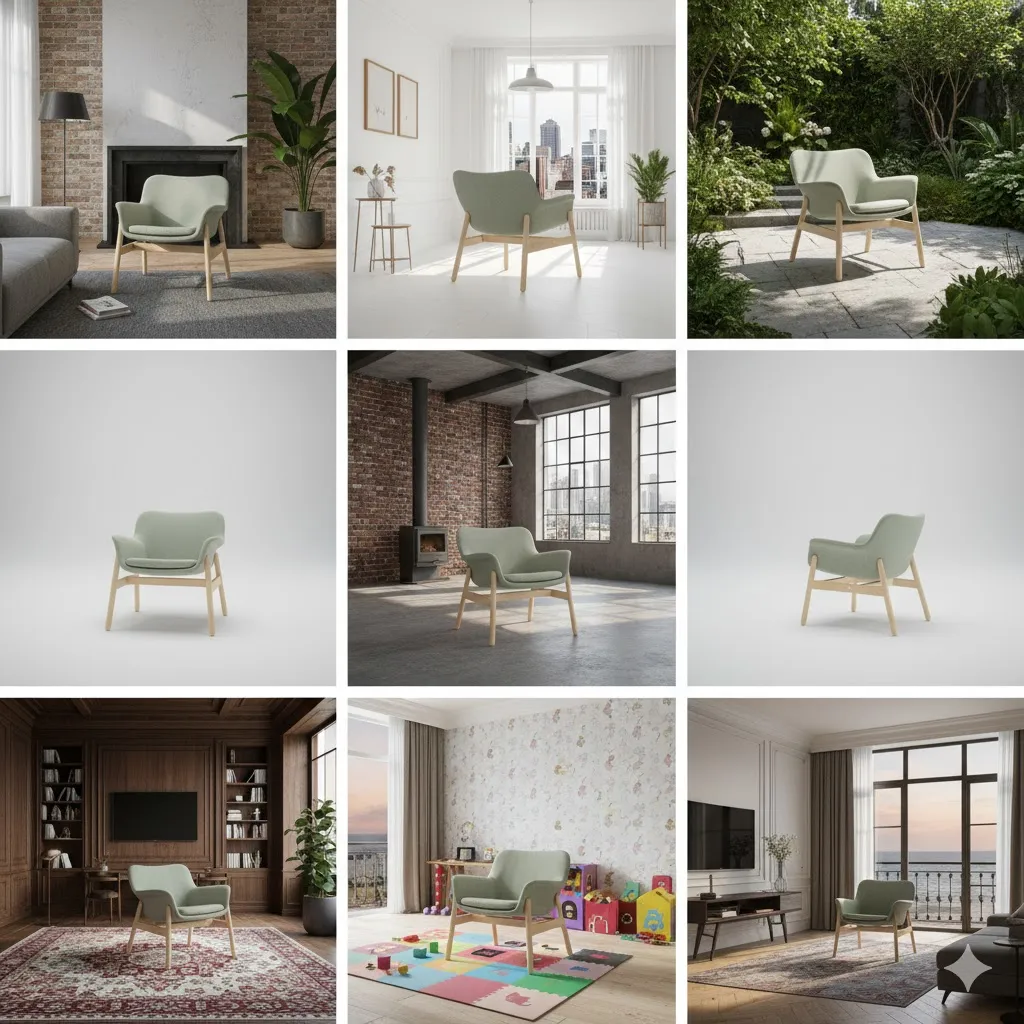
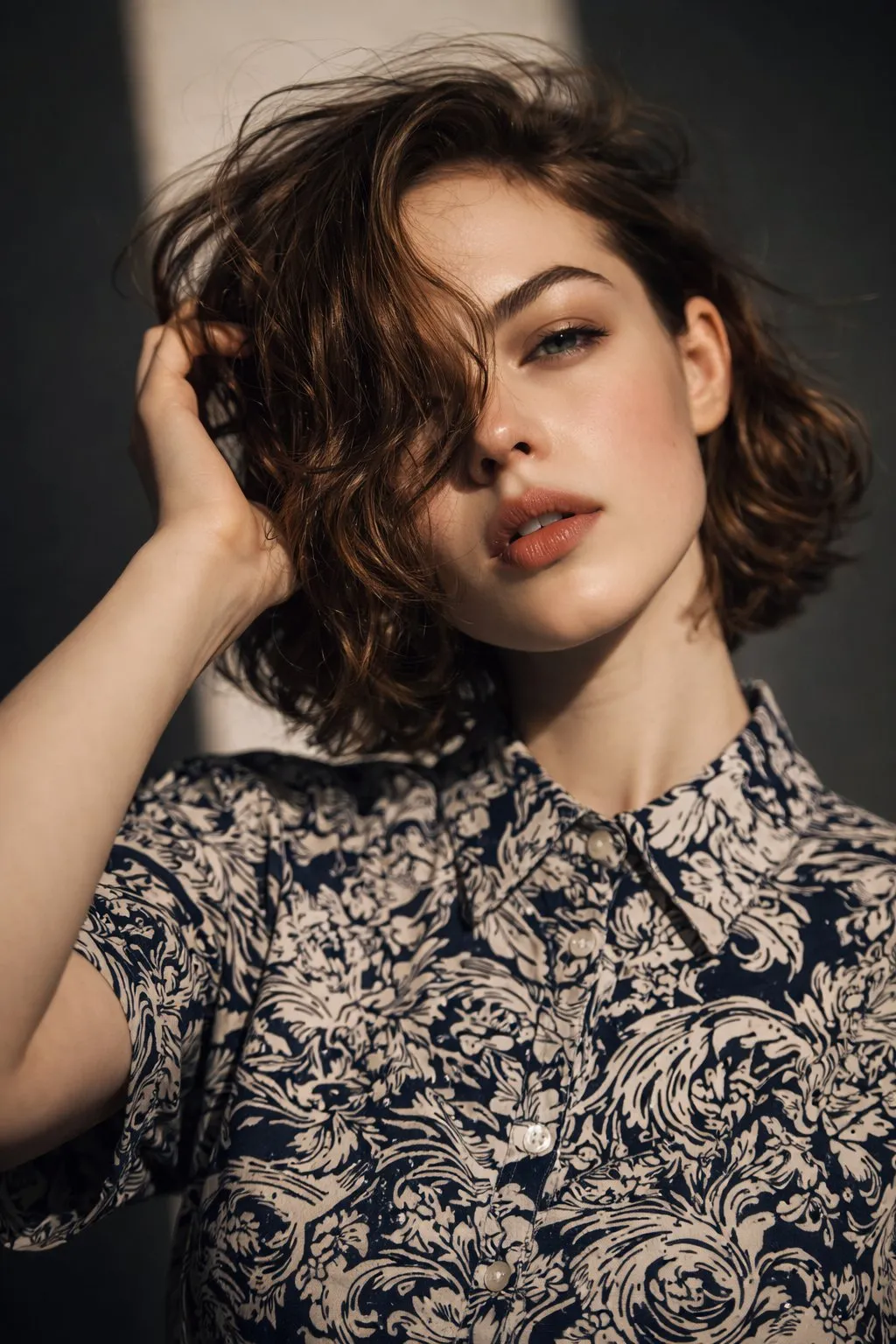
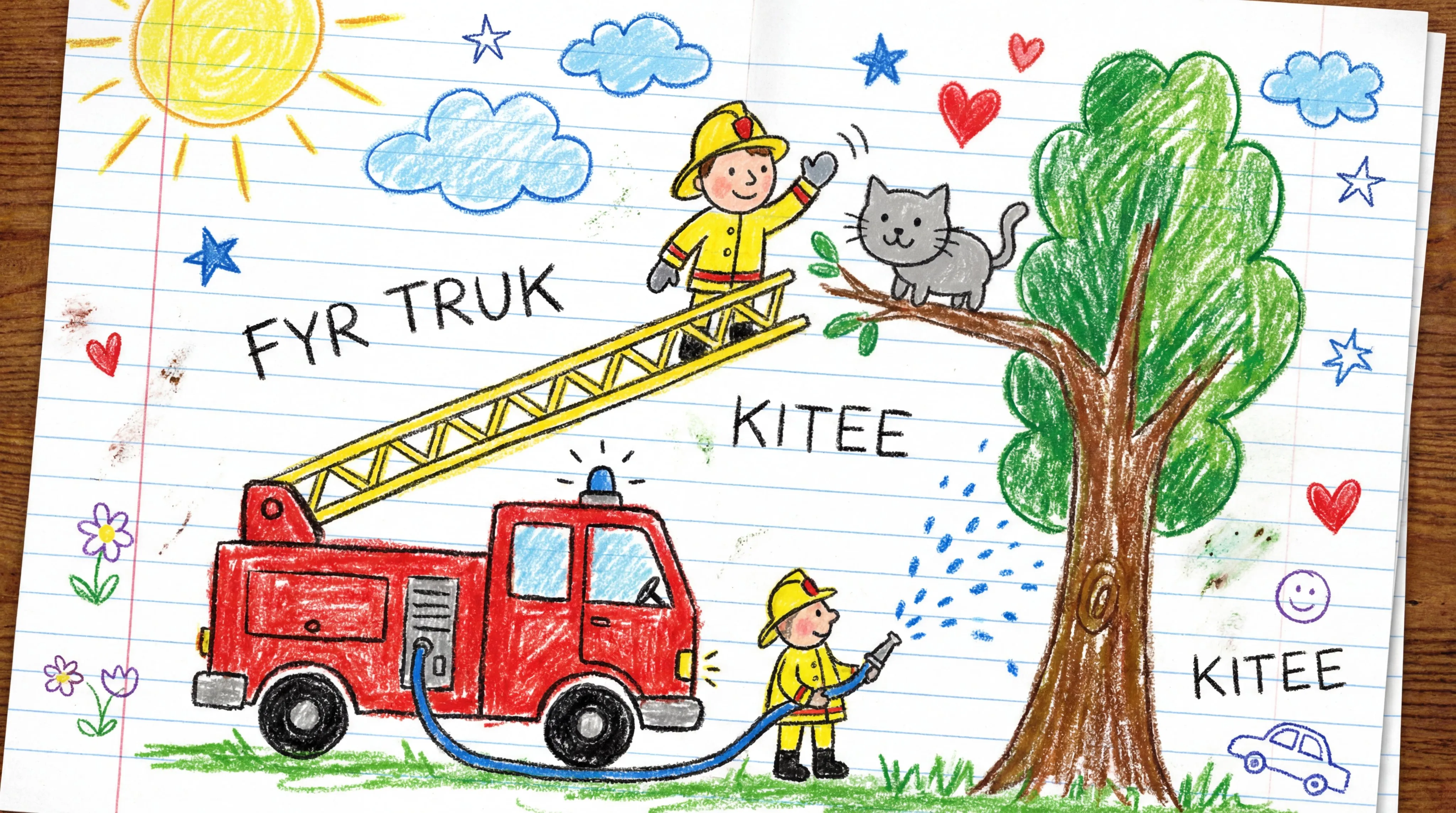
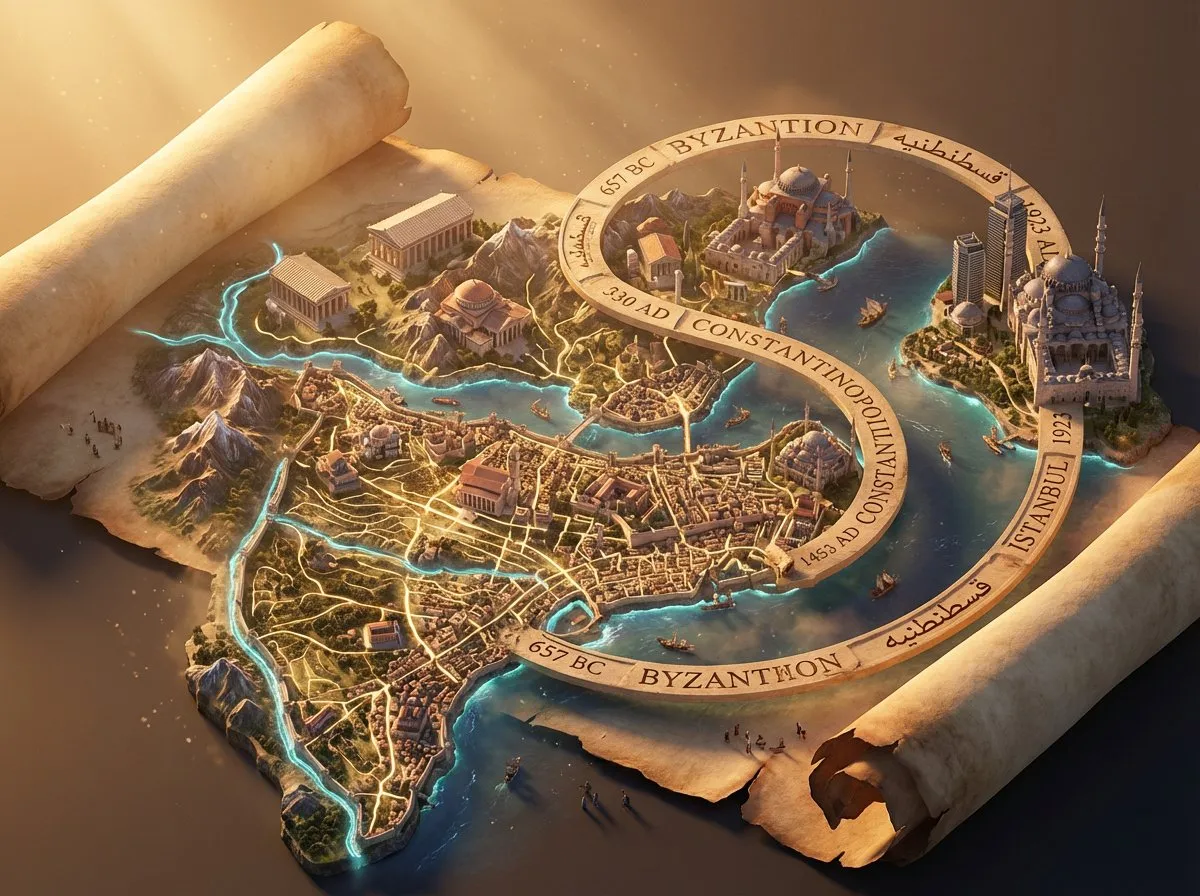
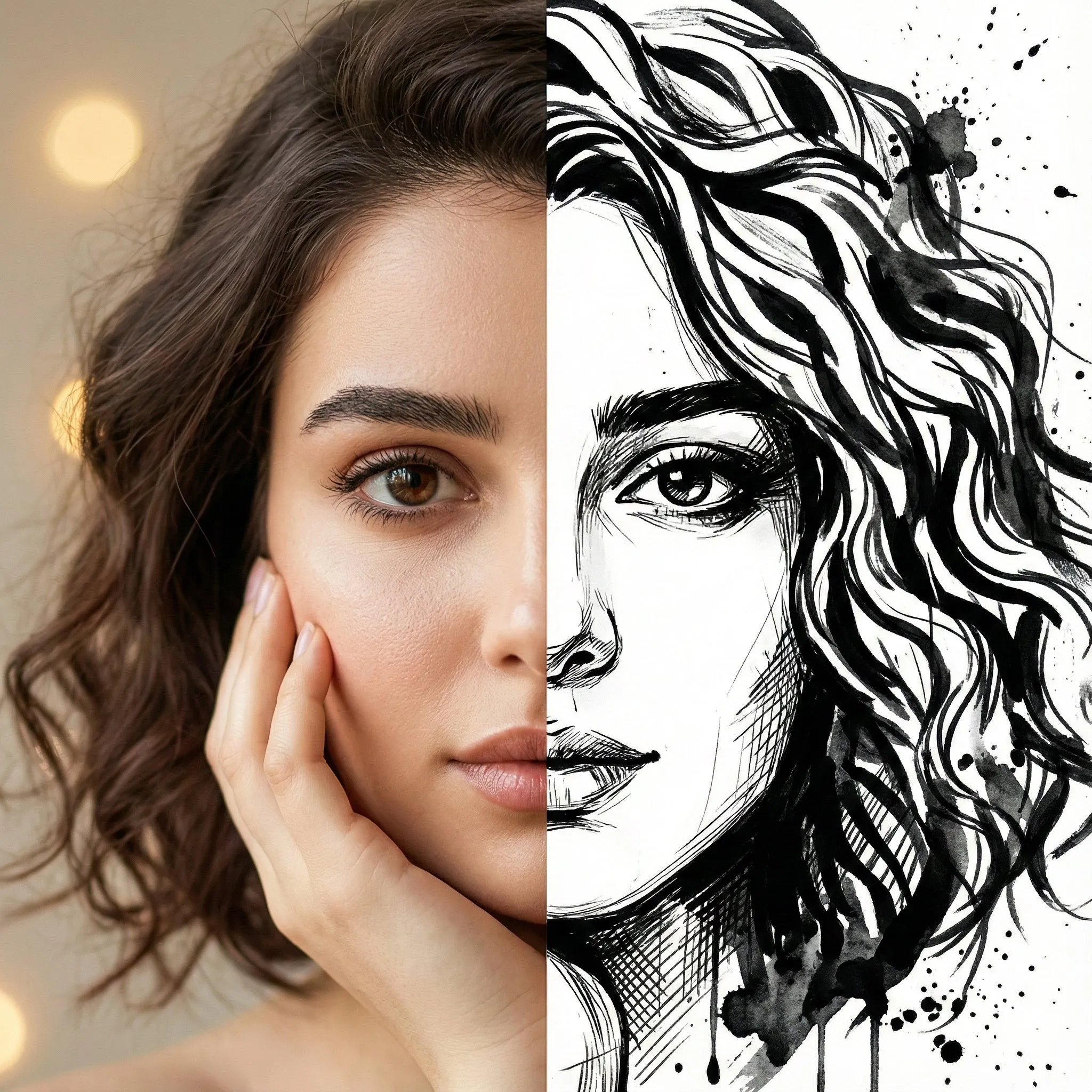
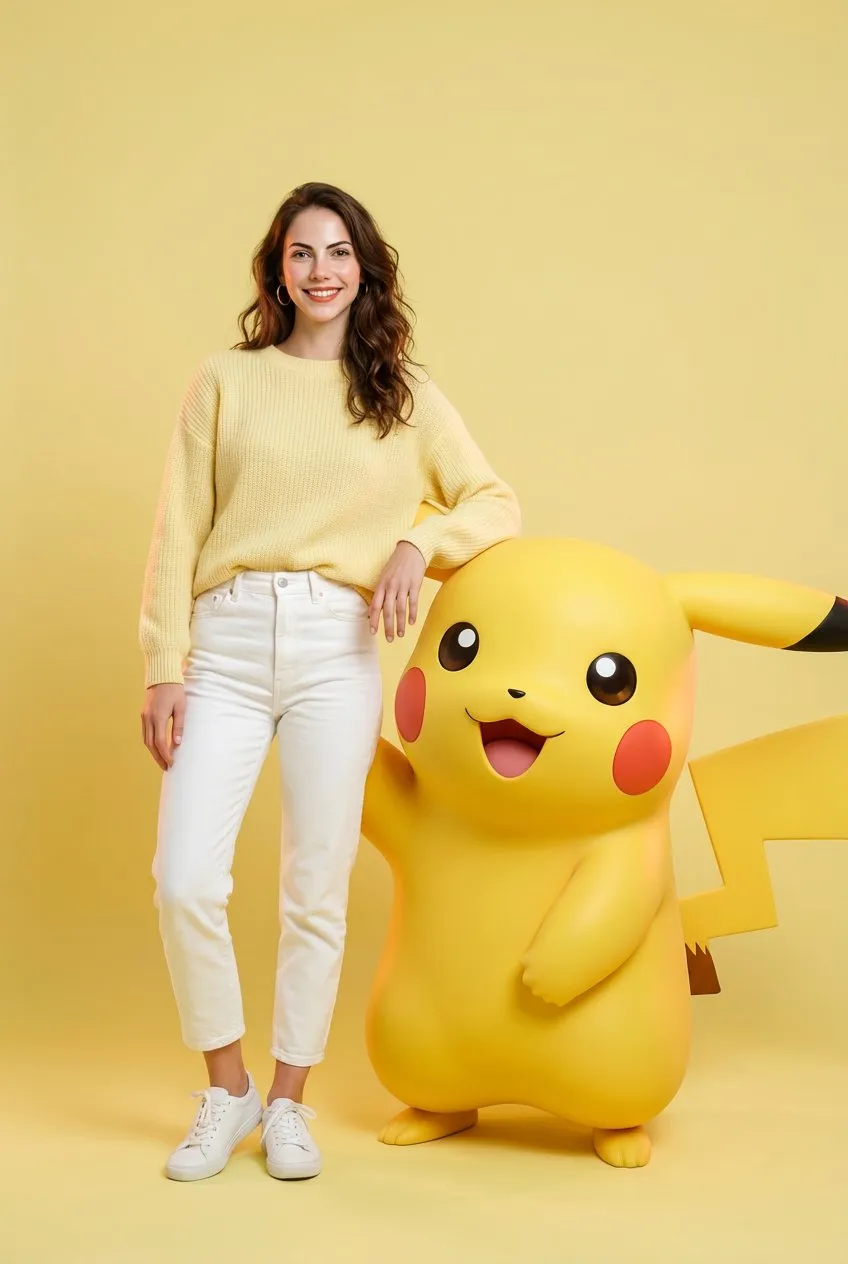
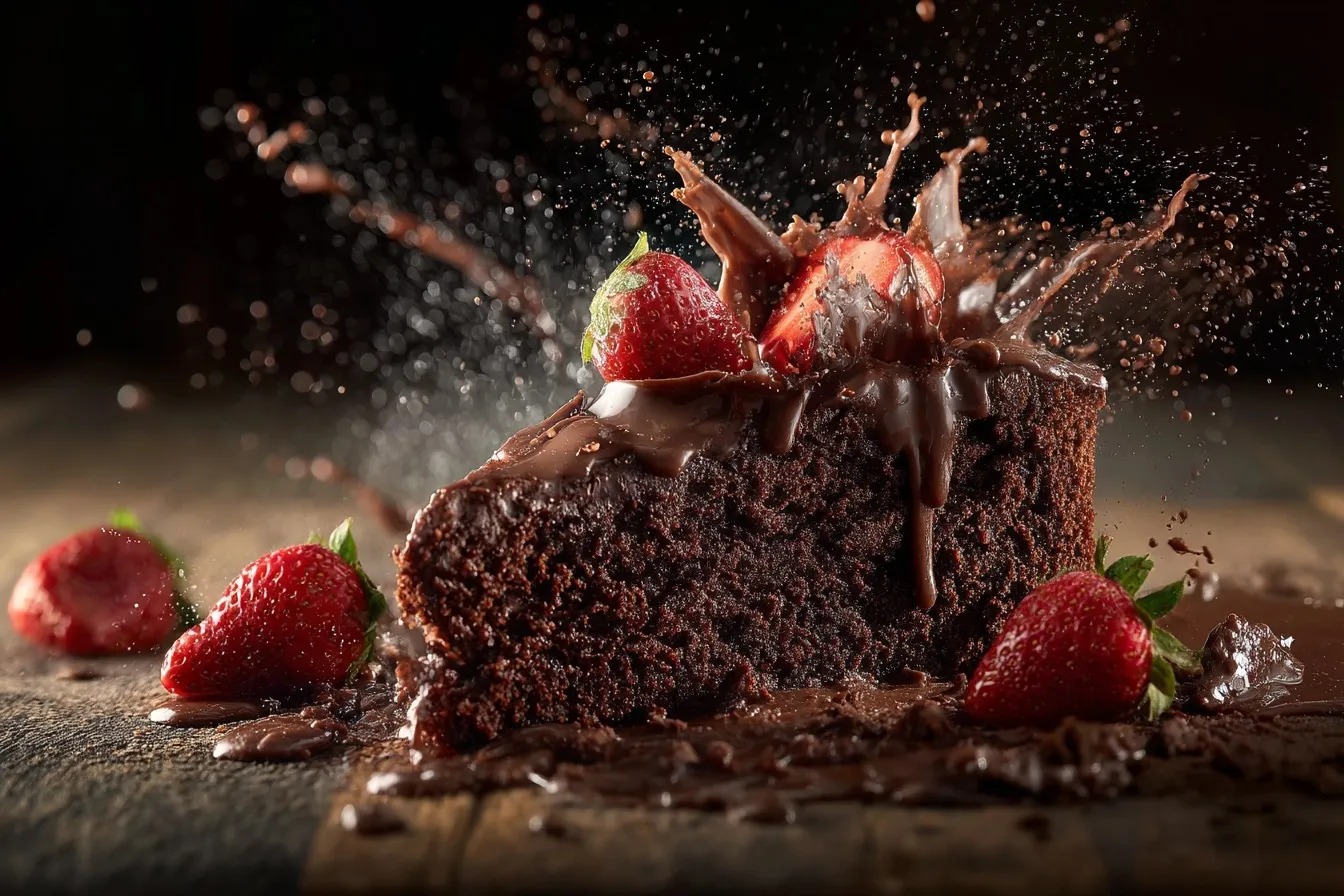
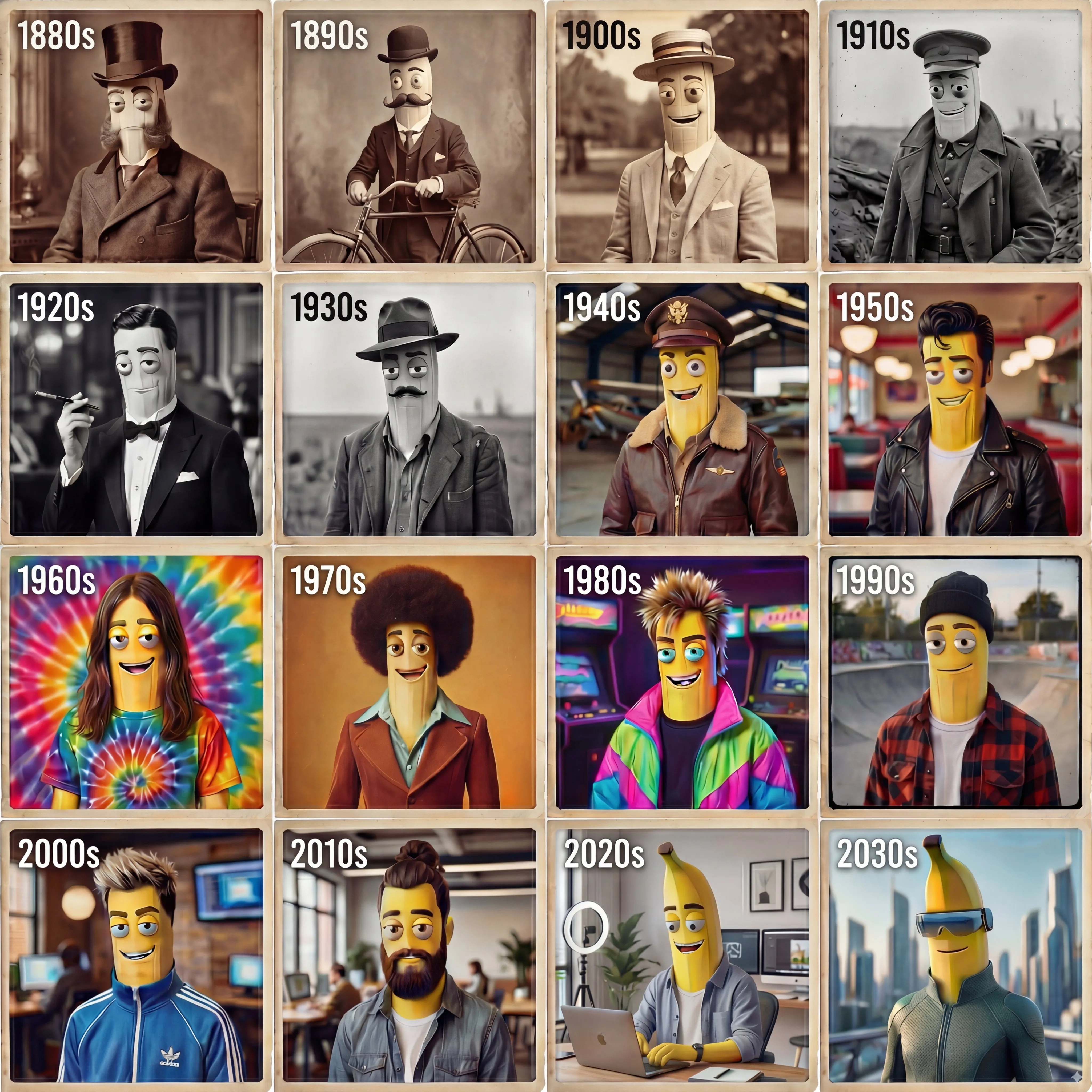
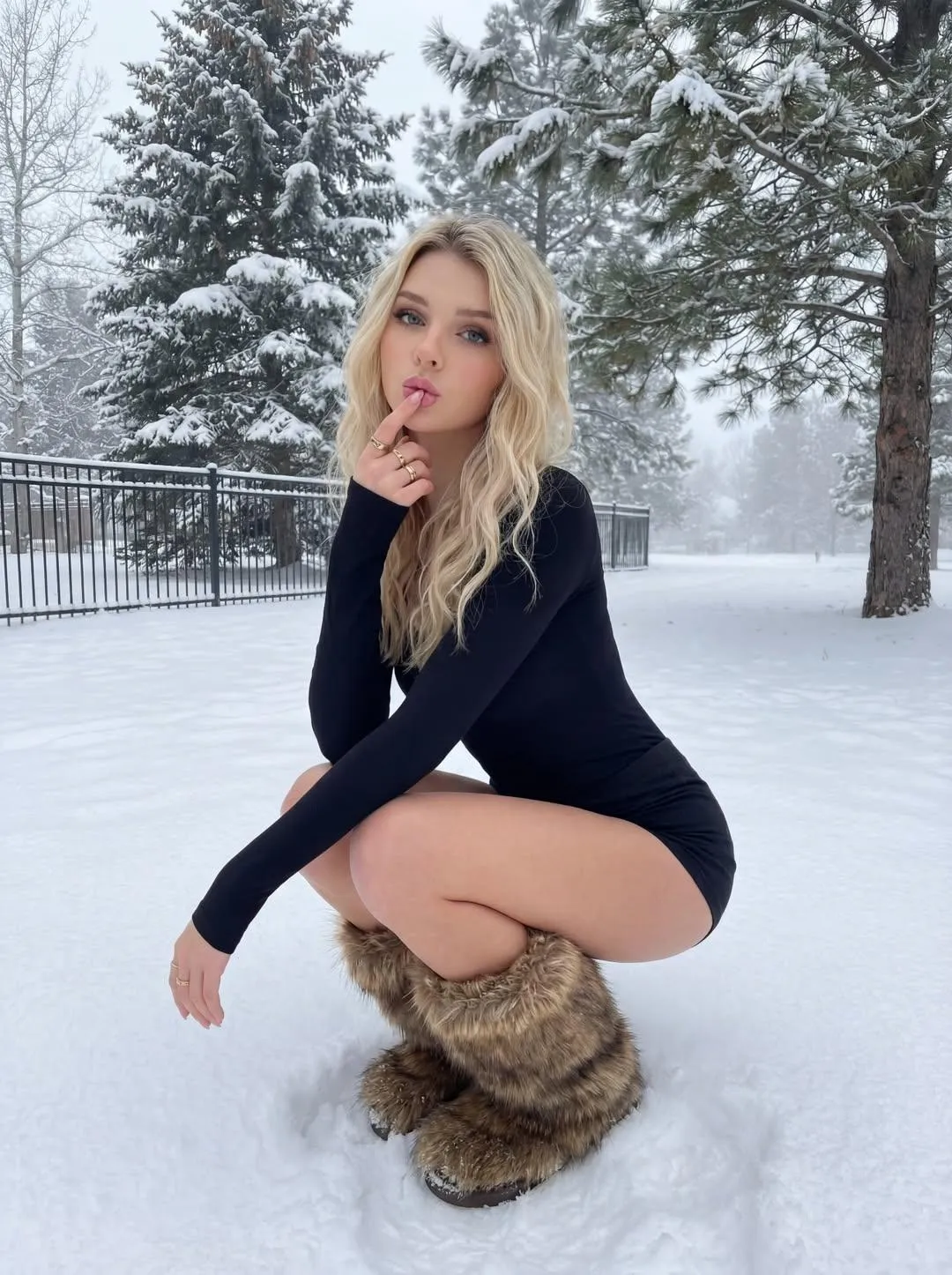
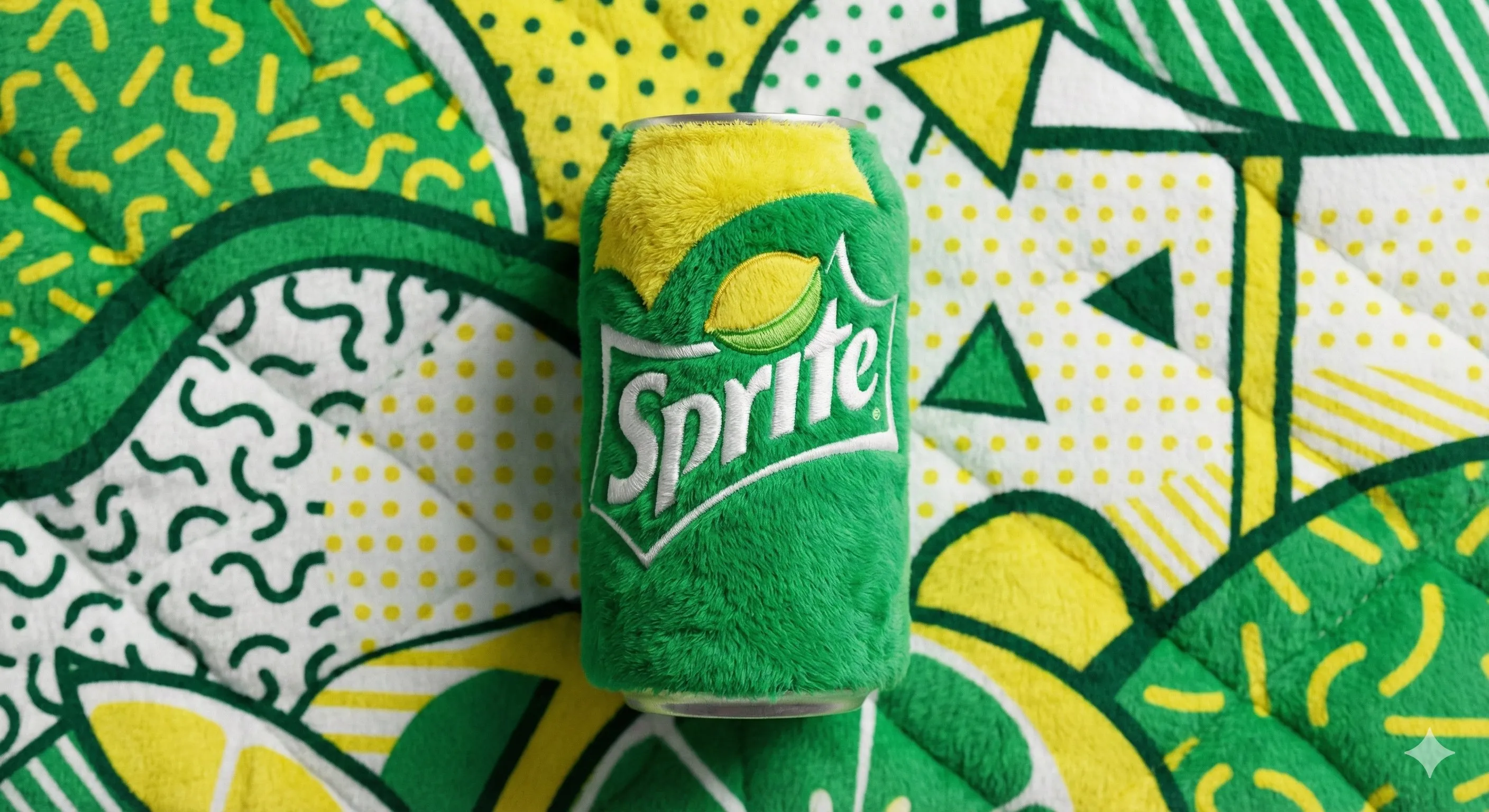
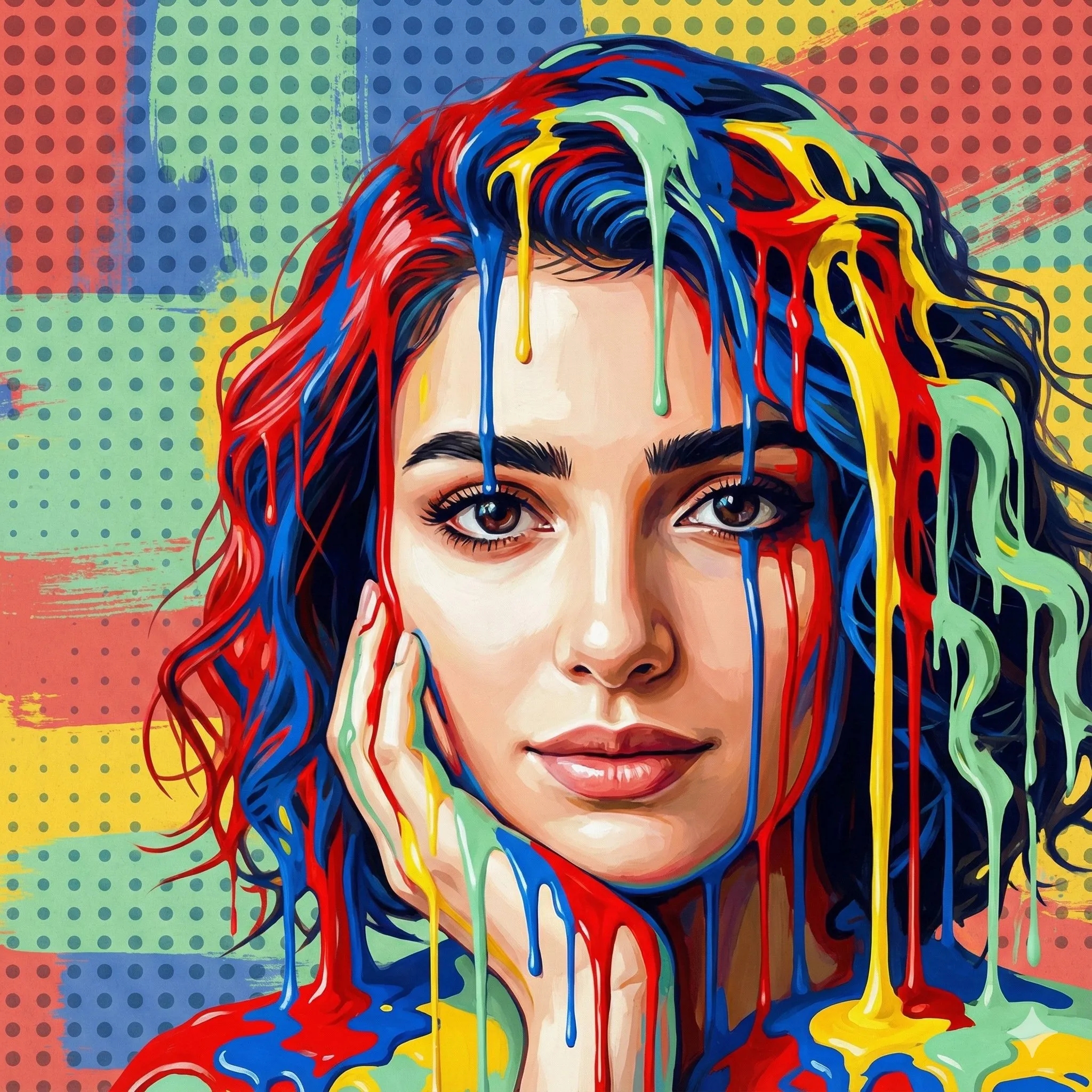
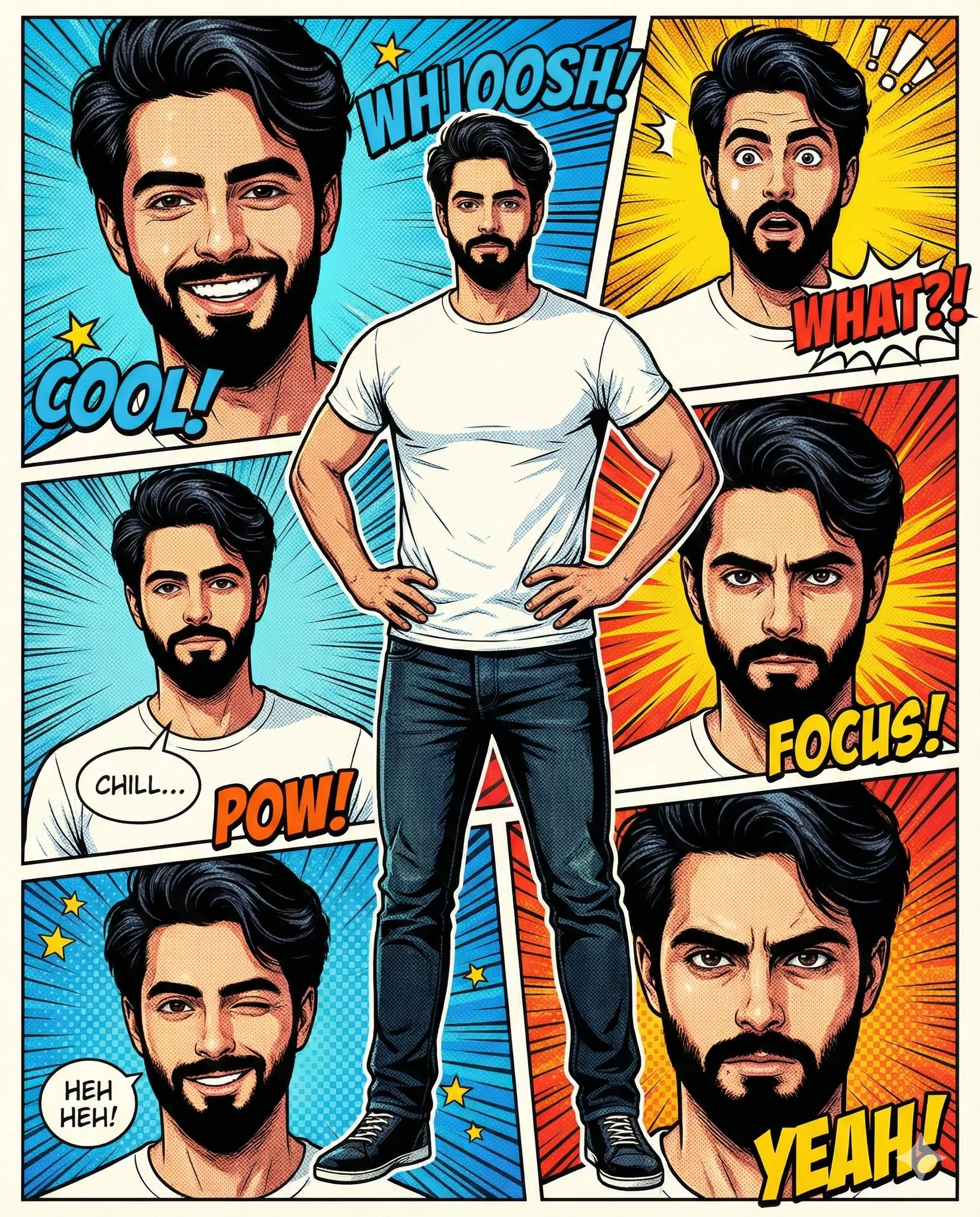
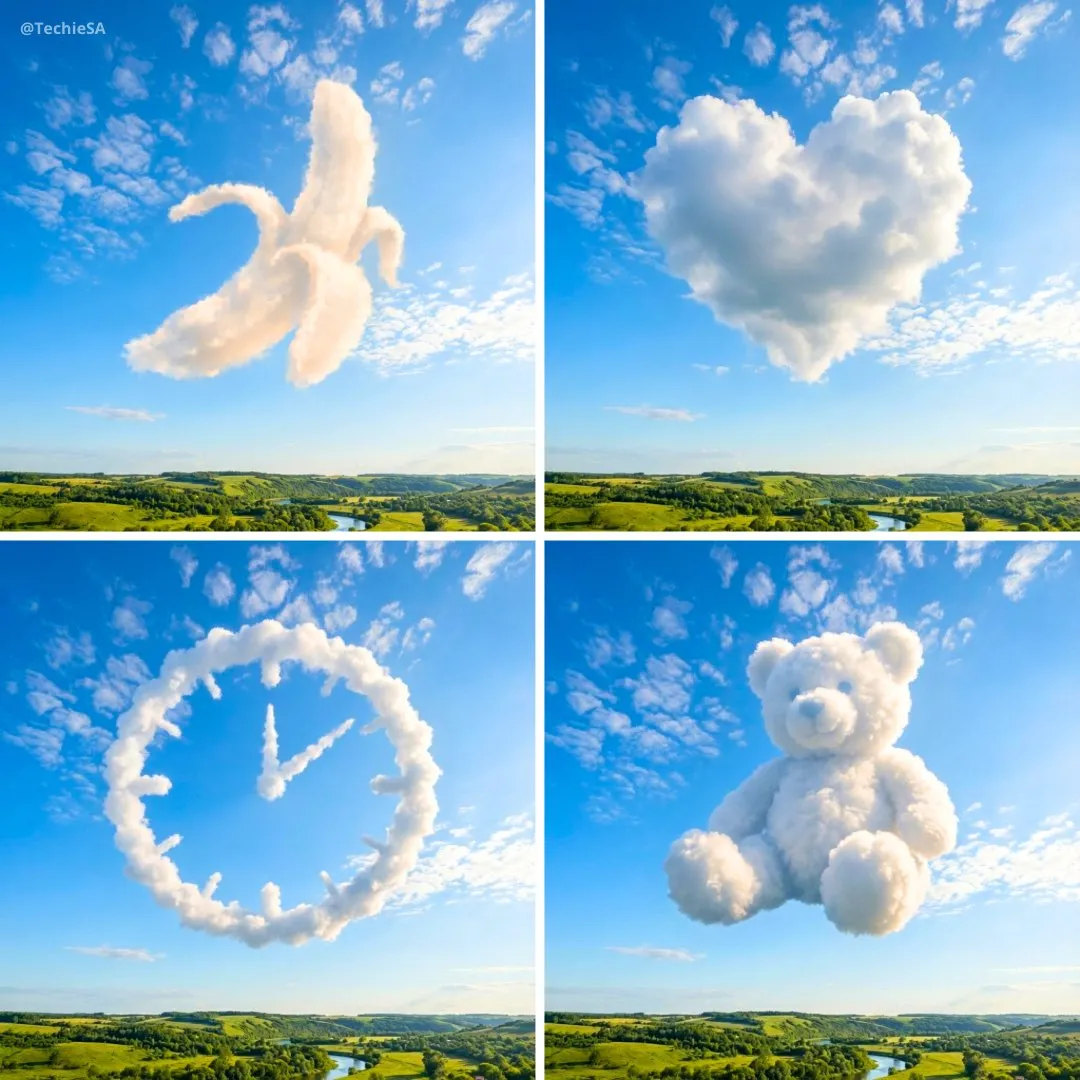
AI Image Masterpieces Showcase
Explore the incredible images created and enhanced by our powerful AI tools. Professional results, artistic vision.
How to Use AI Image Editor with Image to Image Maker
Edit your images in three simple steps with Image to Image Maker
Upload Your Image
Choose any image from your device. Our ai image editor supports all common formats including JPG, PNG, and WebP.
Edit with AI Tools
Select from our powerful editing tools or describe your changes. Our online image editor applies your edits instantly with professional results.
Download & Share
Save your edited image in high resolution and share it directly to social media or use it in your projects.
Explore More AI Tools
Discover our complete collection of AI-powered image editing tools for every creative need
Frequently Asked Questions About Image to Image Maker
Start Editing with the Most Advanced AI Image Editor
Join thousands of creators who are transforming their images with AI.